Domain highlighting on External link warning is not working on Chrome & Microsoft Edge browsers on Mobile
On the external link warning interstitial page, domain highlighting does not work in Chrome and Edge on mobile, so no part of the destination URL is highlighted. An attacker could craft a link that looks like it goes to a trusted site but actually redirects to a server they control, and the user gets no visual cue.
 Originally disclosed on HackerOne
- Triaged in 36 days
- Fixed in 8 months
- Paid in 36 days
- Disclosed after 9 months
There have been multiple issues with External Link Warning in the past. Sometimes it's Homograph, sometimes more than 2 slashes in link, sometimes domain highlighting and/or weird markdown. And these all have been fixed.
Recently, I've noticed a strange issue with Chrome and Edge browsers on mobile. The highlighting of domains doesn't work at all on External Link Warning interstitial page. None of the links are highlighted. Similar issues were fixed in the past by HackerOne (you can see the bug references below). It seems like these problems have appeared again in the code.
Steps To Reproduce
- Log into your account on your mobile from either Latest version of Microsoft Edge browser or Google Chrome.
- Click on links mentioned below in Impact section.
- Observe that none External link warning interstitial page highlights domain.
Test cases: Google Chrome, Microsoft Edge & Firefox👇
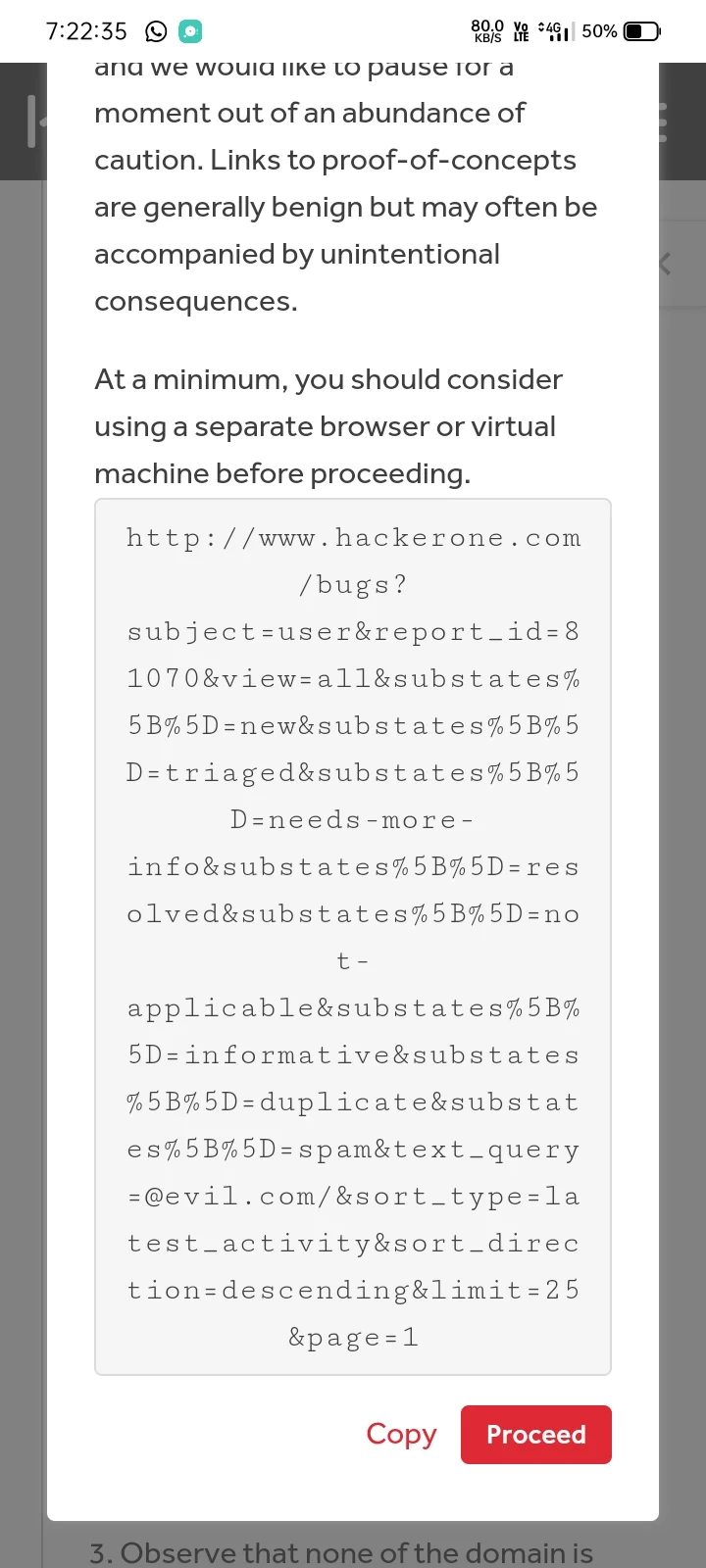
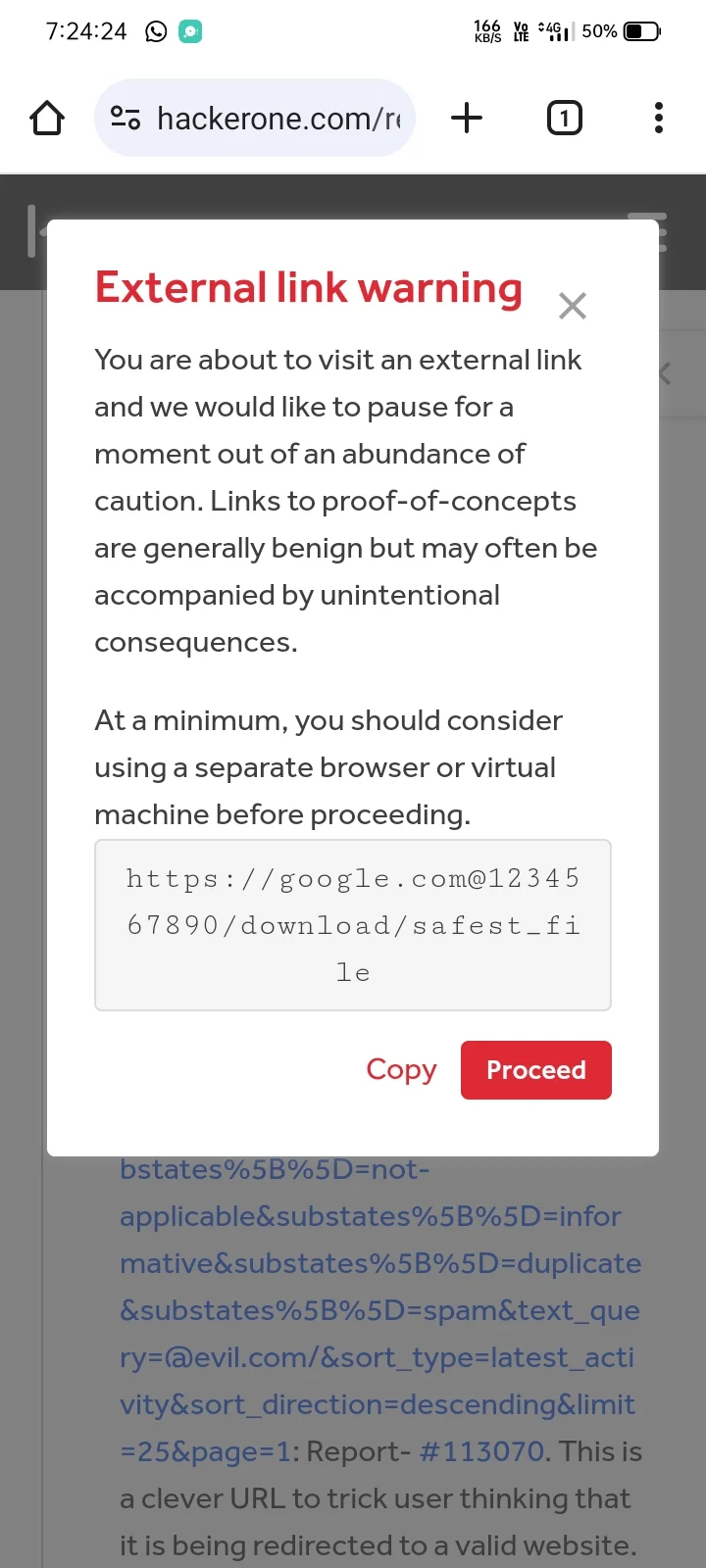
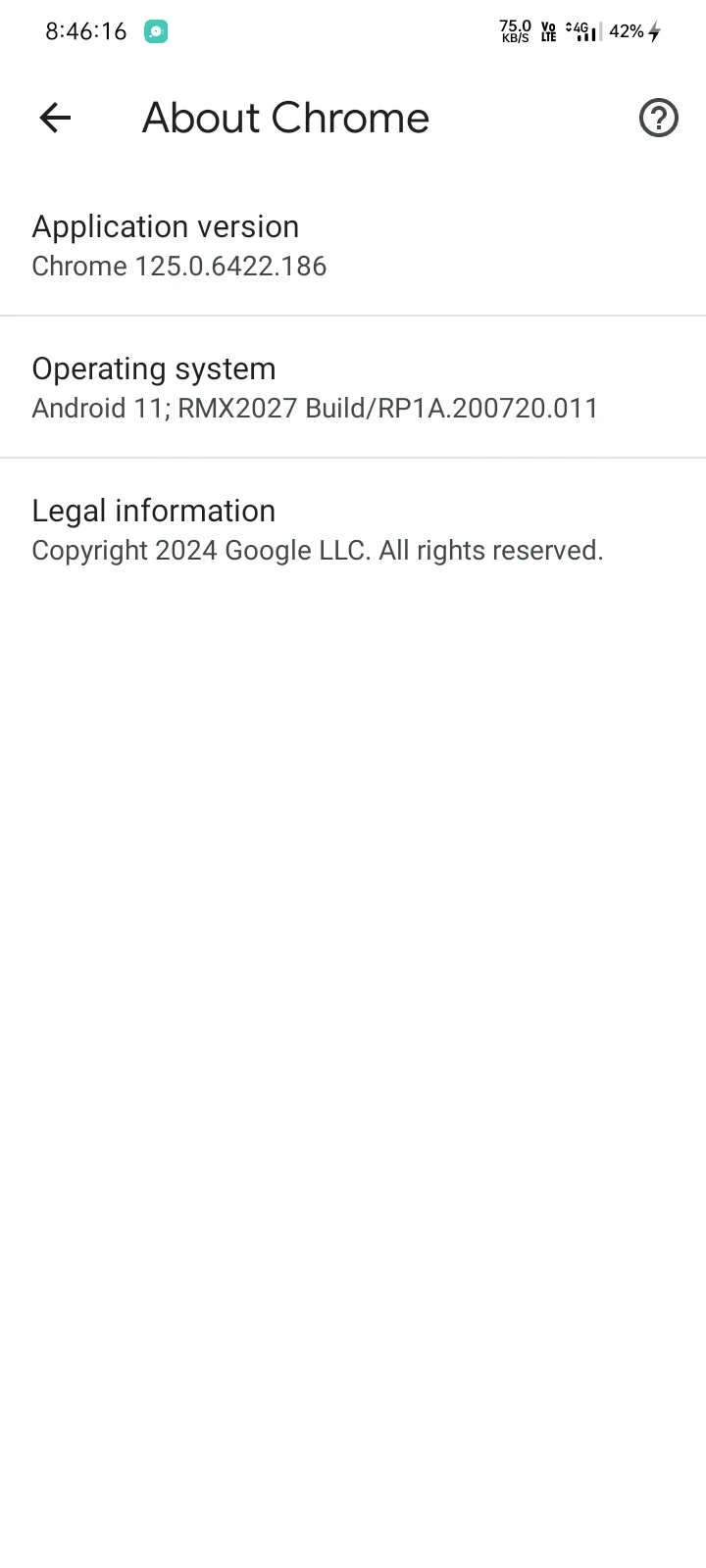
- Below are the images from Chrome browser along with Chrome's details:
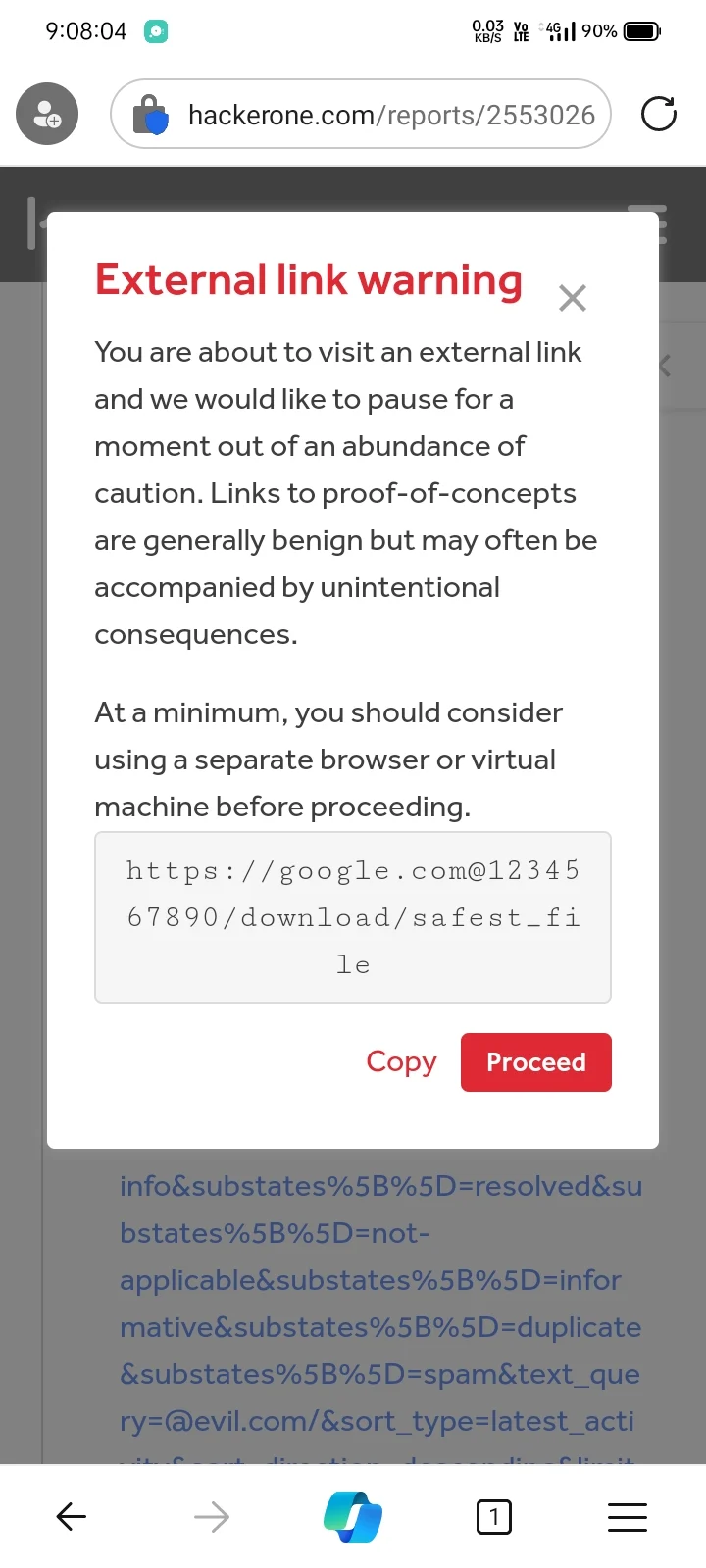
- Below are the images from Microsoft Edge browser along with Edge's details:
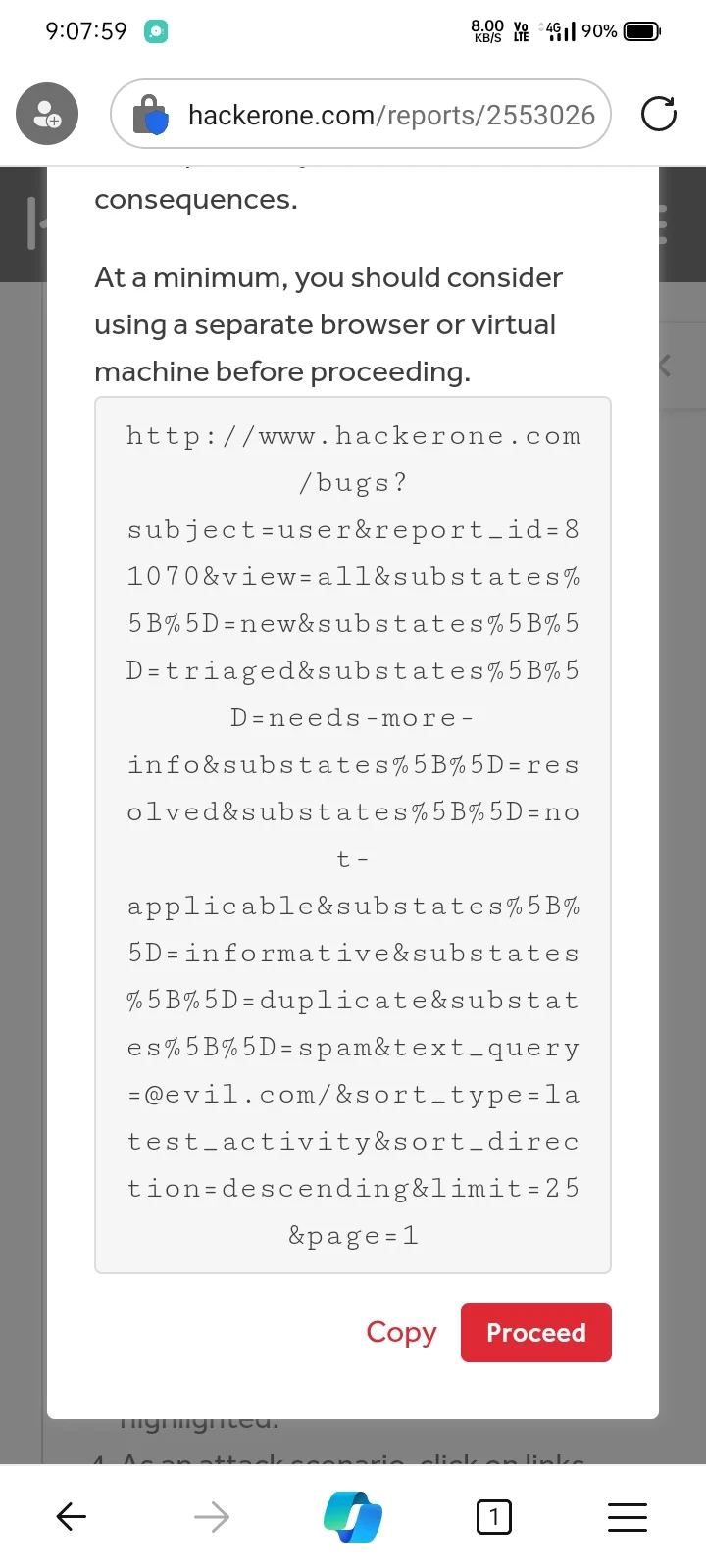
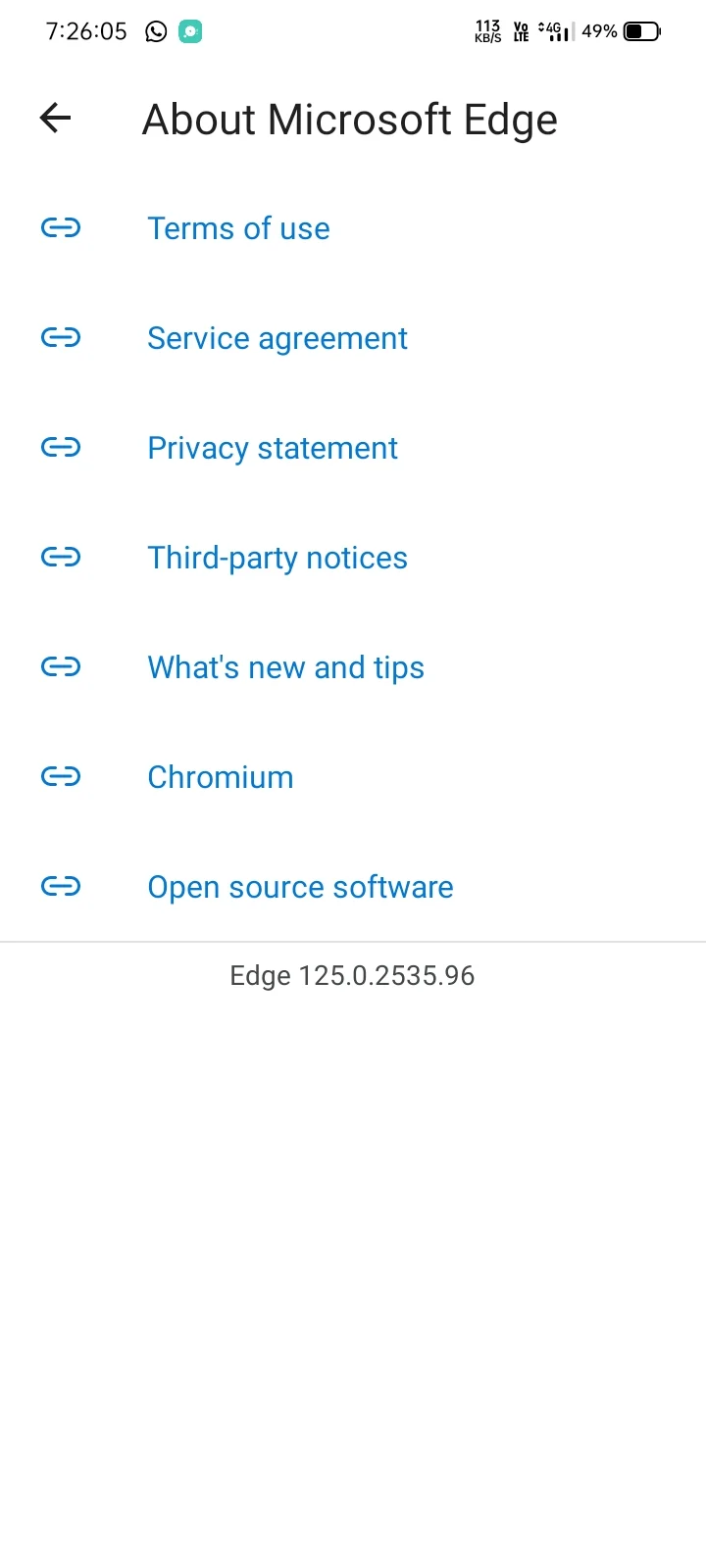
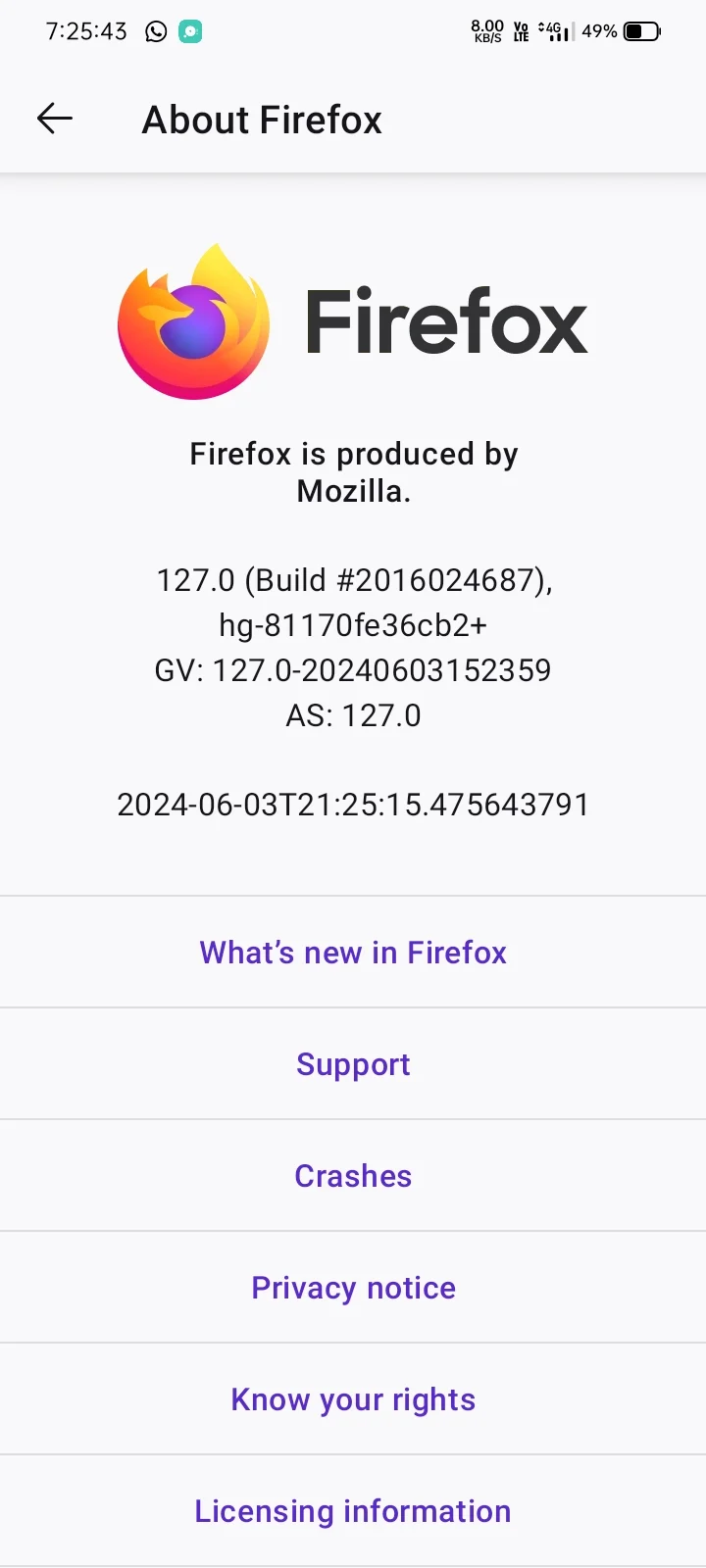
- Below are the images from Firefox Browser along with Firefox's details:
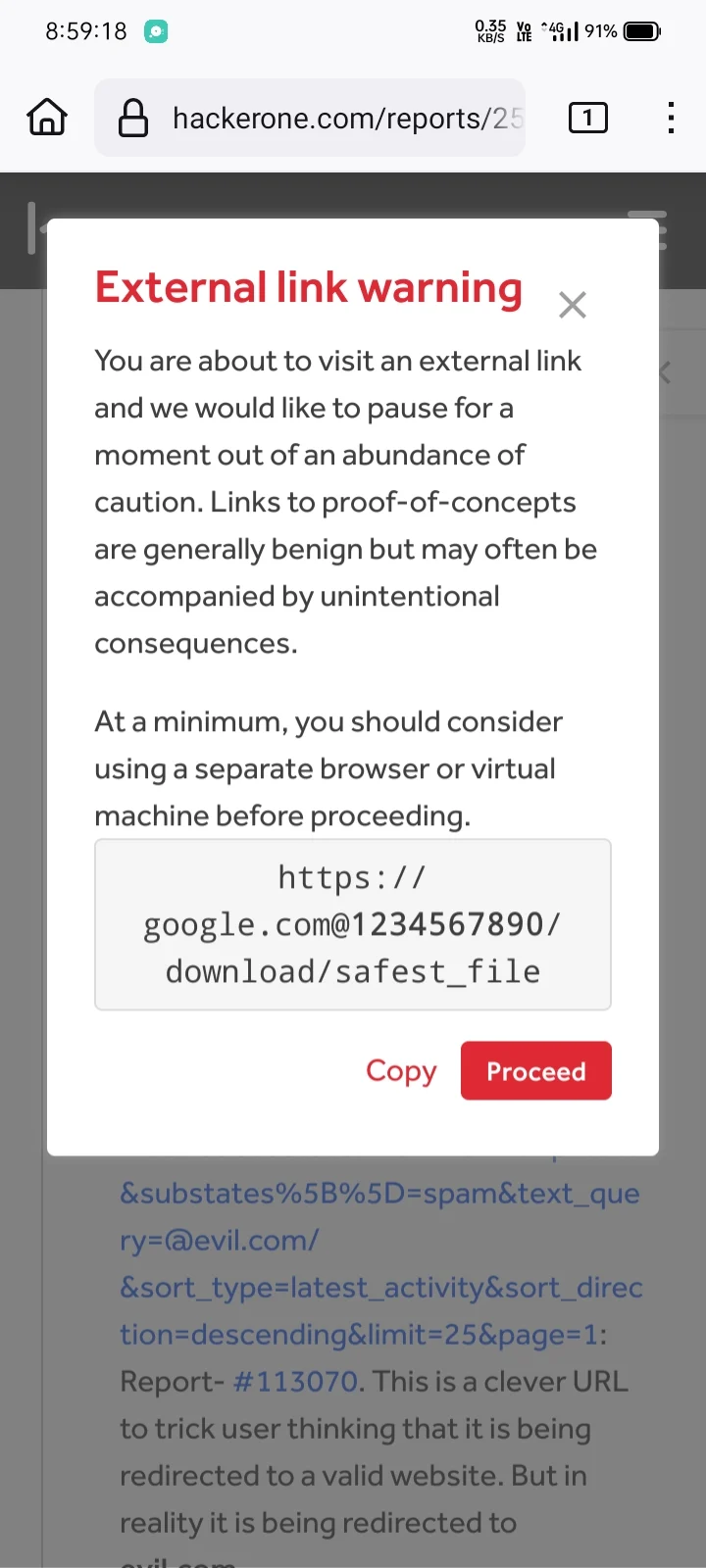
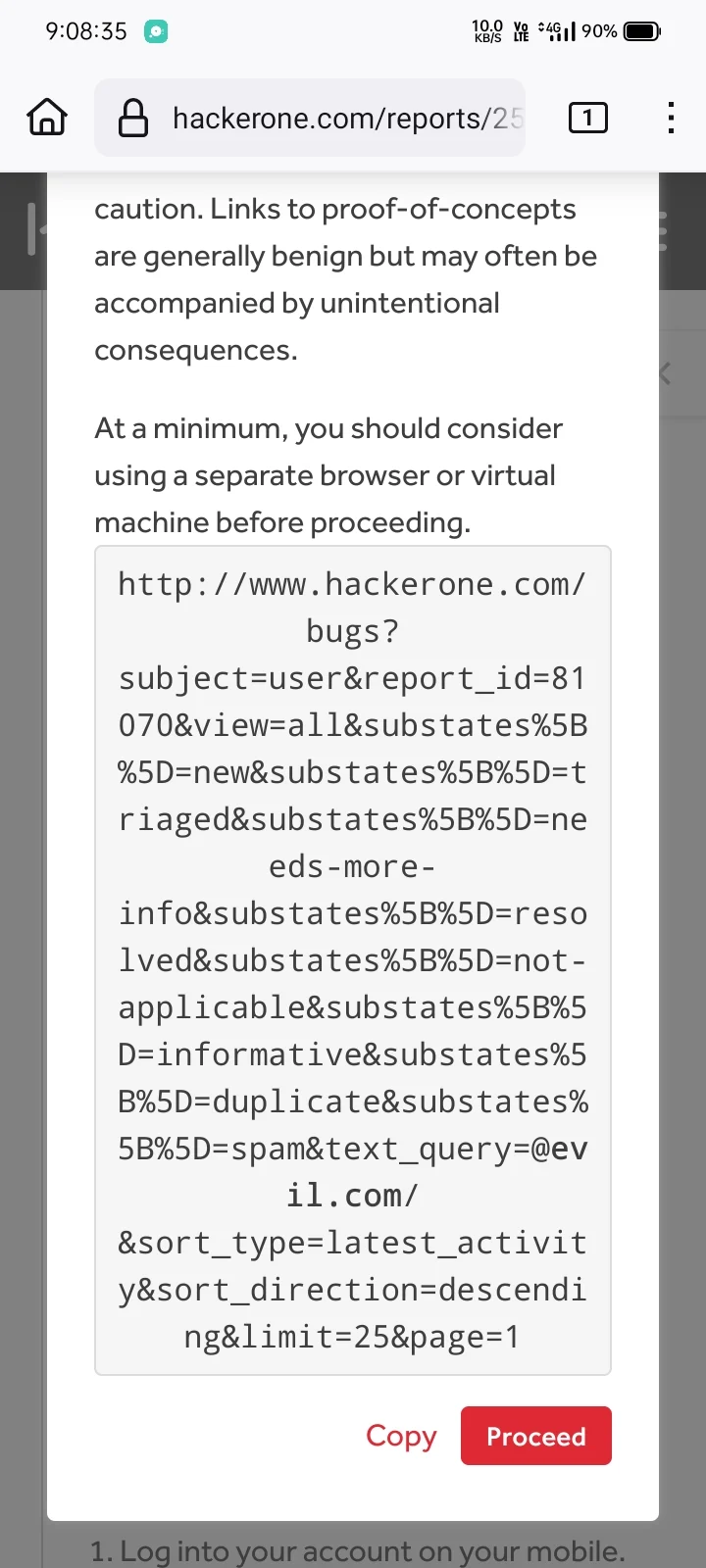
Impact
- https://google.com@1234567890/download/safest_file: Browsers automatically convert decimal to IP address. Upon clicking the link from mobile on Edge or Chrome browser, nothing is highlighted in External link warning interstitial page, as a result user may be fooled thinking that it is redirected to google.com but in reality it will be redirected to a attacker's controlled server.
- www.hackerone.com%2Fbugs%3Fsubject=user&report_id=81070&view=all&substates%5B%5D=new&substates%5B%5D=triaged&substates%5B%5D=needs-more-info&substates%5B%5D=resolved&substates%5B%5D=not-applicable&substates%5B%5D=informative&substates%5B%5D=duplicate&substates%5B%5D=spam&[email protected]/&sort_type=latest_activity&sort_direction=descending&limit=25&page=1: This is a clever URL to trick user thinking that it is being redirected to a valid website. But in reality it is being redirected to evil.com.
The domain highlighting functionality is meant to let users know where is the browser redirecting upon proceeding. But in Edge & Chrome browser on Mobile, this functionality is not working as intended. As a result a malicious actors would take advantage of this to fool users into redirecting to malicious sites.
Reference bugs fixed in past by HackerOne
#113070 - Multiple issues with Markdown and URL parsing #59469 - Fake URL + Additional vectors for homograph attack #271324 - Homograph fix Bypass
Not written yet. The AI write-up for this report has not been written yet. The Original tab links to the source.
How it worked
Root cause
Likely a regression in the interstitial page's URL parsing and domain-highlighting logic that affects mobile Chrome and Edge rendering.
Impact
Users on mobile Chrome and Edge may be fooled into thinking they are going to a trusted domain when the link actually redirects to an attacker-controlled server; Firefox is shown as working correctly.
What the attacker needed
Mobile Chrome or Edge; logged-in account; victim clicks a crafted link
How it was found
- Log in to your account on a mobile device using the latest Chrome or Edge.
- Click one of the links given in the impact section.
- Observe that the external link warning page does not highlight any domain.
Explained by bugbounty.wiki with AI from the original and checked against quotes from it; it can still be wrong. Read the original before relying on a detail.
Not written yet. The AI write-up for this report has not been written yet. The Original tab links to the source.
When you click a link that leaves a site, the site often shows a warning page first. That page is supposed to highlight the real destination domain so you can check where you are going. Here the highlighting is missing on some mobile browsers, so a tricky link can look like it points to a trusted site when it really points somewhere else.
What is Open redirect?
A trusted site forwards users to any address an attacker picks; rarely paid alone, often the missing link in a chain.




