Payload delivery via Social Media urls on H1 profile
HackerOne's profile social media fields allowed users to supply arbitrary usernames that were not sanitised, so an attacker could craft a URL that pointed to a malicious file. Clicking the social media button on the attacker's profile would then download that file without the usual download warning.

- Triaged in 15 days
- Fixed in 3 months
- Paid in 18 days
- Disclosed after 3 months
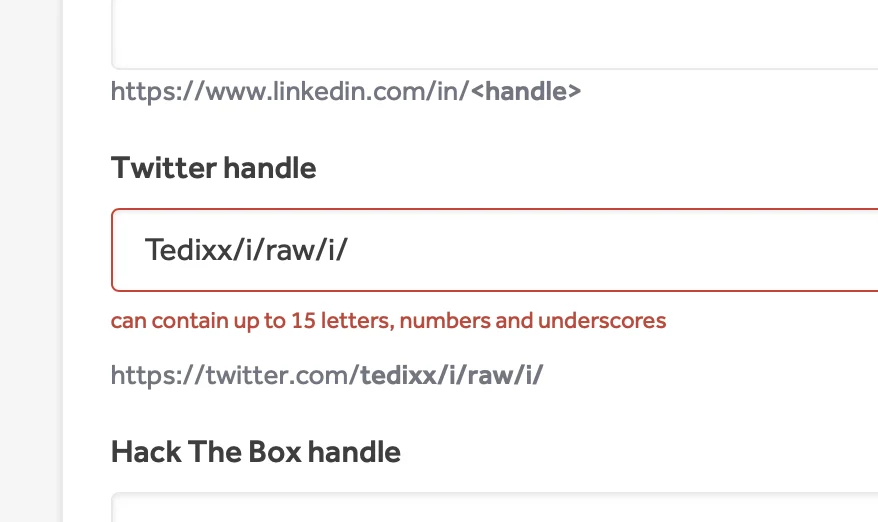
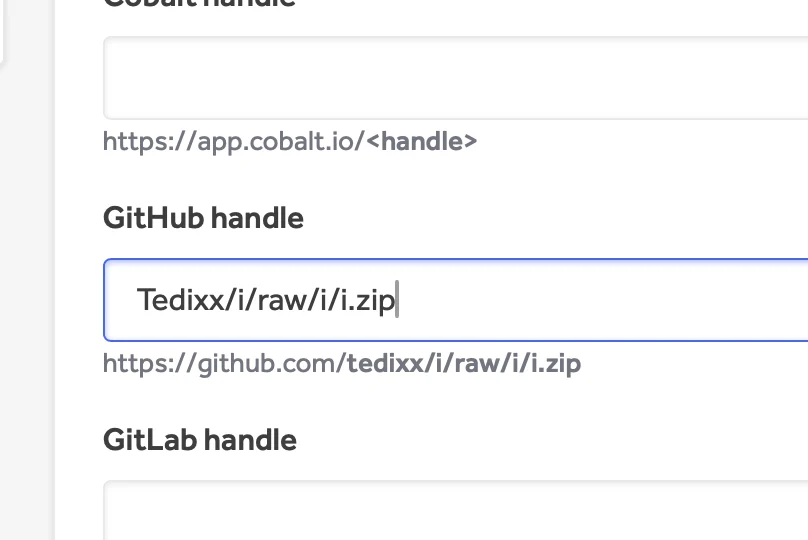
Summary: HackerOne allows users to add social media profiles to their HackerOne profile via the profile/edit page. Users are allowed to provide their username. Due to improper sanitization, users are allowed to construct their own URLs (except Twitter, which is sanitized and shows inconsistency in security controls). This allows hackers to hide malicious payloads behind the social media buttons on their profile, such as malicious .zip files.
Twitter is sanitized:
The other Social media platforms are not:
Steps To Reproduce
- Visit profile/edit
- Construct your own payload using the handles.
- Visit Tedix profile, click the GitHub button. An .zip file will be downloaded immediately.
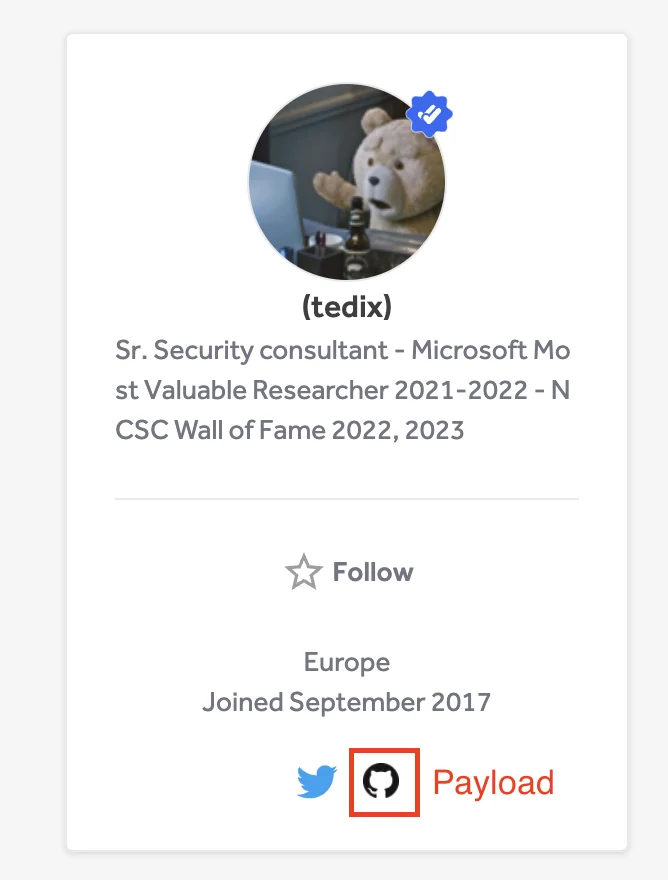
This violates HackerOne's protection which provides users with an alert prior to files being downloaded (e.g. files added to reports).
In the POC on my profile, I have deployed a 'harmless' .zip file. However, this could be a WinRAR zero day or other kind of malicious executable.
Impact
Attackers are able to construct their own payloads, as long these are below 25 characters. These can be used for payload delivery, redirect, xss or abuse of other vulnerabilities/gadgets at the social platfoms.
Not written yet. The AI write-up for this report has not been written yet. The Original tab links to the source.
How it worked
Impact
Attackers could deliver malicious files, redirect users, or exploit other vulnerabilities on social platforms, though payloads were limited to 25 characters.
What the attacker needed
A HackerOne account; victim clicks a social media button
How it was found
- Visit the profile edit page.
- Construct a custom payload using the social media handle fields.
- Visit the attacker's profile and click the GitHub button.
- A .zip file is downloaded immediately.
Explained by bugbounty.wiki with AI from the original and checked against quotes from it; it can still be wrong. Read the original before relying on a detail.
Not written yet. The AI write-up for this report has not been written yet. The Original tab links to the source.
On a profile page, social media buttons normally link to the user's account on another site. Here, the username part of those links was not checked, so someone could put a web address in that field instead. When a visitor clicked the button, their browser downloaded a file from that address, bypassing the site's normal warning before downloads.
What is Open redirect?
A trusted site forwards users to any address an attacker picks; rarely paid alone, often the missing link in a chain.




