Possibility to freeze/crash the host system of all Slack Desktop users easily
The Slack desktop app accepted a custom URL that launched a separate staging instance without checking whether one was already running, so repeatedly opening the link started unlimited app instances. An attacker could send a victim a link that spawns many instances and exhausts CPU and memory, freezing or crashing the machine.

- Triaged in 4 days
- Fixed in 20 months
- Paid in 4 months
- Disclosed after 2.3 years
Summary by the researcher
Here is one of my first ( valid ) report as hunter.
I found an easy way, requesting minimal victim interaction execpted the simple fact to click on a link, to crash the victim's host quickly. It was possible throught a slack URL used for accessing to the Staging environment : slack://open?devEnv=staging . When used, there had no check if a Slack instance was already opened and by hence an infinite number of instances could be started.
The result was a quick CPU and RAM overhelmed finally resulting to a sustem's crash.
I provided a simple POC page showing the issue with different levels ( 10 instances, 20, 50, 1à00, 1000 ).
The report
Hello,
I report here what I suspect to be a critical issue for all your users using the Slack Desktop app. Please find below my research way and the corresponding POC result:
First, I started by exploring the content of the file app.asar of the Slack Dresktop application. I was firstly attrackted by the file parse-protocol-url.js and more particularly on the following lines:
const expressionsToMatch = [{
  regex: /devEnv=(dev\d*|staging|qa\d*)/,
  onMatch: (match) => ({ devMode: true, devEnv: match[1] })
}
I immediately tried the URL slack://open?devEnv=staging in my browser and it was working as expected:
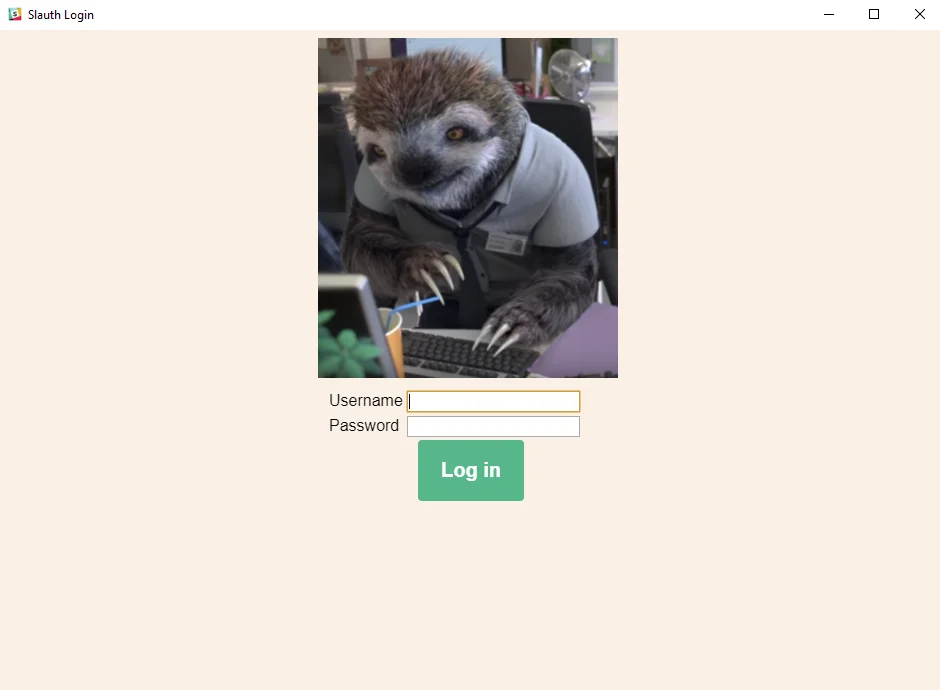
The issue started whan I noted the fact that if I reload my browser, I will have a second Slack Desktop process with a second interface. This is not the case when I use the url slack://open openning the normal prod interface. So, even if I can imagine this behavior as practical for your developers (having two Slack Desktop applications at the same time, one one the production environment and one on the staging/dev/qa environment), the fact to be able to launch infinite Slack Desktop application should be forbidden.
I click 9 times on F5 in my browser and below was the result:

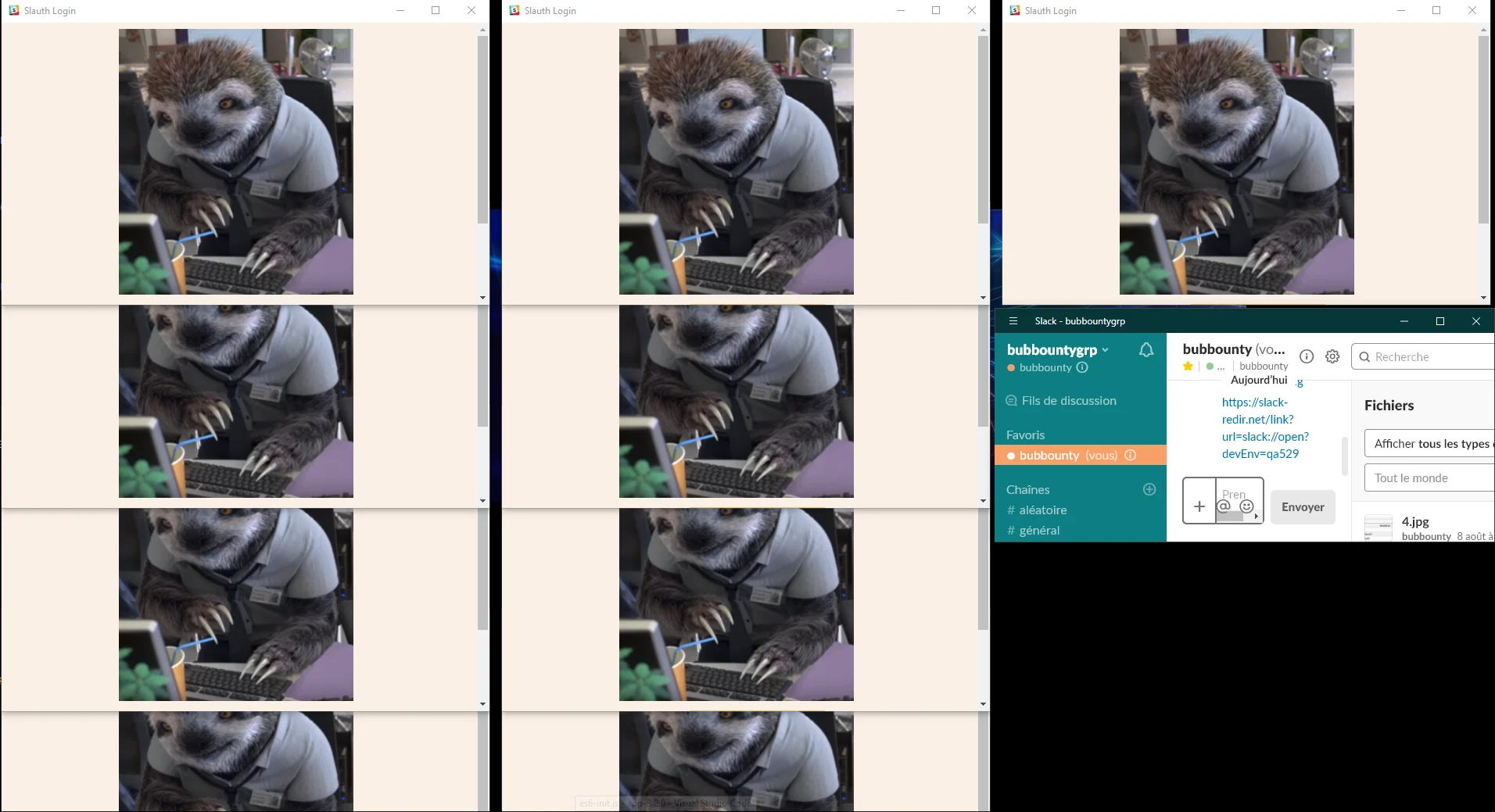
You can test this fact on your side with the simple POC page in attachment : (Attachment on the original report: MultiSlackApps.html)
On my side, with 32Go of RAM and a i7-6820HQ CPU 2.70, I freezed my PC easily with the test 100 Slack Apps - Not Funny!
You will not have this issue if you use the url slack://open where only the CPU can be used at 100% depending of how many requests you launch:
With the url slack://open?devEnv=staging you will have quickly % of CPU usage and a memory usage increasing quickly.
The security aspect here is on the availability of the application.
Impact
An attacker can use this lack of control in order and through a simple link ( or a batch file for windows or a script for linux, etc ... ) can crash and/or freeze all customers using your Slack Desktop application. I did not test on Linux or Mac but I suspect that the effects are the same.
I recommand you to put in place the same control that the one on production environment: if one slack desktop application is already launched on the staging/dev[xxx]/qa[xxx] platform, do not launch a second one but just give the focus on the existing one.
What do you think?
Attachments

Not written yet. The AI write-up for this report has not been written yet. The Original tab links to the source.
How it worked
Root cause
Likely the custom URL handler for the staging/dev/qa environment did not check for an already-running instance before spawning a new one, unlike the production handler.
Impact
An attacker could send a simple link that, when clicked, starts many Slack instances and freezes or crashes the victim's machine; the researcher did not test Linux or macOS but suspected the same effect.
What the attacker needed
Victim clicks a crafted slack:// link; Slack desktop app installed
The fix
The staging/dev/qa URL handler should behave like the production one and focus the existing instance instead of launching another.
How it was found
- Open the Slack desktop app's app.asar file and inspect the URL parsing code.
- Note that a devEnv parameter in the slack:// URL is accepted and sets a development environment.
- Open the staging URL in a browser and observe a second Slack instance starting.
- Reload the browser page repeatedly and observe additional Slack instances each time.
- Use the proof-of-concept page to launch many instances at once and observe CPU and memory exhaustion.
Explained by bugbounty.wiki with AI from the original and checked against quotes from it; it can still be wrong. Read the original before relying on a detail.
Not written yet. The AI write-up for this report has not been written yet. The Original tab links to the source.
Slack's desktop app can be opened from a special link that starts with 'slack://'. The researcher found that one particular version of that link starts a new copy of the app every time it is opened, instead of reusing the copy already running. Opening it many times fills up the computer's memory and processor until the machine stops responding.
What is DoS?
A request that exhausts resources or crashes a component. Many programs forbid testing it; reports usually show it from code, not by attacking.