Denial of service(POP UP Recursion) on Brave browser
A web page containing recurring pop-up code causes the Brave browser window to freeze, and the user cannot close the tab or the window. An attacker could send the page to a victim, who would then have to kill the browser process to recover.
 Originally disclosed on HackerOne
- Disclosed after 6 days
Summary:
Basically I have found a denial of service attack on brave browser in Linux platform.In this bug when we open the html file or visiting (www.tiks.host-ed.me) then click on pop up dos.html ,(which contains a recurring pop up code),the Pop up freezes the entire browser window except for minimize button and on maximizing it hangs, we can't close any tabs neither using (Ctrl+w) to close current tab that is causing recursion. This is a known issue and in past has been already addressed in browsers such as Google Chrome, however Brave Browser is still affected by the issue.And in safari browser Pop up's come after some time delays that allows user to stop the running process by clicking on (X) in URL.
##Attack Scenario :-
This can be exploited by an attacker just by sending this html file or visiting (www.tiks.host-ed.me) to victim through email or any other source and when victim will open the html file in his/her Brave browser their window will freeze and they would need to kill the process in Linux(kill -9 pid) or (End Task) in windows. So to avoid such misuse of the issue some patches must be made.
The vulnerability occurred due to mishandling of location.reload function, as it keeps reloading the >document, however the issue more likely is present inside of not limiting the pop ups or simply offering no >way to ignore further prompts.
Products affected:
Brave browser(0.11.6) on Linux platform
Steps To Reproduce:
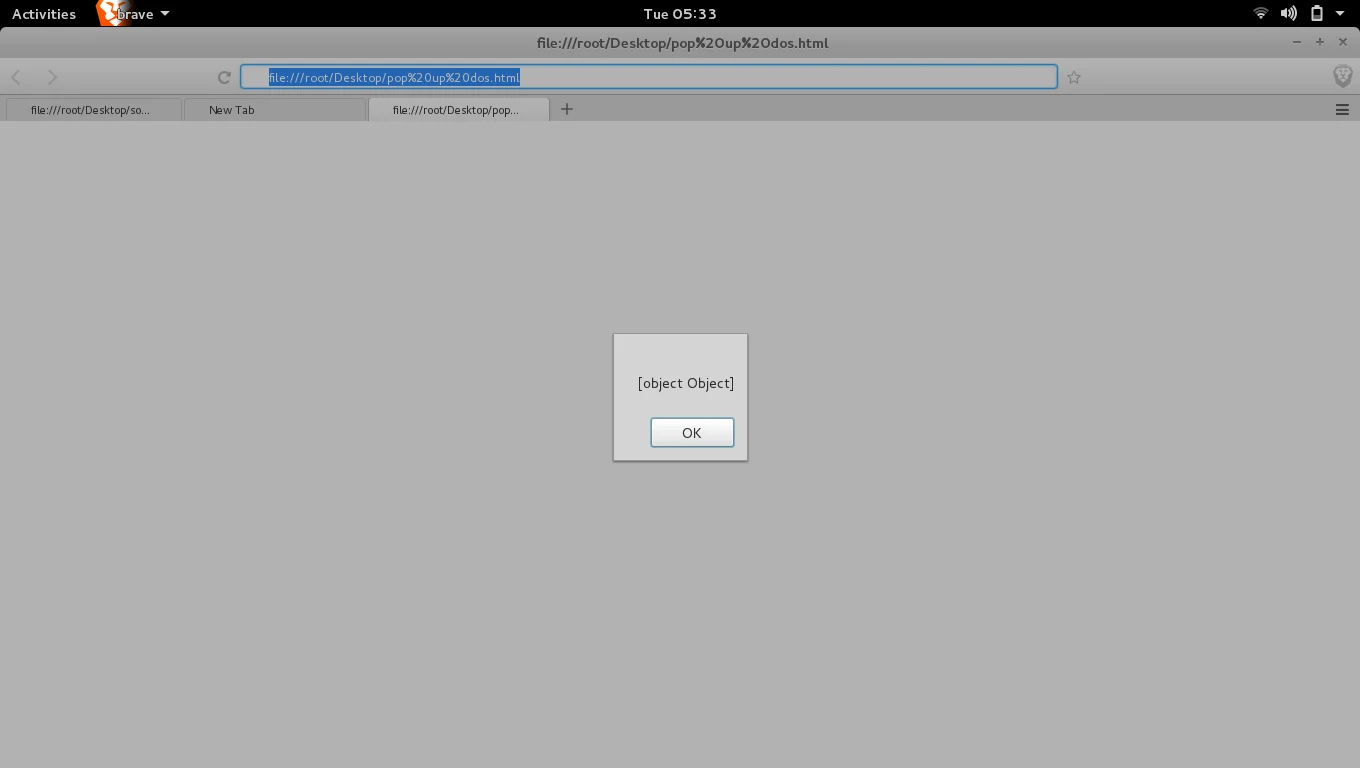
1.) Got o www.tiks.host-ed.me then click on pop up dos.html file or You can open the html code i have attached below on brave browser. 2.) You will see pop up like :-
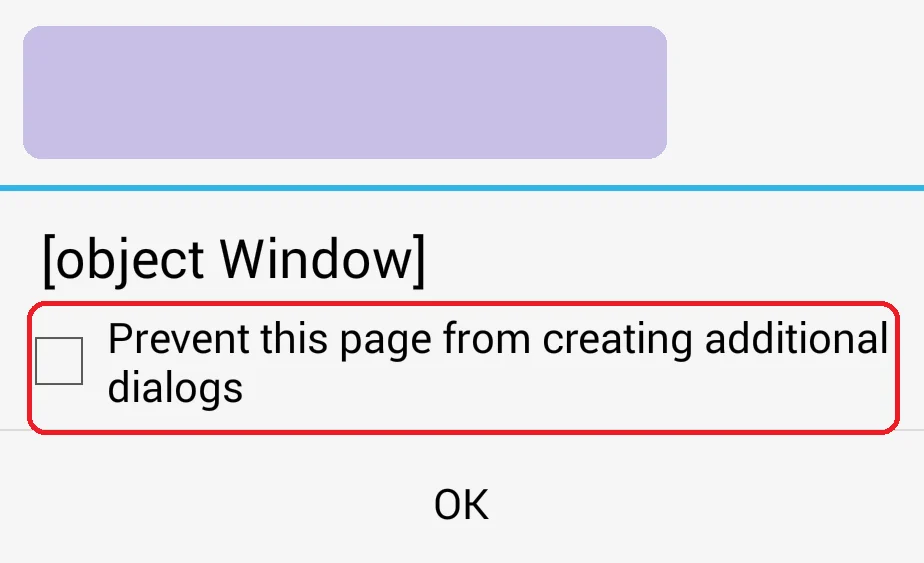
And while in Google chrome this effect is limited by offering a checkbox to prevent the current document from creating additional dialogs. Like as shown below :-
Supporting Material/References:
I have attached POC images and html code that you will require in resolving the above issue.
Thanks sahiltikoo
Not written yet. The AI write-up for this report has not been written yet. The Original tab links to the source.
How it worked
Root cause
Likely the browser did not limit how many dialogs a single page could open, so a page that repeatedly triggers dialogs could lock the interface.
Impact
The victim's browser window freezes and they must kill the process to recover; Chrome has previously addressed the issue and Safari delays pop-ups.
What the attacker needed
Victim opens the page or HTML file; Brave browser on Linux
The fix
The report recommends limiting the number of dialogs a page can open, as Chrome does by offering a checkbox to stop further dialogs.
How it was found
- Open the attacker's page or the supplied HTML file in the Brave browser.
- The page shows a pop-up and keeps showing more of them.
- The browser window freezes and the user cannot close the tab or window.
Explained by bugbounty.wiki with AI from the original and checked against quotes from it; it can still be wrong. Read the original before relying on a detail.
Not written yet. The AI write-up for this report has not been written yet. The Original tab links to the source.
A page that keeps opening pop-ups in a loop can make the browser stop responding. The report suggests the browser may not limit how many dialogs a page can open.
What is DoS?
A request that exhausts resources or crashes a component. Many programs forbid testing it; reports usually show it from code, not by attacking.



