Chat exposed using cookie
The report claims that an Intercom session cookie remains valid after the user logs out of LegalRobot, allowing an attacker who obtains the cookie to read and write chat messages on the user's behalf. The program closed it as not applicable because Intercom is out of scope.

- Disclosed after 36 hours
Summary by the program
Closed as Not Applicable since Intercom is specifically listed as out of scope in our program policy.
The report
###Hello Broken authentication and session management: Attacker can use cookies of an authenticated user to reads and write the chat on the behalf of user and miss guide the legalrobot team.
Steps to reproduce:
- Sign-in https://app.legalrobot.com/sign-in
- Check the cookies of domain [legaltobot.com]
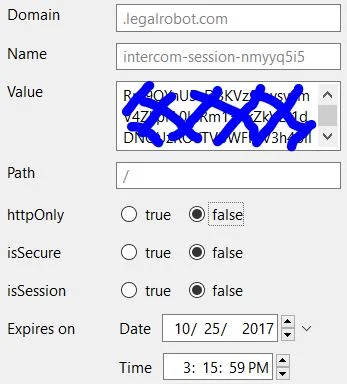
- Cookie responsible for this attack is in attachment [cook.JPG]
- name: intercom-session-nmyyq5i5
- Copy the information of above cookie
- Signed-out from the account and reuse the cookie by using and cookie editor.
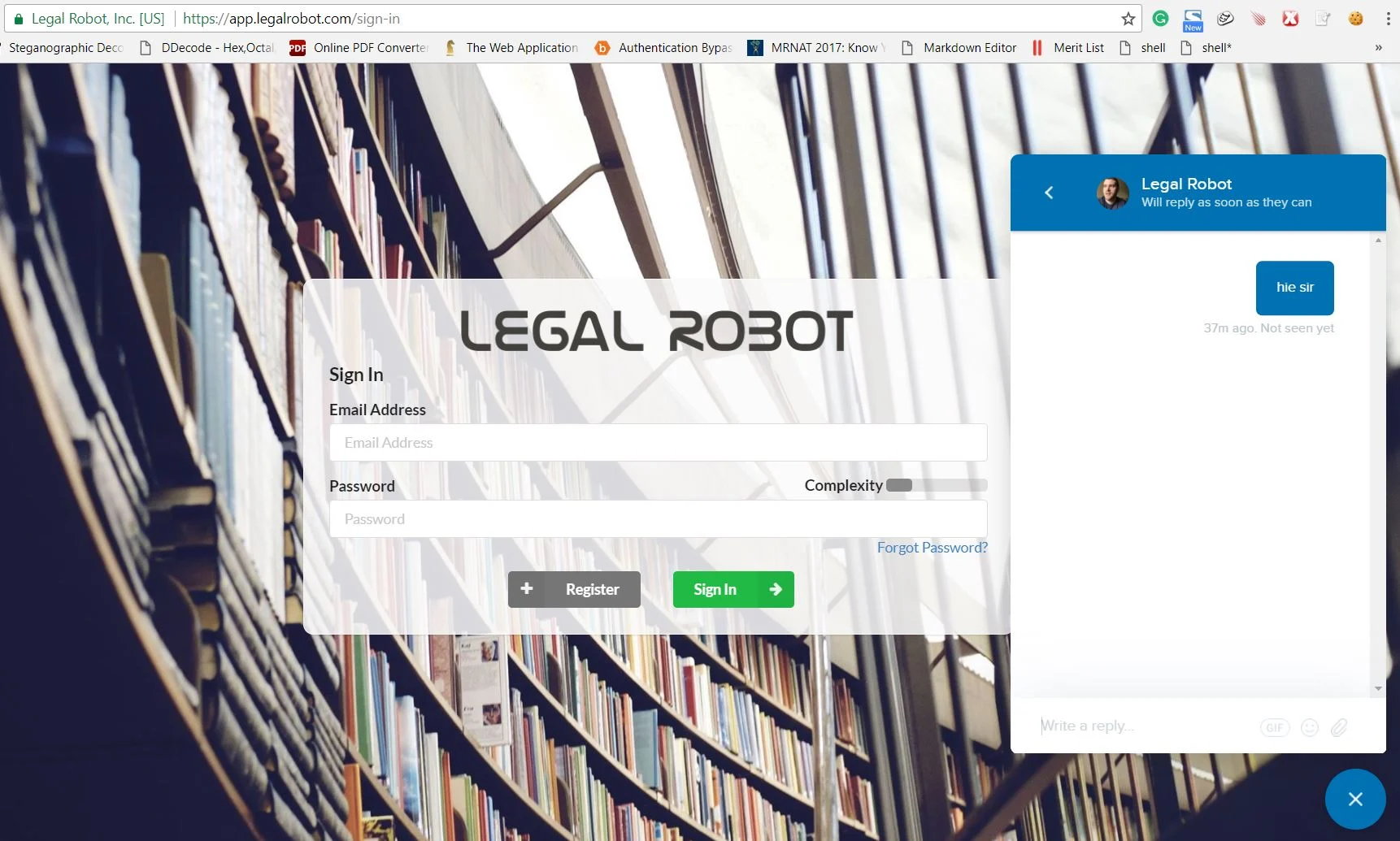
- As you use the cookie the signing screen will look like attachment [screenshot.JPG]
Scope: While exploiting this cookie I have found that after Logged out from legalrobot account this cookie can be used means the session for this cookie is still alive and doesn't destroy by the server.
Attachments
Not written yet. The AI write-up for this report has not been written yet. The Original tab links to the source.
How it worked
Root cause
Likely the Intercom session cookie was not invalidated server-side when the user logged out of LegalRobot, so the chat session remained active.
Impact
An attacker who obtains the cookie could read and write chat messages on behalf of the user, but the program considered the third-party chat service out of scope.
What the attacker needed
Attacker obtains the Intercom session cookie; victim has used the chat widget
How it was found
- Sign in to the LegalRobot application.
- Inspect the cookies for the domain and identify the Intercom session cookie.
- Copy the value of that cookie.
- Sign out of the account.
- Reuse the copied cookie with a cookie editor.
- Observe that the signing screen appears when the cookie is reused.
Explained by bugbounty.wiki with AI from the original and checked against quotes from it; it can still be wrong. Read the original before relying on a detail.
Not written yet. The AI write-up for this report has not been written yet. The Original tab links to the source.
When you log out of a website, the site should invalidate your session so that anyone who copied your session cookie cannot continue using your account. Here, the researcher says a cookie for the Intercom chat widget still worked after logout, meaning someone with that cookie could act as the user in the chat. The program rejected the report because the chat service is not covered by their bug bounty rules.
What is Info disclosure?
Data the application should keep private (personal data, internal details, other users' records) reaches someone it should not.



