Directory listening enabled in: 88.198.160.130
The web server had directory listing enabled, exposing the contents of several directories. An attacker could browse these directories to discover files and folders that might contain sensitive information.

- Fixed in 22 hours
- Disclosed after 31 days
Summary:
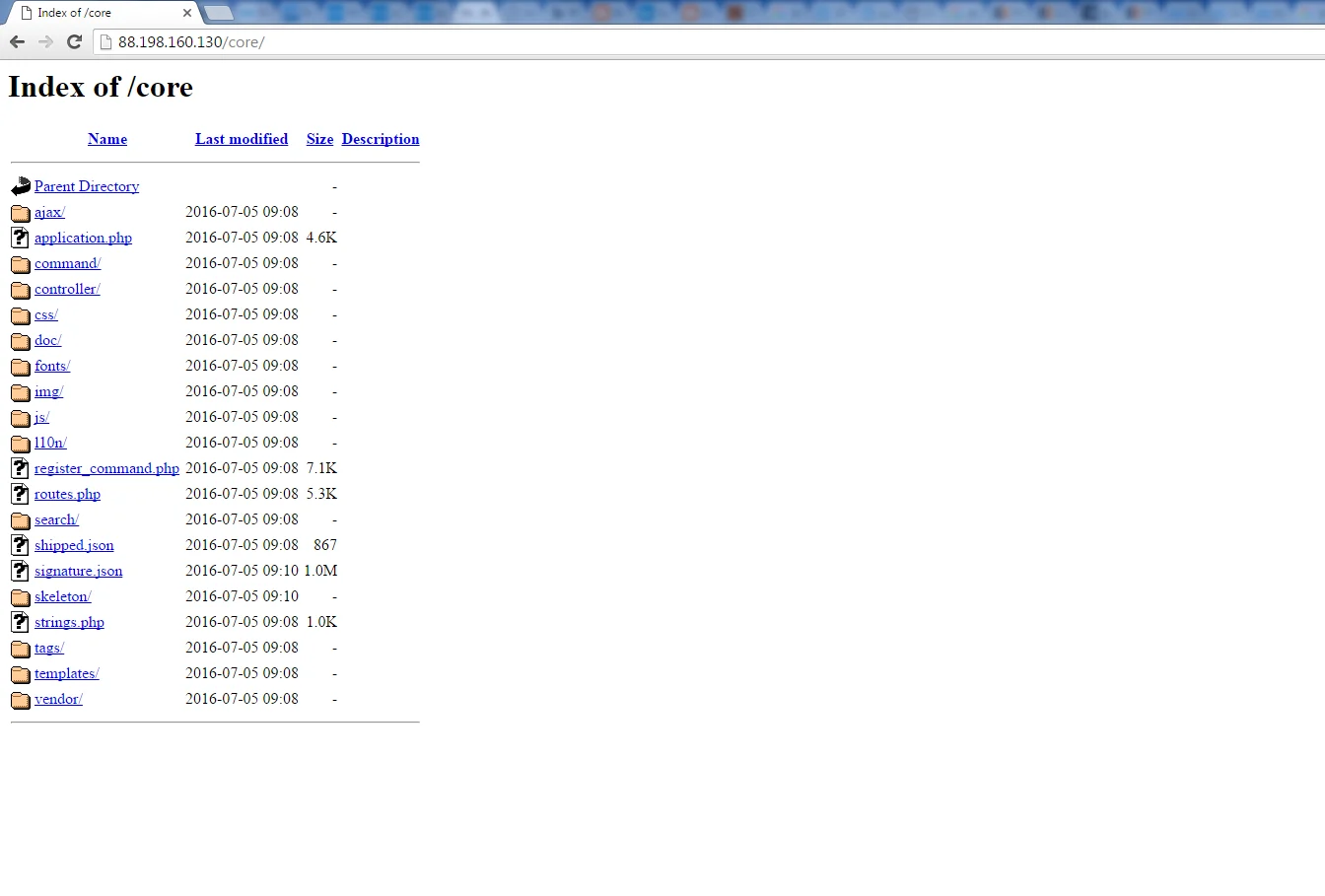
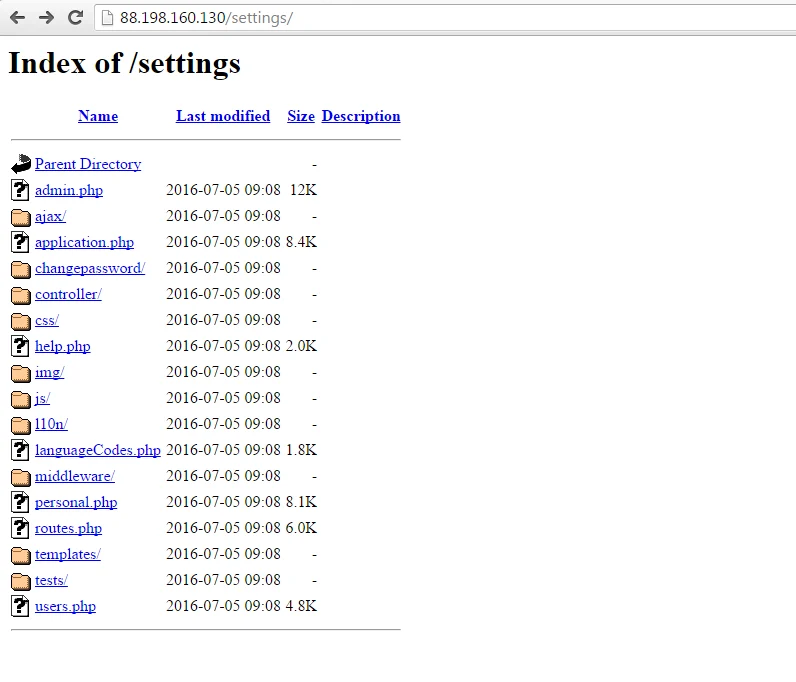
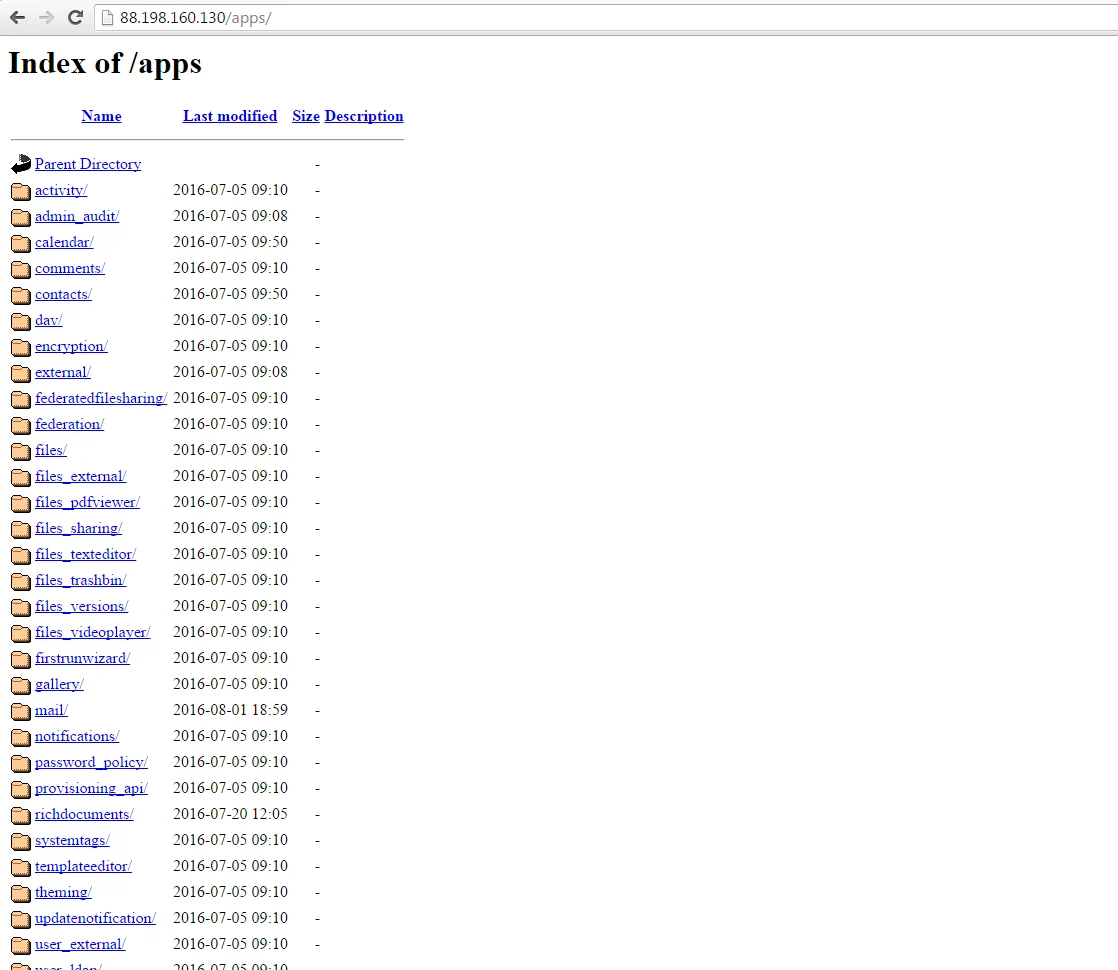
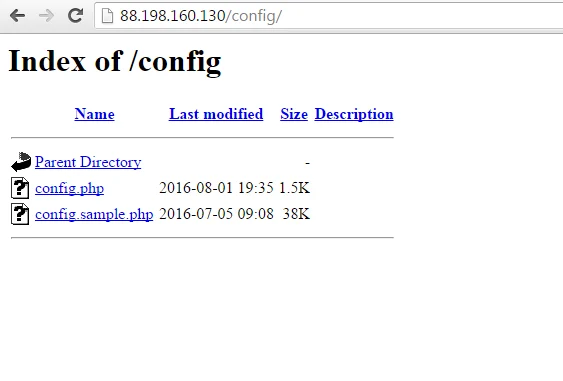
The Directory Listing option is still enabled in the web server 88.198.160.130 , which displays all the files and folders contained in the directories: core apps config lib settings resources
PoC:
Visit the following links:
http://88.198.160.130/core/
http://88.198.160.130/apps/
http://88.198.160.130/config/
http://88.198.160.130/lib/
http://88.198.160.130/settings/
http://88.198.160.130/resources/
Attachments
Not written yet. The AI write-up for this report has not been written yet. The Original tab links to the source.
How it worked
Impact
An attacker could browse the directories to discover files and folders, potentially leading to information disclosure.
What the attacker needed
None
The fix
Directory listing should be disabled on the web server.
How it was found
- Visit the listed URLs for each directory (e.g., /core/, /apps/, etc.) to see the directory contents.
Explained by bugbounty.wiki with AI from the original and checked against quotes from it; it can still be wrong. Read the original before relying on a detail.
Not written yet. The AI write-up for this report has not been written yet. The Original tab links to the source.
Directory listing is a server feature that shows a list of all files in a folder when no specific file is requested. If left on, anyone can see what files exist, which might include private data or clues for further attacks.
What is Info disclosure?
Data the application should keep private (personal data, internal details, other users' records) reaches someone it should not.