Reflected XSS in the npm module express-cart.
The 'Product option' field in the express-cart admin product form accepted unsanitised input, and a script payload placed there was reflected and executed in the browser.

- Triaged in 2 months
- Fixed in 5 months
- Disclosed after 6 months
NOTE! Thanks for submitting a report! Please replace all the [square] sections below with the pertinent details. Remember, the more detail you provide, the easier it is for us to triage and respond quickly, so be sure to take your time filling out the report!
I would like to report Reflected XSS in the npm module express-cart. It allows a user to insert malicious payload in the user input field and the script gets reflected in the browser
Module
module name: express-cart
version: 1.1.5
npm page: https://www.npmjs.com/package/express-cart
Module Description
expressCart is a fully functional shopping cart built in Node.js (Express, MongoDB) with Stripe, PayPal, and Authorize.net payments.
Module Stats
[27] downloads in the last week
Vulnerability
Vulnerability Description
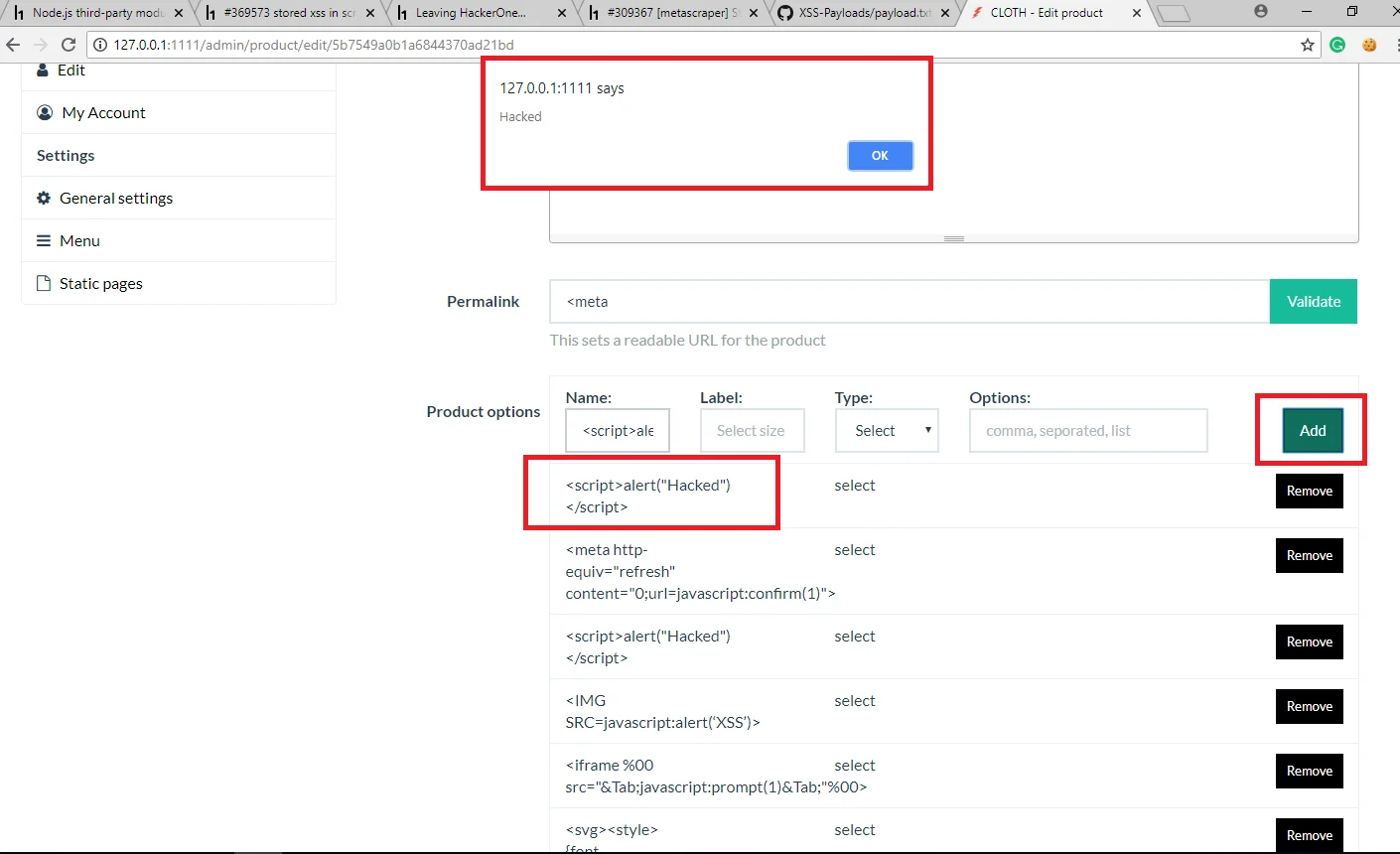
when the admin user creates a request for a new product, then the field 'Product option' accepts any malicious user input. This lead me to identify the reflected XSS attack.
Steps To Reproduce:
- Login with admin user credentials.
- From Left Menu panel, select new under product tab
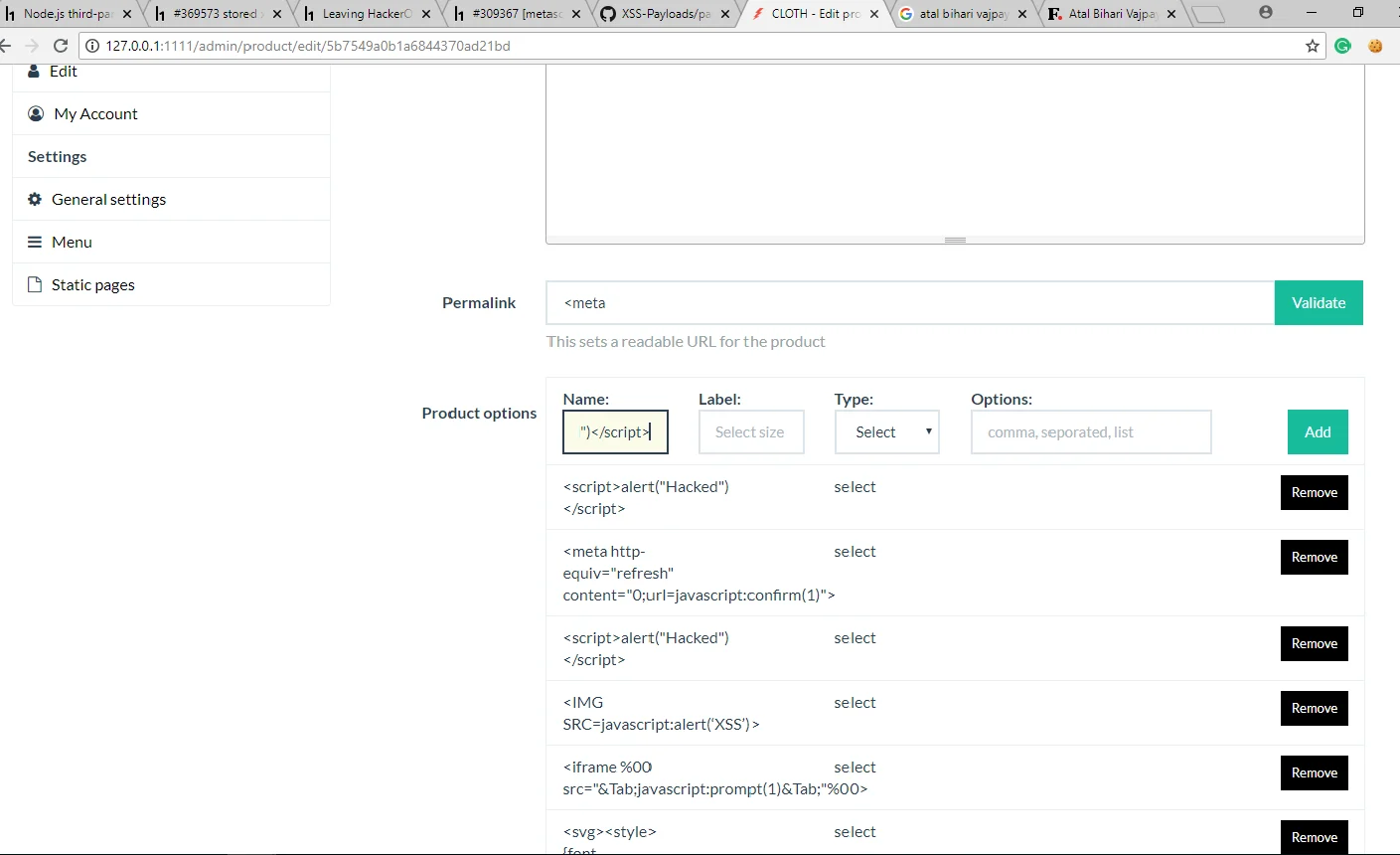
- In 'product options' details, insert any javascript payload eg. <script>alert(1234)</script>
- The reflected XSS in the form of an alert box will be pop up in a browser window.
Supporting Material/References:
l technical information about the stack where the vulnerability was found
- OS used Windows 10
- NODEJS VERSION - V8.11.3
- NPM VERSION - 5.6.0
- Browser - Chrome 68.0.3440.106
Wrap up
- I contacted the maintainer to let them know: [N]
- I opened an issue in the related repository: [N]
Impact
This vulnerability would allow a user to insert javascript payloads which can be reflected in a browser.
Attachments
Not written yet. The AI write-up for this report has not been written yet. The Original tab links to the source.
How it worked
Root cause
Likely the product option value was rendered into the response without output encoding or input sanitisation.
Impact
This could allow a user to insert JavaScript payloads that are reflected and executed in a browser, though the report only demonstrates an alert box and requires an admin to submit the payload.
What the attacker needed
Admin user credentials; attacker submits payload via product form
How it was found
- Log in with admin user credentials.
- From the left menu panel, select new under the product tab.
- In the product options details, insert a JavaScript payload.
- The reflected XSS appears as an alert box in the browser window.
Explained by bugbounty.wiki with AI from the original and checked against quotes from it; it can still be wrong. Read the original before relying on a detail.
Not written yet. The AI write-up for this report has not been written yet. The Original tab links to the source.
Cross-site scripting (XSS) happens when a website takes something a user typed and puts it back into the page without cleaning it first. Here, a product option field echoed the input straight back, so a script tag ran as code in the browser instead of showing as text.
What is XSS?
Script an attacker supplies runs in another user's browser, on the target's origin, with that user's session.




