content spoofing
The login failure page reflected the message parameter from the URL into the error text without sanitising it. An attacker could craft a link that made the page display arbitrary text of their choosing, which could be used to mislead a victim.
 Originally disclosed on HackerOne
- Disclosed after 8 months
- go to 'Sign in to Legal Robot Ideas Portal' this link 'https://legalrobot.ideas.aha.io/portal_session/new'
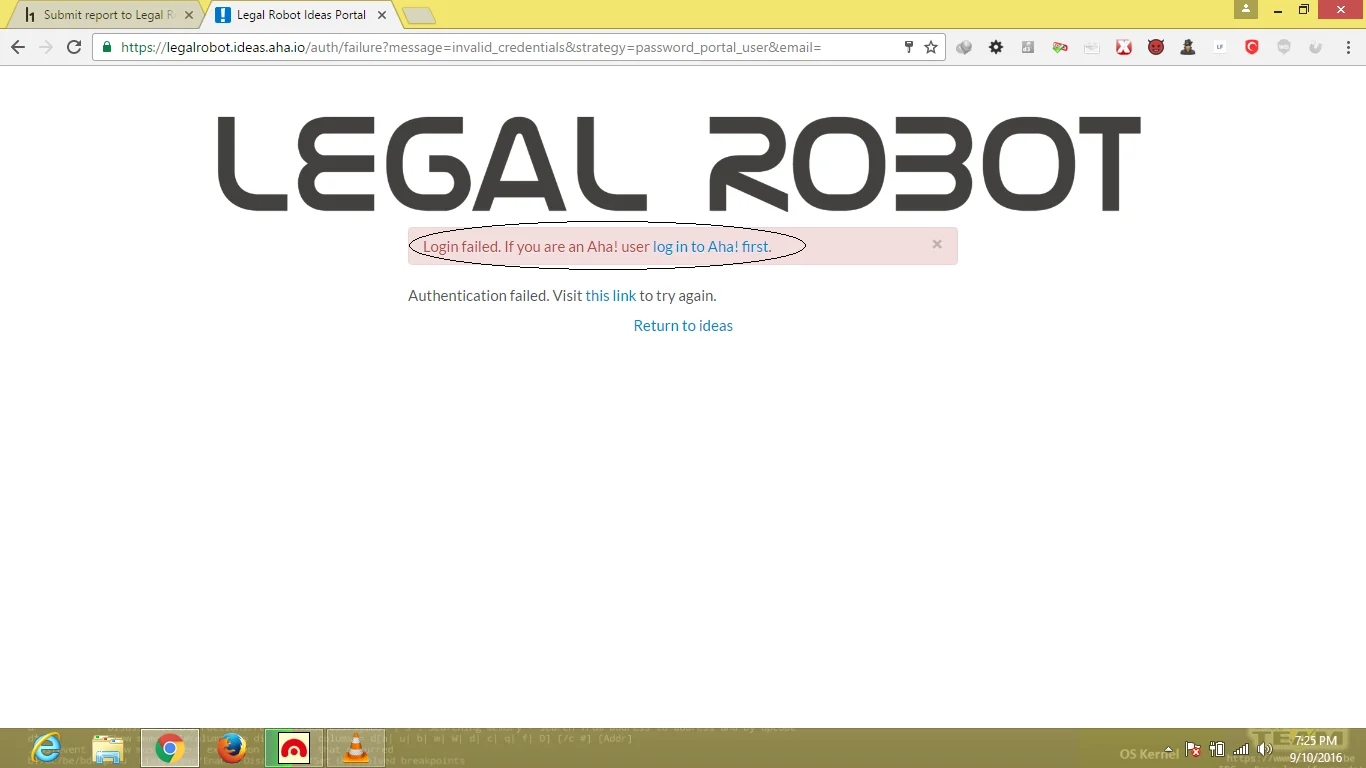
2.and enters invalid login credential , the user will the redirected to this link: 'https://legalrobot.ideas.aha.io/auth/failure?message=invalid_credentials&strategy=password_portal_user&email=<email address>'
#note : view 1.png file in the attachment.
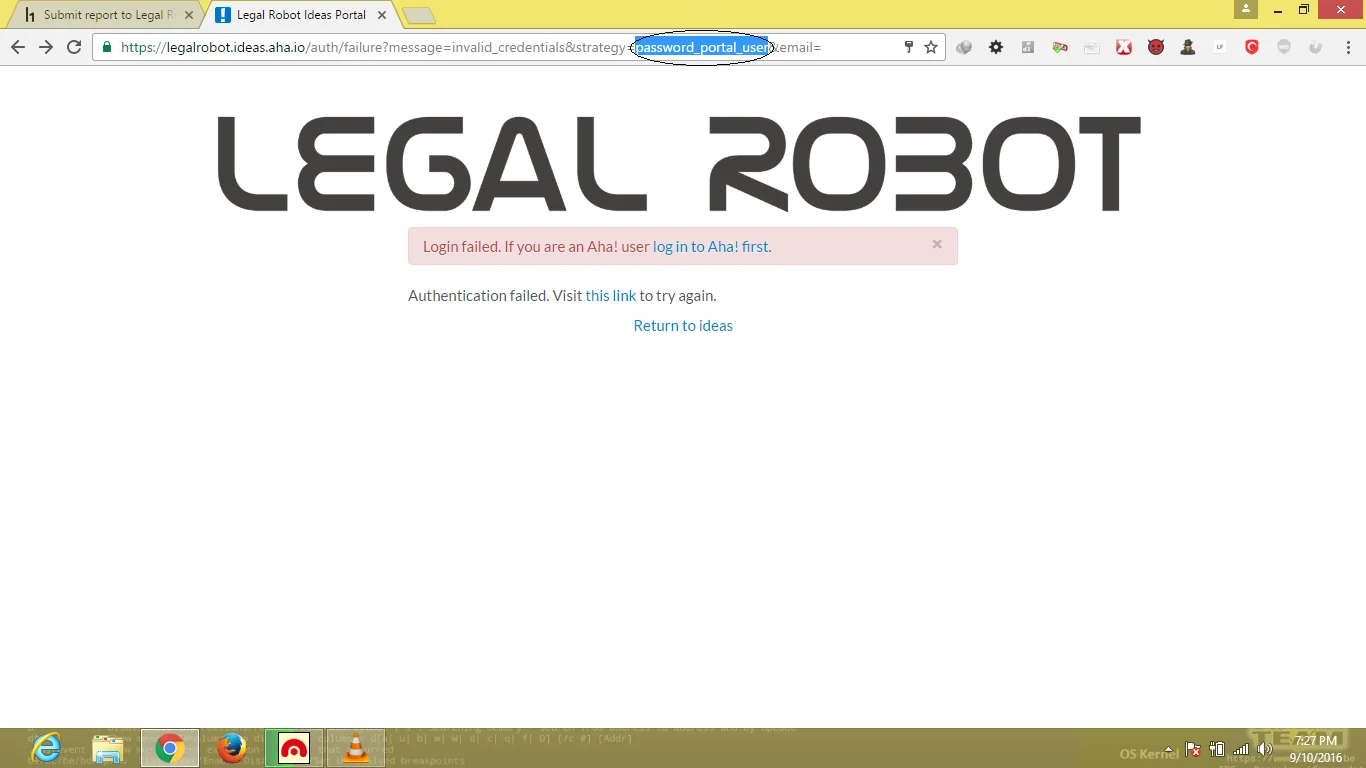
3.now remove 'password_portal_user'from the redirected link.
#note: view 2.png file in the attachment.
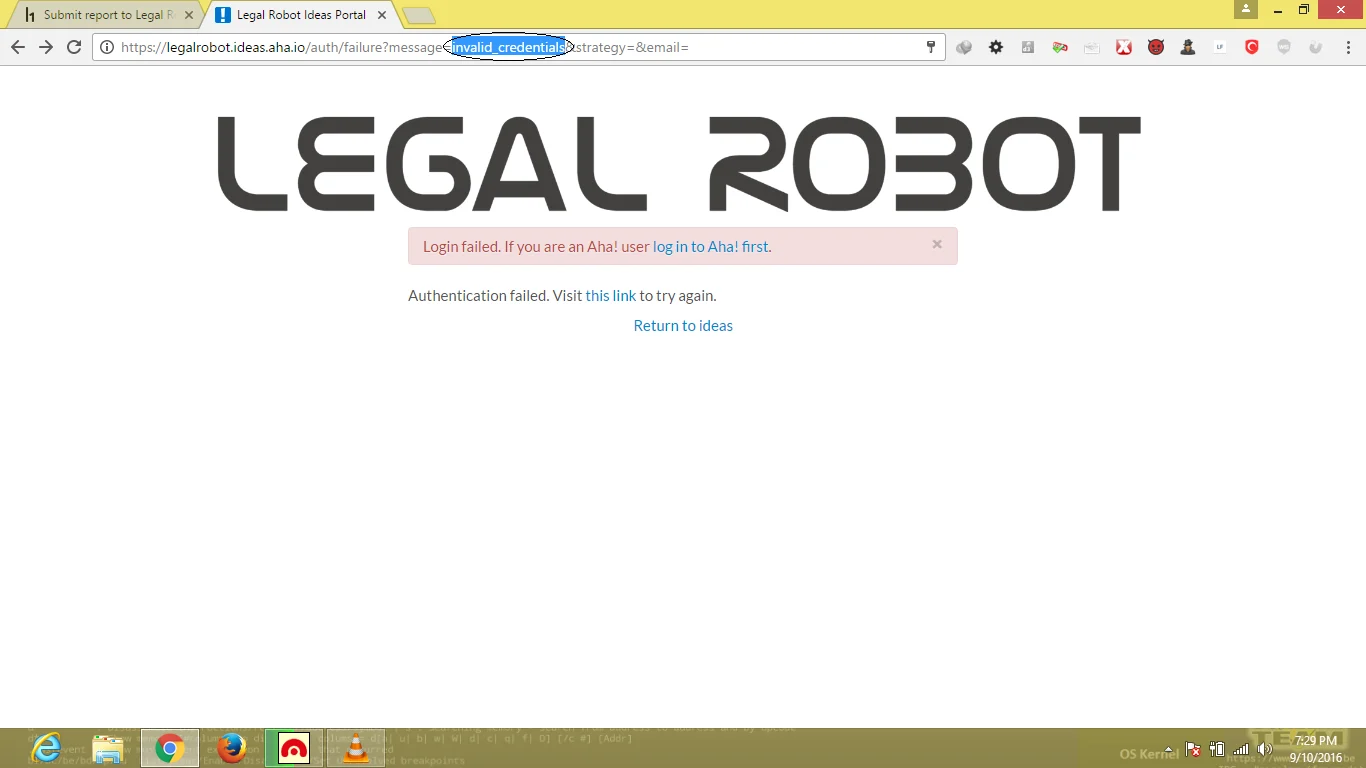
4.now remove 'invalid_credentials' from the redirected link
#note:view 3.png file in the attachment.
5.also remove email address showing in the url :'https://legalrobot.ideas.aha.io/auth/failure?message=invalid_credentials&strategy=password_portal_user&email=<email address>'
6.after all the changes ur will look like this: 'https://legalrobot.ideas.aha.io/auth/failure?message=&strategy=r&email='
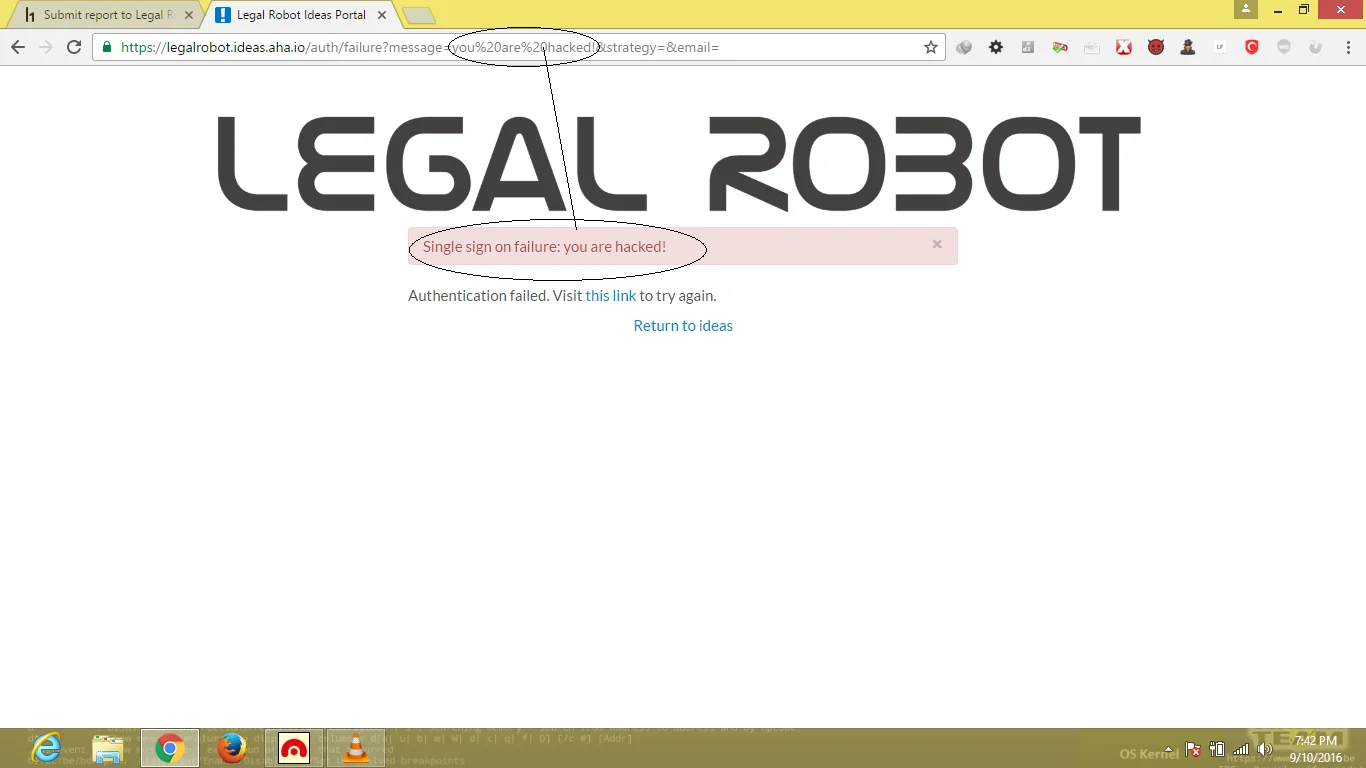
7.now type 'you are Hacked!' without quotes and now ur will look like this: 'https://legalrobot.ideas.aha.io/auth/failure?message=you are Hacked!&strategy=r&email='
- and you will the error massage content is changed from 'Login failed. If you are an Aha! User log in to Aha! first.' to 'Single sign on failure:you are Hacked!' .
#now view 4.png file in the attachment
thankyou!
Attachments
Not written yet. The AI write-up for this report has not been written yet. The Original tab links to the source.
How it worked
Root cause
Likely the application reflected the message query parameter into the error page without encoding or validating it.
Impact
An attacker could make the trusted site display arbitrary text in its error message, which could be used to mislead or phish a victim; the text does not show script execution.
What the attacker needed
Victim opens a crafted link
How it was found
- Open the portal sign-in page.
- Enter invalid login credentials and submit.
- Observe the redirect to the auth failure URL containing message, strategy and email parameters.
- Remove the strategy and message values and the email address from the URL.
- Replace the message value with arbitrary text and load the URL.
- See the error message text replaced by the injected text.
Explained by bugbounty.wiki with AI from the original and checked against quotes from it; it can still be wrong. Read the original before relying on a detail.
Not written yet. The AI write-up for this report has not been written yet. The Original tab links to the source.
When you fail to log in, the site shows an error message. This site took part of the web address and put it straight into that message. By editing the address, someone could make the page say anything they wanted, which could trick a person into trusting fake text on a real site.
What is XSS?
Script an attacker supplies runs in another user's browser, on the target's origin, with that user's session.