html injection via invite members can be leads account takeover
The invite-members email sent by the service rendered user-supplied HTML from the custom message field without sanitising it. An attacker could send an invite containing a link to a malicious site and an input field, to trick the recipient into clicking through or entering credentials.

- Triaged in 3 days
- Fixed in 41 days
- Paid in 4 days
- Disclosed after 2 months
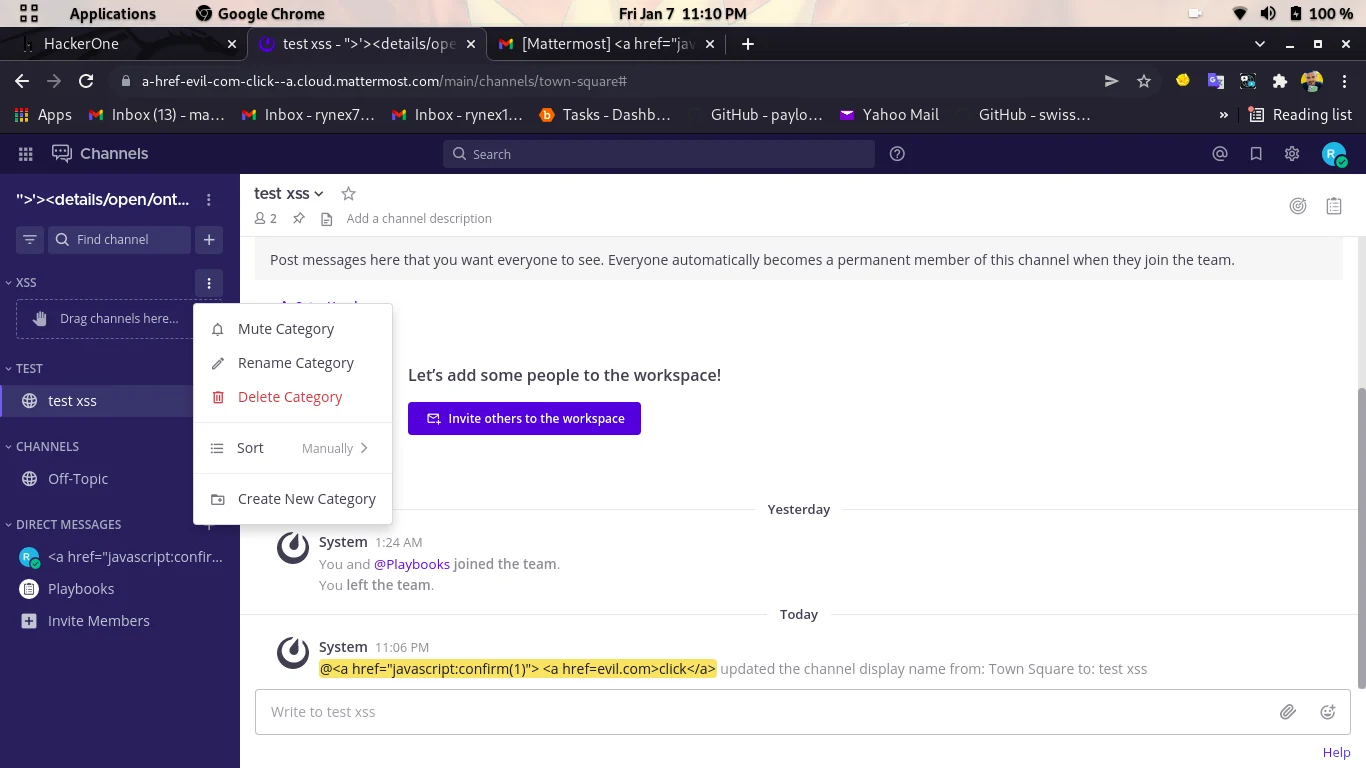
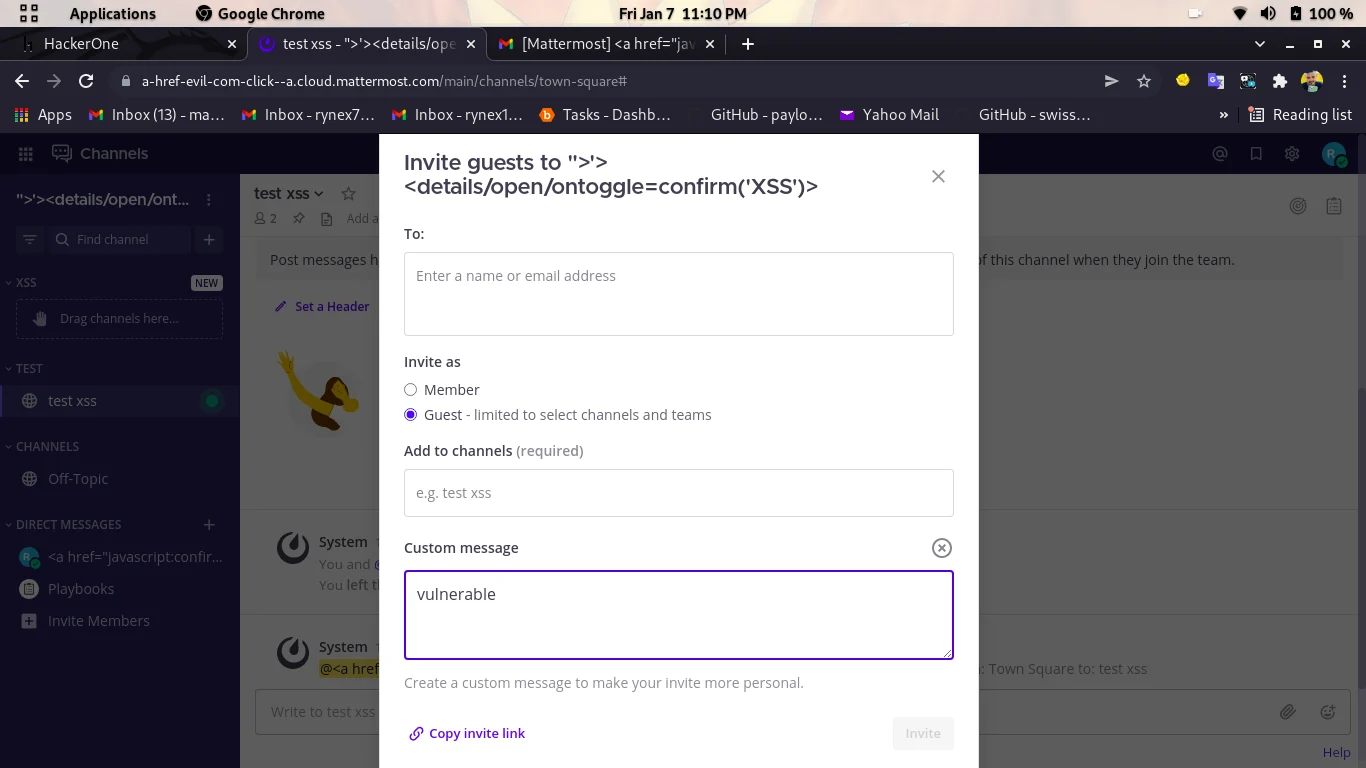
Hi team, I have found an vulnerability on your website . step to reproduce : 1.navigate to : yourworkspace.cloud.mattermost.com 2.create new channel F1571445 3.there you will find a functionality invite members F1571448 4.click on invite members 5 input your email address 6.scroll down & click on invite as guest F1571456 7. on Add to channels input your channel name
8.click on set a custom message , input this html payloads : <a href=evil.com>click</a> <input type=x> 9. invite
10.open inbox of email that you have invited as you can see html injected & there's an input field & click button
follow my video poc for better understanding & if you need any info let me know .
Impact
As HTML injection worked in email an attacker can trick victim to click on such hyperlinks to redirect him to any malicious site and also can host a XSS page. All this will surely cause some damage to victim. This could lead to users being tricked into giving logins away to malicious attackers.
Attachments
Not written yet. The AI write-up for this report has not been written yet. The Original tab links to the source.
How it worked
Root cause
Likely the custom invite message was inserted into the outgoing email body without HTML encoding or sanitisation.
Impact
An attacker could trick a victim into clicking a link to a malicious site or into handing over login details, though the report only shows HTML injection in the email and does not demonstrate script execution.
What the attacker needed
An account able to invite members; victim receives and opens the invite email
The fix
The custom invite message should be HTML-encoded or sanitised before being placed into the email body.
How it was found
- Open the workspace and create a new channel.
- Use the invite members feature for that channel.
- Enter the email address of the person to invite.
- Choose to invite them as a guest and add them to the channel.
- Set a custom message containing HTML markup.
- Send the invite and open the recipient's inbox to see the rendered HTML.
Explained by bugbounty.wiki with AI from the original and checked against quotes from it; it can still be wrong. Read the original before relying on a detail.
Not written yet. The AI write-up for this report has not been written yet. The Original tab links to the source.
When you invite someone to a channel, the service sends them an email. The 'custom message' box in that invite was placed into the email as raw HTML, the code that tells a browser how to display a page, instead of as plain text. So whatever markup the sender typed appeared as real links and form fields in the victim's inbox, which can be used to lure them to a fake login page.
What is XSS?
Script an attacker supplies runs in another user's browser, on the target's origin, with that user's session.