SSRF on local storage of iOS mobile
The tester found that an iOS mobile app allowed uploaded files to be manipulated into HTML and then used to read local files via file:// URLs, demonstrating SSRF. An attacker could potentially access sensitive local files on the device.

- Triaged in 3 days
- Fixed in 48 days
- Disclosed after 3 months
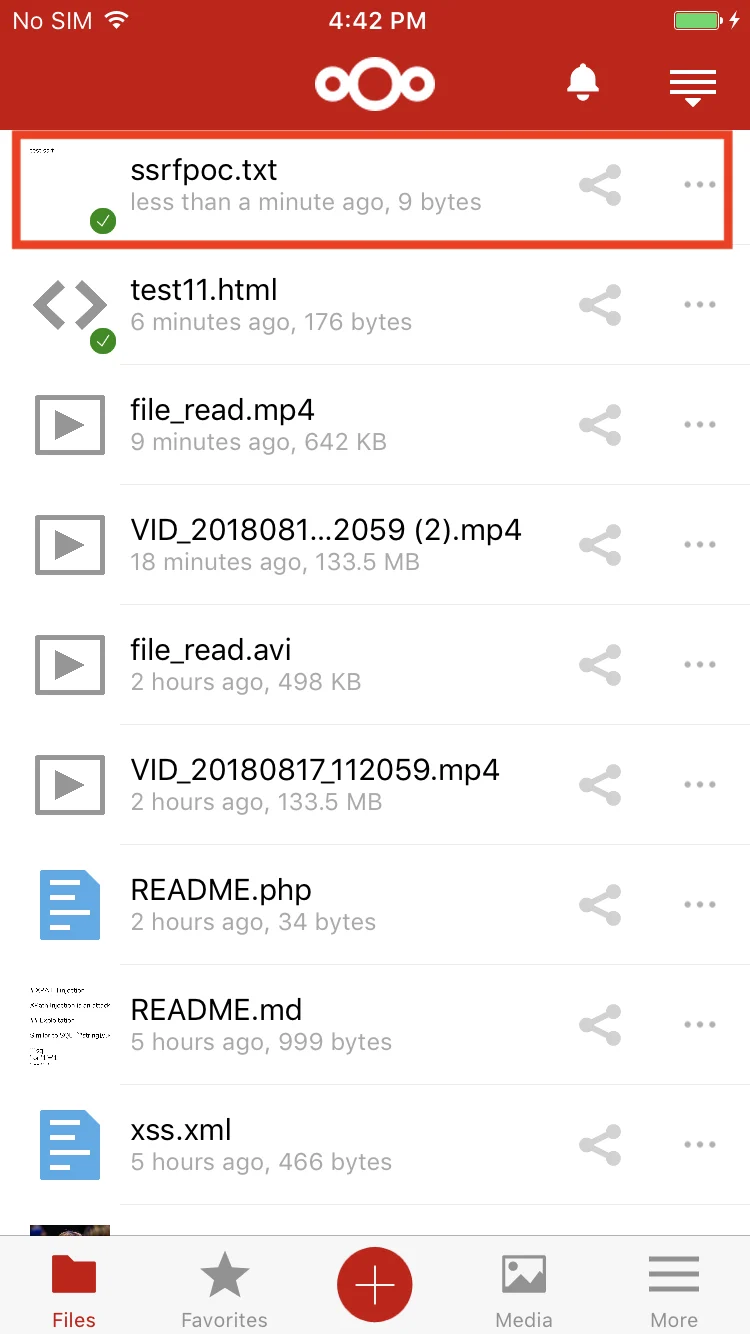
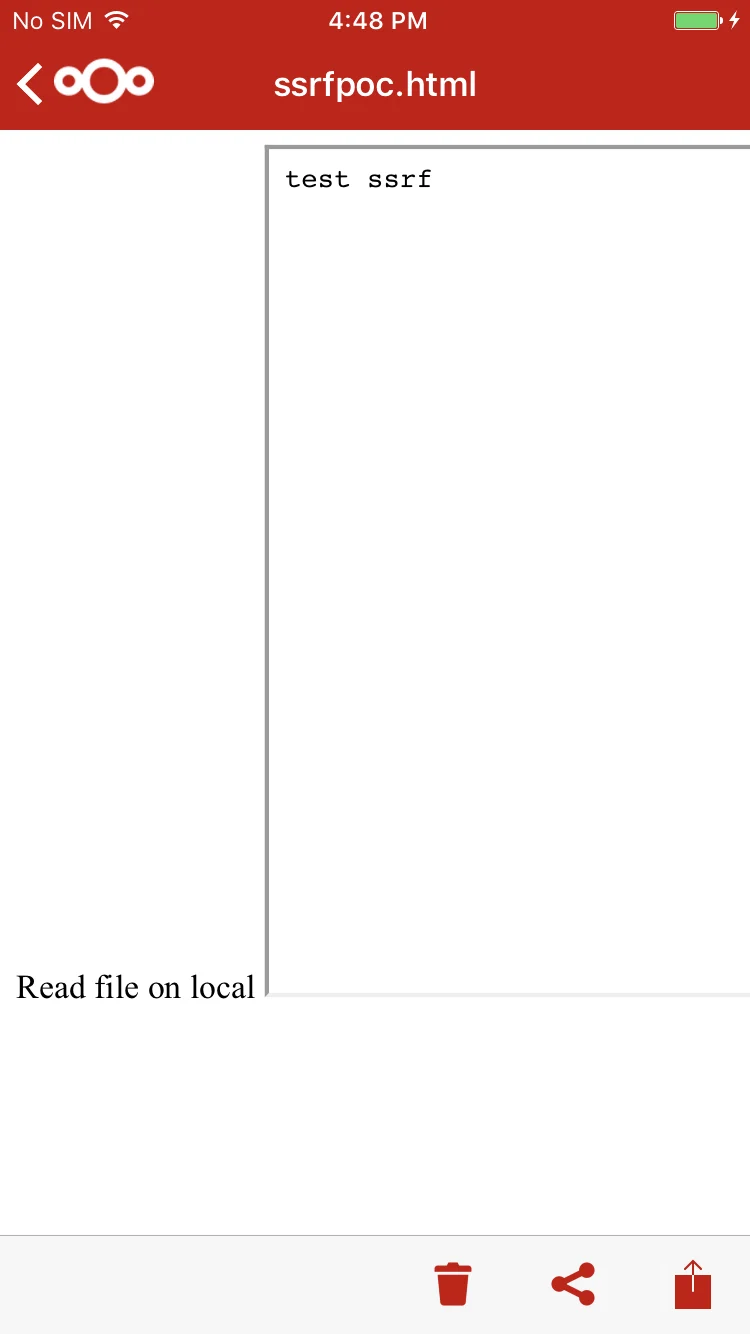
- The tester uploaded the text file, containing "test ssrf" message, in order to proof SSRF attack.
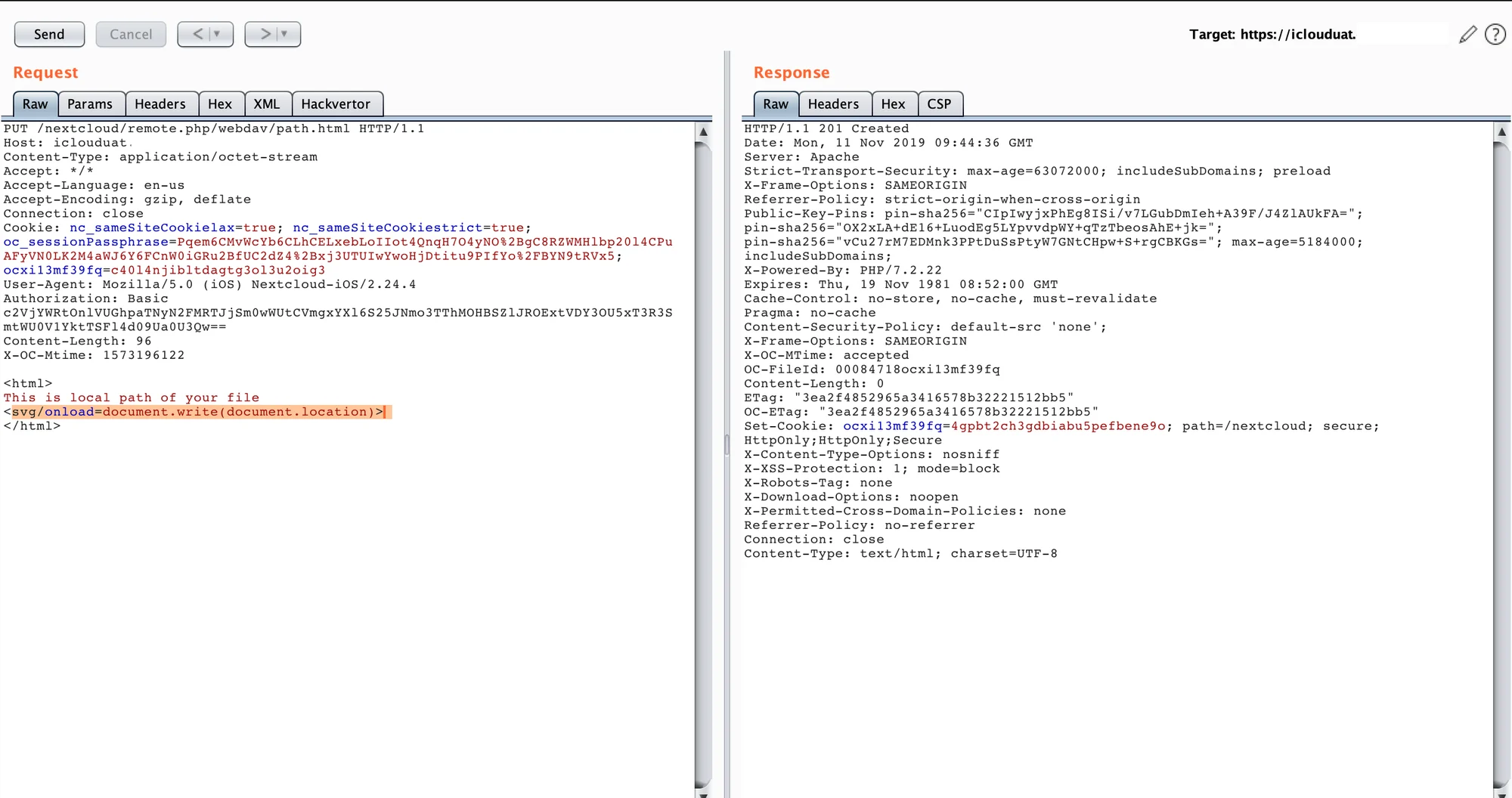
- Next, the tester uploaded the common file and then manipulate the content and extension file to html format in order to find the application path: <svg/onload=document.write(document.location)>
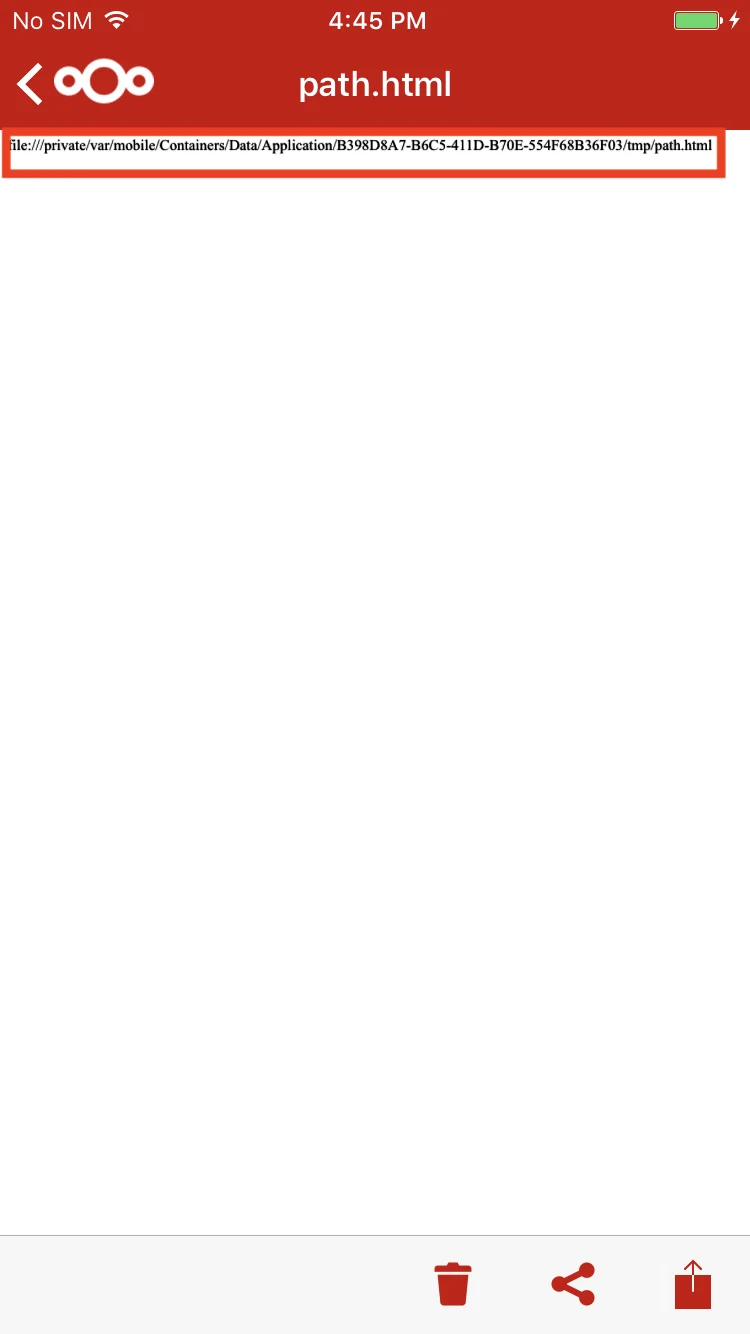
- The tester access that file and found the application path to use for SSRF local file disclosure.
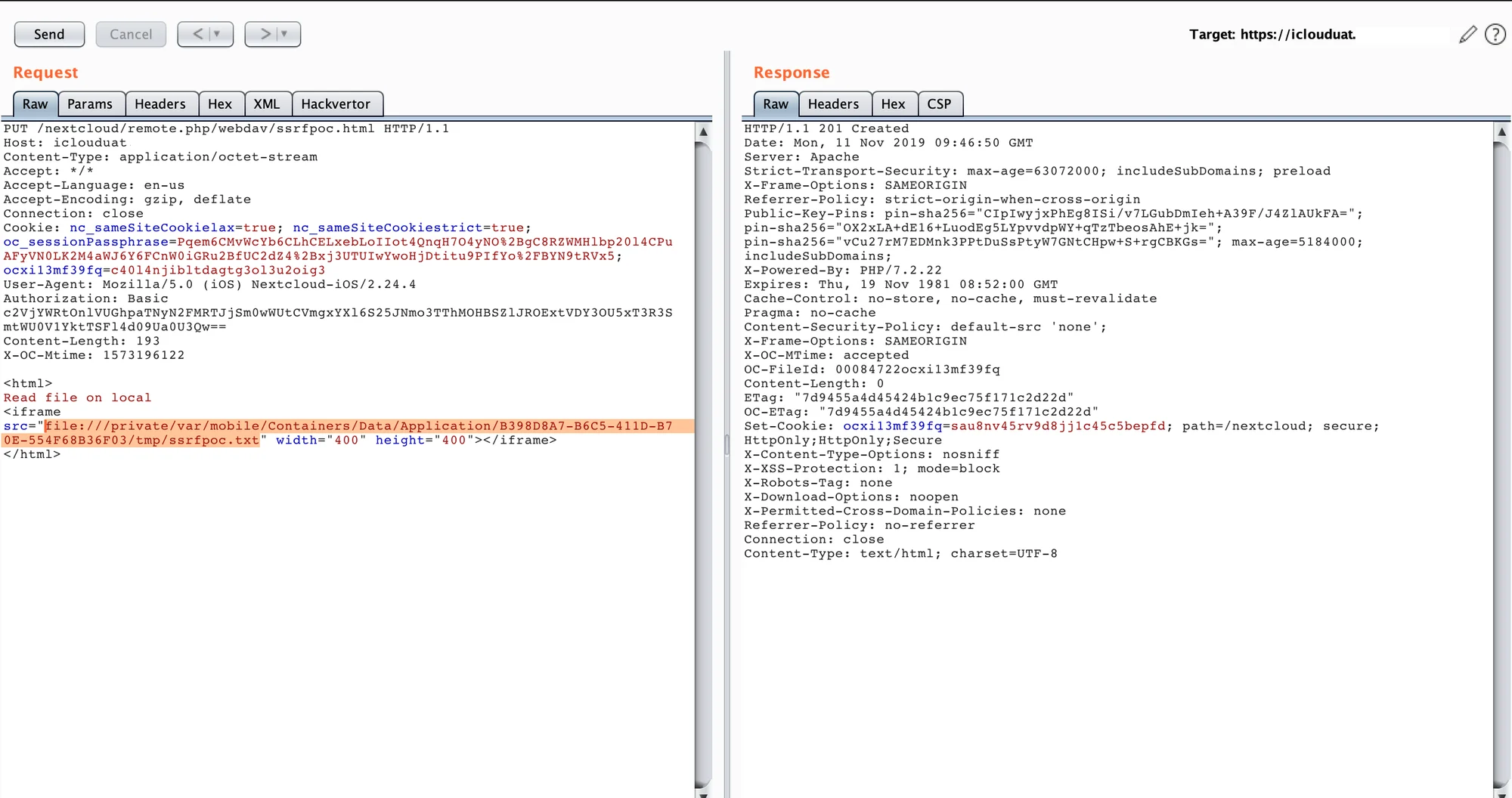
- Then, the tester uploaded the common file and then manipulate the content and extension file to html format in order to view the local file via SSRF attack: <iframe src="file://.../ssrfpoc.txt" width="400" height="400"></iframe>
- The tester access that file and found that this application allow you to access and read the local file successfully.
Impact
This allow anyone to use other URLs such as that can access documents on the system/application (using file://) a.k.a Sensitive Data Exposure.
Attachments
Not written yet. The AI write-up for this report has not been written yet. The Original tab links to the source.
How it worked
Root cause
Likely the app allowed uploaded files to be rendered as HTML and did not restrict file:// URLs, enabling local file access.
Impact
This could allow an attacker to read sensitive local files on the device, leading to sensitive data exposure.
What the attacker needed
Ability to upload files; iOS mobile app
How it was found
- Upload a text file containing a test message to prove SSRF.
- Upload a common file and manipulate its content and extension to HTML to find the application path.
- Access that file to discover the application path for SSRF local file disclosure.
- Upload another common file and manipulate it to HTML with an iframe pointing to a local file.
- Access that file and confirm the local file can be read.
Explained by bugbounty.wiki with AI from the original and checked against quotes from it; it can still be wrong. Read the original before relying on a detail.
Not written yet. The AI write-up for this report has not been written yet. The Original tab links to the source.
This report is about a mobile app that lets you upload files. The tester changed an uploaded file into a web page that could ask the app to open local files on the phone. That means someone might be able to read private files stored on the device.
What is SSRF?
The server can be made to fetch an address the attacker chooses, reaching internal services, cloud metadata or other customers' data.



