Pixel flood attack
An uploaded image's pixel dimensions could be altered to claim an enormous size, causing the service to allocate excessive memory and time out. An attacker could upload such an image to cause a denial of service.

- Fixed in 6 hours
- Paid in 17 days
- Disclosed after 18 days
Hey guys,
I just found a way to make your service timeout. I didn't know if I should put this under the Internet section of just the HackerOne section, because the exploit also crashes my Windows Image Viewer. A lot of other services should be vulnerable as well.
For the sake of responsible disclosure I haven't made an article about this yet. But if you fix this problem I would like to publish this for my ego, and because of the maximum giggles I experienced after finding this.
The exploit is really simple. I have an image of 5kb, 260x260 pixels. In the image itself I exchange the 260x260 values with 0xfafa x 0xfafa (so 64250x64250 pixels). Now from what I remember your service tries to convert the image once uploaded. By loading the 'whole image' into memory, it tries to allocate 4128062500 pixels into memory, flooding the memory and causing DoS. This also happens with Windows Photo Viewer on my computer.
As attachments I sent three foto's of your service timing out (had to be sure it was my image), and the image with the 'spoofed' pixels.
As a patch I would just set a maximum amount of pixels an image can have.
With kind regards,
Sipke (Graa)
Attachments
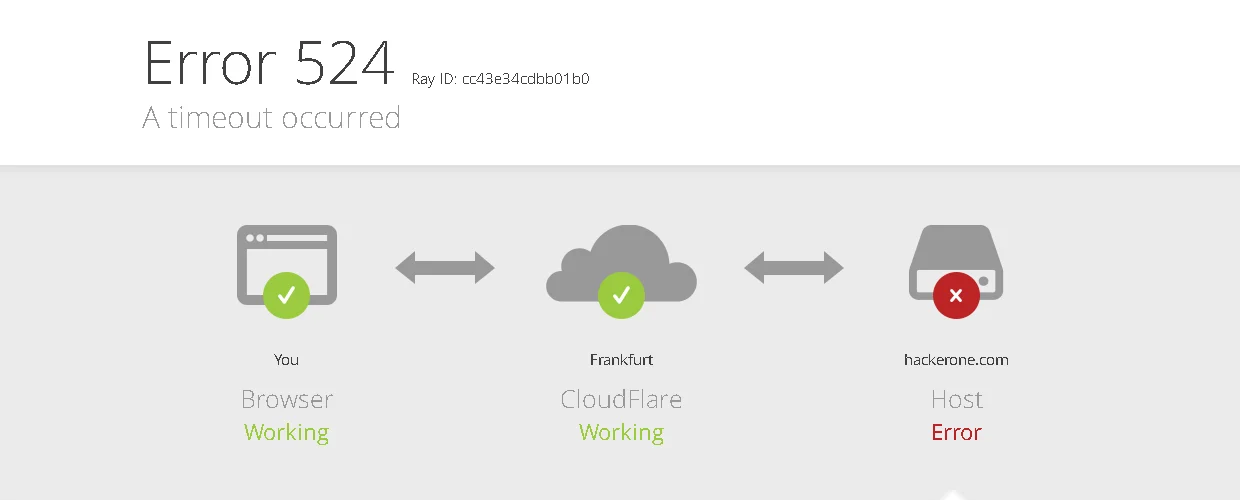
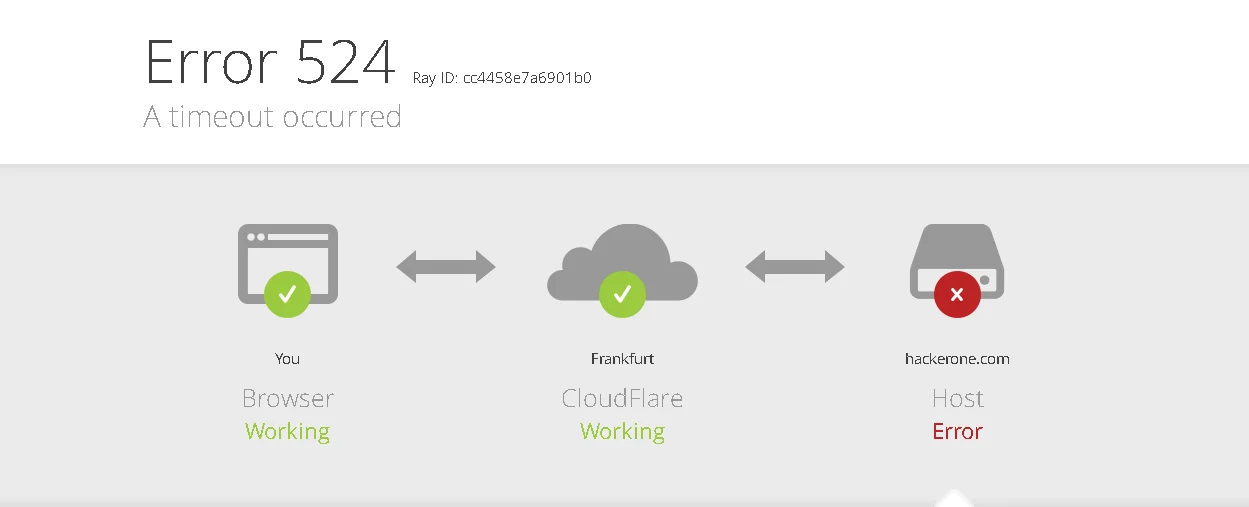
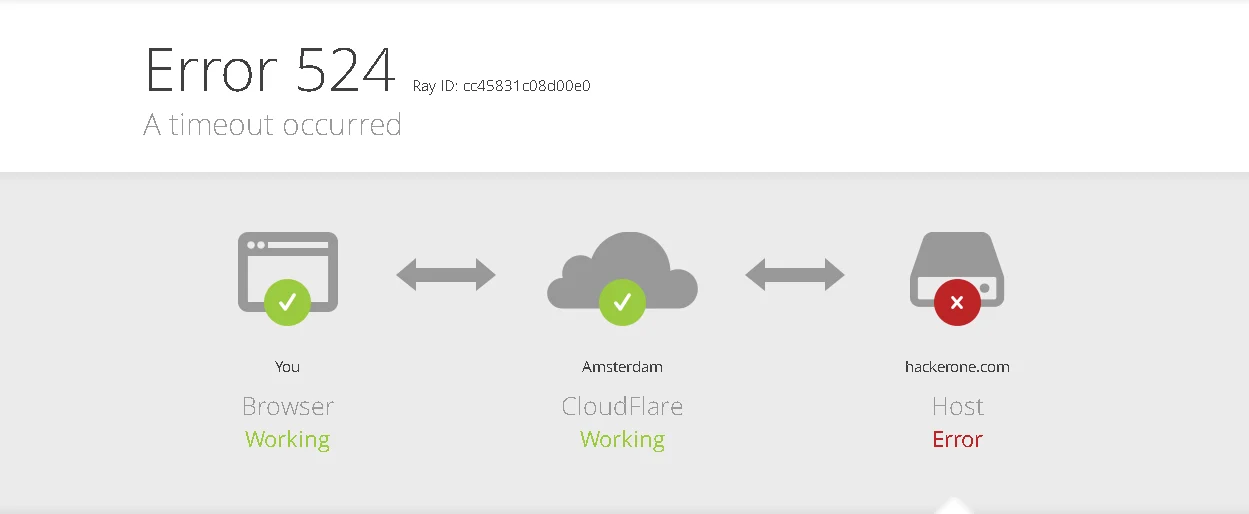
Context
The target is HackerOne's own service, and the feature involved is image upload and conversion. According to the researcher's recollection, the service tries to convert an image once it is uploaded, loading the "whole image" into memory in the process. That conversion step is what the report attacks: by lying about the dimensions in the image header, an attacker can make the service attempt an enormous memory allocation.
The weakness is classified as uncontrolled resource consumption, and the report was disclosed on 30 November 2013 with a bounty of 500.00 USD.
Setup
No accounts, roles, tools or versions are described. The researcher worked with a small image file and edited its dimension values directly. The only precondition that matters is that the target accepts an uploaded image and processes it server-side, in this case by converting it.
Finding it
The researcher started from a tiny file: an image of 5kb at 260x260 pixels. The dimensions stored in the image are just numbers in the file, and nothing forces them to match the actual pixel data. Replacing the 260x260 values with 0xfafa x 0xfafa, that is 64250x64250 pixels, produces a file that still weighs 5kb but claims to be enormous.
The conversion step is what the report attacks. If the service trusts the declared dimensions and tries to load the whole image into memory, it will try to allocate 4128062500 pixels, flooding memory and causing a denial of service. The same trick also crashed Windows Photo Viewer on the researcher's own computer, and the researcher expected a lot of other services to be vulnerable as well.
Exploitation
Step 1: Take a small, valid image
The starting point is an ordinary image of 5kb with dimensions of 260x260 pixels. Nothing about the file is unusual at this stage.
Step 2: Overwrite the dimension values in the file
The two dimension fields are changed from 260x260 to 0xfafa x 0xfafa. In decimal that is 64250x64250 pixels, and the product of the two is 4128062500 pixels. The file size does not grow: it remains a 5kb image whose header now describes a picture far larger than the data it contains.
Step 3: Upload the image and observe the timeout
When the image is uploaded, the service attempts to convert it. Trusting the declared dimensions, it tries to allocate memory for 4128062500 pixels, which floods memory and causes the denial of service. The researcher attached three photographs of the service timing out, taken to be sure the effect came from the crafted image rather than from something else.
The same crafted image also crashed Windows Photo Viewer on the researcher's machine, which is why the researcher was unsure whether the finding belonged under the Internet section or the HackerOne section, and expected a lot of other services to be vulnerable as well.
Root cause
The service trusts the pixel dimensions declared in the uploaded file and, during conversion, tries to load the whole image into memory based on those values. Because the declared dimensions are attacker-controlled and are not checked against the actual amount of image data, a 5kb file can request an allocation for 4128062500 pixels. The report does not describe any server-side limit on image dimensions or memory use that would have stopped this, so the absence of such a limit is likely the reason the allocation went ahead.
Impact
An attacker who can upload an image can make the service time out and consume its memory, a denial of service. The researcher notes that the same behaviour affected Windows Photo Viewer locally and expected many other services to be vulnerable too, so the impact is not limited to the one target. The report does not describe persistence, data exposure or any effect beyond the timeout.
Fix
The researcher's suggested patch is to set a maximum number of pixels an image can have.
Variants to test
- Try other declared-dimension fields in other image formats, such as width and height in different headers, and upload a small file that claims extreme dimensions. A positive result is the service timing out or its memory use spiking during conversion.
- Try values just below and just above any apparent limit to find where the service starts rejecting the file. A positive result is a sharp boundary between accepted and rejected dimensions, which shows a limit exists but may be set too high.
- Try the same crafted file against local image viewers and thumbnailers. A positive result is a crash or hang, as the researcher saw with Windows Photo Viewer.
Hunting notes
This kind of bug hides wherever a service parses a file and then acts on values declared inside it, especially image conversion, thumbnailing and resizing pipelines. The signal during recon is any upload feature that processes images server-side rather than storing them untouched. The researcher attached three photographs of the service timing out, taken to be sure the effect came from the crafted image. and by explaining the arithmetic behind the allocation: 64250 multiplied by 64250 equals 4128062500 pixels.
What happened, in plain words
A security researcher found that HackerOne's own service could be knocked offline by uploading a tiny image file that lies about its size. The file is only 5 kilobytes (5kb) and looks like a 260 by 260 pixel picture, but the researcher edited two numbers inside the file so it claims to be 64250 by 64250 pixels. When the service tried to convert that image, it trusted the claimed size and attempted to reserve memory for 4128062500 pixels, which flooded the service's memory and made it time out. The same trick also crashed Windows Photo Viewer on the researcher's own computer. The report was disclosed on 30 November 2013 with a bounty of 500.00 USD, and the weakness is classified as uncontrolled resource consumption.
Context
The target is HackerOne's own service. The feature involved is image upload and conversion: you upload an image, and the service processes it, in this case by converting it. According to the researcher's recollection, the service tries to convert an image once it is uploaded, loading the "whole image" into memory in the process. That conversion step is what the report attacks: by lying about the dimensions in the image header, an attacker can make the service attempt an enormous memory allocation.
A few terms first, because they come up throughout:
- Memory: the working space a program uses while it runs. Think of it as a desk: if you ask for a desk the size of a football pitch, there is no room left for anything else.
- Allocation: asking the computer to set aside a block of memory for a task. If the request is far larger than the available memory, the request fails or the program stalls.
- Denial of service (DoS): making a service unavailable to its normal users, for example by making it hang or crash. It is not about stealing data; it is about stopping the service from working.
- Uncontrolled resource consumption: the vulnerability class here. The service uses a resource (memory) based on a value the attacker controls, without a sensible limit.
- Image header: the first part of an image file, which stores information about the image, including its width and height in pixels. These are just numbers in the file; nothing forces them to match the actual picture data.
- Pixel: one dot in an image. A 260 by 260 image has 260 times 260 = 67,600 pixels.
The weakness is classified as uncontrolled resource consumption, and the report was disclosed on 30 November 2013 with a bounty of 500.00 USD.
Setup
No accounts, roles, tools or versions are described. The researcher worked with a small image file and edited its dimension values directly. The only precondition that matters is that the target accepts an uploaded image and processes it server-side, in this case by converting it.
"Server-side" means the processing happens on the service's computers, not in your browser. That matters because the service's memory is the resource being exhausted.
Finding it
The researcher started from a tiny file: an image of 5kb at 260x260 pixels. The dimensions stored in the image are just numbers in the file, and nothing forces them to match the actual pixel data. Replacing the 260x260 values with 0xfafa x 0xfafa, that is 64250x64250 pixels, produces a file that still weighs 5kb but claims to be enormous.
A quick note on the numbers: 0xfafa is hexadecimal notation, a way of writing numbers that computers often use. 0xfafa equals 64250 in ordinary decimal. Multiplying 64250 by 64250 gives 4128062500, the number of pixels the file claims to contain.
The conversion step is what the report attacks. If the service trusts the declared dimensions and tries to load the whole image into memory, it will try to allocate 4128062500 pixels, flooding memory and causing a denial of service. The same trick also crashed Windows Photo Viewer on the researcher's own computer, and the researcher expected a lot of other services to be vulnerable as well.
Exploitation
Step 1: Take a small, valid image
The starting point is an ordinary image of 5kb with dimensions of 260x260 pixels. Nothing about the file is unusual at this stage.
Step 2: Overwrite the dimension values in the file
The two dimension fields are changed from 260x260 to 0xfafa x 0xfafa. In decimal that is 64250x64250 pixels, and the product of the two is 4128062500 pixels. The file size does not grow: it remains a 5kb image whose header now describes a picture far larger than the data it contains.
Why this works: the service reads the width and height from the header and believes them. It does not check whether the file actually contains enough data for that many pixels. So a 5kb file can ask the service to prepare memory for billions of pixels.
Step 3: Upload the image and observe the timeout
When the image is uploaded, the service attempts to convert it. Trusting the declared dimensions, it tries to allocate memory for 4128062500 pixels, which floods memory and causes the denial of service. The researcher attached three photographs of the service timing out, taken to be sure the effect came from the crafted image rather than from something else.
The same crafted image also crashed Windows Photo Viewer on the researcher's machine, which is why the researcher was unsure whether the finding belonged under the Internet section or the HackerOne section, and expected a lot of other services to be vulnerable as well.
Root cause
The service trusts the pixel dimensions declared in the uploaded file and, during conversion, tries to load the whole image into memory based on those values. Because the declared dimensions are attacker-controlled and are not checked against the actual amount of image data, a 5kb file can request an allocation for 4128062500 pixels. The report does not describe any server-side limit on image dimensions or memory use that would have stopped this, so the absence of such a limit is likely the reason the allocation went ahead.
In everyday terms: the service reads the label on the box and believes it, instead of opening the box to see what is inside. A label saying "billions of pixels" on a tiny box is enough to make it reserve a huge amount of space.
Impact
An attacker who can upload an image can make the service time out and consume its memory, a denial of service. The researcher notes that the same behaviour affected Windows Photo Viewer locally and expected many other services to be vulnerable too, so the impact is not limited to the one target. The report does not describe persistence, data exposure or any effect beyond the timeout.
Fix
The researcher's suggested patch is to set a maximum number of pixels an image can have.
Variants to test
- Try other declared-dimension fields in other image formats, such as width and height in different headers, and upload a small file that claims extreme dimensions. A positive result is the service timing out or its memory use spiking during conversion.
- Try values just below and just above any apparent limit to find where the service starts rejecting the file. A positive result is a sharp boundary between accepted and rejected dimensions, which shows a limit exists but may be set too high.
- Try the same crafted file against local image viewers and thumbnailers. A positive result is a crash or hang, as the researcher saw with Windows Photo Viewer.
Hunting notes
This kind of bug hides wherever a service parses a file and then acts on values declared inside it, especially image conversion, thumbnailing and resizing pipelines. The signal during recon is any upload feature that processes images server-side rather than storing them untouched. The researcher attached three photographs of the service timing out, taken to be sure the effect came from the crafted image. and by explaining the arithmetic behind the allocation: 64250 multiplied by 64250 equals 4128062500 pixels.
Glossary
- Memory: the working space a program uses while it runs; if it is exhausted, the program can stall or crash.
- Allocation: a request to set aside a block of memory for a task.
- Uncontrolled resource consumption: a vulnerability where a service uses a resource such as memory based on a value the attacker controls, without a sensible limit.
- Image header: the part of an image file that stores information about the image, including its width and height in pixels.
- Pixel: one dot in an image; an image's total pixel count is its width times its height.
- Hexadecimal: a base-16 way of writing numbers, often used in computing; 0xfafa equals 64250 in decimal.
- Server-side: processing that happens on the service's computers rather than in your browser.
- Conversion: processing an uploaded image into another form, which may require loading the whole image into memory.
- Timeout: when a service takes too long to respond and the request is abandoned.
- Bounty: a payment made by a program to a researcher who reports a valid security issue.