Password reset link not expired at Stocky App
The password reset link did not expire after use, so it could be used to reset the password multiple times.

- Triaged in 20 hours
- Fixed in 23 hours
- Paid in 45 hours
- Disclosed after 2 months
You can use password reset link to reset password multiple times.
Steps:
- Go to
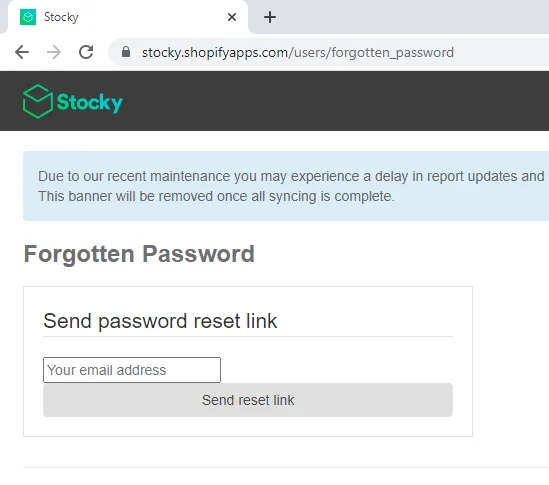
https://stocky.shopifyapps.com/users/forgotten_passwordand Send the password reset link to your email.
(if this page doesn't appear you should add login details via this https://stocky.shopifyapps.com/preferences/users )
- Go to your email inbox you see reset token like this
https://stocky.shopifyapps.com/users/new_password?reset_token=your-reset-tokenand click the link to change password. you can use this link many times to reset password
Impact
Password Reset Link not expiring after changing password
Not written yet. The AI write-up for this report has not been written yet. The Original tab links to the source.
How it worked
Root cause
Likely the reset token was not invalidated after a successful password change.
What the attacker needed
Access to the reset link
How it was found
- Go to the forgotten password page and request a reset link.
- Open the email and click the reset link to change the password.
- Use the same link again to reset the password multiple times.
Explained by bugbounty.wiki with AI from the original and checked against quotes from it; it can still be wrong. Read the original before relying on a detail.
Not written yet. The AI write-up for this report has not been written yet. The Original tab links to the source.
When you forget your password, a website emails you a special link to set a new one. Normally that link should stop working after you use it once. Here, the link kept working, so anyone who saw it could change the password again and again.
What is Account takeover?
Getting into someone else's account through a flaw in sign-in, password reset, second factor, single sign-on or session handling.




