Script Editor preview token still working with uninstalled application, even for unpublished script
A preview token generated by the Script Editor kept working after the app was uninstalled and did not appear to expire, so an unpublished discount script could still be previewed on the storefront. Separately, a script name could be set to a zero-width character, which hid the order timeline link and made the script hard to edit through the app.
 Originally disclosed on HackerOne
- Triaged in 8 days
- Fixed in 18 days
- Paid in 11 days
- Disclosed after 51 days
Within the Script Editor application, it is possible to preview a script on the storefront and proceed to purchase. Once the user click on the preview link, it opens https://{shop}.myshopify.com/admin/scripts/preview?script_id={script_id} which then generate a preview token to be used by the storefront. As an example, it redirects back the user to https://{shop}.myshopify.com/cart?preview_script_id={preview_script_id}. Per my testing, that token doesn't seem to be expiring and can still be used even if the Script Editor application has been uninstalled.
Taking that into consideration, a malicious user could've created an unpublished script applying discounts to carts and if he has access, even uninstall the app. That could be done by a malicious hired Shopify Developer/Collaborator which had to do some work on a given store.
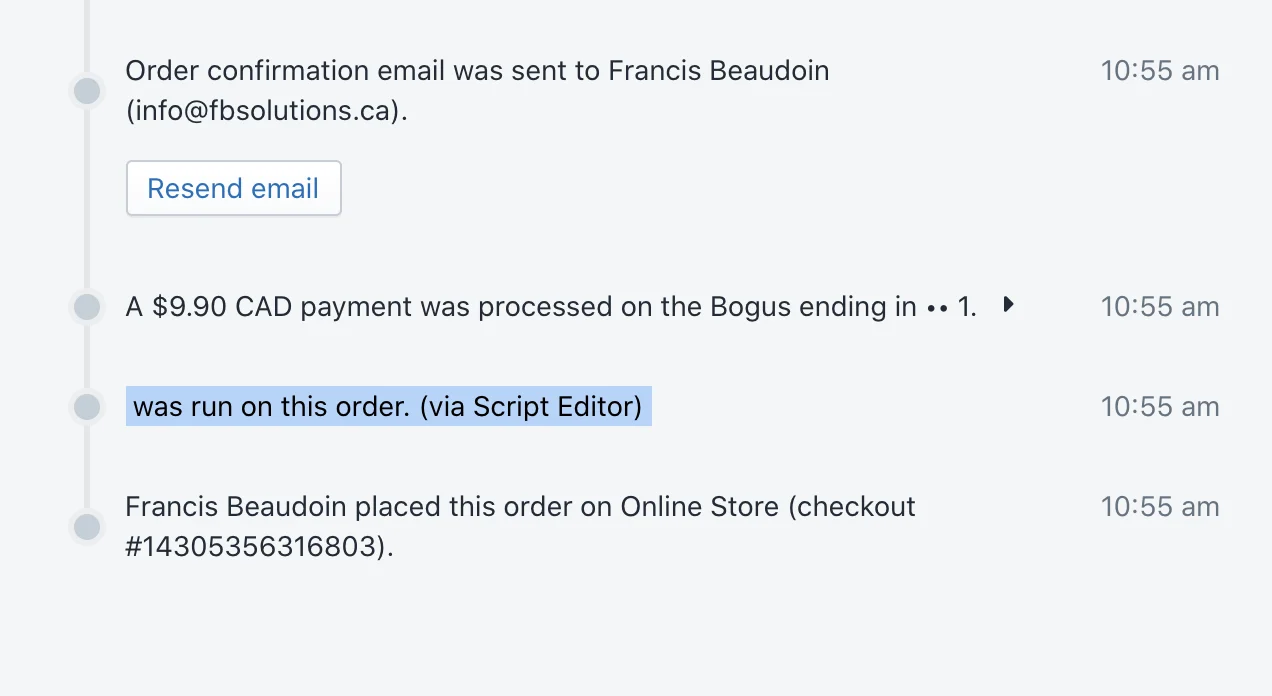
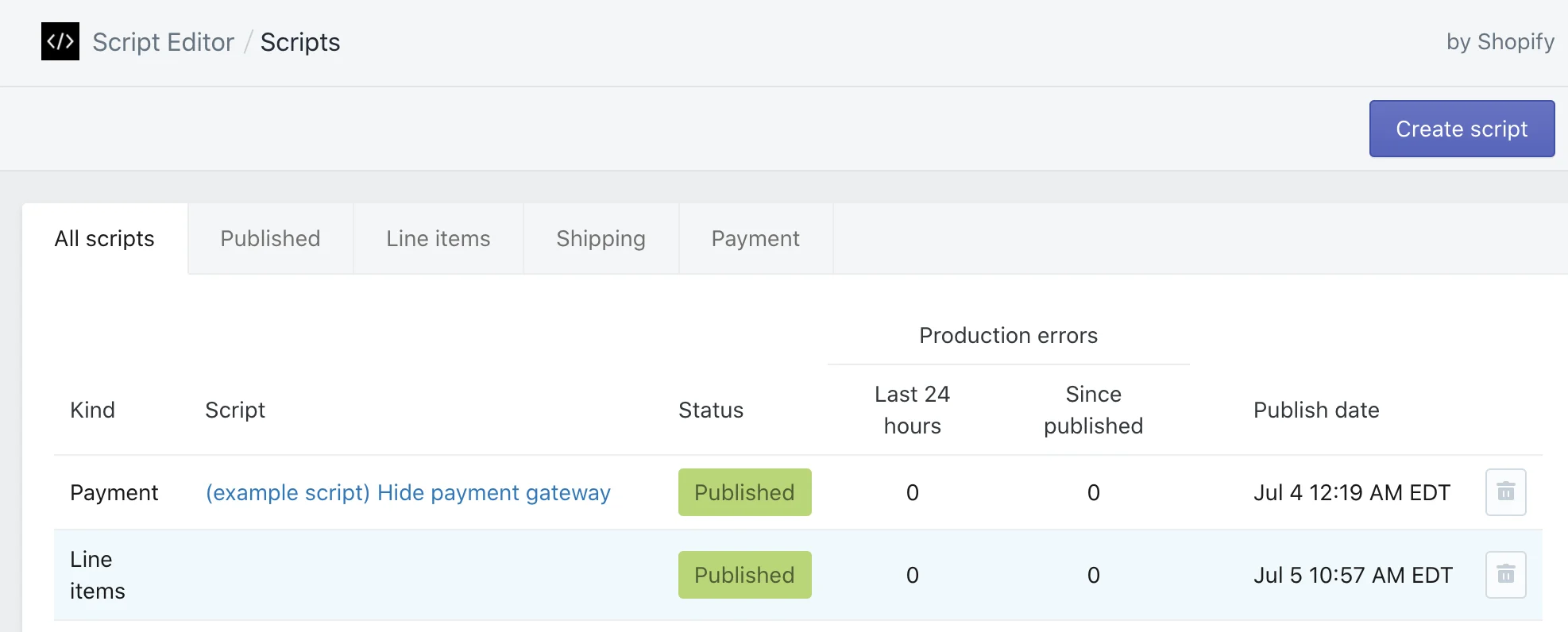
On the other hand, if a script has been applied to an order, a clickable Script name was run on this order (Script Editor) message is left on its Timeline so the admin can better understand why a discount has been applied. That said, it is possible to update a script name to an "empty" character resulting in the user not being able to deep-link from the order timeline to the Script Editor. By doing so, the user is also unable to edit the script as the application itself uses an hyperlink on the script name to open the edit page - meaning that the only way to edit the script would be to directly open the script editor page located at https://script-editor.shopifycloud.com/scripts/{id}.
Steps to reproduce - Updating a script name to an empty character
- Open the Script Editor application and create a new script
- By clicking Save draft, a request will be made to
PATCH https://script-editor.shopifycloud.com/scripts/{id} - Intercept the request and/or replay it by updating the
nameproperty to an empty character. A zero-widthspace character can be copied from https://qwerty.dev/whitespace/
Order timeline - Hyperlink suppressed as script name is using empty character
Script Editor Application - Unable to edit the script
Impact
A malicious user which had access to the store admin at some point, could've created unpublished script to apply discounts to carts which become a bit invisible to the admin if the application is uninstalled and/or using empty character for the script name.
For example, someone selling its store in the marketplace could make use of this.
To mitigate the issue, introducing a time based expiration of the preview_script_id might do it.
Not written yet. The AI write-up for this report has not been written yet. The Original tab links to the source.
How it worked
Root cause
Likely the preview token had no expiry and was not invalidated when the app was uninstalled, and the script name field accepted invisible characters without validation.
Impact
A former collaborator or developer could leave an unpublished discount script that still applies to carts and is hard for the admin to notice or edit, which could matter when a store is sold.
What the attacker needed
Admin or collaborator access to the store; Script Editor app installed at some point
The fix
The preview token should expire after a set time, which might mitigate the issue.
How it was found
- Open the Script Editor app and create a new script.
- Click Save draft, which sends a PATCH request to the scripts endpoint.
- Intercept or replay that request and set the name property to a zero-width space character.
- Observe that the order timeline link is suppressed and the script cannot be edited from the app.
Explained by bugbounty.wiki with AI from the original and checked against quotes from it; it can still be wrong. Read the original before relying on a detail.
Not written yet. The AI write-up for this report has not been written yet. The Original tab links to the source.
A preview link lets a shop owner test a script before publishing it. The report says the special code inside that link did not seem to expire, even after the app was removed, so a script that was never published could still change cart prices. A second issue let someone give a script a name made of an invisible character, which broke the links used to find and edit it.
What is Business logic?
The application works as coded but not as intended: a negative price, a skipped payment step, a limit that can be crossed.





