Takeover an account that doesn't have a Shopify ID and more
The POS GraphQL admin endpoint allowed updating a staff member's email without verification. By combining this with a development store whose email was already verified, an attacker could merge their account with a victim's store and create a Shopify ID for the victim's email, leading to account takeover.
 Originally disclosed on HackerOne
- Triaged in 19 hours
- Fixed in 7 days
- Paid in 7 days
- Disclosed after 4 months
Summary by the program
A report from @francisbeaudoin showed that it was possible to bypass Shopify's email verification for a small subset of Shopify user accounts. Doing so would have allowed a user to access accounts they did not own.
Our team immediately deployed a change to address this issue. Additionally, we have removed the ability to verify an email address prior to merging an account. All account merges now require an email verification flow.
The report
Details
The https://pos-channel.shopifycloud.com/graphql-proxy/admin can be exploited to update a staff member email without any email confirmation.
Using the partner dashboard, we've the ability to create a store that doesn't have a Shopify ID account on https://accounts.shopify.com. By using these two together, all we have to do is create an arbitrary store to an email that we own and confirm it with received email, then use the the POS Staff endpoint to update our email without having to validate it.
You'll then be prompted to create a Shopify ID for your stores (the new created one alongs with the victim stores) and you won't need to validate that you own the email since it is already verified.
Steps to reproduce
- Have a victim with a shop that doesn't have a Shopify ID
- Open https://parners.shopify.com and create a development store
- Within the store creation form, you'll need to update your shop email to one that doesn't exist within Shopify and that you own (so it can be validated). As the field is read-only, that can either be done by intercepting the request with an application like Burp or do the above within your browser console to update the form object.
window.RailsData.current_organization.business_email = "[email protected]";
window.RailsData.user.email = "[email protected]";
1.. Validate that you own the email address (Link sent to your email)
- Add the POS to your shop Sales Channels
- Open up the POS > Staff
- Save your own staff page and copy the CURL request by using browser inspection
- Replace the CURL payload email field with the victim email and send the request
- Refresh your profile page in your Shop, you'll then be prompt to combine your account and note that you're not asked to validated the new email (victim's one).
- Proceed with the Shopify ID creation
- You now own the Shopify ID, you can just change its email to yours as the victim could still be recovering them by doing a forget password.
Impact
That vulnerability has multiple impacts so I wasn't sure if I should've been creating multiple reports
- Ability to take-over some account
- Ability to create a verified Shopify ID with non-verified email (See the verified: [email protected])
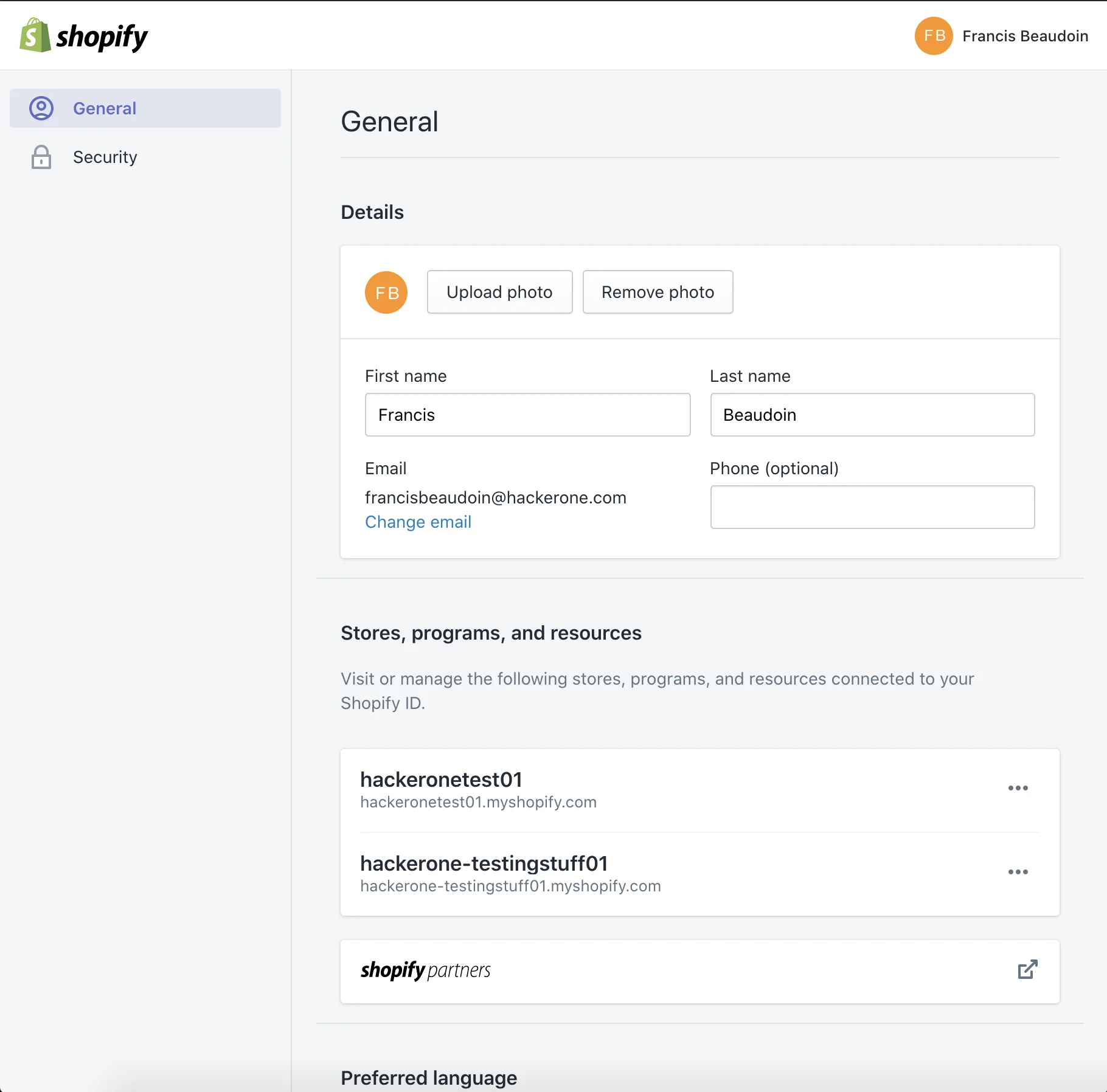
- Ability to update Staff informations even when linked to a Shopify ID
For the later one, let's say you have a Shop with two staff members: A and B (the attacker). Staff B is aware that the Shop owner is about to transfer the Shop to Staff A. By exploiting the POS access endpoint, staff B would be able to move first name, last name and email between Staff A <--> Staff B so that once the shop owner would be selecting the right Staff within the UI, we would be sending it to the wrong person.
Not written yet. The AI write-up for this report has not been written yet. The Original tab links to the source.
How it worked
Root cause
Likely the POS staff update endpoint did not require email verification before changing the staff email, and the account merge flow trusted that email as verified.
Impact
An attacker could take over accounts that lack a Shopify ID, create a verified Shopify ID with a non-verified email, and update staff information even when linked to a Shopify ID, potentially redirecting a store transfer to the wrong person.
What the attacker needed
Victim shop without Shopify ID; attacker owns an email address; partner dashboard access
The fix
Shopify deployed a change to address the issue and removed the ability to verify an email address prior to merging an account, requiring email verification for all merges.
How it was found
- Have a victim with a shop that doesn't have a Shopify ID
- Create a development store via the partner dashboard
- Change the shop email to one you own that doesn't exist in Shopify, using browser console or request interception
- Validate ownership of that email via the link sent
- Add POS to sales channels and open POS > Staff
- Save your staff page, copy the request, replace the email with the victim's email, and send it
Explained by bugbounty.wiki with AI from the original and checked against quotes from it; it can still be wrong. Read the original before relying on a detail.
Not written yet. The AI write-up for this report has not been written yet. The Original tab links to the source.
A staff email could be changed without proving you own the new address. By first verifying a different email on a store they controlled, an attacker could then change the staff email to a victim's address and merge accounts, taking over the victim's store identity.
What is Account takeover?
Getting into someone else's account through a flaw in sign-in, password reset, second factor, single sign-on or session handling.




