CSRF bypass ( Delate Source Translation From dictionaries ) in demo.weblate.org
A dictionary entry deletion endpoint on the Weblate demo site accepted a GET request without a CSRF token, so a page on another site could trigger deletion. An attacker could make a logged-in user delete a dictionary entry by getting them to load a crafted page.

- Fixed in 11 hours
- Disclosed after 11 days
Hello
I've Found CSRF in https://demo.weblate.org Sending a POST request dictionaries will delate successfully
steps to reproduce:
- go https://demo.weblate.org/ and login into your account
- now go https://demo.weblate.org/dictionaries/hello/sl/
- add new word, now delate it by CSRF
i made two exploit for attack
POC:
POC:
<!DOCTYPE html> <html> <body> <iframe src="https://demo.weblate.org/delete-dictionaries/hello/sl/5545/" style="display:none;"> </iframe> </body> </html>Just replace the delate id, and try to delate
if you need more info please let me know!
be safe
Thanks
Attachments
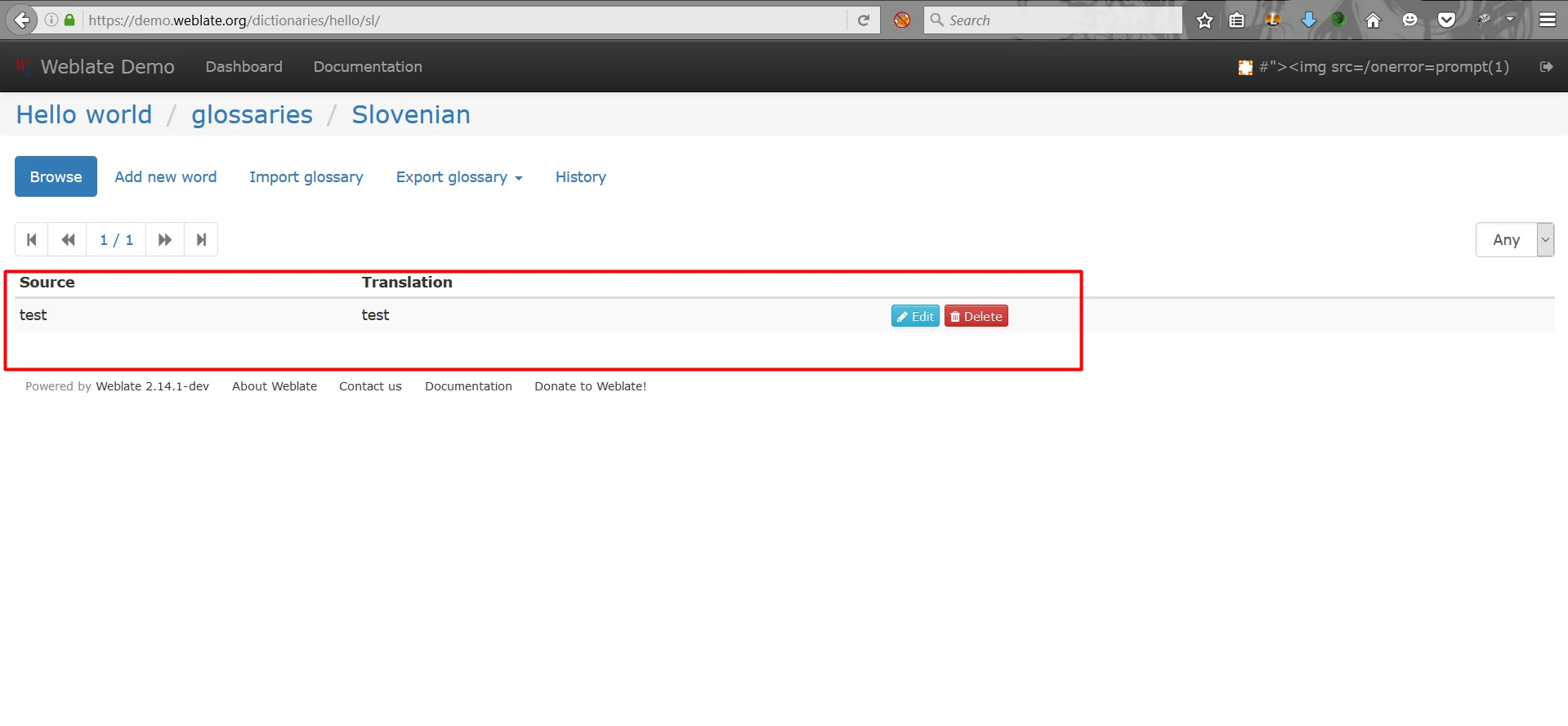
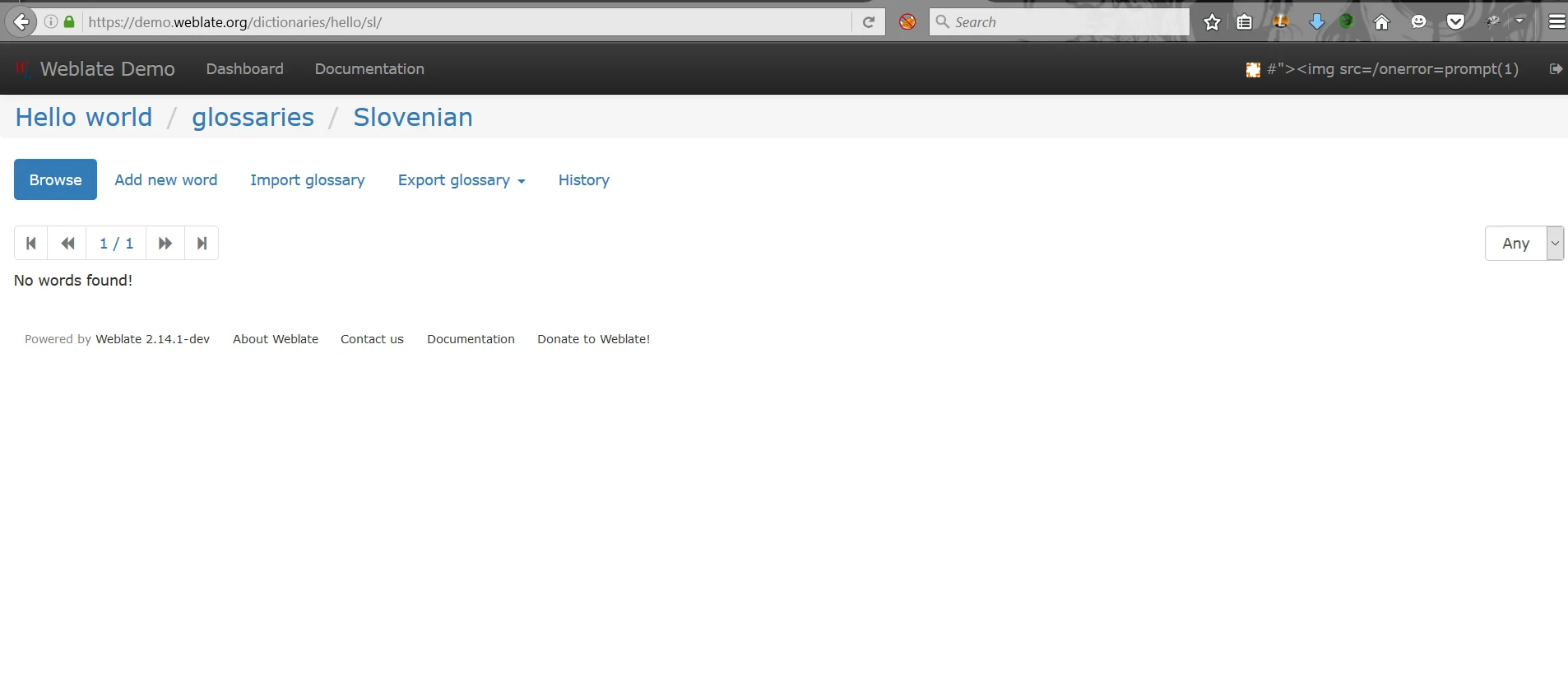
Not written yet. The AI write-up for this report has not been written yet. The Original tab links to the source.
How it worked
Root cause
Likely the delete-dictionaries endpoint performed the deletion on a GET request without validating a CSRF token.
What the attacker needed
Victim has an account and is logged in; victim visits attacker's page; attacker knows the entry id
How it was found
- Log in to the demo site.
- Open the dictionary page for a language.
- Add a new word.
- Load a page containing a hidden iframe pointing at the delete URL with the entry id.
- The entry is deleted.
Explained by bugbounty.wiki with AI from the original and checked against quotes from it; it can still be wrong. Read the original before relying on a detail.
Not written yet. The AI write-up for this report has not been written yet. The Original tab links to the source.
Websites use a secret token in forms to make sure a request really came from their own pages. Here that check was missing on a delete action, so another website could quietly send the delete request using the victim's logged-in session. This is called cross-site request forgery (CSRF).
What is CSRF?
Another site makes a signed-in user's browser perform an action they did not intend.