Running 2 accounts with a single email
A logic flaw in account email management allowed two separate accounts to end up sharing the same email address, which could cause confusion.

- Triaged in under an hour
- Fixed in under an hour
- Disclosed after 22 days
Hi,
While testing, I found a logic flaw which made me to make two accounts with a single email
###Reproduction Steps
- You need 3 emails (Gmail to be precise)
- Register 2 accounts with 2 different emails
- On account 1, add a new email (3rd email) using the Google Auth
- Then delete the previous email
- add a new email (3rd email) using the Google Auth
- Logout and Login, you'll see one with email and other with Google logo
- Delete the one with Google logo (Auth) leaving the other
- Navigate to https://myaccount.google.com/permissions and remove
Weblate - Do the same on account 2 preferably in another browser without the last step (Navigate....)
- Now 2 accounts have one email.
- Logout and login (account 2) and you'll see a message like below
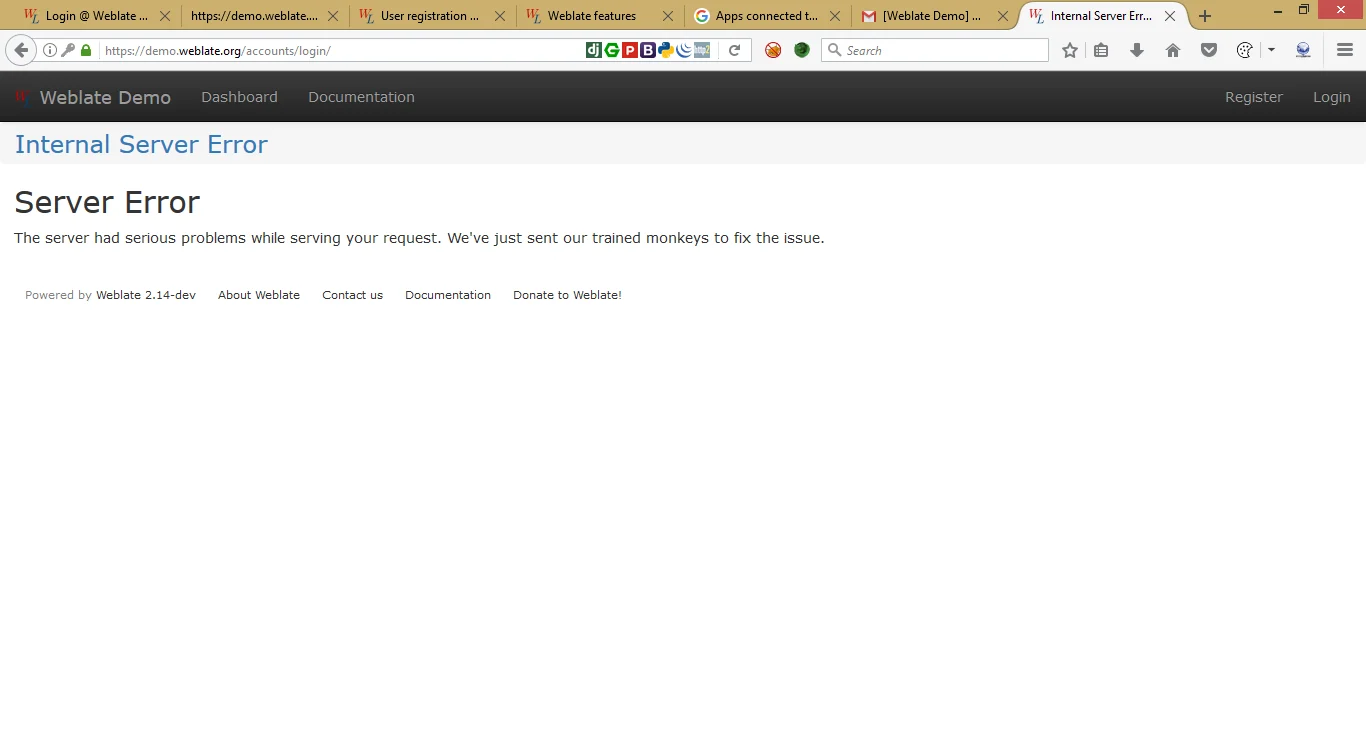
Regards, Shuaib
Not written yet. The AI write-up for this report has not been written yet. The Original tab links to the source.
How it worked
Root cause
Likely the application did not enforce uniqueness of email addresses across accounts when linking or unlinking third-party authentication providers.
What the attacker needed
Three email addresses; access to Google account permissions
How it was found
- Register two accounts with two different emails.
- On account 1, add a third email using Google Auth, then delete the previous email.
- Add the third email again using Google Auth, then log out and log in to see one account with email and one with Google logo.
- Delete the account with the Google logo, then remove Weblate from Google permissions.
- On account 2, repeat the process but skip the Google permissions removal step.
- Log out and log in to account 2 to see the duplicate email message.
Explained by bugbounty.wiki with AI from the original and checked against quotes from it; it can still be wrong. Read the original before relying on a detail.
Not written yet. The AI write-up for this report has not been written yet. The Original tab links to the source.
This report describes a bug where the website's account system did not properly check that an email address was unique. By adding and removing linked Google accounts in a certain order, the same email could be attached to two different user accounts. This breaks the normal rule that each email should belong to only one account.
What is Business logic?
The application works as coded but not as intended: a negative price, a skipped payment step, a limit that can be crossed.