Uploaded XLF files result in External Entity Execution
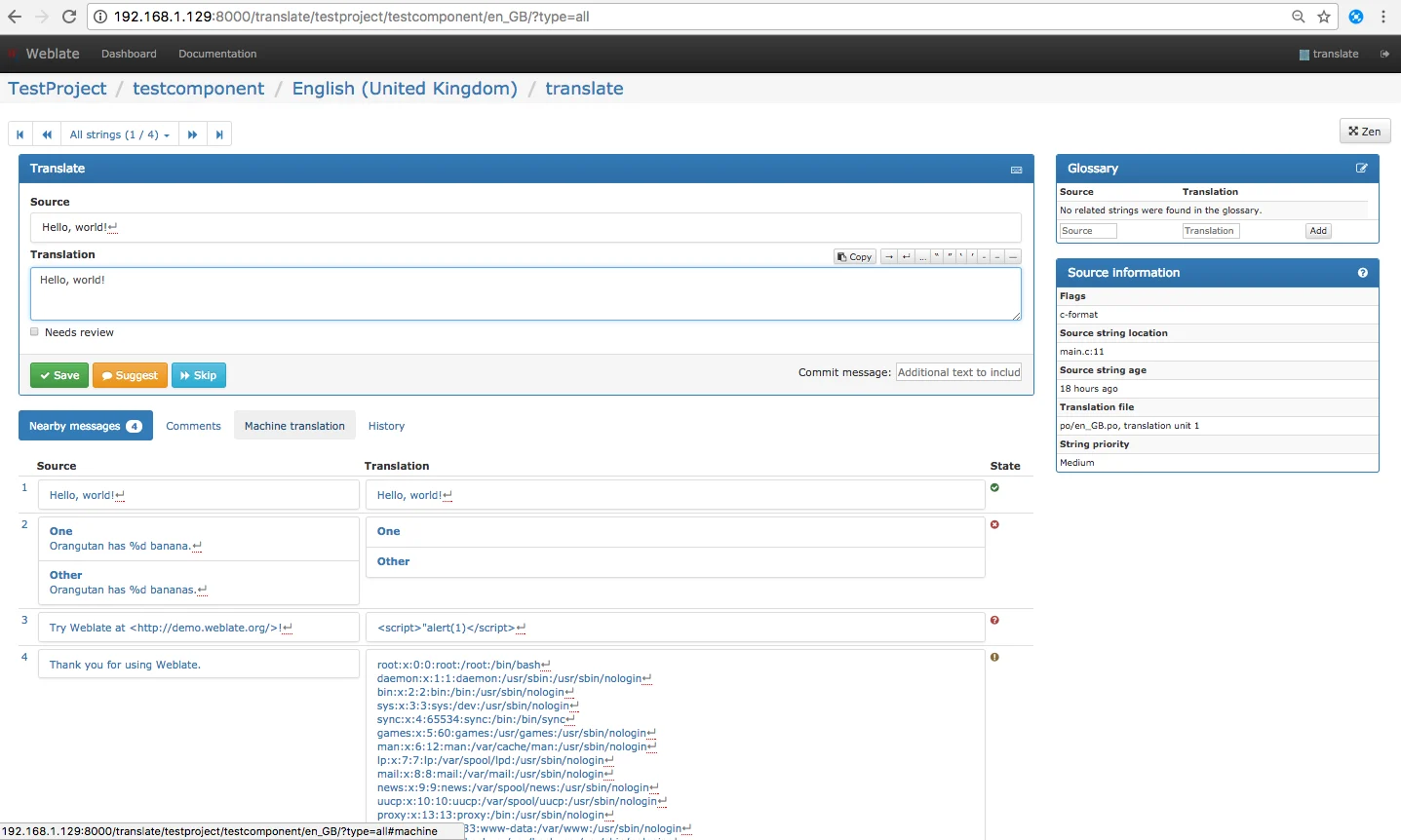
Weblate's translation file upload feature processes XLF files with an XML parser that resolves external entities, allowing a user with upload permission to read arbitrary files on the server. The reporter demonstrated reading the system password file and displaying it as a translation.

- Triaged in 3 days
- Fixed in 5 days
- Disclosed after 5 days
Summary:
Weblate users in the Translate group (or those with the ability to upload translation files) can trigger XML External Entity Execution. This is a well known and high/critical vector of attack that often can completely compromise the security of a web application or in some cases lead to Remote Code Execution (although I do not expect it to be an easy RCE in this case).
Description:
The XML External Entity Execution allows for arbitrary reading of files on the server using a relatively obscure aspect of the XML language. It is generally considered high or critical severity, most notably Google places it at the same severity as remote code execution because of the potential for Server-Side Request Forgery, Remote Code Exection, and arbitrary File Read.
The mitigating factors here for you are that some account priveleges are required to upload tranlation files, although by default this gets rolled into the @Translate group. Also because your web server is python based it is not vulnerable to the trivial RCE that PHP servers are commonly vulnerable to.
The core of the vulnerability is in how the translate-toolkit processes .XLF files. The XLIFF standard is XML based, and thus supports by default standard XML functionality including external entity execution.
In my proof of concept, I dowloaded as .XLF the translations of the "hello" project which is being pointed to by my local Weblate instance. A minor modification shown in the steps below results in the /etc/passwd file out through the UI for review as a translation, although much worse things can be done - this is just to prove the vulnerability exists. For more details search for "XML External Entity Exploit"
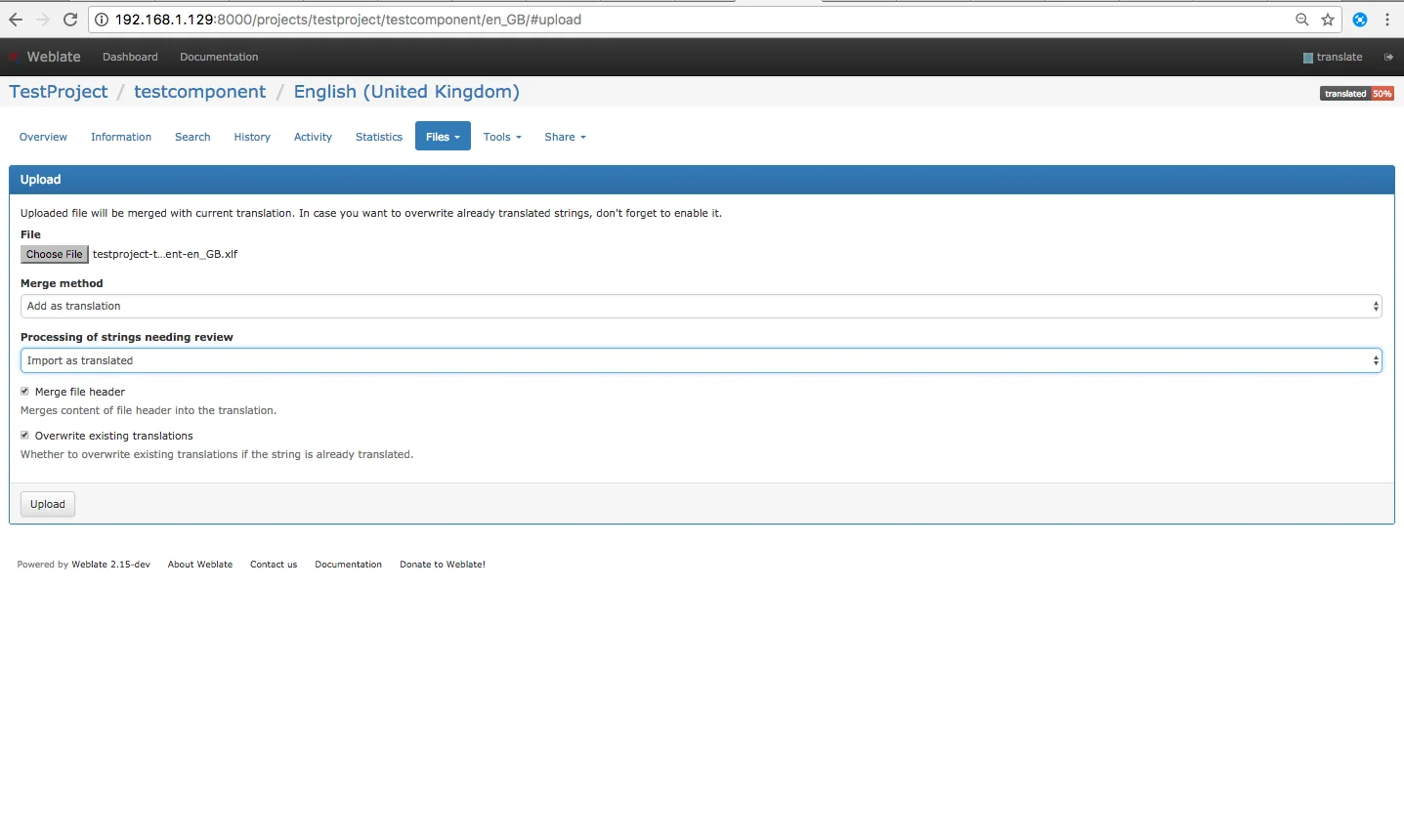
See the attached screenshots and exploit XML file for evidence of the vulnerability.
Version:
I tested this against the latest stable source available a couple fo days ago (~May 26) running "Weblate 2.15-dev"
Steps to Reproduce
(I have included a live exploit testproject-testcomponent-en_GB.xlf that works with the "hello" data backing the demo website.)
- Log in as a user that has permission to upload translation files.
- Go to a component, and download its translations as XLF
- Add the following two lines after the "<?xml" tag, and replace one of the translation texts with "&xxe;" :
<!DOCTYPE foo [ <!ELEMENT foo ANY >
<!ENTITY xxe SYSTEM "file:///etc/passwd" >]>
- Upload the file back to the server
- Observe the contents of the passwd file as a translation
Attachments
Not written yet. The AI write-up for this report has not been written yet. The Original tab links to the source.
How it worked
Root cause
Likely the XML parser used by translate-toolkit resolves external entities by default when processing uploaded XLF files.
Impact
An authenticated user with upload permission could read arbitrary files on the server, potentially leading to further compromise, though the Python-based server reduces the likelihood of trivial remote code execution.
What the attacker needed
Account with permission to upload translation files
How it was found
- Log in as a user with permission to upload translation files.
- Download a component's translations as XLF.
- Insert a DOCTYPE declaration defining an external entity that points to a local file, and reference that entity in a translation text.
- Upload the modified file back to the server.
- Observe the contents of the local file displayed as a translation.
Explained by bugbounty.wiki with AI from the original and checked against quotes from it; it can still be wrong. Read the original before relying on a detail.
Not written yet. The AI write-up for this report has not been written yet. The Original tab links to the source.
XML files can include special instructions called entities that pull in content from elsewhere. If a program processes these instructions without blocking them, an attacker can make the program read local files and show their contents. Here, uploading a crafted translation file let the attacker see a sensitive system file.
What is XXE?
An XML parser resolves entities the attacker defines, reading local files or making the server send requests.