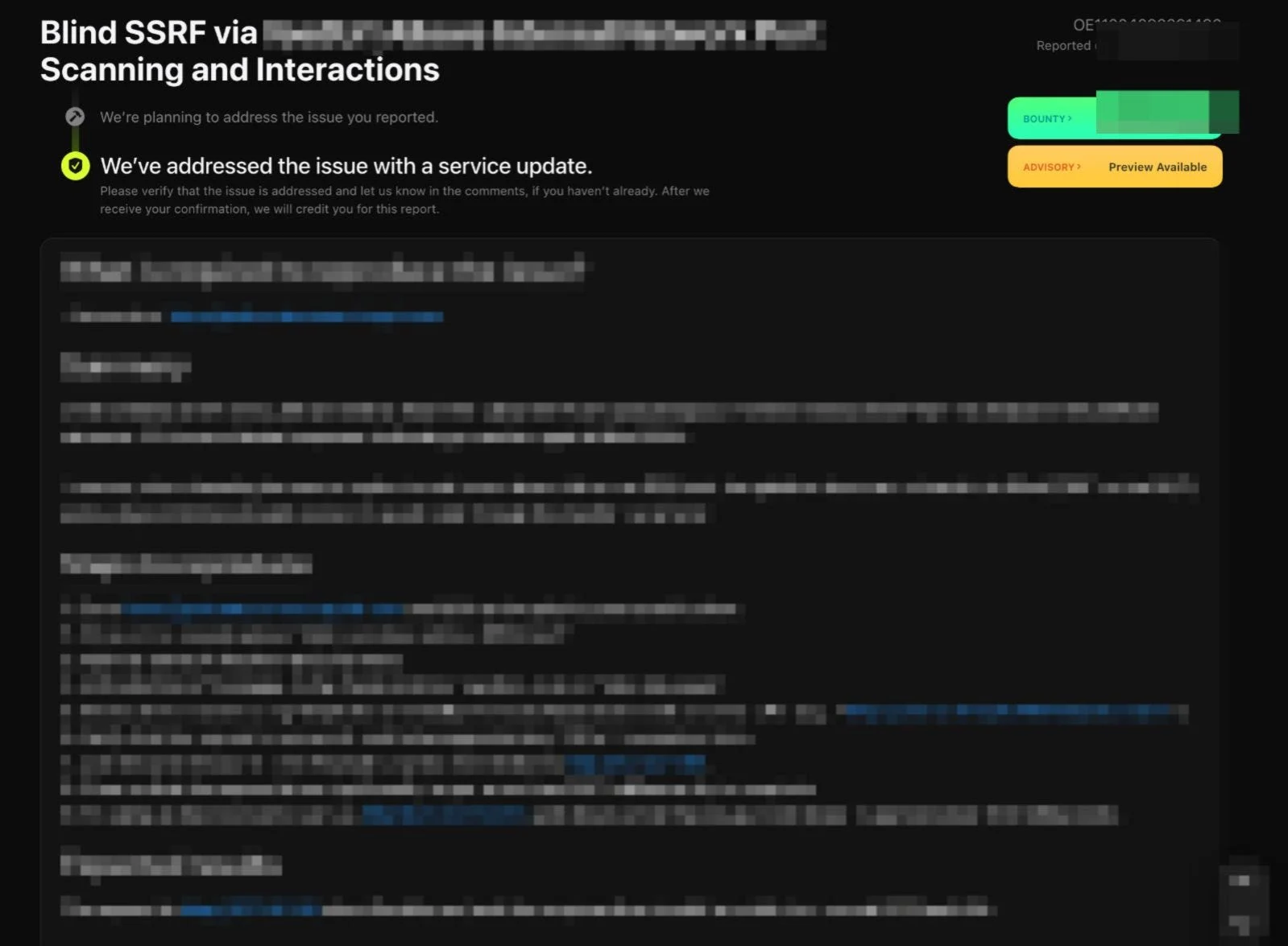
Apple HOF (August 2026): Unmasking a Blind SSRF in Podcasts Connect
The secondary show-creation flow in Apple Podcasts Connect failed to validate the feedUrl parameter, allowing the server to make outbound requests to internal addresses. Although responses were not returned, timing differences let an attacker infer whether internal ports were open, closed or filtered.

Hacking
The full write-up lives on its author's site
It belongs to its author, so we link to it rather than copy it. The other two tabs are our own rewrites, checked against it.
Context
Apple Podcasts Connect is the platform Apple provides for managing shows and episodes. One of its core features is adding a show by pointing the platform at an RSS feed, which the backend then fetches and ingests. The report covers a security assessment of that platform, and specifically the difference between two ways of creating a show: the primary "Add show with RSS Feed" flow, and the alternative "Add new show without RSS Feed" flow.
The primary RSS ingestion pipeline was protected against server-side request forgery: attempts to abuse it returned 403 Forbidden. The alternative manual-entry flow, however, still accepted a feedUrl value and passed it to a backend service that fetched it. The response body was never returned to the user, so the flaw was blind, but the timing of the response leaked information about the target of the request.

The report was validated, patched and acknowledged by the Apple Product Security team, earning a place on the Apple Security Hall of Fame.
Setup
- A logged-in account on Podcasts Connect.
- Access to the "Add a Show" section and the secondary option "Add new show without RSS Feed".
- An intercepting proxy, such as Burp Suite, to capture and modify the show update request.
- No special role or privilege is described beyond being able to create a show.
The identifiers and UUIDs used during testing were redacted in the published report.
Finding it
The starting point was the asymmetry between the two creation flows. The primary flow, which ingests a real RSS feed, had robust SSRF protections and answered 403 Forbidden when pushed towards internal addresses. The secondary flow, which lets a user create a show manually and then optionally attach an RSS feed through a "More Options" section, did not apply the same restrictions to the feedUrl parameter. The backend service attempted to fetch whatever URL was supplied.
Because the fetched content was not reflected back to the user, the request itself produced no direct output. What made the weakness observable was the application's error handling and socket timeout behaviour: a URL pointing at a filtered or open port stalls until a connection timeout, while a URL pointing at a closed port fails immediately with a connection refused. That difference in latency is a measurable time-based side channel.
Exploitation
Step 1: reach the secondary creation flow
- Log in to Podcasts Connect and go to the "Add a Show" section.
- Select the secondary option, "Add new show without RSS Feed".
- Enter a dummy show name and continue to the next step.
- In the "More Options" section at the bottom, locate the "Add RSS Feed" field.
This is the field whose value ends up in the feedUrl parameter of the request below.
Step 2: capture the update request
- Intercept the request that saves the show, using a proxy tool such as Burp Suite:
PUT /podcasts/pcc/v1/shows/{uuid}
The {uuid} identifies the show being edited. The request carries the feedUrl parameter, which is the value under test.
Step 3: establish a baseline with an external URL
- Point
feedUrlat a standard external URL, for example a public RSS feed. The response comes back quickly and normally, in roughly 300ms.
This baseline matters: it shows what a successful outbound fetch looks like in terms of latency, so that later differences can be attributed to the target address rather than to general server load.
Step 4: probe a filtered or open port
- Change
feedUrlto a localhost address on a port that is open or filtered:
http://[redacted]:80
- Send the request and watch the response time. It increases significantly, for example beyond 5,000ms, because the connection attempt runs into a timeout.
Step 5: probe a closed port
- Change
feedUrlto a localhost address on a port that is definitively closed:
http://[redacted]:65535
- The response time drops back to a fast state, under 1,000ms, because the connection is refused immediately.
The contrast between the timeout on port 80 and the immediate refusal on port 65535 is the signal. By repeating this for different ports and addresses, the state of internal ports can be inferred from latency alone, without ever seeing a response body.
Root cause
The weakness was the lack of strict outbound request validation on the secondary show-creation endpoint. The primary RSS ingestion pipeline enforced SSRF protections, but the alternative manual-entry flow did not sanitise or restrict the feedUrl parameter, and the backend service blindly attempted to fetch the supplied URL.
Two design choices turned that into an exploitable information leak rather than a silent failure. First, the response body was not reflected to the user, which is what made the SSRF blind. Second, the error handling and socket timeout behaviour differed between a refused connection and a timed-out one, which produced the measurable latency difference. The report does not describe the underlying code, so the exact implementation of the fetch and its timeout handling is not stated.
Impact
Although the SSRF was blind, the report describes the impact as significant:
- Internal network port scanning: an attacker could map open, closed or filtered ports on the local server (
[redacted]) or on other internal IP addresses. - Service discovery: identifying open ports allows an attacker to infer the presence of internal administrative dashboards, metadata services or legacy applications.
- Foundation for further attacks: combined with other vulnerabilities, such as a separate information disclosure or a misconfigured internal service, the SSRF could serve as a pivot point for deeper network compromise.
The impact is bounded by the blind nature of the flaw: the attacker learns about reachability and timing, not the content returned by internal services.
Fix
After initial scepticism, the researcher supplied a video-based proof of concept showing the millisecond discrepancies between open and closed ports. The Apple Product Security team investigated and deployed a comprehensive fix:
- Input validation: the
feedUrlparameter is now strictly validated against allowlists and blocked if it points to internal IP ranges such as[redacted]/8and[redacted]/8. - Uniform error handling: attempts to trigger the vulnerability now immediately return a
403 Forbiddenresponse with the body:
{"message": "access denied"}
- Response time normalisation: all rejected requests now resolve in under 400ms, which removes the time-based side channel.
The broader lesson in the report is that protecting one path is not enough when an alternate path is left unguarded.
Variants to test
- Parallel creation flows: whenever a product offers a primary and an alternative way to reach the same backend action, test the alternative with the same payloads. A positive result is a different response code, body or latency from the two paths for the same input.
- Timing-based port probing: submit internal addresses on known-open, filtered and closed ports and compare latency. A positive result is a consistent, repeatable gap between timeout and connection-refused responses.
- Address range coverage: try loopback, private ranges and other internal targets, including metadata service addresses, and check whether the allowlist or blocklist covers each of them. A positive result is any internal address that is still fetched.
- Error message differences: compare the responses for blocked and allowed URLs. A positive result is a distinct status or body that confirms the server attempted the fetch.
- Post-fix regression: after a fix is announced, retest the same parameter with internal addresses and measure latency. A positive result is any request that still resolves outside the normalised timing or returns something other than the uniform denial.
What happened, in plain words
Apple Podcasts Connect is a website that podcast makers use to manage their shows. One of the things it can do is take a web address (a link) for a podcast feed and go and fetch that feed for you, so the show appears in the system. A podcast feed is just a file on the internet that lists a show's episodes; podcast apps read it to know what to download.
A security researcher was testing this website. He found that the main way of adding a show by feed was protected: if you tried to make the server fetch an internal address, it refused with an error. But there was a second, alternative way of creating a show, one where you type the details in by hand and can optionally attach a feed later. That second path did not have the same protection. It would try to fetch any address you gave it, including internal addresses such as localhost.
The server never showed the researcher what it got back from those internal addresses, so he could not read any data. That is why this kind of bug is called blind. But he noticed something else: the server took a long time to answer when the address pointed at a port that was open or filtered, and answered almost instantly when the port was closed. By timing the responses, he could infer the state of internal ports. That is enough to map a network without ever seeing its contents.
Apple's security team checked the report, fixed the problem, and put the researcher on the Apple Security Hall of Fame, a public list of people who have reported valid security issues to Apple.
The issue was validated, patched and acknowledged by the Apple Product Security team.
The words you need first
Before the steps make sense, a few ideas need to be clear. None of them require any security background.
- Server: the computer, somewhere in a data centre, that runs the website. When you click something, your browser sends a request to that computer and it sends back an answer.
- Request: the message your browser sends to a server. It says what you want, for example "save this show" or "show me this page".
- API: a way for one piece of software to talk to another, using fixed addresses and fixed formats instead of web pages meant for humans. Think of it as the service counter at the back of a shop: you do not browse the shelves, you hand over a specific form and get a specific answer. Podcasts Connect has an API behind its web pages, and the researcher intercepted its requests with a proxy.
- Endpoint: one specific address in an API, the equivalent of one counter window.
PUT /podcasts/pcc/v1/shows/{uuid}is one endpoint. - Parameter: a named value you send along with a request, like a field on a form.
feedUrlis a parameter: it holds the web address of a feed. - UUID: a long random-looking identifier, used so the server knows exactly which show you mean. In the published report these were blanked out, shown as
{uuid}. - Proxy / Burp Suite: a tool that sits between your browser and the server. Your browser sends its request to the tool, the tool lets you read and change it, and then forwards it on. Burp Suite is a well-known program for this. It is how you edit a request after the website has built it but before the server sees it.
- SSRF (Server-Side Request Forgery): a bug where you can make the server send a request of your choosing. Normally only your browser makes requests, and only to places you are allowed to reach. With SSRF, the server becomes your puppet and can be sent to places your browser cannot go, such as internal machines. The everyday comparison: you cannot get into the staff-only back room, but you can hand a note to an employee and ask them to fetch something from it. If the employee does not check the note, they walk into the back room for you.
- Blind SSRF: an SSRF where the server does not show you what came back. You know a request was made, but you cannot read the reply. It is like asking someone to shout into a closed room: you cannot hear the answer, but you can still learn things from how long they take.
- Localhost /
[redacted]: the address a computer uses to refer to itself. If the server is told to fetch[redacted], it is talking to its own machine, not to the internet. - Port: a numbered door on a computer. One machine can run many services, each listening on its own port number. Port 80 is the usual door for ordinary web traffic; port 65535 is the highest possible number and is often unused.
- Open, filtered and closed ports: an open port has a service listening and answers. A closed port has nothing listening and refuses immediately. A filtered port is blocked by a firewall, so the connection attempt just hangs until it gives up. That hang is called a timeout.
- Latency / response time: how long the server takes to answer, measured in milliseconds (ms). 1,000ms is one second.
- Side channel: information you learn without being told it directly. Here, the side channel is time: the delay in the answer tells you something the answer itself does not.
403 Forbidden: the standard HTTP status code for "you are not allowed to do this".
Setting up
The researcher needed:
- A logged-in account on Podcasts Connect.
- Access to the "Add a Show" section, and specifically the secondary option "Add new show without RSS Feed".
- An intercepting proxy such as Burp Suite, to capture and change the request that saves a show.
No special role or extra privilege is described beyond being able to create a show. The identifiers and UUIDs used during testing were redacted in the published report.
Finding it
The starting point was a difference between two ways of doing the same thing. The main flow, where you add a show by giving it a real RSS feed, had solid SSRF protection: when pushed towards internal addresses it answered 403 Forbidden. The second flow, where you create a show manually and can optionally attach a feed through a "More Options" section, did not apply the same restrictions to the feedUrl parameter. The backend service simply tried to fetch whatever address was supplied.
Because the fetched content was never shown back to the user, the request produced no visible output. What made the weakness observable was how the application handled errors and connection timeouts. An address pointing at a filtered or open port stalls until the connection times out, while an address pointing at a closed port fails immediately with a connection refused. That difference in delay is a measurable time-based side channel.
Exploitation
Step 1: reach the secondary creation flow
- Log in to Podcasts Connect and go to the "Add a Show" section.
- Select the secondary option, "Add new show without RSS Feed".
- Enter a dummy show name and continue to the next step.
- In the "More Options" section at the bottom, locate the "Add RSS Feed" field.
Why this order: the researcher deliberately took the alternative route, not the main one. The main route was protected, so the alternative route was the one worth testing. The field found in step 4 is the one whose value ends up in the feedUrl parameter of the request below. Finding the field in the browser first tells you which parameter to look for once you intercept the traffic.
Step 2: capture the update request
- Intercept the request that saves the show, using a proxy tool such as Burp Suite:
PUT /podcasts/pcc/v1/shows/{uuid}
Line by line:
PUTis the type of request. It means "create or replace this thing". Here it means "save the show with these details"./podcasts/pcc/v1/shows/{uuid}is the path, the address of the endpoint on the server.podcastsandpccare parts of the internal structure,v1is the version of the API, andshowssays we are working with shows.{uuid}is a placeholder for the identifier of the specific show being edited. The real value was removed from the published report.
The request also carries the feedUrl parameter, which is the value under test. Intercepting is the key move: the website builds the request for you, and the proxy lets you change it before it reaches the server, so you can put in addresses the website's own form would never let you type.
Step 3: establish a baseline with an external URL
- Point
feedUrlat a standard external URL, for example a public RSS feed. The response comes back quickly and normally, in roughly 300ms.
Why: before you can say "this address is slow", you need to know what normal looks like. A public feed is a fetch that is supposed to succeed. If that takes about 300ms, then a later answer that takes five seconds is not just the server being busy; something about the target address is different. This baseline is what makes every later measurement meaningful.
Step 4: probe a filtered or open port
- Change
feedUrlto a localhost address on a port that is open or filtered:
http://[redacted]:80
Line by line:
http://says to use ordinary web traffic.[redacted]is the server talking to itself, its own loopback address.:80is the port, the standard door for web traffic.
- Send the request and watch the response time. It increases significantly, for example beyond 5,000ms, because the connection attempt runs into a timeout.
Why: if something is listening on port 80, or a firewall is silently dropping the connection, the server's attempt does not fail fast. It waits, and waits, until it gives up. That wait is visible to you as a slow answer. You never see what is behind the door, but the delay tells you the door is not simply shut.
Step 5: probe a closed port
- Change
feedUrlto a localhost address on a port that is definitively closed:
http://[redacted]:65535
Line by line:
- Same as before, but
:65535is the highest port number possible, chosen because nothing is expected to be listening there.
- The response time drops back to a fast state, under 1,000ms, because the connection is refused immediately.
Why: a closed port does not make you wait. The machine answers straight away saying, in effect, "nothing here". So the answer is quick. The contrast between the timeout on port 80 and the immediate refusal on port 65535 is the whole signal. Repeat it for different ports and addresses, and you can infer the state of internal ports from latency alone, without ever seeing a response body.
Why it worked
The weakness was the lack of strict outbound request validation on the secondary show-creation endpoint. The main RSS ingestion pipeline enforced SSRF protections, but the alternative manual-entry flow did not sanitise or restrict the feedUrl parameter, and the backend service blindly attempted to fetch the supplied URL.
Two design choices turned that into an exploitable information leak rather than a silent failure. First, the response body was not reflected to the user, which is what made the SSRF blind. Second, the error handling and socket timeout behaviour differed between a refused connection and a timed-out one, which produced the measurable latency difference. The report does not describe the underlying code, so the exact implementation of the fetch and its timeout handling is not stated.
What an attacker could do with it
Although the SSRF was blind, the report describes the impact as significant:
- Internal network port scanning: an attacker could map open, closed or filtered ports on the local server (
[redacted]) or on other internal IP addresses. - Service discovery: identifying open ports allows an attacker to infer the presence of internal administrative dashboards, metadata services or legacy applications.
- Foundation for further attacks: combined with other vulnerabilities, such as a separate information disclosure or a misconfigured internal service, the SSRF could serve as a pivot point for deeper network compromise.
The impact is bounded by the blind nature of the flaw: the attacker learns about reachability and timing, not the content returned by internal services. In everyday terms, you learn which doors in the building exist and whether they are locked, but you cannot see what is in the rooms.
The fix
After initial scepticism, the researcher supplied a video-based proof of concept showing the millisecond discrepancies between open and closed ports. A proof of concept is a small, repeatable demonstration that the bug is real; a video is persuasive because it shows the timing with your own eyes. The Apple Product Security team investigated and deployed a comprehensive fix:
- Input validation: the
feedUrlparameter is now strictly validated against allowlists and blocked if it points to internal IP ranges such as[redacted]/8and[redacted]/8. An allowlist is a list of things that are permitted; anything not on it is refused.[redacted]/8and[redacted]/8are ranges of addresses reserved for internal use, so blocking them stops the server being pointed at itself or its neighbours. - Uniform error handling: attempts to trigger the vulnerability now immediately return a
403 Forbiddenresponse with the body:
{"message": "access denied"}
Line by line: this is a small JSON object, a common format for data exchanged between software. It has one field, message, whose value is access denied. Blocked attempts now return the same 403 response with the same body.
- Response time normalisation: all rejected requests now resolve in under 400ms, which removes the time-based side channel. If every refusal takes the same short time, timing tells you nothing.
The broader lesson in the report is that protecting one path is not enough when an alternate path is left unguarded.
Variants to test
These are the generalised checks the report draws out, useful when you look at a similar product:
- Parallel creation flows: whenever a product offers a primary and an alternative way to reach the same backend action, test the alternative with the same payloads. A positive result is a different response code, body or latency from the two paths for the same input.
- Timing-based port probing: submit internal addresses on known-open, filtered and closed ports and compare latency. A positive result is a consistent, repeatable gap between timeout and connection-refused responses.
- Address range coverage: try loopback, private ranges and other internal targets, including metadata service addresses, and check whether the allowlist or blocklist covers each of them. A positive result is any internal address that is still fetched.
- Error message differences: compare the responses for blocked and allowed URLs. A positive result is a distinct status or body that confirms the server attempted the fetch.
- Post-fix regression: after a fix is announced, retest the same parameter with internal addresses and measure latency. A positive result is any request that still resolves outside the normalised timing or returns something other than the uniform denial.
Glossary
- API: a fixed way for software to talk to software, with defined addresses and formats, rather than pages meant for people.
- Allowlist: a list of things that are permitted; anything not on the list is refused.
- Baseline: a normal measurement taken first, so later differences can be judged against it.
- Blind SSRF: an SSRF where the server does not show you the response, so you learn only indirectly.
- Burp Suite: a tool that sits between your browser and a server so you can read and change requests.
- Closed port: a port with nothing listening, which refuses a connection immediately.
- Endpoint: one specific address in an API that performs one action.
- Filtered port: a port blocked by a firewall, so a connection attempt hangs until it times out.
403 Forbidden: the HTTP status meaning you are not allowed to do this.- JSON: a simple text format for structured data, made of names and values.
- Latency: how long a server takes to answer, usually in milliseconds.
- Open port: a port with a service listening that accepts connections.
- Parameter: a named value sent with a request, like a field on a form.
- Port: a numbered door on a computer through which a particular service is reached.
- Proof of concept (PoC): a small, repeatable demonstration that a bug is real.
- Proxy: a tool or service that sits between two parties and forwards traffic, optionally letting you inspect or change it.
- Request: the message a browser or tool sends to a server asking it to do something.
- Response time: see latency.
- RSS feed: a file on the internet listing a podcast's episodes, which apps read to know what to download.
- Server: the computer that runs a website and answers requests.
- Side channel: information learned indirectly, here from timing rather than from the answer itself.
- SSRF (Server-Side Request Forgery): a bug where you can make the server send a request of your choosing, including to internal machines.
- Timeout: the point at which a stalled connection attempt gives up.
- UUID: a long random-looking identifier used to refer to one specific item.




