Crazy Simple Insecure Design & 300$ Bounty!
The website builder platform allowed users to replace the uploaded image URL with an IP logger URL before saving to the profile, and due to misconfigured same-origin policy, the logger executed when a victim visited the project dashboard, revealing the victim's IP, location, ISP, and user agent. The same issue was found in the site builder section.
 Published on mr23r0.medium.com
Few months ago I’ve found an article of IP Grabber Bug which is also known as “pixel that steals data” here you can learn basics about this pixel data stealer bug..
The full write-up lives on its author's site
It belongs to its author, so we link to it rather than copy it. The other two tabs are our own rewrites, checked against it.
Context
Saransh Saraf (@mr23r0) describes a class of logical bug he calls "Insecure Design", found on a website builder platform. The platform lets a user create other websites, and for that it offers a team project feature. The report refers to the target only as target.com and to the subdomain he was looking at as sub.target.com.
The bug is a variant of the "pixel that steals data" / IP grabber idea: a tracking pixel or image URL that, when loaded by a victim's browser, records the victim's IP address, location, ISP and User Agent. The report links to an earlier article by shahjerry33 for the basics of that technique.

The image is captioned "Insecure Design : Asset verification error leads to information disclosure", which frames the whole write-up: the application trusts an asset URL supplied by the client without verifying it.
Setup
The report does not describe any accounts, roles, tools or versions. The attack uses an IP logger endpoint (referred to as the "IP Logger BIN (URL)") to substitute for the legitimate image URL. The researcher mentions that a few months earlier he had read the article on the pixel data stealer bug, which gave him the idea.
Finding it
While testing target.com, a website builder platform, he had not found much, so he looked for unusual bugs. On the console tab of a subdomain, sub.target.com, he saw a 403 error on a third-party service the website was using. Investigating it, he found it was caused by Same-Origin and CORS implementation. That reminded him of the same-origin policy: a document or script loaded by one origin is restricted in how it can interact with a resource from another origin. He started thinking about how to implement the pixel data stealer in this context.
Because the site lets users create other websites, there is an option to create a team project. He explored and intercepted the Settings requests of the project dashboard.
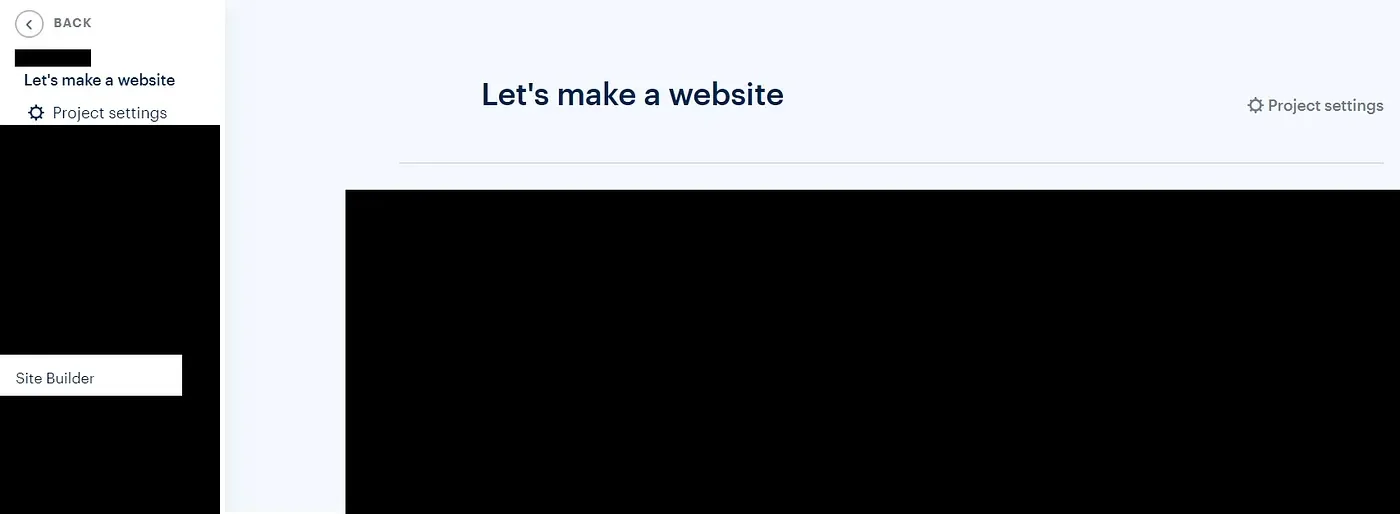
The screenshot shows the Project Dashboard where the team project is managed.
Exploitation
The workflow he found for the project logo is the core of the issue:
Project Logo → Upload → Back to frontend with URL → Then Save it to User Profile (From the Front end)
The application uploads the image, returns a URL to the frontend, and then the frontend sends that URL back to be saved to the user profile. The URL is therefore attacker-controlled at save time.
Step 1: Upload an image
Upload an image to any logo or image upload form.
Step 2: Check the response
See whether the response comes back with the uploaded asset.
Step 3: Save
Hit the save button.
Step 4: Inspect the save request
See whether the application is sending the image URL in the request.
Step 5: Replace the URL
If it is, replace the image URL with the IP logger BIN (URL) before the request is sent. The application then saves the attacker's URL to the user profile.
He expected the same-origin policy to block this, ignored the concern and tested the attack anyway. It turned out the same-origin configuration was misconfigured and the attack succeeded: he obtained the IP, location, ISP and User Agent of the victim. The victim only has to visit the project dashboard on their end for the logger to fire.
He then explored further and found the same issue in the Site Builder section.
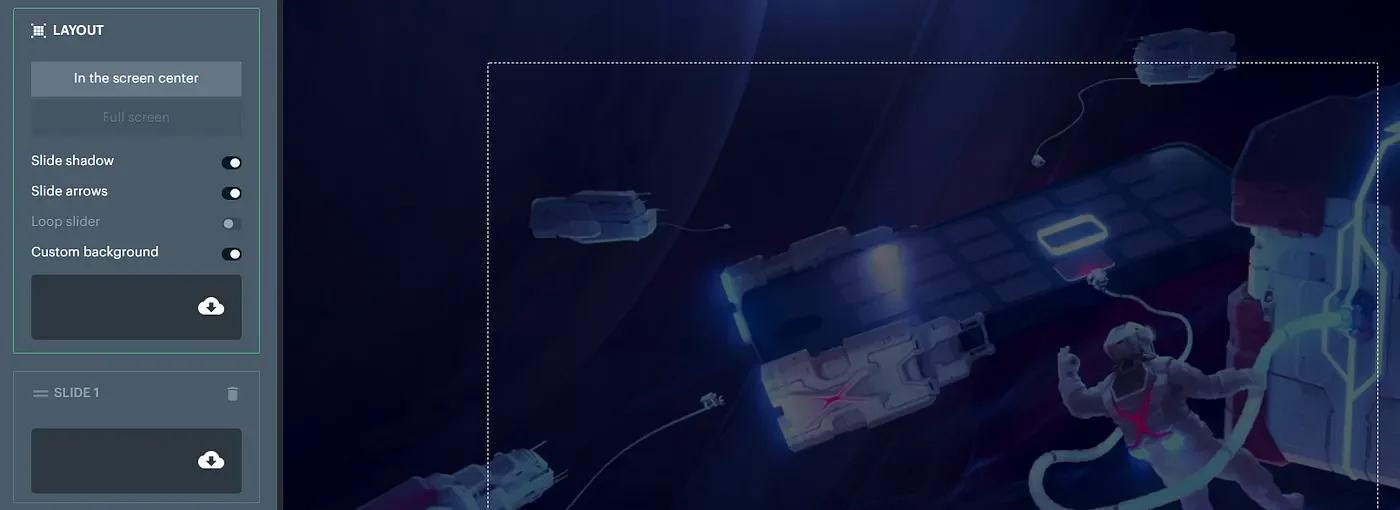
The screenshot shows the Site Builder section, where he found the same issue.
In total the issues earned 300 USD: 2 resolved issues, 1 more triaged and 3 active submissions at the time of writing. The report does not include the raw HTTP requests or responses, and states that the PoC would be released later.
Root cause
The design trusts a client-supplied asset URL. The frontend receives the uploaded image URL and sends it back when saving the profile, and the backend stores whatever URL arrives without verifying that it points to an asset the application itself hosts or has authorised. The victim only has to visit the project dashboard for the logger to fire. The same-origin policy did not stop it because, as the researcher found, the relevant configuration was misconfigured; the report does not detail the exact configuration.
Impact
An attacker who can set a project logo or a Site Builder asset can collect the IP address, location, ISP and User Agent of anyone who views the affected dashboard, with no action from the victim beyond visiting the page.
Fix
Based on the described workflow, the application should verify on the server that a submitted asset URL refers to an asset uploaded through the platform (for example by matching it against stored upload records or re-hosting the image server-side) rather than accepting an arbitrary URL from the frontend.
Variants to test
- Any profile, logo, avatar or banner upload that returns a URL to the frontend and then saves that URL: intercept the save request and substitute an IP logger URL. A positive result is the logger recording a request when the profile page is viewed.
- Site Builder or page editor fields that accept image URLs directly: substitute the logger URL and view the published page. A positive result is a hit from the viewer's browser.
- Email templates, signatures or notification settings that render remote images: substitute the logger URL and trigger the notification. A positive result is a hit when the recipient opens the message.
- Any place where the frontend sends back a URL it received from an upload response: check whether the server re-validates it. A positive result is the server accepting a URL it did not issue.
What happened, in plain words
Saransh Saraf (@mr23r0) found a class of logical bug that he calls "Insecure Design" on a website builder platform. A website builder is an online service that lets you put together a website by clicking things in a browser, without writing code yourself. This particular platform also lets a user create other websites, and to help with that it offers a team project feature, where several people can work on the same site.
In the report the platform is only ever called target.com, and the subdomain he was looking at is called sub.target.com. A subdomain is a smaller section of a larger domain: if target.com is the main building, sub.target.com is a named office inside it.
The bug is a variant of the "pixel that steals data" idea, also called an IP grabber. A tracking pixel is a tiny, often invisible image embedded in a page. When your browser loads that image, it has to ask the server that hosts it for the file, and that request carries information about you: your IP address (the number that identifies your connection on the internet), your approximate location, your ISP (the company that provides your internet) and your User Agent (a short string your browser sends to say which browser and operating system you use). If the image URL points at a server the attacker controls, the attacker sees all of that. The report links to an earlier article by shahjerry33 for the basics of the technique.
The image is captioned "Insecure Design : Asset verification error leads to information disclosure", which frames the whole write-up: the application trusts an asset URL supplied by the client without verifying it. "Asset" here just means a file the site uses, such as a logo image. "Client" means the browser side, the part running on the user's own computer, as opposed to the server, the computer that stores and serves the site.
Setting up
The report does not describe any accounts, roles, tools or versions. The attack uses an IP logger endpoint to substitute for the legitimate image URL. An endpoint is simply a URL that a service listens on and responds to; an IP logger endpoint is one that records whoever requests it. The researcher mentions that a few months earlier he had read the article on the pixel data stealer bug, which gave him the idea.
Finding it
While testing target.com, a website builder platform, he had not found much, so he looked for unusual bugs. On the console tab of a subdomain, sub.target.com, he saw a 403 error on a third-party service the website was using. The console tab is a panel in the browser's developer tools that shows messages, including errors, produced by the page. A 403 error is the standard HTTP status code for "forbidden": the server understood the request but refused to fulfil it. A third-party service is a service run by a different company that the site pulls in, for example for images, fonts or analytics.
Investigating it, he found it was caused by Same-Origin and CORS implementation. The same-origin policy is a rule built into browsers: a document or script loaded from one origin is restricted in how it can interact with a resource from another origin. An origin is the combination of scheme (http or https), host name and port, so https://sub.target.com and https://other.example are different origins. CORS, Cross-Origin Resource Sharing, is the mechanism by which a server can deliberately relax that rule and say "these other origins are allowed to read my responses". A useful comparison: the same-origin policy is like a building where each office can only open its own filing cabinets, and CORS is the written permission slip that lets a specific other office open one.
That reminded him of the same-origin policy line he had read, and he started thinking about how to implement the pixel data stealer in this context.
Because the site lets users create other websites, there is an option to create a team project. He explored and intercepted the Settings requests of the project dashboard. "Intercepting" means using a proxy tool that sits between the browser and the server so you can read and edit the requests going out and the responses coming back. A request is the message your browser sends to ask the server for something or to submit something; a response is the server's reply.
The screenshot shows the Project Dashboard where the team project is managed.
Exploitation
The workflow he found for the project logo is the core of the issue:
Project Logo → Upload → Back to frontend with URL → Then Save it to User Profile (From the Front end)
In plain words: the application uploads the image, returns a URL to the frontend, and then the frontend sends that URL back to be saved to the user profile. The URL is therefore attacker-controlled at save time. "Attacker-controlled" means the value is chosen by whoever is using the browser, not by the server, so it can be changed to anything before it is sent.
Step 1: Upload an image
Upload an image to any logo or image upload form. This is the normal, intended use of the feature, and it is done first so that the application produces its own upload response and the researcher can see what that response looks like.
Step 2: Check the response
See whether the response comes back with the uploaded asset. The point is to confirm that the server hands back a URL for the file it just stored, because that URL is the value that will later be replayed.
Step 3: Save
Hit the save button. This is the moment the profile is written, and it is the moment the interesting request is generated.
Step 4: Inspect the save request
See whether the application is sending the image URL in the request. If the browser is the one putting the URL into the save request, then the browser is the one that can be told to put a different URL there.
Step 5: Replace the URL
If it is, replace the image URL with the IP logger BIN (URL) before the request is sent. The application then saves the attacker's URL to the user profile. The victim only has to visit the project dashboard for the logger to fire.
He expected the same-origin policy to block this, ignored the concern and tested the attack anyway. It turned out the same-origin configuration was misconfigured and the attack succeeded: he obtained the IP, location, ISP and User Agent of the victim. The victim only has to visit the project dashboard on their end for the logger to fire. "Misconfigured" means the setting was present but set up wrongly, so the protection did not do its job.
He then explored further and found the same issue in the Site Builder section. The Site Builder is another section of the platform where he found the same issue.
The screenshot shows the Site Builder section, where he found the same issue.
In total the issues earned 300 USD: 2 resolved issues, 1 more triaged and 3 active submissions at the time of writing. "Triaged" means the programme has reviewed the report and accepted it as valid; "active submissions" are reports still waiting for a decision. The report does not include the raw HTTP requests or responses, and states that the PoC would be released later. A PoC, proof of concept, is a minimal demonstration that the bug is real.
Root cause
The design trusts a client-supplied asset URL. The frontend receives the uploaded image URL and sends it back when saving the profile, and the backend stores whatever URL arrives without verifying that it points to an asset the application itself hosts or has authorised. The backend is the server-side part of the application, the code that actually stores data. Because the stored value is later rendered as an image source in the project dashboard, any URL placed there is fetched by every visitor's browser, including the attacker's logging endpoint. The same-origin policy did not stop it because, as the researcher found, the relevant configuration was misconfigured; the report does not detail the exact configuration.
A comparison that helps: it is like a hotel reception that accepts a guest's own handwritten note saying "my room key should also open room 402", and files it without checking with the booking system. The note looks official because it is on the hotel's own form, but the content was never verified.
Impact
An attacker who can set a project logo or a Site Builder asset can collect the IP address, location, ISP and User Agent of anyone who views the affected dashboard, with no action from the victim beyond visiting the page.
Fix
Based on the described workflow, the application should verify on the server that a submitted asset URL refers to an asset uploaded through the platform, for example by matching it against stored upload records or re-hosting the image server-side, rather than accepting an arbitrary URL from the frontend. "Re-hosting server-side" means the server downloads the image itself and serves its own copy, so the browser never contacts an outside address.
Variants to test
- Any profile, logo, avatar or banner upload that returns a URL to the frontend and then saves that URL: intercept the save request and substitute an IP logger URL. A positive result is the logger recording a request when the profile page is viewed.
- Site Builder or page editor fields that accept image URLs directly: substitute the logger URL and view the published page. A positive result is a hit from the viewer's browser.
- Email templates, signatures or notification settings that render remote images: substitute the logger URL and trigger the notification. A positive result is a hit when the recipient opens the message.
- Any place where the frontend sends back a URL it received from an upload response: check whether the server re-validates it. A positive result is the server accepting a URL it did not issue.
Glossary
- API: a defined way for one piece of software to talk to another, usually a set of URLs that accept requests and return data.
- Asset: a file a website uses, such as an image, stylesheet or script.
- Attacker-controlled: a value that the person using the browser can choose or change, rather than one the server decides.
- Backend: the server-side part of an application, where data is stored and processed.
- Client: the browser-side part of an application, running on the user's own computer.
- CORS (Cross-Origin Resource Sharing): a mechanism by which a server tells browsers that certain other origins are allowed to read its responses.
- Endpoint: a URL that a service listens on and responds to.
- Frontend: the part of an application the user sees and interacts with in the browser.
- HTTP status code: a three-digit number in a response saying how the request went, such as 403 for forbidden.
- Insecure design: a weakness in how a feature was planned, rather than a coding mistake, so that the feature trusts something it should not.
- IP address: the number that identifies a device or connection on a network.
- IP grabber / tracking pixel: a tiny image whose URL points at a logging server, so that loading it records the visitor's IP address and related details.
- ISP: the company that provides a user's internet connection.
- Origin: the combination of scheme, host name and port that identifies where a page or resource came from.
- PoC (proof of concept): a minimal demonstration that a vulnerability is real and exploitable.
- Proxy / intercepting proxy: a tool placed between browser and server that lets you read and edit requests and responses.
- Request: a message a browser sends to a server asking for something or submitting something.
- Response: the server's reply to a request.
- Same-origin policy: a browser rule restricting how a document or script from one origin can interact with resources from another origin.
- Subdomain: a named section of a larger domain, such as
sub.target.comundertarget.com. - Triaged: reviewed by the bug bounty programme and accepted as a valid report.
- User Agent: a string a browser sends identifying itself, its version and its operating system.
- Website builder: an online service for assembling a website visually, without writing code.




