Information can be changed without a password
An attacker with access to a logged-in session can add a new email address to the account without re-authentication, then use the password reset flow to take over the account. This allows full account takeover and locking the original user out.
 Originally disclosed on HackerOne
- Triaged in 23 hours
- Fixed in 4 months
- Disclosed after 5 months
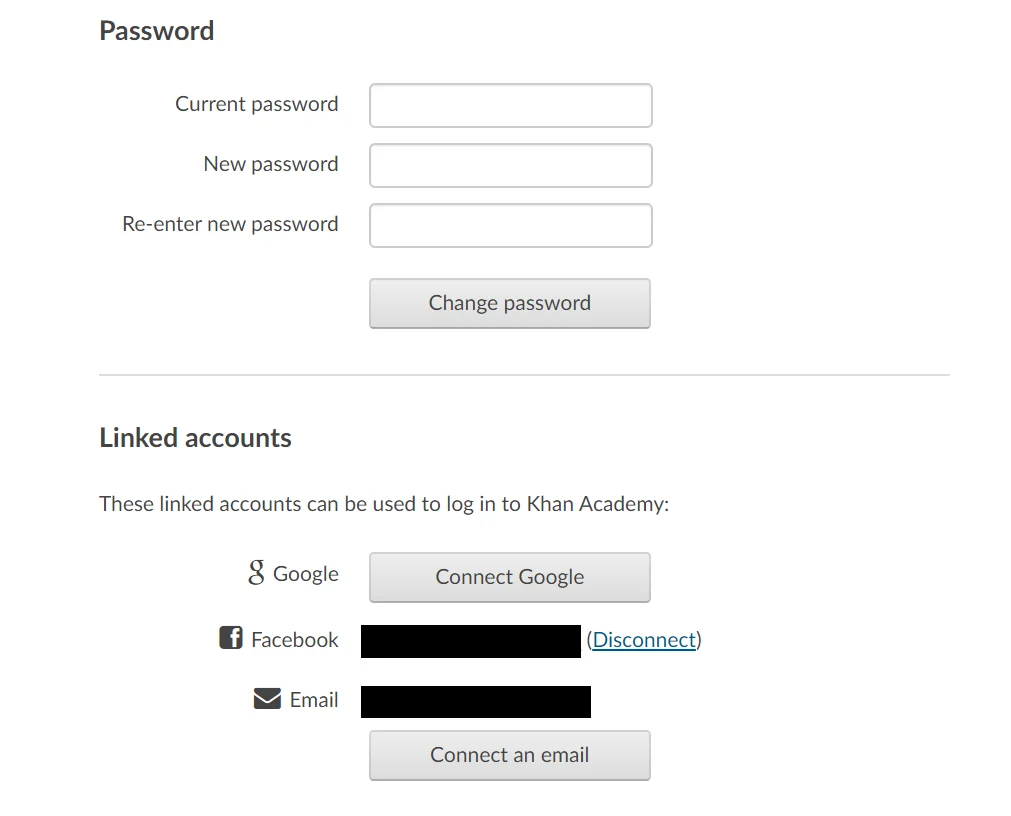
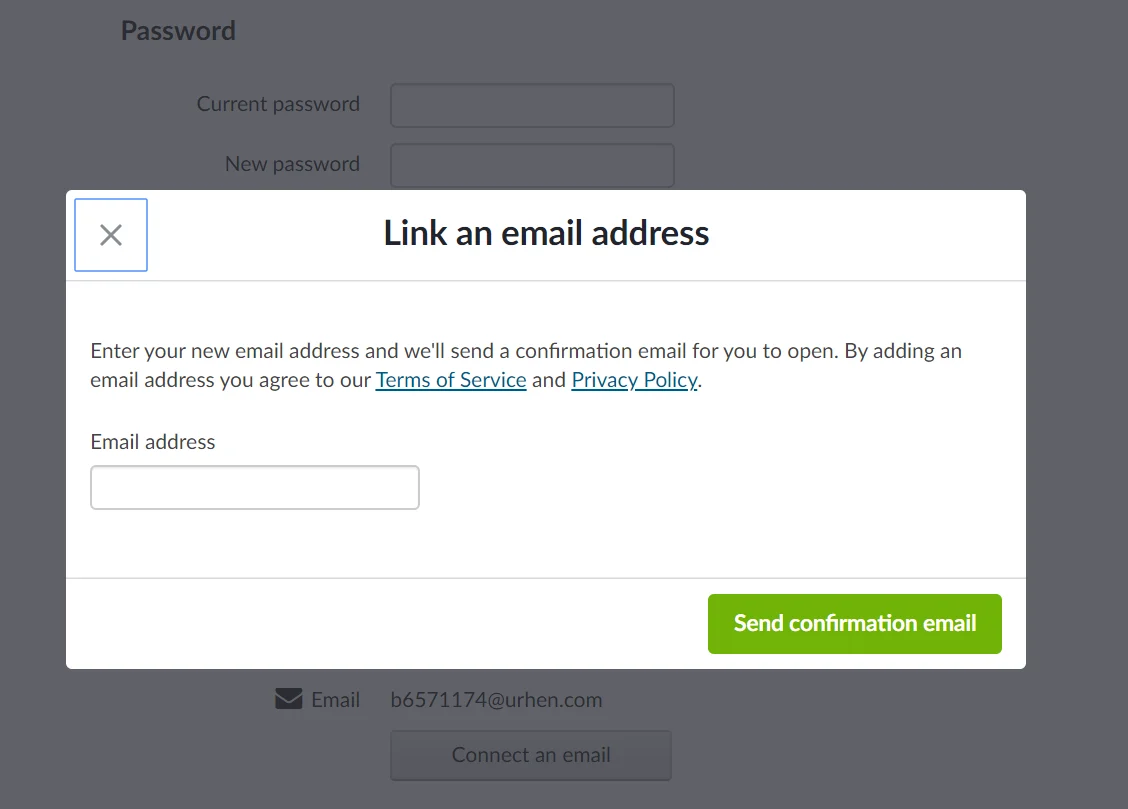
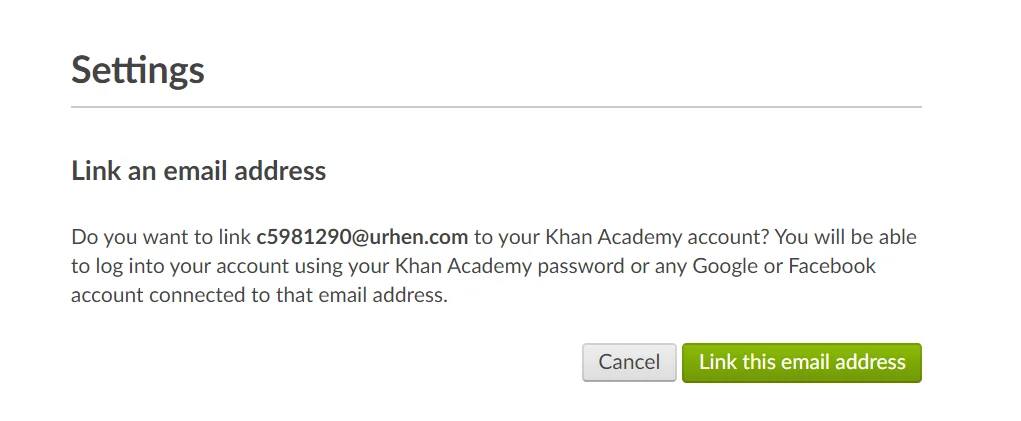
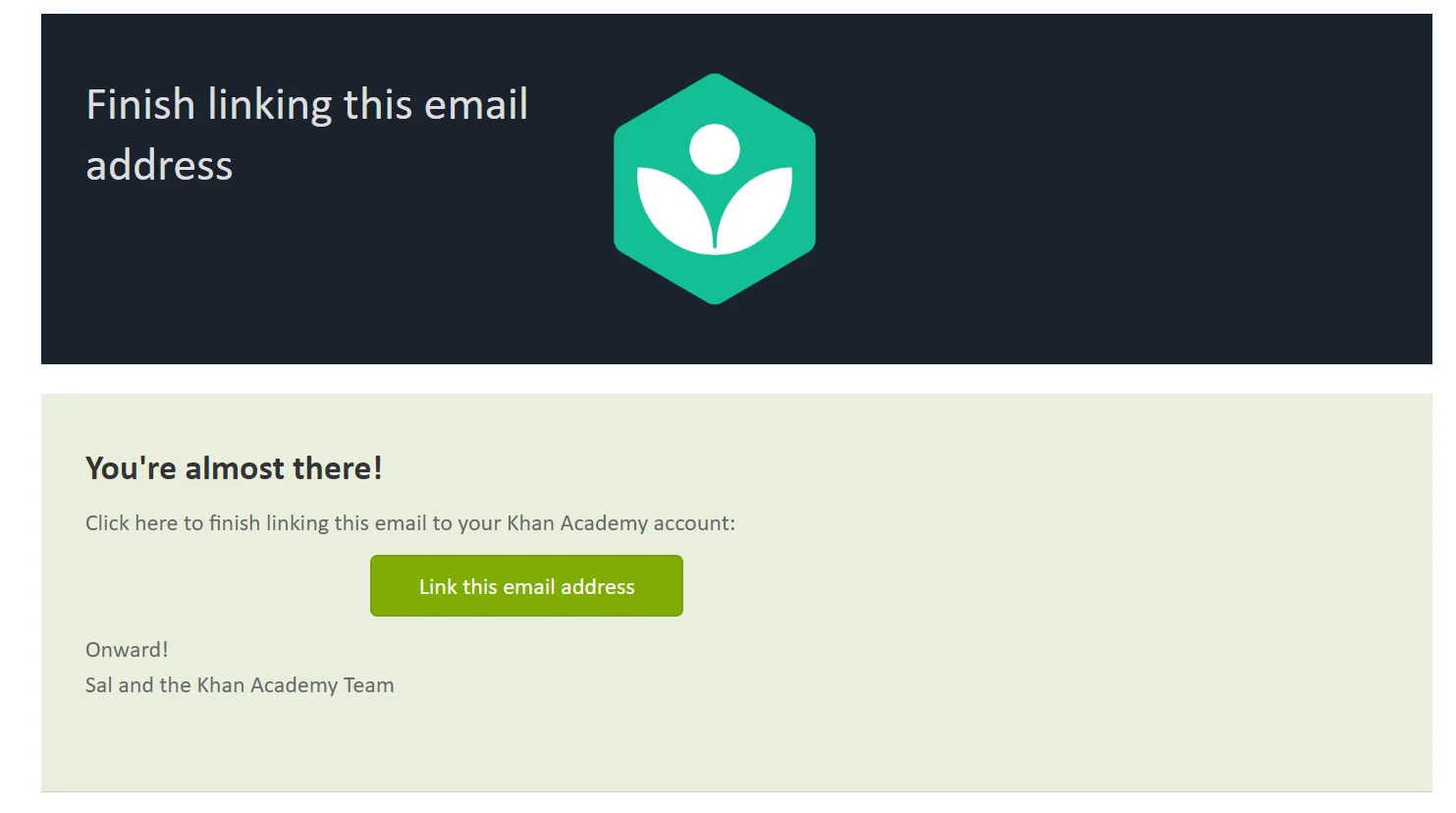
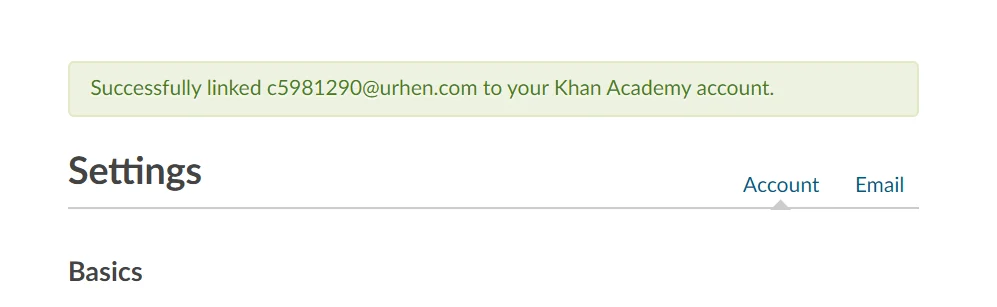
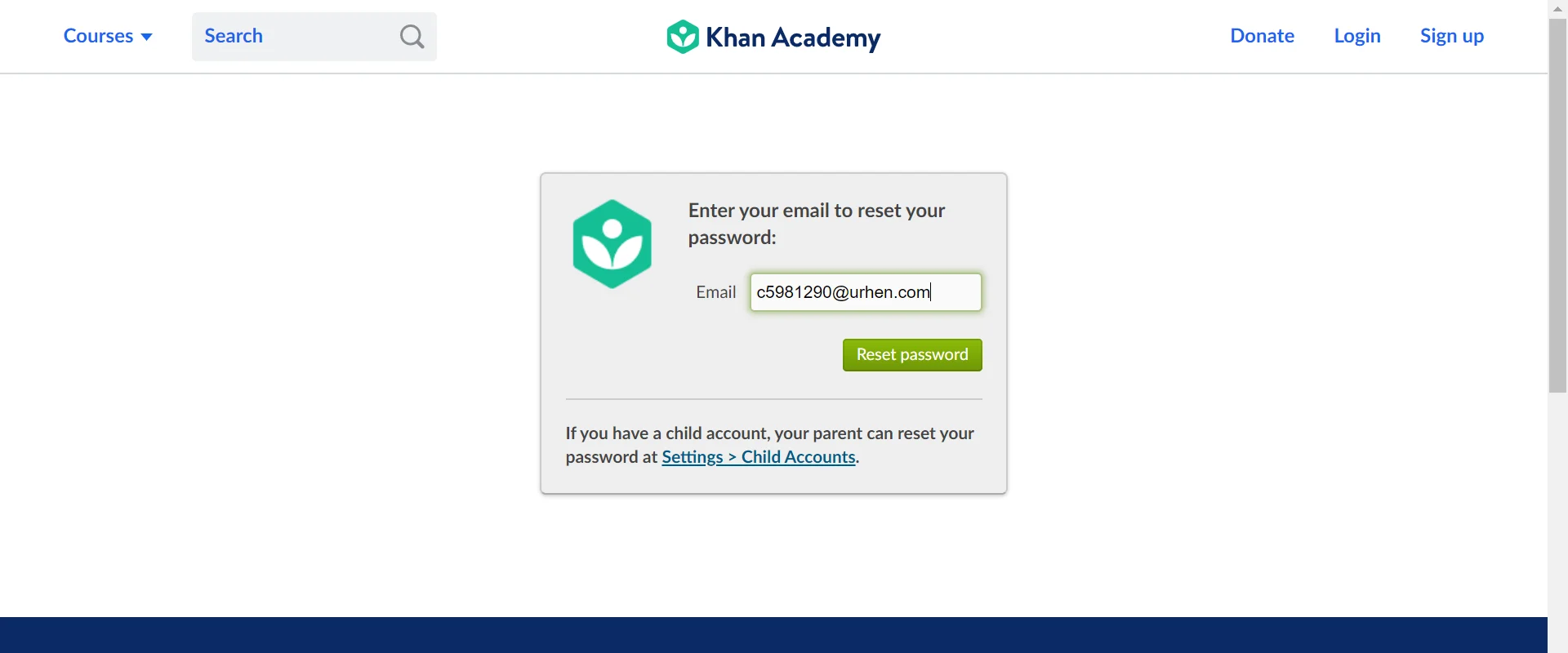
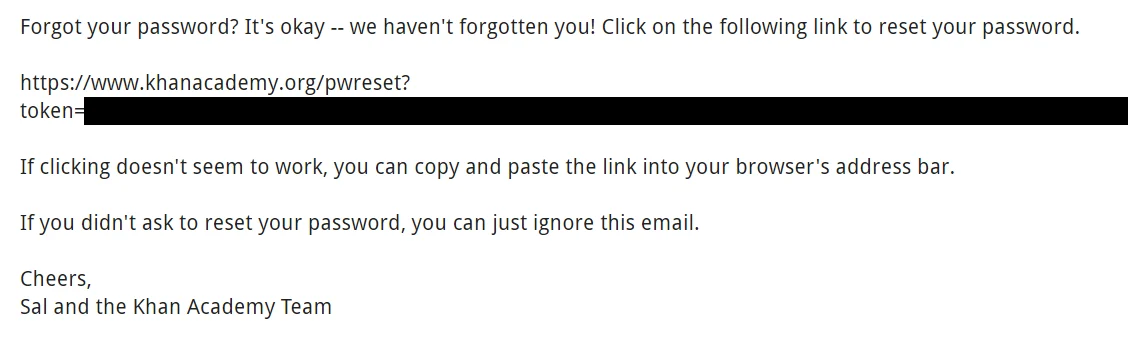
If a user has access to a logged in session on Khan Academy, they are able to conduct a full account takeover. This is due to the fact that a new email address can be added to an account without a method of re-authentication. Once this email address has been added, the attacker can simply logout and follow the "Forgot Password" dialogue on the login page to send a password reset email to the email address they added. This allows them to change the password and completely take over the account. While this could arguably be the user's fault for not logging out, Khan Academy specifically targets an audience of students and educators, many of whom may use their accounts on shared computers in school. As a result, it's necessary to require re-authentication before allowing modifications to certain user settings, such as the account's email addresses.
Steps to reproduce
- Open a browser in which a user has previously logged into an account, but hasn't logged out.
- Go to https://www.khanacademy.com/settings (the user settings)
- Scroll down to "Connect an email", click the button, and type in any email address that you control. This simulates the attacker's email address. Finally, click "Send a Confirmation Email".
- Open the attacker's inbox and follow the instructions to reset the password. Change the password to whatever you want.
- Click "Reset and Log In". The account has now been successfully taken over.
Impact
An attacker can take over an account and lock a user out by resetting the password.
Attachments
Not written yet. The AI write-up for this report has not been written yet. The Original tab links to the source.
How it worked
Impact
An attacker can take over an account and lock the user out by resetting the password.
What the attacker needed
Access to a logged-in session; attacker controls an email address
The fix
The application should require re-authentication before allowing changes to sensitive settings such as email addresses.
How it was found
- Open a browser where a user is still logged in.
- Go to the user settings page.
- Add a new email address and send the confirmation email.
- Use the password reset flow with the new email to set a new password.
- Log in with the new password to complete the takeover.
Explained by bugbounty.wiki with AI from the original and checked against quotes from it; it can still be wrong. Read the original before relying on a detail.
Not written yet. The AI write-up for this report has not been written yet. The Original tab links to the source.
If someone leaves their account logged in on a shared computer, another person can use that open session to add their own email address to the account. Then they can use the 'Forgot Password' feature to reset the password and take control. The site should ask for the password again before letting someone change the email address.
What is Account takeover?
Getting into someone else's account through a flaw in sign-in, password reset, second factor, single sign-on or session handling.



