Passcode Protection in Android Devices Can be Bypassed.
The NextCloud Android app's passcode lock could be bypassed by launching an internal activity directly, which skipped the login screen and opened the app's file interface. An attacker with access to the unlocked device could then view the user's files and information without knowing the passcode.

- Triaged in 6 days
- Disclosed after 2 months
###What is The Vulnerability?
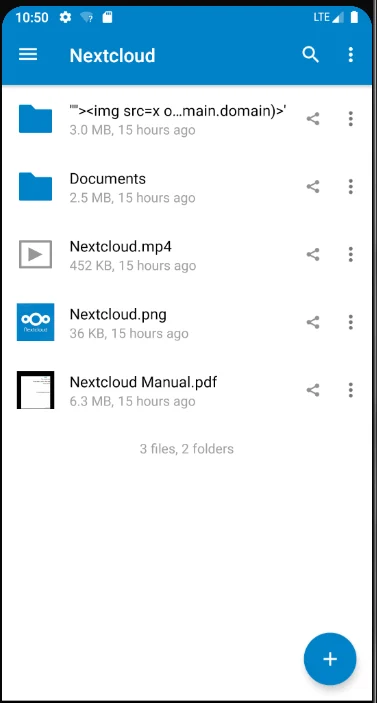
The Passcode can be bypassed by calling a MainLoginActivity which is com.owncloud.android.ui.activity.FileDisplayActivity , We have successfully bypassed the passcode and are redirected to the App's User Interface. of the user’s credentials:
Android Version: 9 Non Rooted Device.
##How to Reproduce: 1.) Setup a Emulated Device Via Android Studio AVD Using the Same Setup.

2.) Install NextCloud Client and Login Your NextCloud Account.
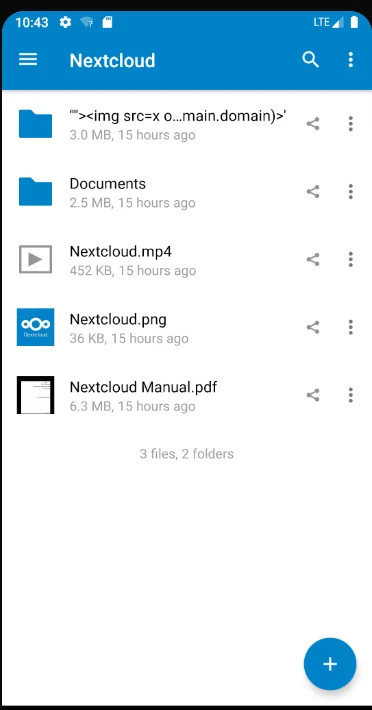
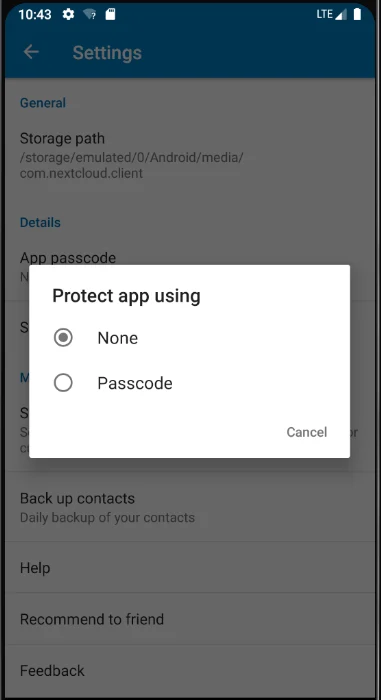
3.) Setup the PassCode
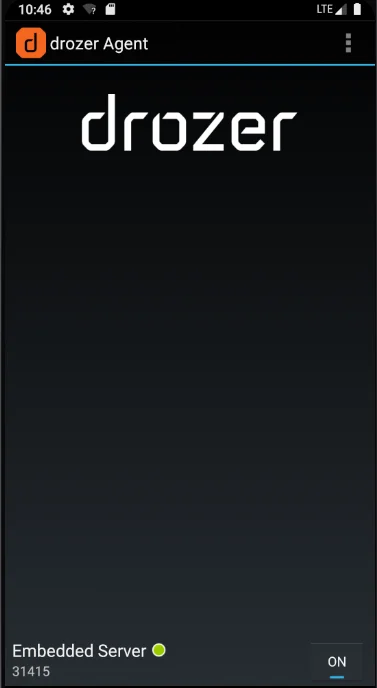
4.) Install Drozer and Drozer Agent
5.) Start the Drozer Embedded Server
6.) Open your CMD/Console and type drozer console connect
█████████
7.) Close the NextCloud Client and Open it Again
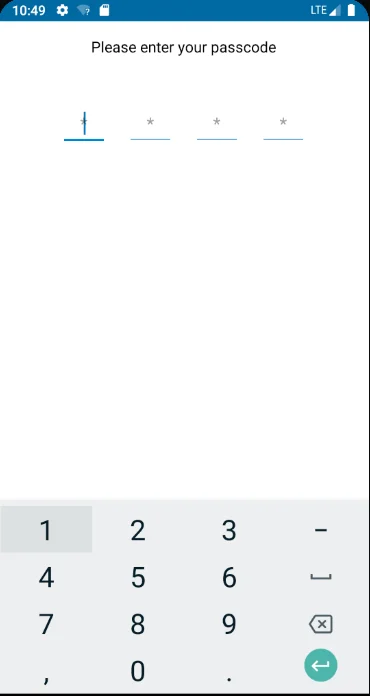
8.) Go Back to Drozer Console and run this code
run app.activity.start --component com.nextcloud.client com.owncloud.android.ui.activity.FileDisplayActivity
9.) Voila, Passcode Bypassed
##Supporting Materials
- Attached as poc.mp4
█████
Impact
Successful exploitation of this vulnerability allows an attacker to bypass the android application's authentication mechanisms and gain unauthorized access to the user files and infos.
Not written yet. The AI write-up for this report has not been written yet. The Original tab links to the source.
How it worked
Root cause
Likely the file display activity was exported and did not itself enforce the passcode check, so it could be launched directly, bypassing the login screen.
Impact
An attacker could bypass the app's authentication and gain unauthorised access to the user's files and information.
What the attacker needed
App logged in with passcode set; ability to run Drozer on the device
How it was found
- Set up an emulated device in Android Studio with the same configuration.
- Install the NextCloud client and log in to a NextCloud account.
- Configure the passcode.
- Install Drozer and the Drozer agent and start the embedded server.
- Close and reopen the NextCloud client.
- From the Drozer console, start the file display activity directly to reach the app interface without the passcode.
Explained by bugbounty.wiki with AI from the original and checked against quotes from it; it can still be wrong. Read the original before relying on a detail.
Not written yet. The AI write-up for this report has not been written yet. The Original tab links to the source.
Android apps have screens called activities. This app's passcode could be bypassed by starting its file display activity directly with a tool, skipping the lock and showing the user's files.
What is Access control?
A user can do something their role should not allow: reach an admin function, act on a feature they have not paid for, or skip a permission check. IDOR is the special case where the object belongs to someone else.