Server Side Request Forgery in 'Jabber settings' in Admin Control Panel
The Jabber settings in the admin control panel allowed the server to connect to arbitrary IP addresses and ports, including localhost. An attacker with admin access could use this to port scan and enumerate services on the host and internal network.

- Triaged in 7 days
- Fixed in 46 days
- Disclosed after 56 days
Overview
The 'Jabber settings' panel inside the Administrator Control Panel can be used to access resources that would otherwise only be accessible by the host machine, including resources/services hosted on the localhost interface. This can be performed by setting the 'jabber server' parameter to the desired IP address, such as 127.0.0.1 and the port to the desired port. In some cases, service type/version numbers can be gathered as well as this information is printed to screen.
How to trigger
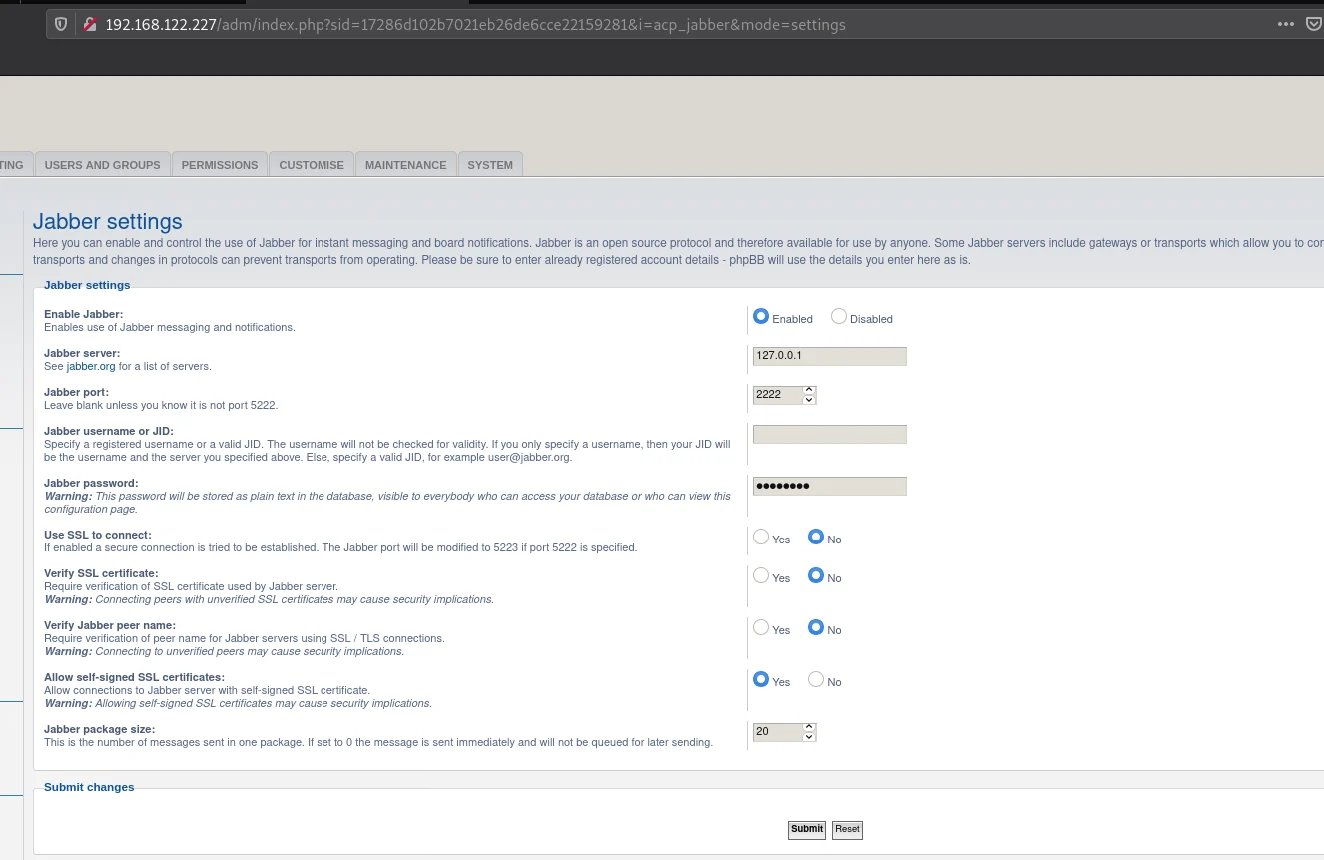
Set 'jabber server' to 127.0.0.1 Set 'Jabber port' to whatever port you want to check. Check the 'Enabled' radio button Click submit
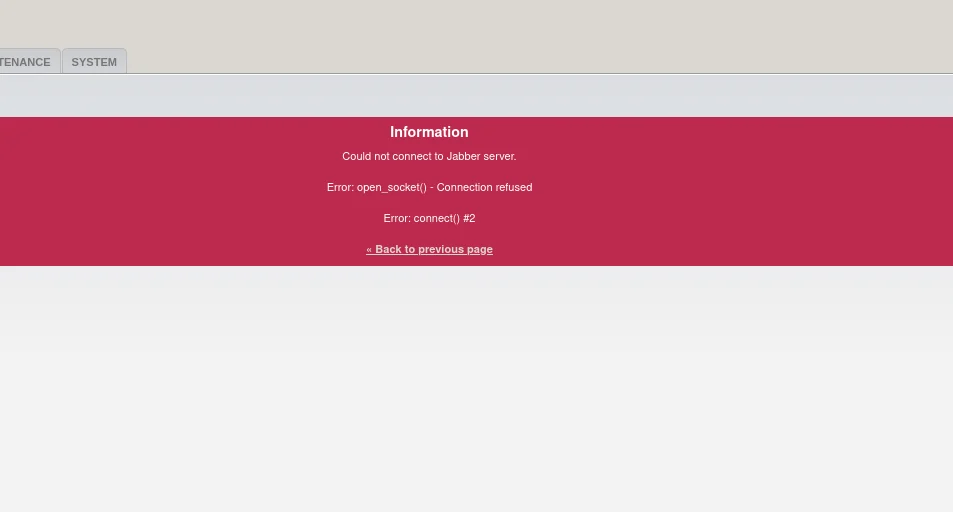
If the port is closed, you will see a socket error message 'Connection refused' error like this:
Some such as mysqld simply return:
Could not authorize on Jabber server.
Example Recording
I have hosted an internal sshd service on 127.0.0.1:2222 to demonstrate that software type and version information is returned to the Administrator Control Panel. I am ssh'd into phpbb-ubuntu, which is running the aforementioned sshd service in debug mode so you can see the request hit.
Setup info
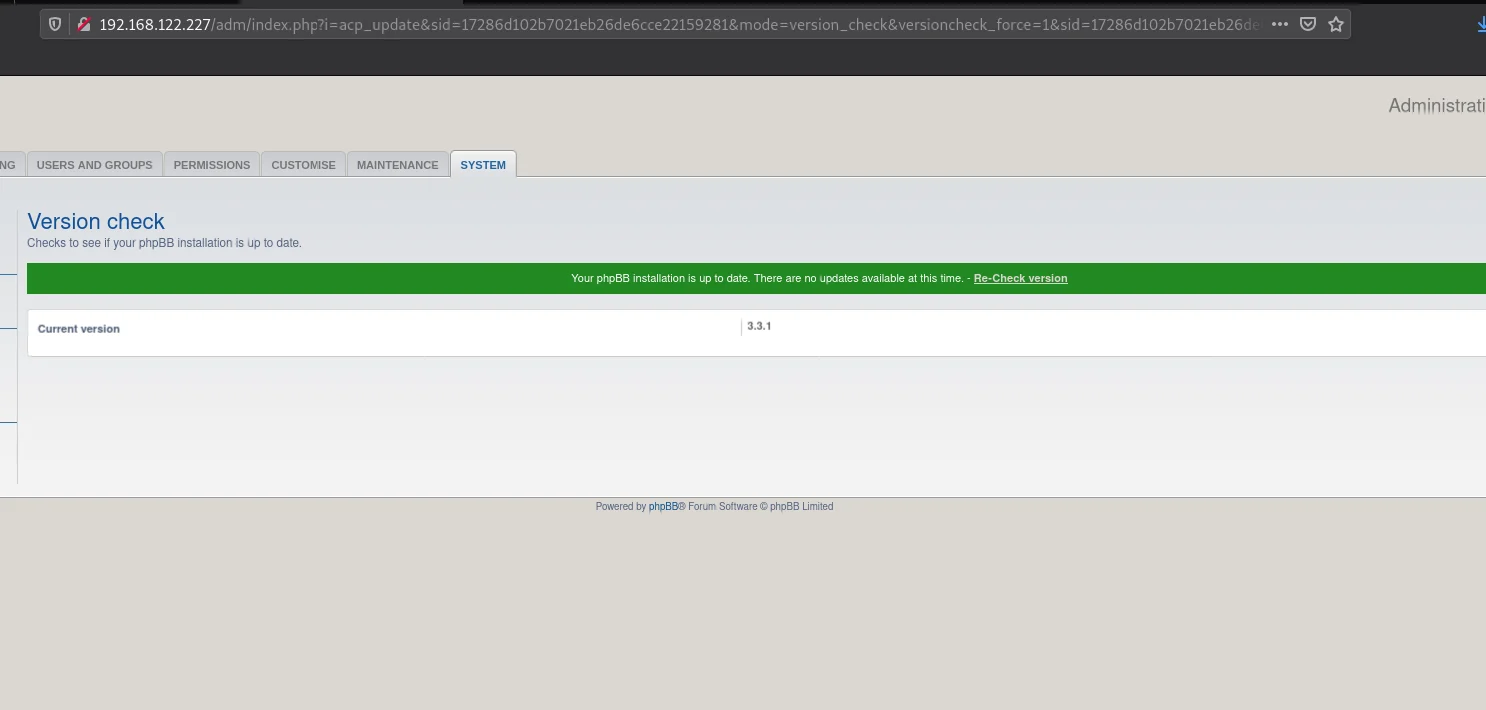
Base OS: Ubuntu 20.04.1 phpbb Version: 3.3.1
Impact
An attacker could use this to interact with and enumerate services and resources on behalf of the host machine (including resources hosted on the localhost interface). This can be used to port scan and, in some cases, perform service versioning/enumeration on the localhost interface as well as on machines hosted on the same network as the phpbb host machine.
Attachments
Not written yet. The AI write-up for this report has not been written yet. The Original tab links to the source.
How it worked
Root cause
Likely the application did not validate or restrict the Jabber server address and port, allowing connections to internal or localhost services.
Impact
An attacker could use this to interact with and enumerate services and resources on behalf of the host machine, including port scanning and service versioning on localhost and the internal network.
What the attacker needed
Admin access to the control panel
How it was found
- Set the Jabber server address to 127.0.0.1.
- Set the Jabber port to the port to check.
- Enable the Jabber feature.
- Submit the form.
- Observe the error or response to infer if the port is open and what service is running.
Explained by bugbounty.wiki with AI from the original and checked against quotes from it; it can still be wrong. Read the original before relying on a detail.
Not written yet. The AI write-up for this report has not been written yet. The Original tab links to the source.
Server-side request forgery (SSRF) is when a web application can be tricked into making requests to other systems on the attacker's behalf. Here, the admin panel's Jabber settings let the server connect to any address and port, so an attacker could probe internal services that are not normally reachable from the internet.
What is SSRF?
The server can be made to fetch an address the attacker chooses, reaching internal services, cloud metadata or other customers' data.




