Unrestricted setPerPage allows huge result sets / resource exhaustion / mass log retrieval
The setPerPage parameter on the log viewer was not validated or capped on the server, so a user could request an arbitrarily large page size. This could cause excessive database work, large responses and application slowdowns, and may allow bulk retrieval of log entries.

- Fixed in 5 days
- Disclosed after 13 days
##Description: The setPerPage query parameter controls pagination for the log viewer but is not validated or capped on the server. An attacker can supply an extremely large numeric value (for example setPerPage=100000000000000000) and the application will attempt to honor that value when building the result set. This behavior can cause excessive database work, large responses, application slowdowns, and may enable bulk retrieval of log entries.
##Steps:
- Authenticate as a user with access to the log view
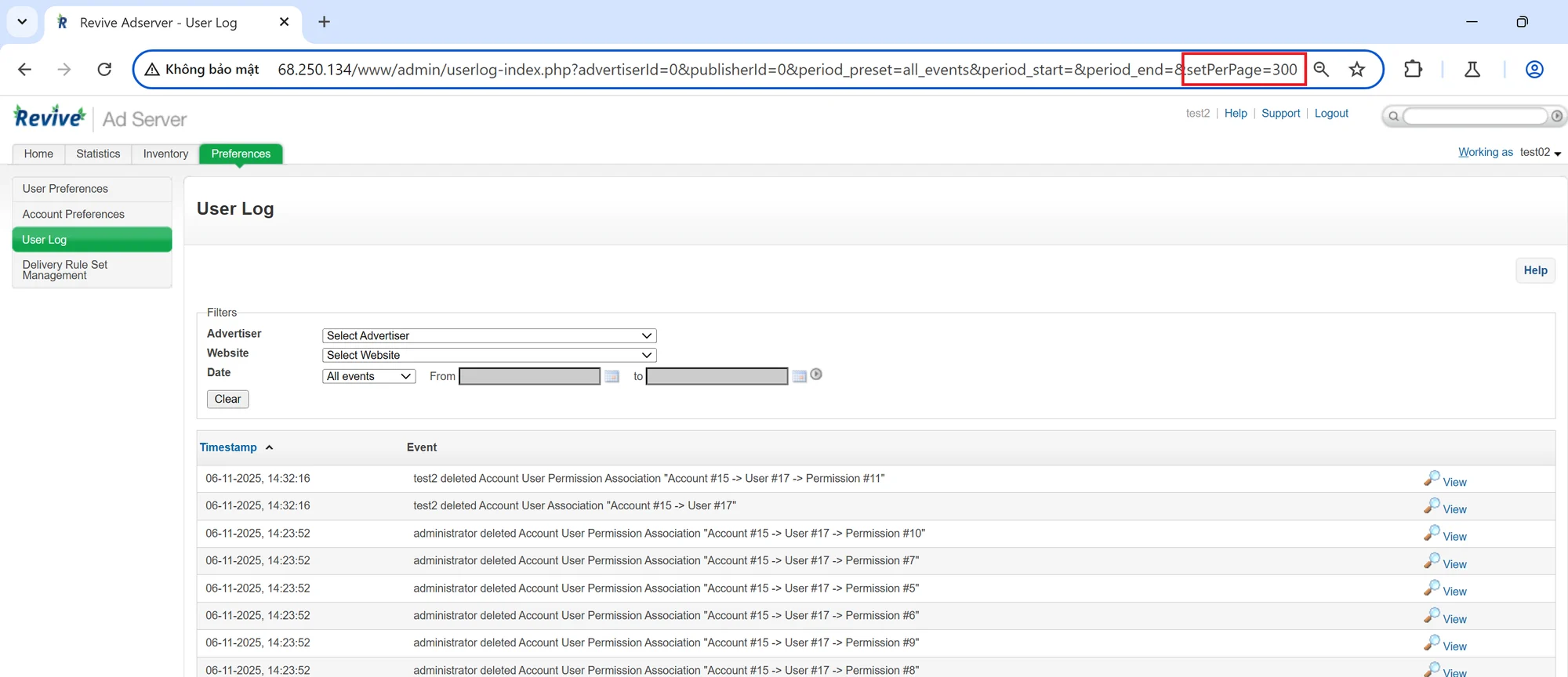
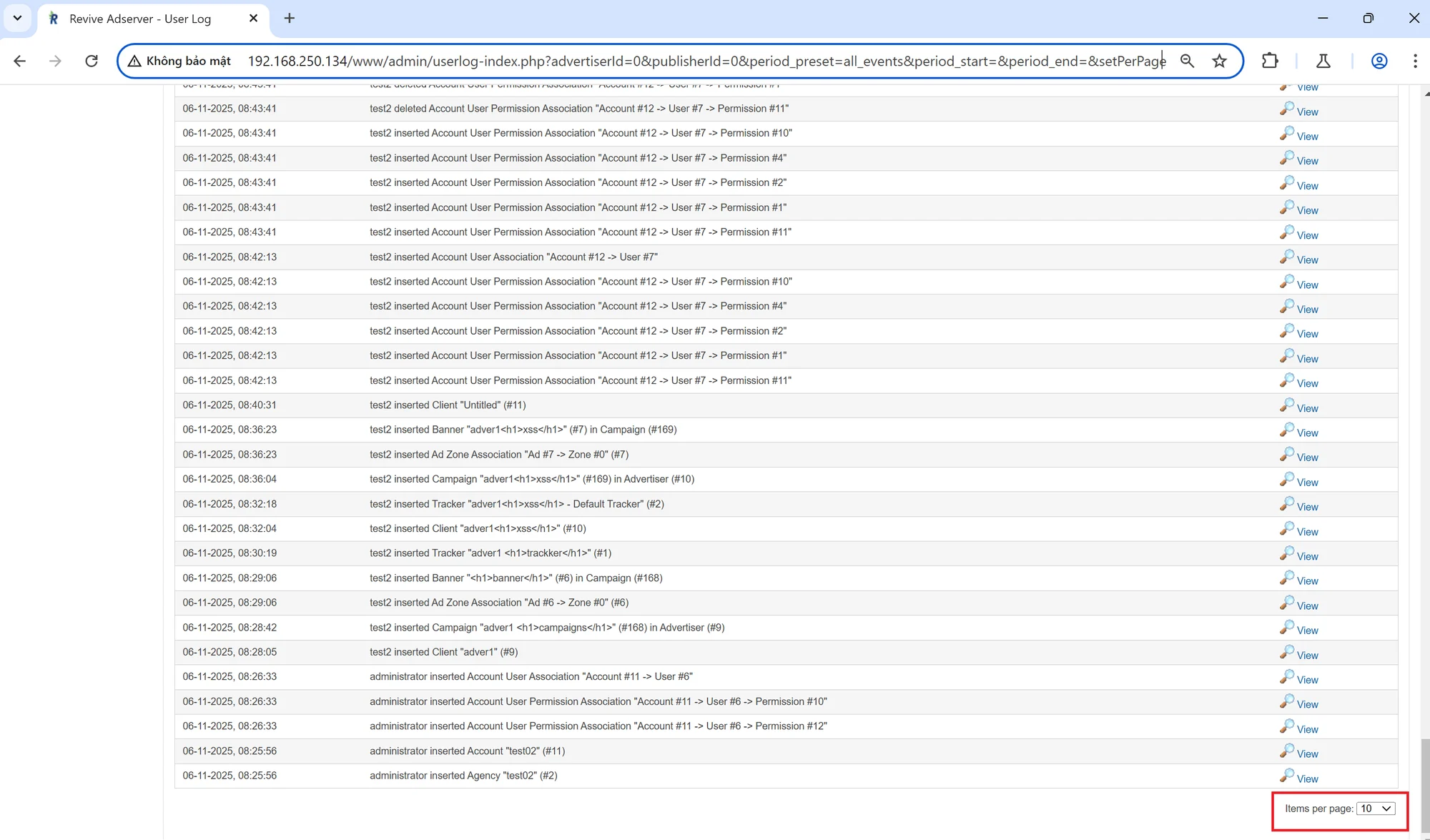
- The setPerPage values range from 10 to 100. Setting the value for setPerPage to 300 results in the site still returning the result:
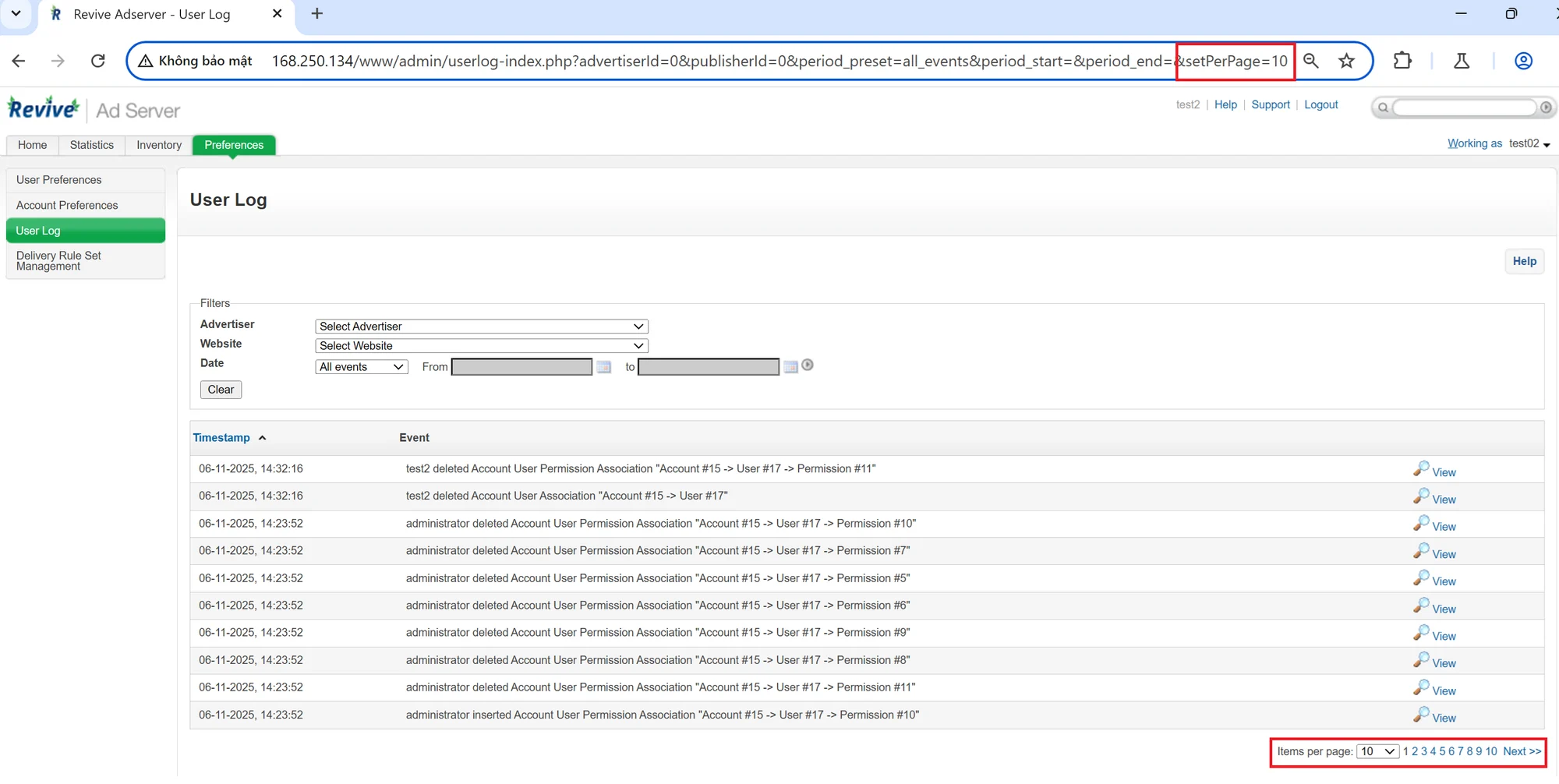
- This is the typical interface when the value of setPerPage is set within the allowed range
Impact
- If the server tries to query/render N records extremely large → memory / CPU / DB I/O increases sharply → timeout, OOM, crash (DoS).
- If the backend returns all data in one response → bandwidth/time load is heavy, the browser client may hang.
Not written yet. The AI write-up for this report has not been written yet. The Original tab links to the source.
How it worked
Root cause
Likely the server accepted the client-supplied page size without validating it against a maximum, so the value was passed straight into the result-set query.
Impact
A very large value could sharply increase memory, CPU and database load, leading to timeouts, out-of-memory crashes or denial of service, and may allow bulk retrieval of log data.
What the attacker needed
An account with log view access
How it was found
- Log in as a user who can access the log view.
- Set setPerPage to a value above the allowed range, such as 300, and observe that results are still returned.
- Compare with the normal interface when setPerPage is within the allowed range.
Explained by bugbounty.wiki with AI from the original and checked against quotes from it; it can still be wrong. Read the original before relying on a detail.
Not written yet. The AI write-up for this report has not been written yet. The Original tab links to the source.
A web page that shows logs lets you choose how many entries to display at once. The server trusted whatever number the user typed instead of limiting it, so someone could ask for a huge number of entries and overload the system or pull far more data than intended.
What is DoS?
A request that exhausts resources or crashes a component. Many programs forbid testing it; reports usually show it from code, not by attacking.