Improper deep link validation
The Shopify Android app's deep link handler could be tricked by appending path traversal sequences to a shop URL, causing the WebView to load an arbitrary external URL. Because the WebView has JavaScript enabled and exposes an EASDK bridge, an attacker could run script in the app's context and read local files in its sandbox.

- Triaged in 6 days
- Fixed in 42 days
- Paid in 17 days
- Disclosed after 17 months
The application contains an activity which validates and handles the deep link requests, initiated from a VIEW intent action. The declared schemes include http and https request for the domain shopify.com as well as *.myshopify.com. The path prefixes include mostly subdirectories of the /admin path , thus when a deep link request is created the application routes this request to the corresponding activity of the application. It was identified that it is possible to bypass the path prefix restrictions by adding appending a "../" to the end of the URI. This results on loading arbitrary urls in the application's Webview, leveraging its Javascript capabilities as well as the EASDK bridge in order to compromise the integrity of the application. For example in order to access the https://someone.myshopify.com instead of https://someone.myshopify.com/admin/collections in the application's webview, the following intent may be sent:
am start -W -a android.intent.action.VIEW -d "https://ravel17.myshopify.com/admin/collections/../../
The above intent will yield the following result:
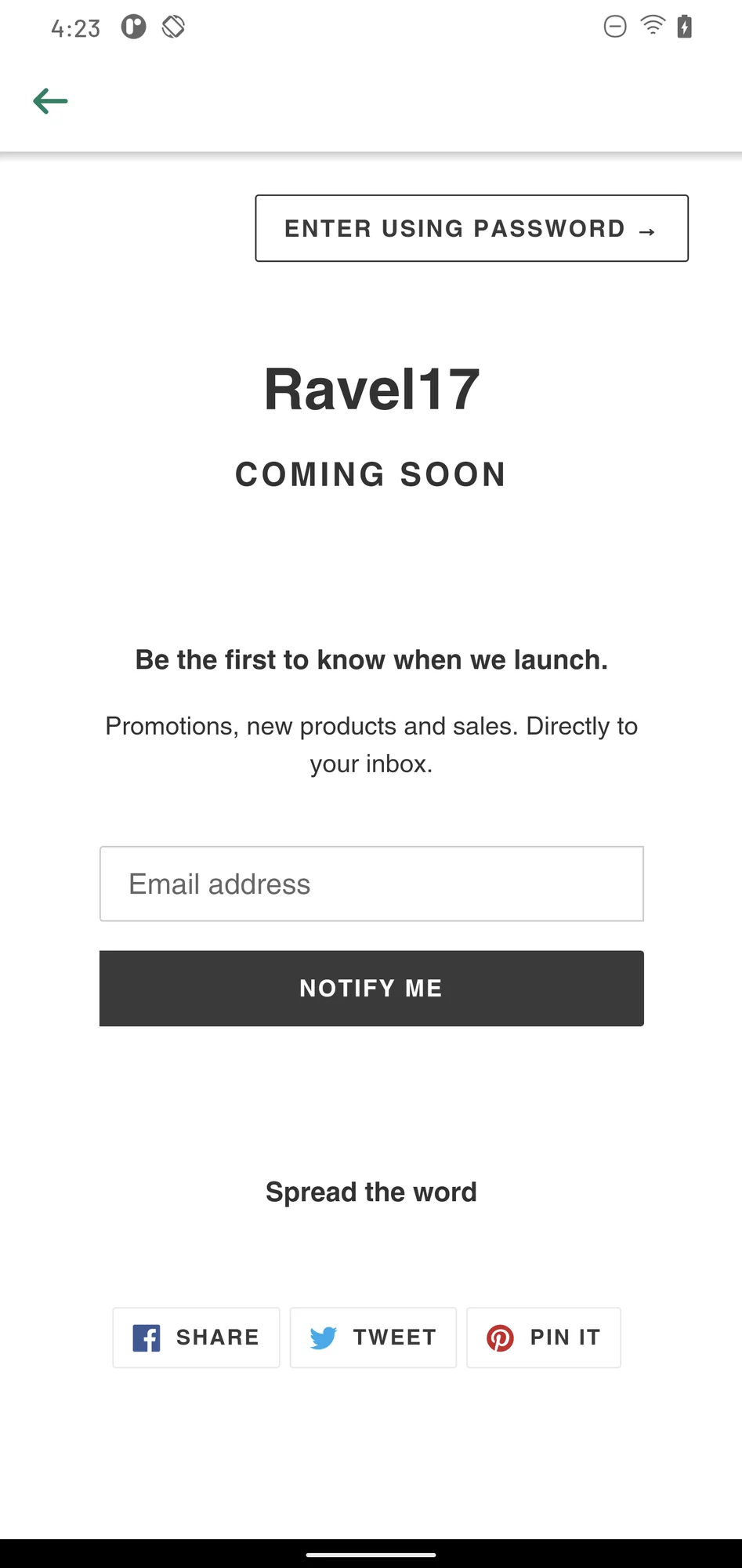
In order to load an external URL the following steps should be followed:
- Create a partner account and add a new app
- Use as the app's URL the address of the 'malicious' server
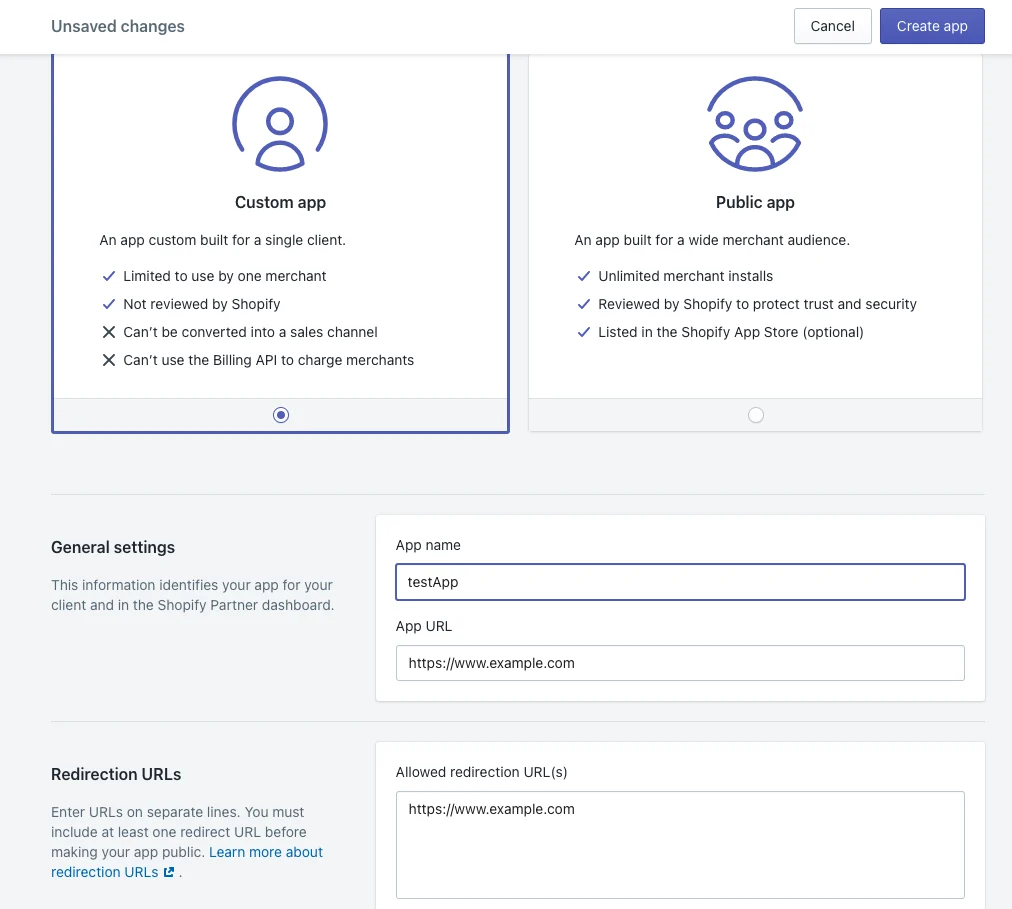
- Navigate to the "Choose client store" in order to choose the target store
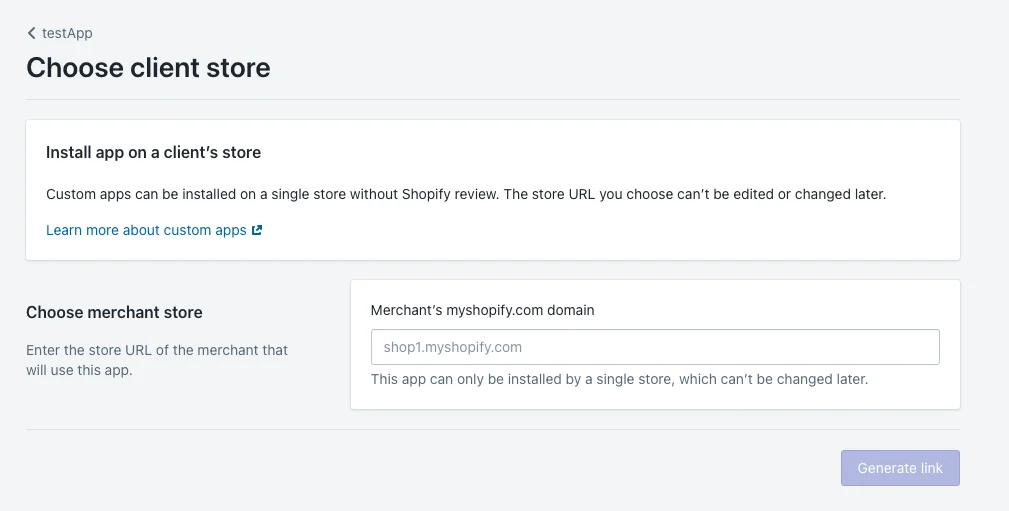
- Finally, copy the link from the "Merchant install link"
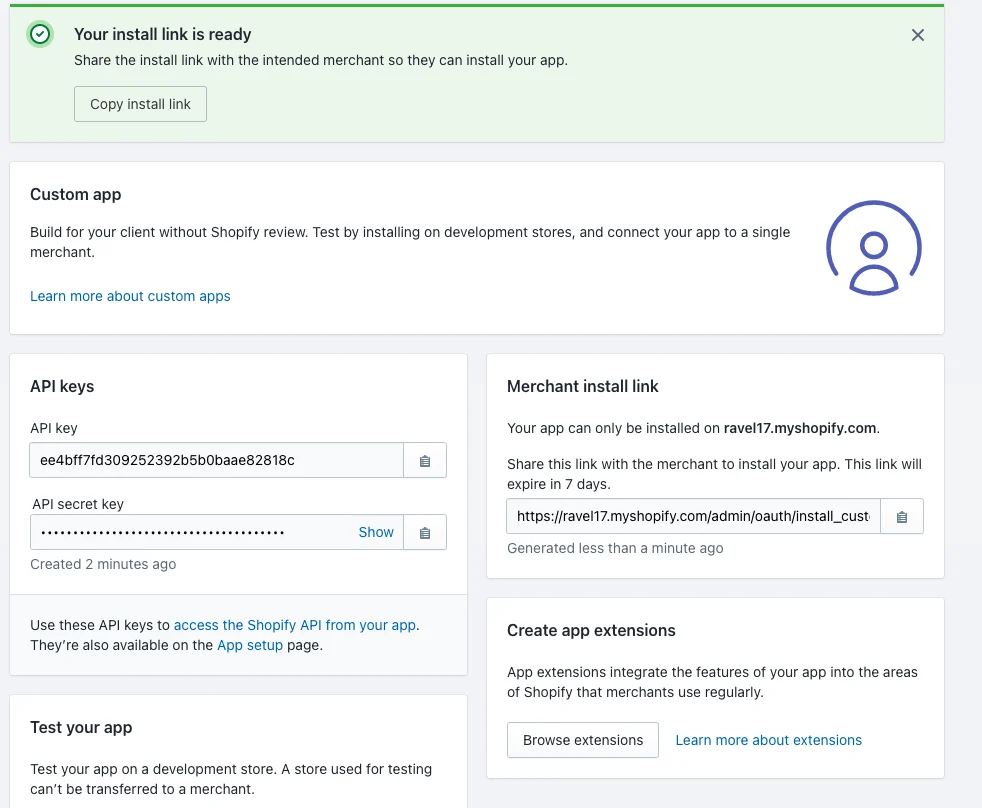
- Create the following intent:
am start -W -a android.intent.action.VIEW -d "https://TARGET-STORE.myshopify.com/admin/collections/.../oauth/install_custom_app?client_id=....
- The result will be the following:
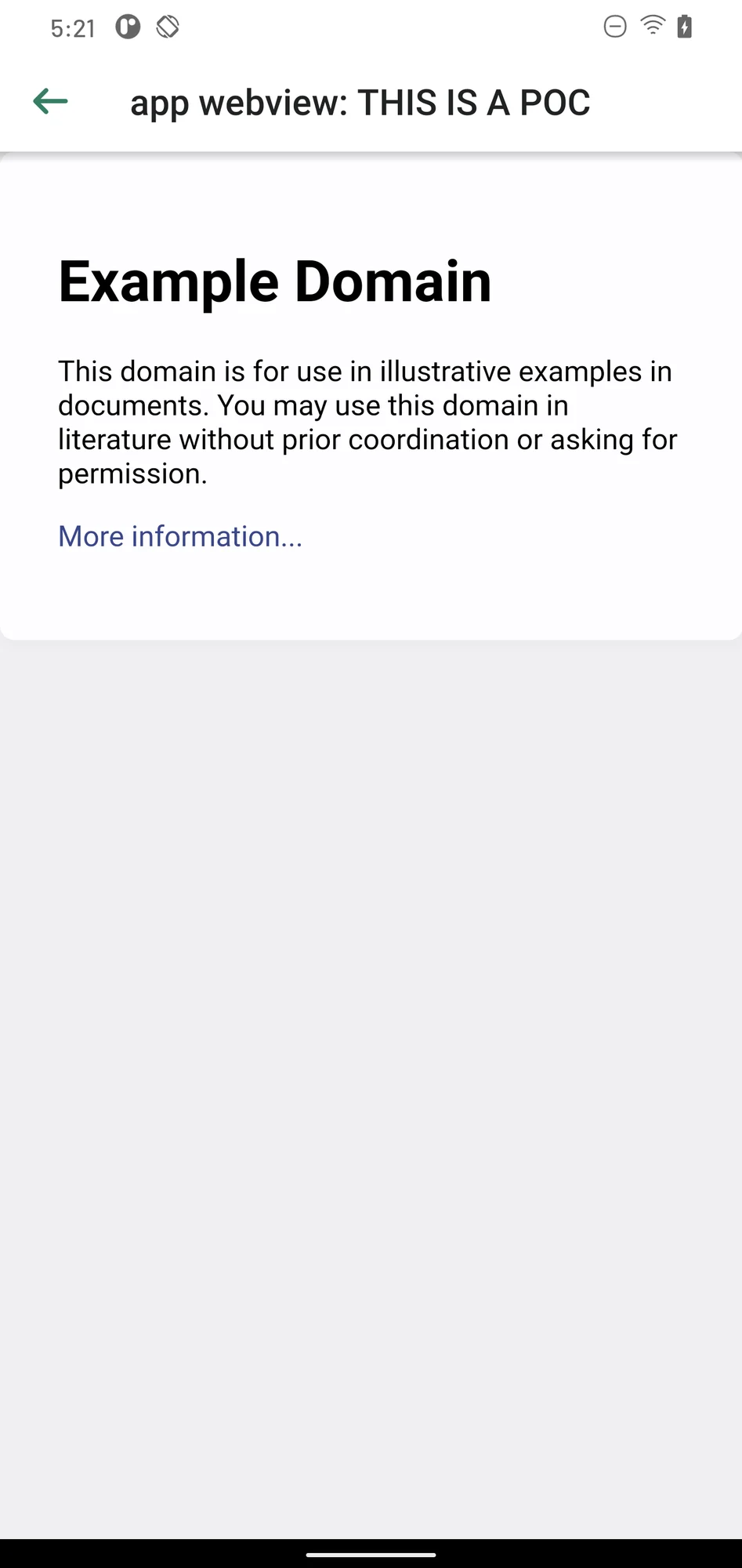
Impact
As it is mentioned above besides the Javascript which is enabled for the specific webview, the application adds a javascript interface which is accessed via the instantiation of an EASDK object. Some potential risk (besides phishing attacks which may be considered trivial for the specific case) is showed bellow:
- Access to the application's sandbox via the EASDK.redirect:
EASDK.redirect("file:///data/data/com.shopify.mobile/shared_prefs/notification_ids.xml")
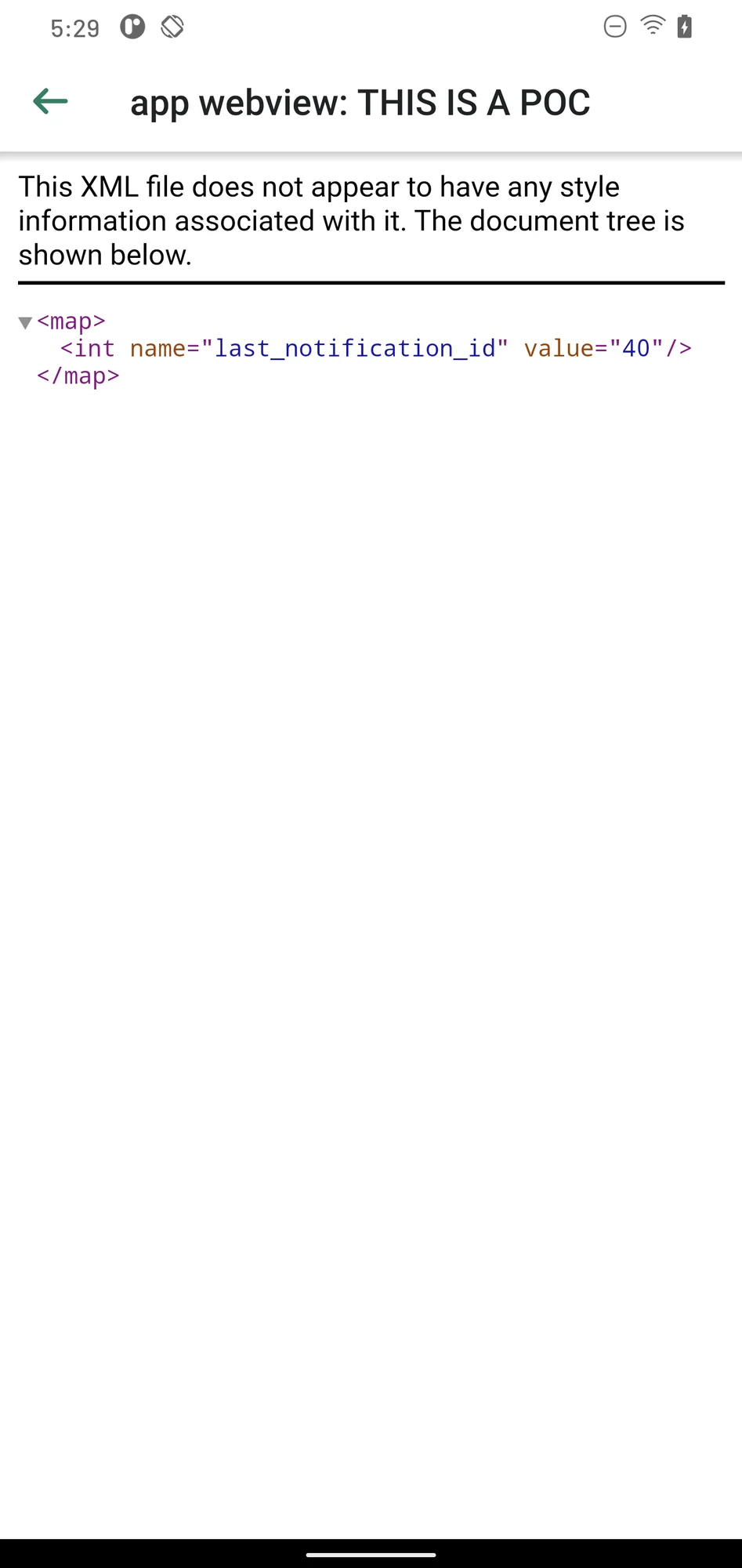
- Javascript code execution:
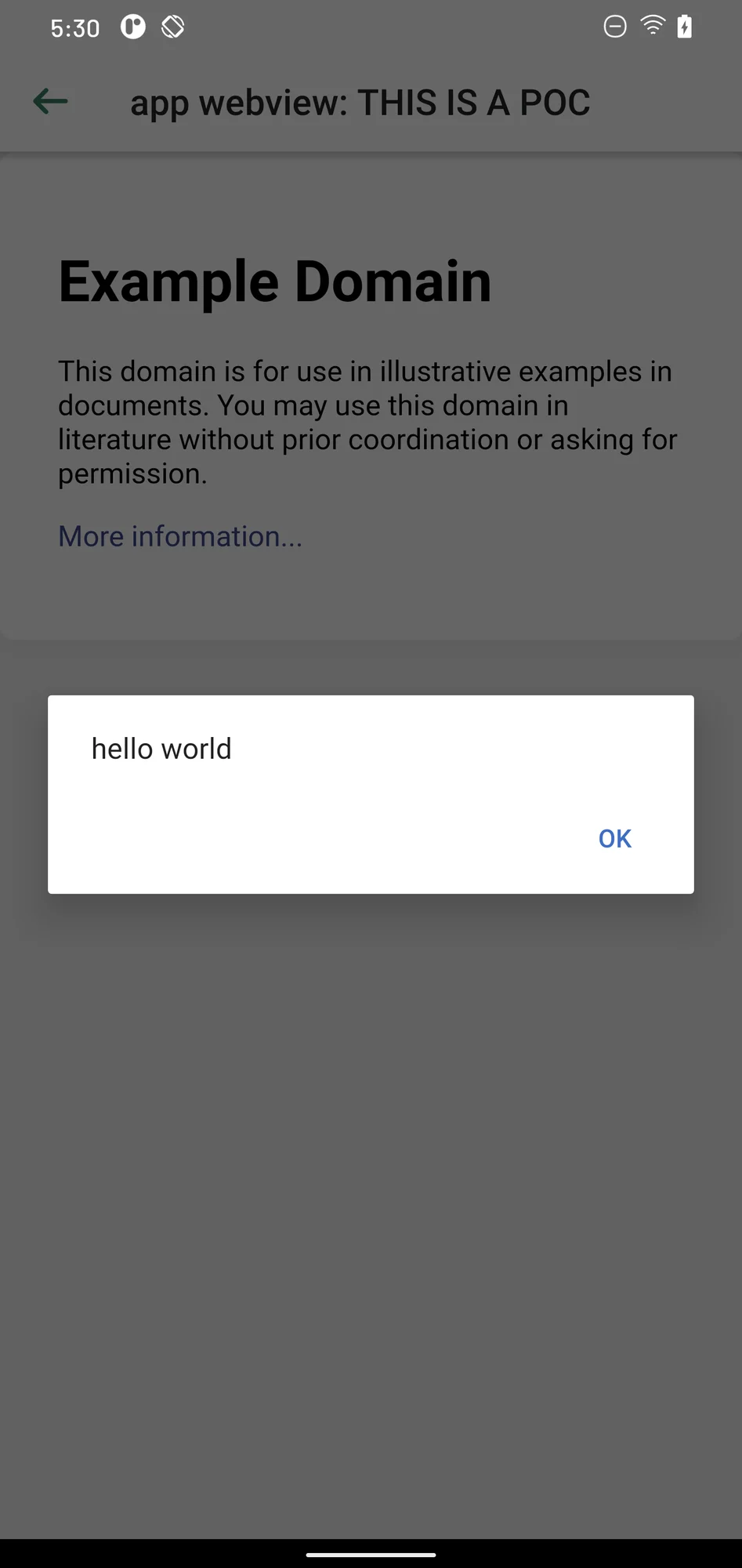
Not written yet. The AI write-up for this report has not been written yet. The Original tab links to the source.
How it worked
Impact
An attacker could load an arbitrary URL in the app's WebView and, via the enabled JavaScript and EASDK bridge, run script and read files in the app's sandbox, beyond trivial phishing.
What the attacker needed
Android device with the Shopify app; Attacker-controlled server; Victim opens a crafted deep link
How it was found
- Create a partner account and register a new app whose URL points to an attacker-controlled server.
- Open the 'Choose client store' option and select the target store.
- Copy the link from the 'Merchant install link'.
- Send a VIEW intent to the app using that link with '../' sequences appended so the WebView loads the external URL.
Explained by bugbounty.wiki with AI from the original and checked against quotes from it; it can still be wrong. Read the original before relying on a detail.
Not written yet. The AI write-up for this report has not been written yet. The Original tab links to the source.
Android apps can be opened by links, and this app checked that a link pointed at a shop's admin area before loading it. By adding '../' segments to the link, the check could be fooled so the app loaded a page from a server the attacker controls. That page then ran inside the app's built-in browser, which had extra powers to read the app's private files.
What is Path traversal?
Input that builds a file path escapes the intended folder, reading or writing files the application should never touch.