How I was able to get 1000$ bounty from a ds-store file?
An exposed .DS_Store file allowed the discovery of a Laravel debug error page that revealed session cookies and IP addresses. An attacker could use a stolen cookie to take over a user's account by luring them to the error page.
 Published on xelkomy.medium.com
Hello, gents and ladies :), In this blog, we will talk about one bug I was found before and to know I did not get this bug in just 5 minutes to know It needs experience with some patience to get some bug that was I mean, you need to learn more to be able to get a lot of bugs it’s not a superpower but it’s called a…
The full write-up lives on its author's site
It belongs to its author, so we link to it rather than copy it. The other two tabs are our own rewrites, checked against it.
Context
This write-up describes a bug found during reconnaissance on a target's subdomains, where an exposed /.DS_Store file led to the discovery of a Laravel application running with debugging enabled, and from there to a Symfony profiler that leaked session cookies. The researcher reports that the leaked cookie belonged to a member of the program's trigger team, and that using it on the main site allowed account takeover. The report does not name the target program or the affected host.
The feature at the centre of it is the Symfony profiler, the debugging toolbar that Laravel applications expose when debug mode is on. It records requests, including their headers and cookies, and lets anyone who can reach it browse those records. Normally it should never be reachable in production.
Setup
The researcher lists four tools:
- Subfinder for subdomain enumeration.
- Httpx to check which subdomains are alive.
- Nuclei with the public templates (not private ones).
- ds_store_exp to dump the contents of a
.DS_Storefile.
Manual testing was done alongside the automated tools through the OWASP ZAP proxy. No accounts, roles or versions are given in the report.
Finding it
The work started with information gathering: collecting subdomains and ASN numbers and checking public CVEs with the tools above. During that collection the researcher noticed that /.DS_Store was available on a host. That file is a macOS metadata file that lists the names of files and directories in the folder it sits in, so a publicly served copy can reveal paths that are not linked anywhere.
After running Subfinder with Httpx, roughly 100 subdomains came back alive, and that output was fed to the Nuclei public templates. While Nuclei was still running, the researcher browsed manually through ZAP and found nothing important. When Nuclei finished, one subdomain was flagged with an Info severity finding for the file /.DS_Store.
Exploitation
Step 1: dump the .DS_Store file
The researcher cloned ds_store_exp and used it to dump the file. The report does not show the exact command. The dump revealed a directory containing a debug error page from a Laravel Framework application, which the report refers to as Symfony.
Step 2: reach the Symfony profiler
At first the error page was a large, unreadable error. After some clicks the researcher reached the Symfony profiler search bar.
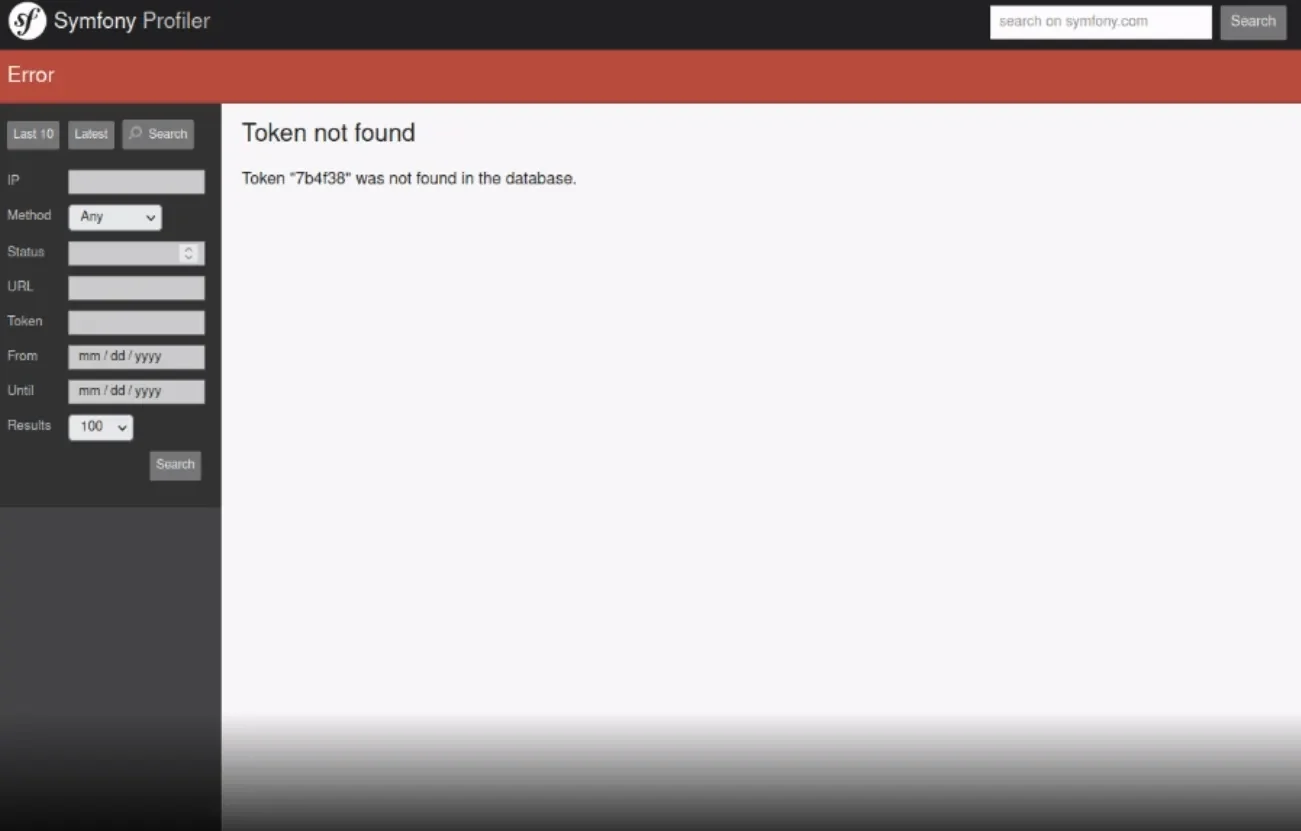
The profiler records individual requests, and the researcher clicked the latest entry in the list on the left. That entry contained cookies and an IP address. The researcher says the data did not belong to them: it belonged to a member of the program's trigger team.
Step 3: reuse the cookie
The researcher took that cookie and tried it on the main site. It worked, and the account was taken over. The chain the researcher describes is: a user only has to click once to land on the error page, and the profiler then exposes that user's cookies to anyone who can read the profiler.
Root cause
Two mistakes combine here. First, the .DS_Store file was left in a web-served directory, which disclosed paths that were not meant to be discoverable. Second, the Laravel application was running with debug mode enabled in an environment reachable from the internet, which exposed the Symfony profiler and its stored request data, including cookies, to unauthenticated visitors.
Impact
An attacker who can reach the profiler can read the cookies of requests that were recorded, including one from a member of the program's trigger team. With a valid session cookie, the attacker can take over that account on the main site. The researcher rates this as high impact; the program rated it medium.
Fix
Based on the findings, the fixes would be to remove the .DS_Store file from the web root and to disable debug mode, and therefore the profiler, in any internet-facing environment.
Variants to test
- Request
/.DS_Storeon other hosts found during subdomain enumeration. A positive result is a binary file thatds_store_expcan parse into a list of paths. - Feed the paths from the dump back into content discovery. A positive result is a directory or file that was not linked from the site.
- Look for Laravel debug pages on hosts flagged by Nuclei. A positive result is a stack trace or an error page that links to the profiler.
- Open the profiler and check the request list for cookies, tokens and IP addresses. A positive result is a recorded request from a user other than yourself.
- Try a leaked cookie against the main application. A positive result is an authenticated session belonging to another user.
Timeline
- Report submitted on 14 August 2021.
- More information provided on 14 August 2021.
- New information sent on 14 August 2021.
- Triaged on 14 August 2021.
- Bounty received on 19 August 2021: 500 USD plus a 500 USD bonus.
What happened, in plain words
A security researcher was looking around a company's websites, the way you might walk around a building trying all the doors to see which ones are unlocked. During that walk he found a small file that a Mac computer leaves behind in folders, called .DS_Store. That file is harmless on your own laptop, but when it ends up on a public web server it acts like a note pinned to the door listing what is inside the room. From that note he found a hidden folder, and inside that folder was a debugging page left switched on by mistake. That debugging page kept a record of everyone who had visited it, including their login cookies. One of those visitors was a member of the company's own trigger team. The researcher took that person's cookie, used it on the main website, and was logged in as them. He was paid 500 USD plus a 500 USD bonus.
This article walks through the same story step by step, explaining every term as it comes up. You only need to know how to use a browser.
The starter pack: what the researcher was doing first
Before touching anything, the researcher did what security people call reconnaissance (or recon). Think of it as casing a neighbourhood before you know which house to look at: you write down every address, every gate, every side door. On the internet, the "addresses" of a company are its subdomains.
A domain is the main name of a website, for example example.com. A subdomain is a name placed in front of it, like shop.example.com or mail.example.com. Companies often have dozens or hundreds of them, and each one is a separate website that may be configured differently. One might be the public shop, another an internal tool that was never meant to be public.
An ASN (Autonomous System Number) is a number that identifies a block of internet addresses owned by one organisation. If you know a company's ASN, you can find other machines it owns even when they use completely different names. It is like knowing that a chain of shops all belong to the same owner, so you can find branches that are not listed on the main website.
A CVE (Common Vulnerabilities and Exposures) is a public catalogue entry for a known security flaw in a piece of software. Each CVE has an ID like CVE-2021-12345. Checking public CVEs means comparing the software a site runs against this catalogue to see if it is running a version with a known hole.
During this collection the researcher noticed something: a file called /.DS_Store was available on one of the hosts. We will explain what that file is in a moment, because it is the key to the whole story.
The tools used
The researcher lists four tools. Here is what each one does, in everyday terms.
- Subfinder finds subdomains. It is like a phone book search that returns every branch name belonging to a company.
- Httpx checks which of those names actually answer. Finding a name in a phone book does not mean the phone is plugged in; Httpx rings each number and notes who picks up.
- Nuclei runs a large set of ready-made checks against each live host. Think of it as a checklist of common mistakes, run automatically. The researcher used the public templates, meaning the checks everyone can download, not private ones written by the researcher.
- ds_store_exp reads a
.DS_Storefile and prints out the list of files and folders it describes. We will come back to this.
Manual testing was done at the same time through the OWASP ZAP proxy. A proxy sits between your browser and the website and records every request and response, like a notebook that writes down every conversation. ZAP is a free proxy built for security testing. The researcher used it to do manual searching while the automated tools ran.
Finding it
The work started with information gathering: collecting subdomains and ASN numbers and checking public CVEs with the tools above. During that collection the researcher noticed that /.DS_Store was available on a host.
What is a .DS_Store file?
When you open a folder on a Mac, the Finder remembers things like where the icons were placed and which view you used. It stores those notes in a hidden file called .DS_Store inside that folder. The name stands for "Desktop Services Store". It is not part of your documents; it is bookkeeping.
Crucially, the file also contains the names of the files and folders in that directory. If someone copies a whole folder to a web server and forgets to remove the .DS_Store, then anyone who guesses the URL /.DS_Store can download that list of names. It is like leaving the building's internal directory taped to the front door: it does not open any door, but it tells you which rooms exist and what they are called.
That is why the researcher cared. A path that is not linked anywhere on the site can still be discovered this way.
After running Subfinder with Httpx, roughly 100 subdomains came back alive, and that output was fed to the Nuclei public templates. While Nuclei was still running, the researcher browsed manually through ZAP and found nothing important. When Nuclei finished, one subdomain was flagged with an Info severity finding for the file /.DS_Store.
Severity is a label for how serious a finding is. Tools usually use a scale like Info, Low, Medium, High, Critical. Info means "worth knowing, probably not dangerous on its own". Keep that in mind, because this Info finding turned into a paid bug.
Exploitation
Step 1: dump the .DS_Store file
The researcher cloned ds_store_exp and used it to dump the file. Cloning means downloading a copy of a code project from a service like GitHub. Dumping here means running the tool so that it reads the .DS_Store and prints the list of paths it contains.
The report does not show the exact command used. What matters is the result: the dump revealed a directory containing a debug error page from a Laravel Framework application, which the report refers to as Symfony.
Two terms need unpacking.
Laravel is a popular toolkit (a "framework") that programmers use to build websites in the PHP language. It saves them from writing every piece by hand, the way a kitchen with pre-built cabinets saves a carpenter time.
Symfony is another such toolkit, and Laravel is built on top of parts of it. One of those parts is a profiler: a debugging toolbar that shows developers what their site is doing behind the scenes. It records each request that arrives, including the headers and cookies sent with it, and lets you browse those records in a web page.
A request is what your browser sends to a server when you open a page: "please give me this address, and here is some information about me". A response is what the server sends back. Headers are the small labelled lines attached to a request or response, like the address block on an envelope. A cookie is a small piece of data the server asks your browser to keep and send back on every later request, so the server can recognise you. When you log in, the server usually gives your browser a cookie that acts as your proof of identity for the rest of the session. Anyone who copies that cookie can pretend to be you, which is why cookies are sensitive.
The profiler is a developer tool. It should never be reachable on a live public website, because it shows exactly this kind of private data to whoever opens it.
Step 2: reach the Symfony profiler
At first the error page was a large, unreadable error. After some clicks the researcher reached the Symfony profiler search bar.
The image shows the Symfony profiler search bar.
The profiler records individual requests, and the researcher clicked the latest entry in the list on the left. That entry contained cookies and an IP address. An IP address is the number that identifies a machine on a network, roughly like a postal address for a computer.
The researcher says the data did not belong to them: it belonged to a member of the program's trigger team. In other words, a member of the company's own security staff had visited the broken page, and the profiler had written down their cookie.
Step 3: reuse the cookie
The researcher took that cookie and tried it on the main site. It worked, and the account was taken over. Account takeover means logging in as somebody else without their password, simply by presenting their session cookie.
The chain the researcher describes is: a user only has to click once to land on the error page, and the profiler then exposes that user's cookies to anyone who can read the profiler. No password is needed, no trickery beyond getting the victim to open the page.
Root cause
Two mistakes combine here.
First, the .DS_Store file was left in a web-served directory. That disclosed paths that were not meant to be discoverable. It is the equivalent of leaving the internal directory on the front step.
Second, the Laravel application was running with debug mode enabled in an environment reachable from the internet. Debug mode is a switch developers turn on while building a site so that errors show full details instead of a polite "something went wrong". Those details are exactly what the profiler exposes. On a public site, debug mode should be off.
The report does not describe the code or configuration behind either issue. The profiler exposure is likely the result of debug mode being left on.
Impact
An attacker who can reach the profiler can read the cookies of requests that were recorded, including one from a member of the program's trigger team. With a valid session cookie, the attacker can take over that account on the main site.
The researcher rates this as high impact; the program rated it medium. Impact ratings matter because they usually decide the size of the reward.
Fix
Based on the findings, the fixes would be to remove the .DS_Store file from the web root and to disable debug mode, and therefore the profiler, in any internet-facing environment.
Variants to test
If you want to look for the same kind of problem yourself, these are the checks the researcher's story suggests. Each one names what a positive result looks like, so you know when you have found something.
- Request
/.DS_Storeon other hosts found during subdomain enumeration. A positive result is a binary file thatds_store_expcan parse into a list of paths. - Feed the paths from the dump back into content discovery. A positive result is a directory or file that was not linked from the site.
- Look for Laravel debug pages on hosts flagged by Nuclei. A positive result is a stack trace or an error page that links to the profiler.
- Open the profiler and check the request list for cookies, tokens and IP addresses. A positive result is a recorded request from a user other than yourself.
- Try a leaked cookie against the main application. A positive result is an authenticated session belonging to another user.
Timeline
- Report submitted on 14 August 2021.
- More information provided on 14 August 2021.
- New information sent on 14 August 2021.
- Triaged on 14 August 2021.
- Bounty received on 19 August 2021: 500 USD plus a 500 USD bonus.
Glossary
- Account takeover: logging in as another person without their password, usually by stealing their session cookie.
- ASN (Autonomous System Number): a number identifying a block of internet addresses owned by one organisation.
- Bug bounty program: a scheme where a company pays researchers for reporting security flaws in its systems.
- Cloning: downloading a copy of a code project, for example from GitHub.
- Cookie: a small piece of data a server asks your browser to store and send back on later requests, often used to prove who you are.
- CVE (Common Vulnerabilities and Exposures): a public catalogue entry for a known security flaw in software.
- Debug mode: a setting that makes an application show detailed error information, meant for development only.
- Domain: the main name of a website, such as
example.com. - Dump: to run a tool that reads a file and prints its contents.
- Framework: a collection of pre-built code that programmers use as a starting point for building an application.
- Header: a small labelled line of information attached to a request or response.
- High / Medium / Info severity: labels for how serious a finding is, from most to least dangerous.
- Impact: the real-world harm an attacker could cause by exploiting a flaw.
- IP address: the number that identifies a machine on a network.
- Laravel: a popular framework for building websites in the PHP language.
- Nuclei: a tool that runs a large set of ready-made security checks against live hosts.
- Profiler: a debugging tool that records requests, including headers and cookies, and lets you browse them.
- Proxy: a tool that sits between your browser and a website and records the traffic in both directions.
- Reconnaissance (recon): the information-gathering phase before testing, such as collecting subdomains and addresses.
- Request: what a browser sends to a server when it asks for a page or resource.
- Response: what the server sends back.
- Session: the period during which a server recognises you as logged in, usually maintained by a cookie.
- Subdomain: a name placed in front of a domain, such as
shop.example.com. - Symfony: a framework for PHP applications; Laravel is built on parts of it, and its profiler is the debugging toolbar at the centre of this story.
- Triage team: the group at a bug bounty program that reads reports, verifies them and rates their severity.
- Web root: the folder on a server whose contents are served publicly by the website.
.DS_Store: a hidden file macOS creates in folders to remember view settings; it also lists the names of the files and folders in that directory.





