Create an account on auth-sandbox.elastic.co with email @elastic.co or any other @domain.com
The signup page on a staging identity provider allowed anyone to register an account using an @elastic.co email address without verifying ownership of that address. An attacker could then log in to the sandbox identity provider and see internal applications that should only be visible to employees.
 Originally disclosed on HackerOne
- Triaged in 16 hours
- Fixed in 7 months
- Paid in 22 hours
- Disclosed after 9 months
Summary: Dear Team,
Today when doing some recon steps and found this subdomain
Its not loaded correctly and viewing the source code exposed some other links interesting
https://elasticsandbox.docebosaas.com/pages/14/learner-dashboard https://auth-sandbox.elastic.co
Go to https://elasticsandbox.docebosaas.com/learn and using SIGNIN WITH SAML SSO leading to
At the website https://staging.found.no/ use Signup function allow me to register 2 accounts below
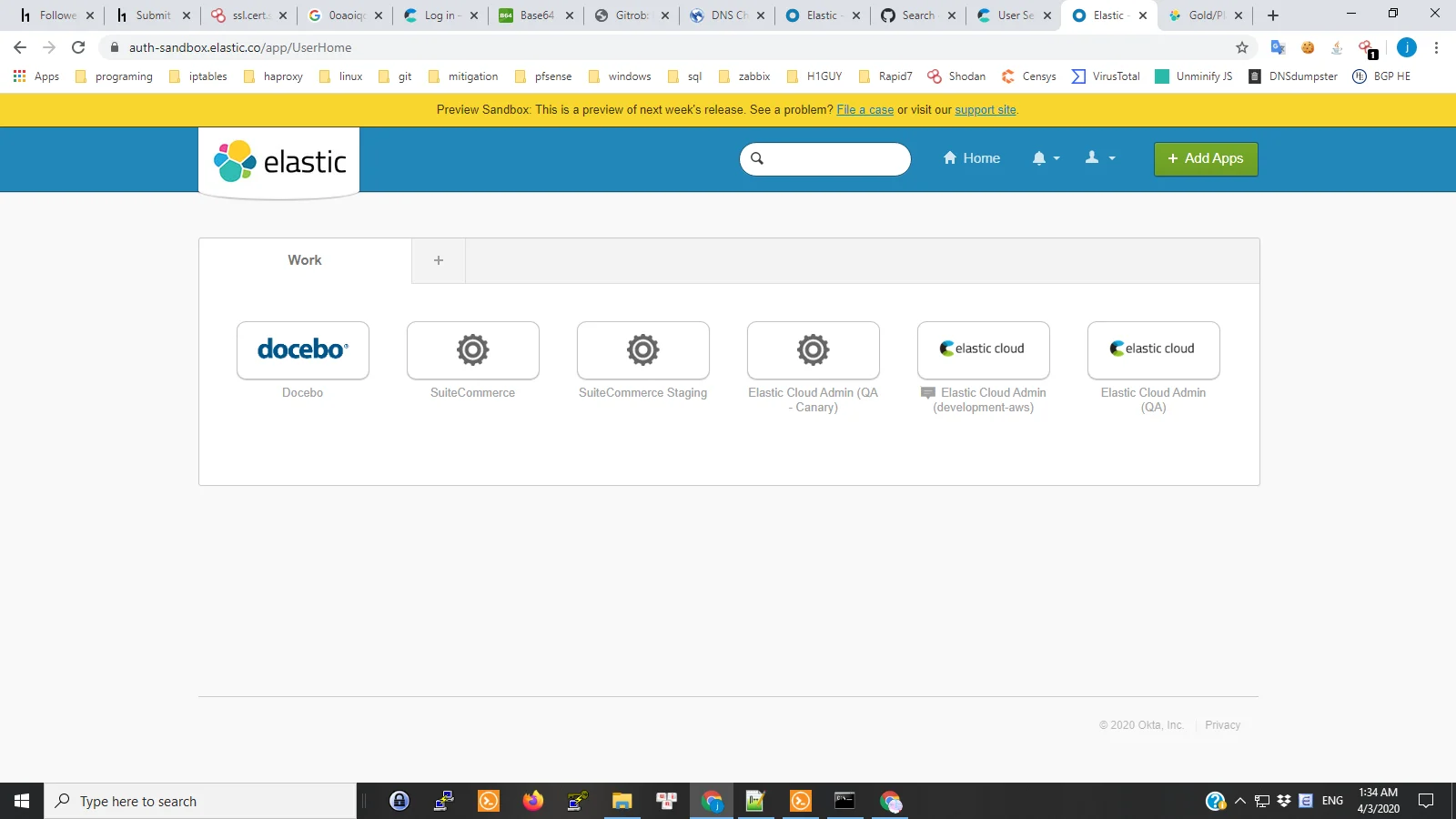
After login https://auth-sandbox.elastic.co/app/UserHome my account dashboard from [email protected] is different with [email protected].
On account [email protected] I can view some interesting apps like Elastic Cloud Admin (QA-Canary) etc ...
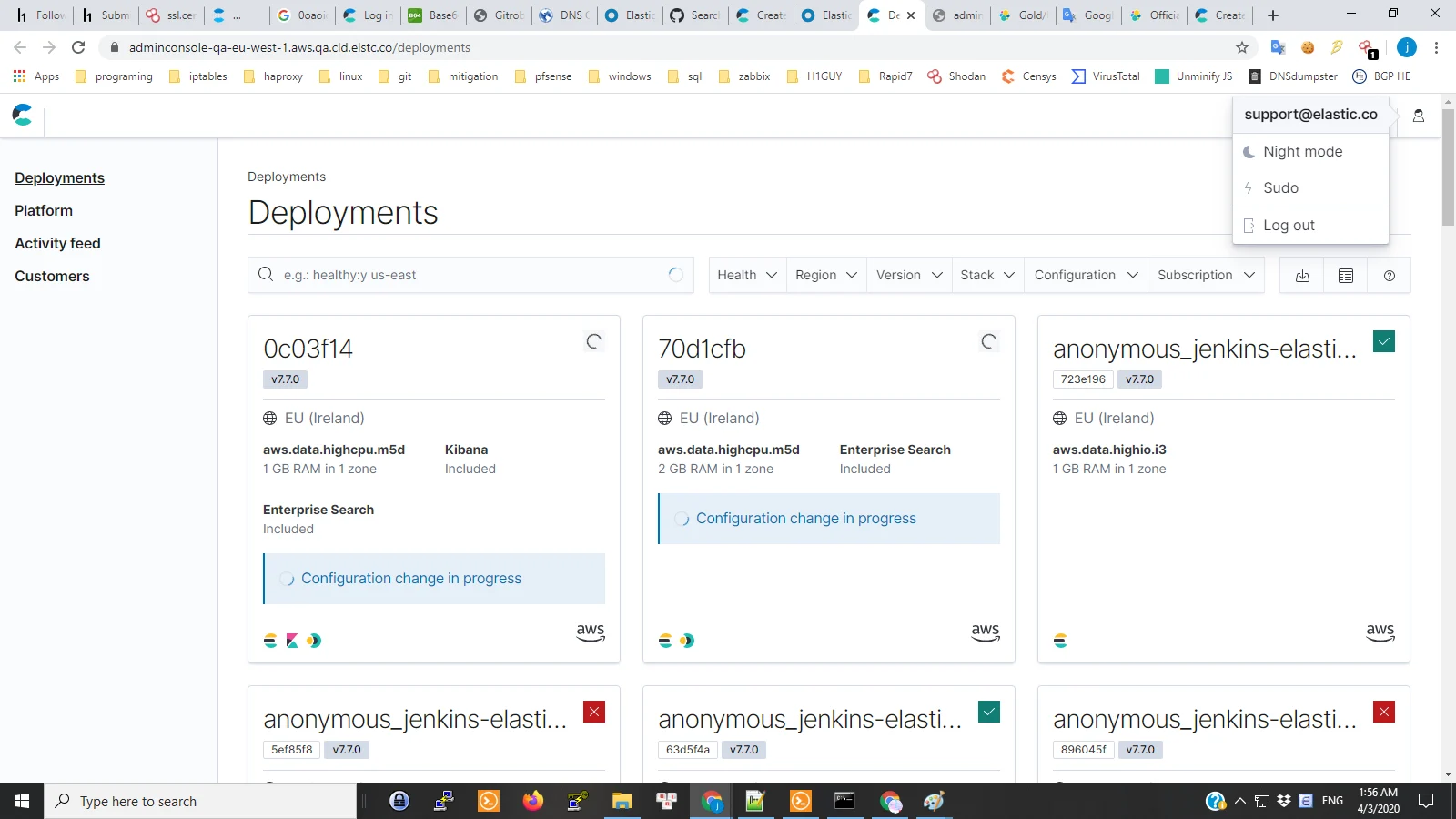
I have tried to launch apps and successful authorization this
https://adminconsole-qa-eu-west-1.aws.qa.cld.elstc.co/deployments
I do not do anything after logged in adminconsole. My IP address is █████
Steps To Reproduce:
- Go to https://staging.found.no/ and Signup an account with email @elastic.co
- Go to https://auth-sandbox.elastic.co and login with email/password you have registered
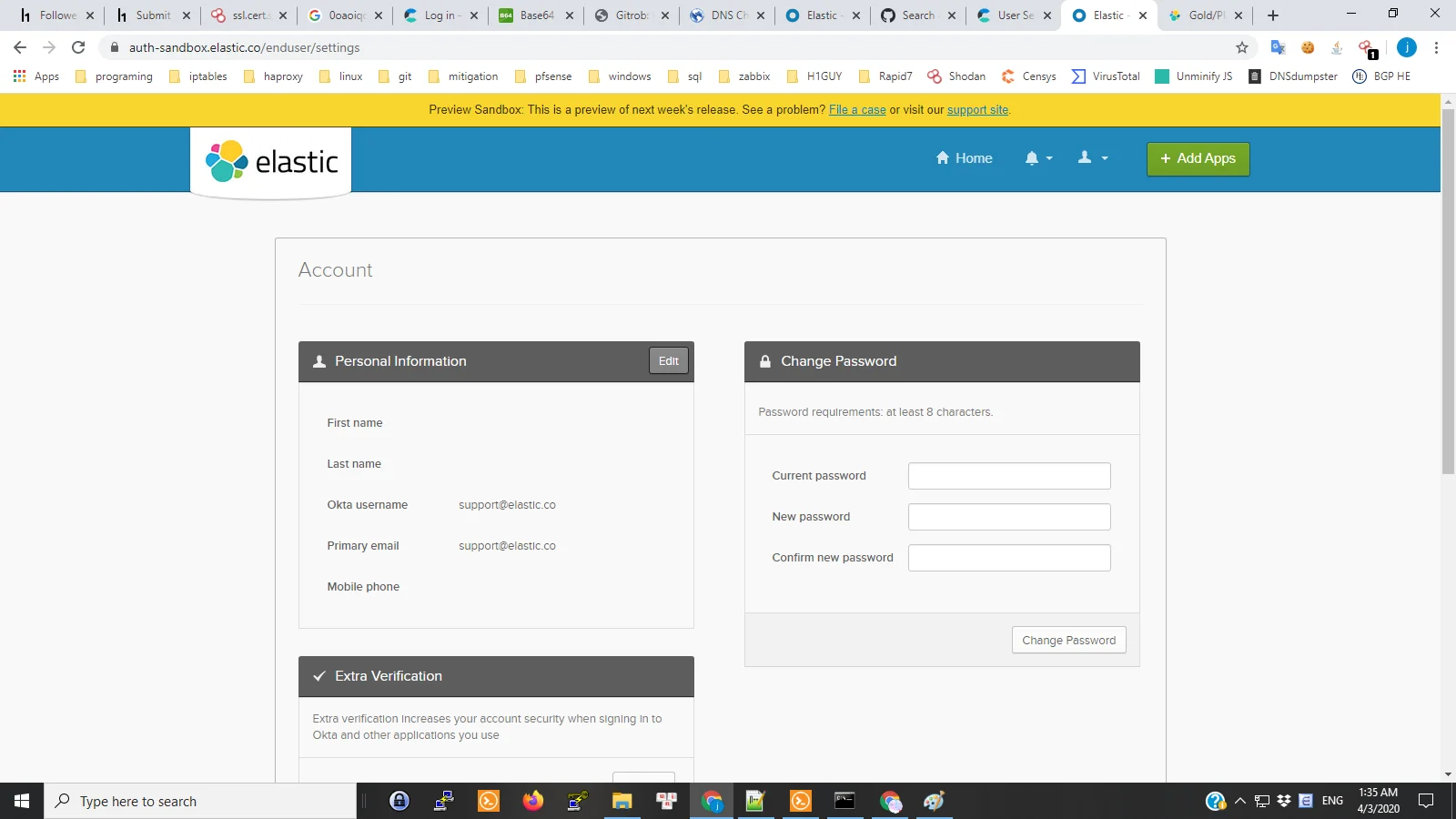
- After logged in, you are able to see the apps
Impact
With this vulnerability an attacker was allowed to view apps only visible to employees with email @elastic.co
Not written yet. The AI write-up for this report has not been written yet. The Original tab links to the source.
How it worked
Impact
An attacker could view applications that should only be visible to employees with an @elastic.co email address, and the reporter was able to launch one admin console app.
What the attacker needed
Access to the staging signup page; an @elastic.co email address (not verified)
How it was found
- Go to the staging signup page and register an account using an @elastic.co email address.
- Go to the sandbox identity provider and log in with the registered email and password.
- After logging in, view the list of applications available to the account.
Explained by bugbounty.wiki with AI from the original and checked against quotes from it; it can still be wrong. Read the original before relying on a detail.
Not written yet. The AI write-up for this report has not been written yet. The Original tab links to the source.
A company's login system let people create accounts with any email address, including one that looked like it belonged to the company. Because the system trusted the email address without checking that the person really owned it, the new account was treated like an employee account and showed internal apps.
What is Access control?
A user can do something their role should not allow: reach an admin function, act on a feature they have not paid for, or skip a permission check. IDOR is the special case where the object belongs to someone else.