Stored Cross-Site scripting in the infographics using Data Objects links

- Triaged in 4 days
- Fixed in 33 days
- Disclosed after 46 days
##Description Hello. This stored XSScase is different from early reported #280495, but has a very similar root cause and reproduction steps.
Upon pasting the link to the Text Object (not in the Add Media section, like in previous report), we can intercept the request, and change the link source to the malicious - which will result to the Stored XSS
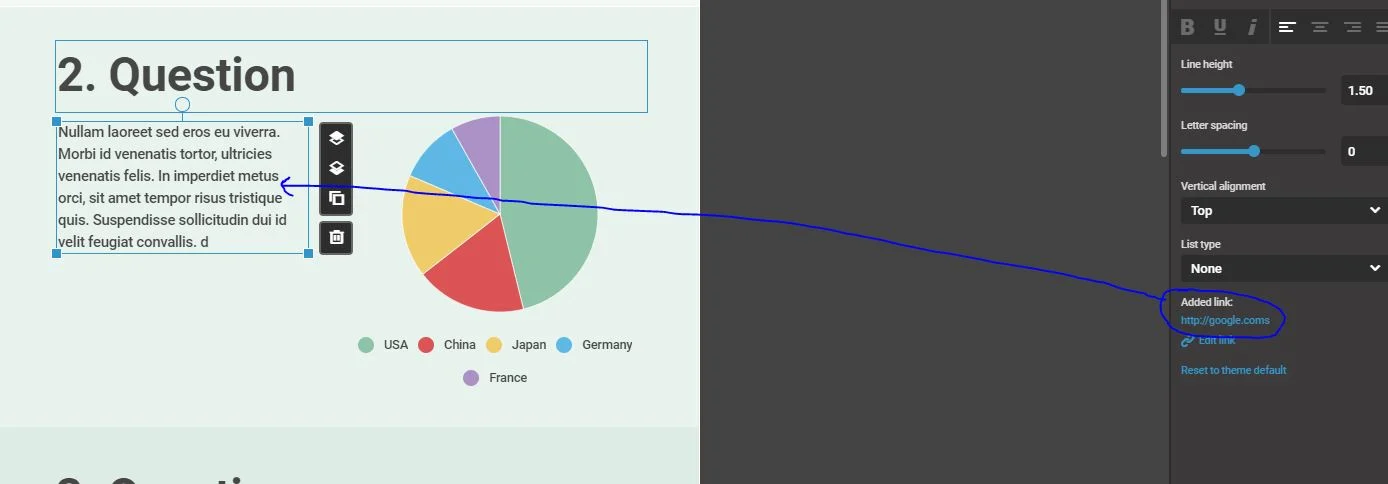
##POC
https://infogram.com/step-by-step-chartsgreaterlesssvg-onloadalert1greater-1ggk2694e7dj2n0
Click on the text in the block 2. Question
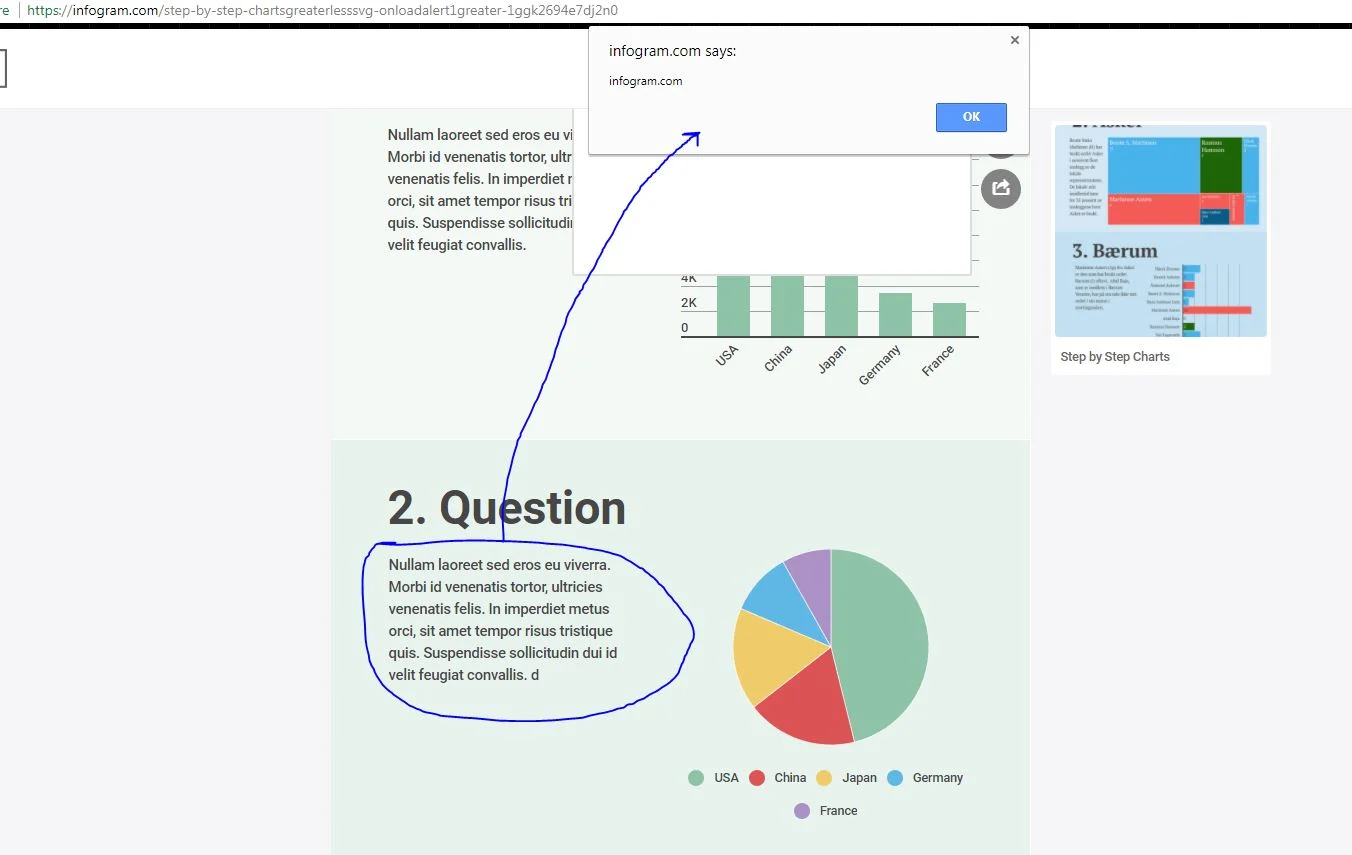
You will be XSSed.
##Reproduction steps
- Create some infographic
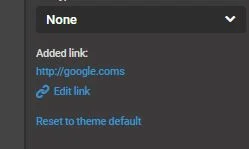
- Use some text object and add the link to it, for example,
http://google.com:
- Start web debugger, and enable interception mode.
- Insert the link
- Catch the request to the
https://infogram.com/api/infographics/update/[_your_project_id]
and change
http://google.com
to the
javascript:alert(document.domain)
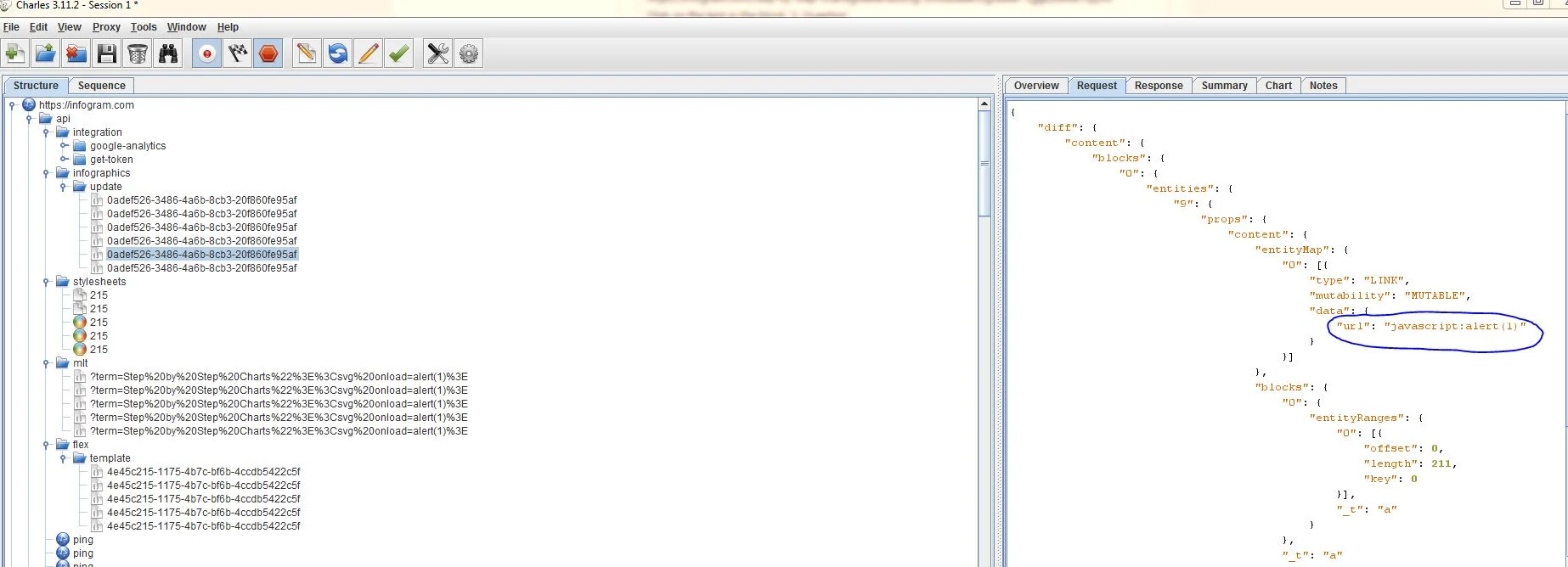
- Execute the request, and make infographic Public
- Visit it and click the text object to ensure that XSS works.
##Suggested fix
Check the inserted links on the server side - they must start with the pattern http[s]://
Not written yet. The AI write-up for this report has not been written yet. The Original tab links to the source.
What is known
A medium-severity XSS bug in infogram.com. HackerOne made it public on 4 December 2017.
About XSS
Script an attacker supplies runs in another user's browser, on the target's origin, with that user's session.
Not written yet. The AI write-up for this report has not been written yet. The Original tab links to the source.
What is XSS?
Script an attacker supplies runs in another user's browser, on the target's origin, with that user's session.






