Email Verification Bypass Allows Users to Add & verify Any Email As Guardians Email
A child account's parent email could be changed after a verification link was sent, so the verification token still applied to the new address. An attacker could therefore tie an email they do not control, such as a Khan Academy address, to a child account as a verified parent.

- Triaged in 11 hours
- Fixed in 4 months
- Disclosed after 5 months
- Go to https://www.khanacademy.org/signup and signup as learner keeping date of birth below 13 years.
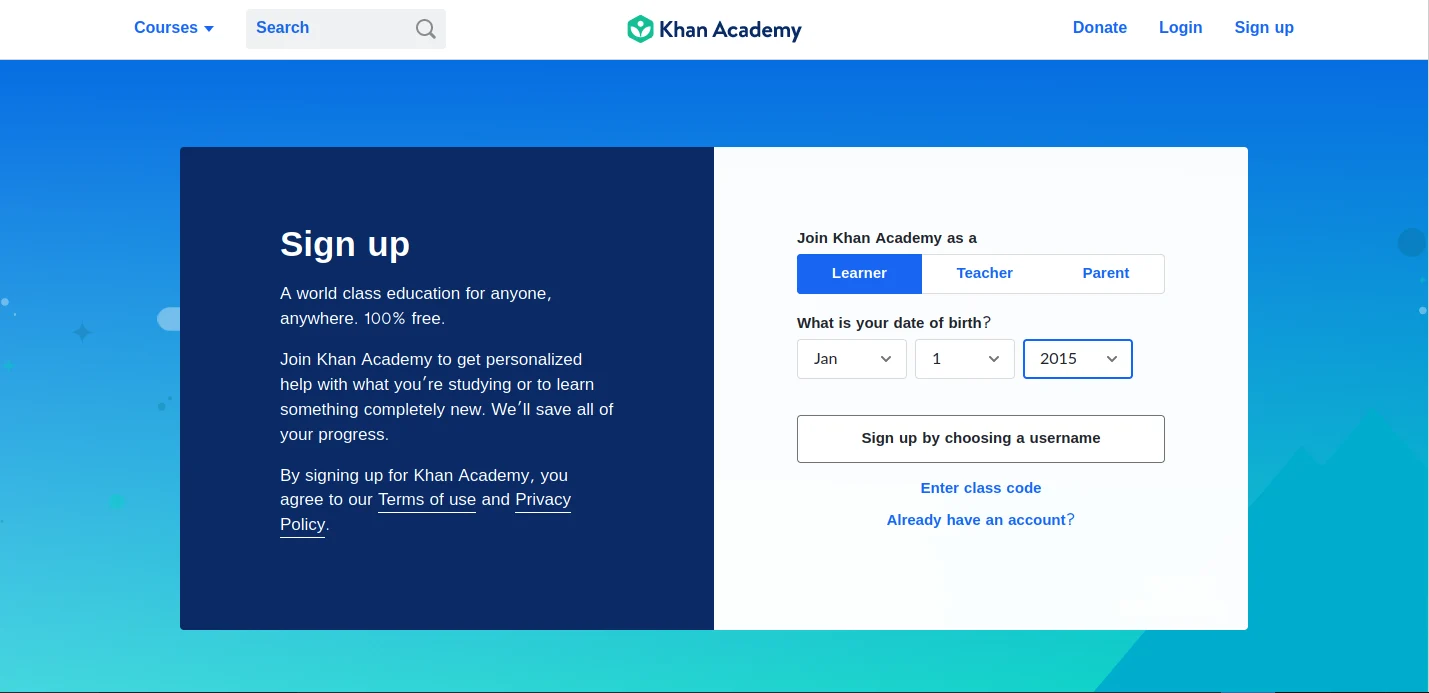
- Now keep victims email as parent's email for example here I am keeping [email protected] as parents email and click on signup.
████ 3. Now you will see a following message "Your parent or guardian must approve your account or it will be deleted in 7 days".
██████ 4. Now go to https://www.khanacademy.org/settings/account and update your email to temporary email or any email you have access to.
██████████ ██████ 5. Now, you will receive a verification email in your temporary email you have access to. But don't click on the email. Now again change the email to [email protected].
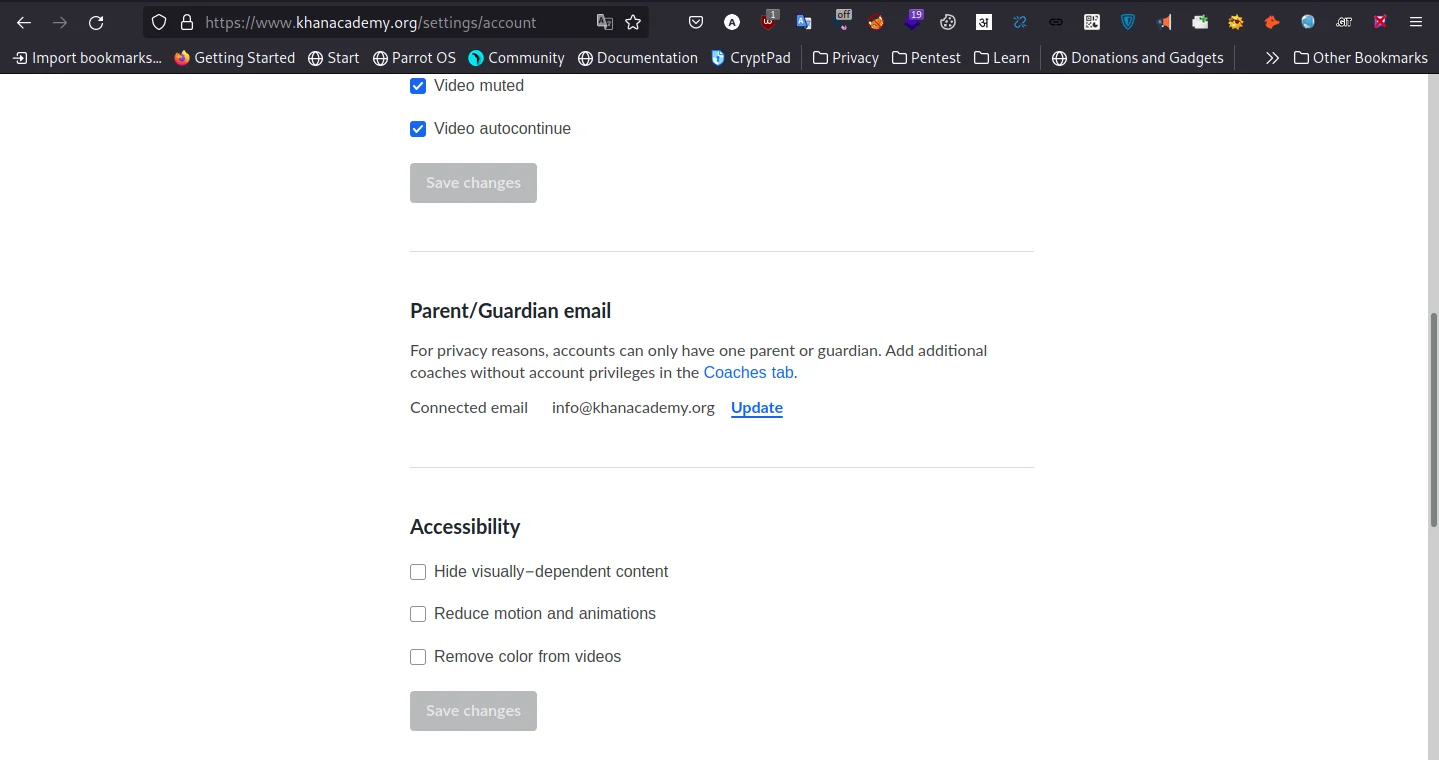
███████ 6. Now open the verification email you received in your temporary email account in an incognito tab and refresh your child's account. We have successfully tied [email protected] as parent account with email verification.
This is the account that I created : Username : ██████ Password : ██████████ Email : ████
█████████
Impact
Attacker is able to bypass email verification.
Not written yet. The AI write-up for this report has not been written yet. The Original tab links to the source.
How it worked
Root cause
Likely the verification token was not bound to the email address it was issued for, so changing the account email after sending the link still let the old token verify the new address.
Impact
An attacker could bypass email verification and mark an address they do not own as a verified parent.
What the attacker needed
Ability to sign up as a learner under 13; an email address the attacker controls; the victim's email address
How it was found
- Sign up as a learner with a date of birth under 13.
- Enter the victim's email address as the parent's email and submit the signup.
- Note the message that a parent must approve the account.
- Change the account email to a temporary address you control.
- Receive the verification email but do not click it, then change the account email back to the victim's address.
- Open the verification link from the temporary mailbox in an incognito tab and refresh the child account.
Explained by bugbounty.wiki with AI from the original and checked against quotes from it; it can still be wrong. Read the original before relying on a detail.
Not written yet. The AI write-up for this report has not been written yet. The Original tab links to the source.
When you sign up as a child, the site emails a parent to approve the account. The site sent that approval link to one address but did not check which address was on the account when the link was finally clicked. By swapping the address in between, someone could make an address they do not own look approved.
What is Business logic?
The application works as coded but not as intended: a negative price, a skipped payment step, a limit that can be crossed.