Stored XSS on oslo.io in notifications via project name change
A project editor could rename a project to a malicious HTML element, which then rendered and executed JavaScript in the project owner's notification dropdown. An attacker could run scripts such as keyloggers to escalate privileges or act as other users.

- Triaged in 17 hours
- Fixed in 41 hours
- Disclosed after 41 hours
Hey Logitech team.
Summary:
It is possible for an editor on a project to rename a project to a malicious HTML element, which when opened in the notification dropdown will render and fire javascript.
Steps To Reproduce:
[add details for how we can reproduce the issue]
- Invite user to join the project and allow editor permissions.
- As the editor account, click on any of the projects and click rename. Insert malicious HTML there.
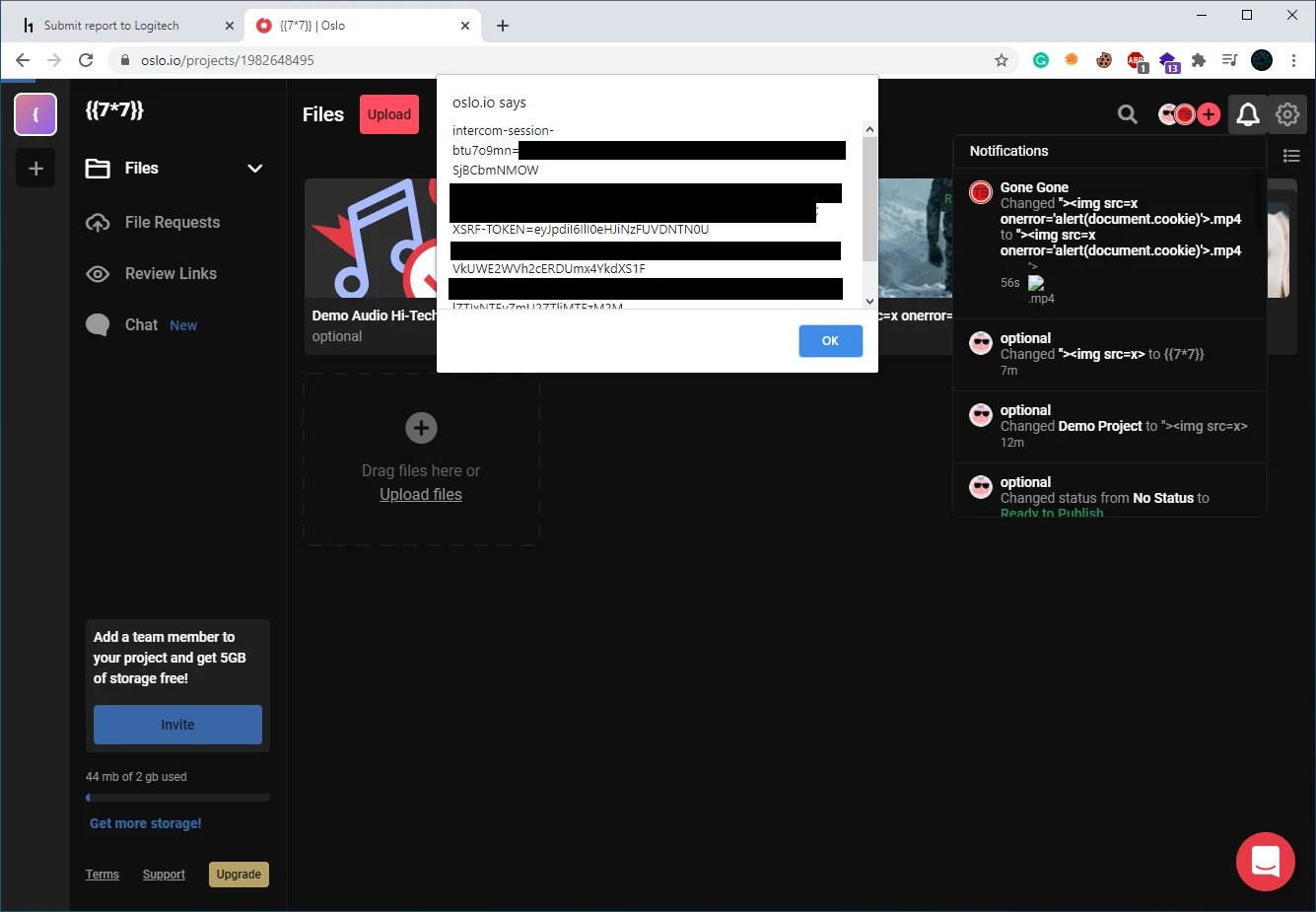
- Log in as the owner of the project directory and click on the notification bell on the top right. This will cause the XSS to fire.
Supporting Material/References:
[list any additional material (e.g. screenshots, logs, etc.)]
Fig 1: Inviting the editor to project
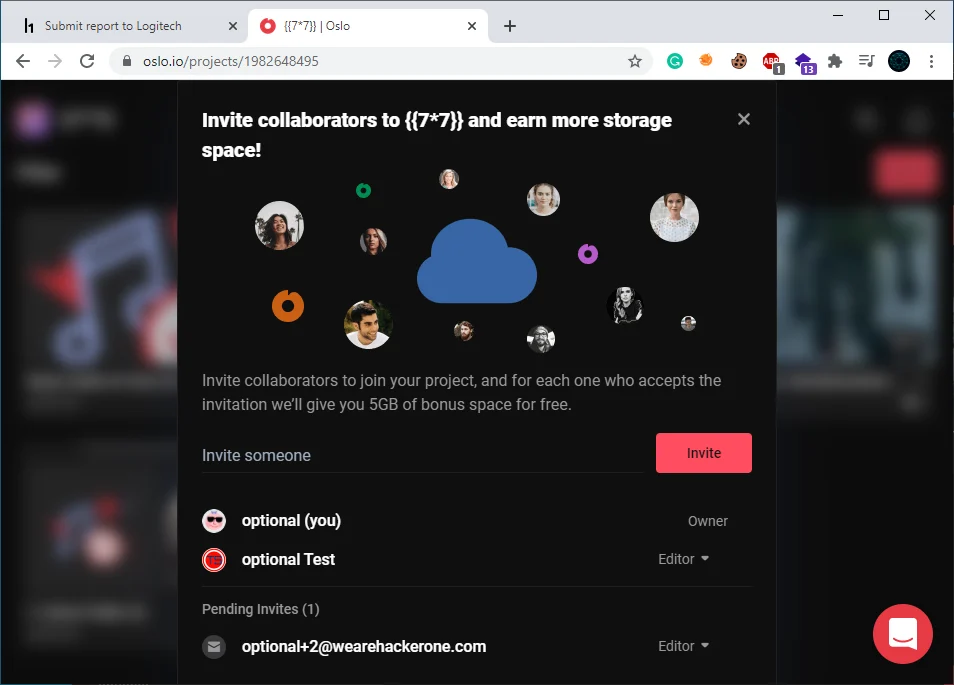
Fig 2: Notification Settings for Owner:
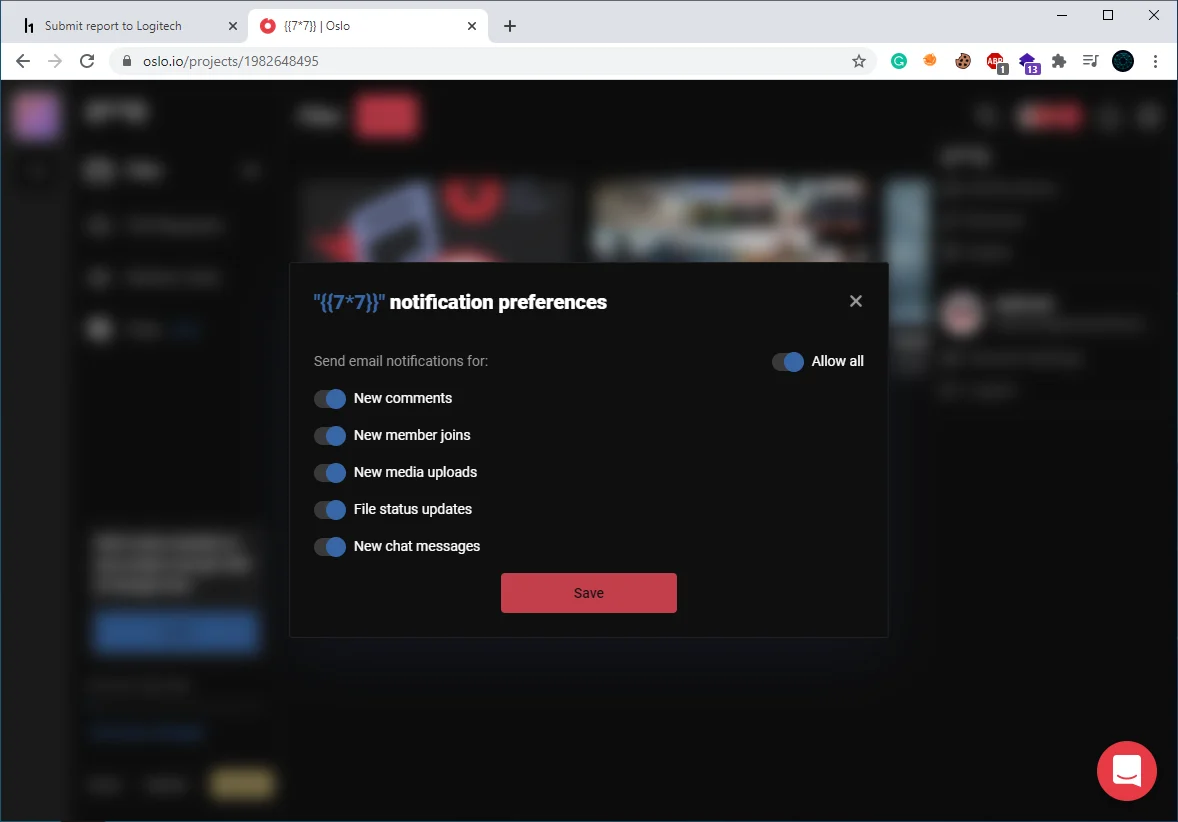
Fig 3: Editor Changing Project name to malicious object
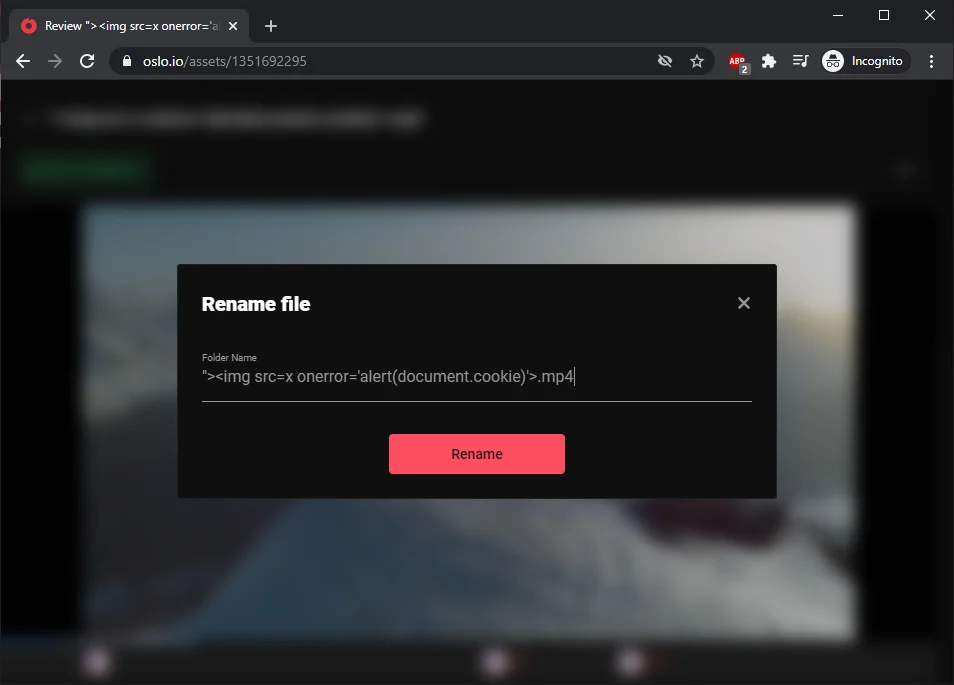
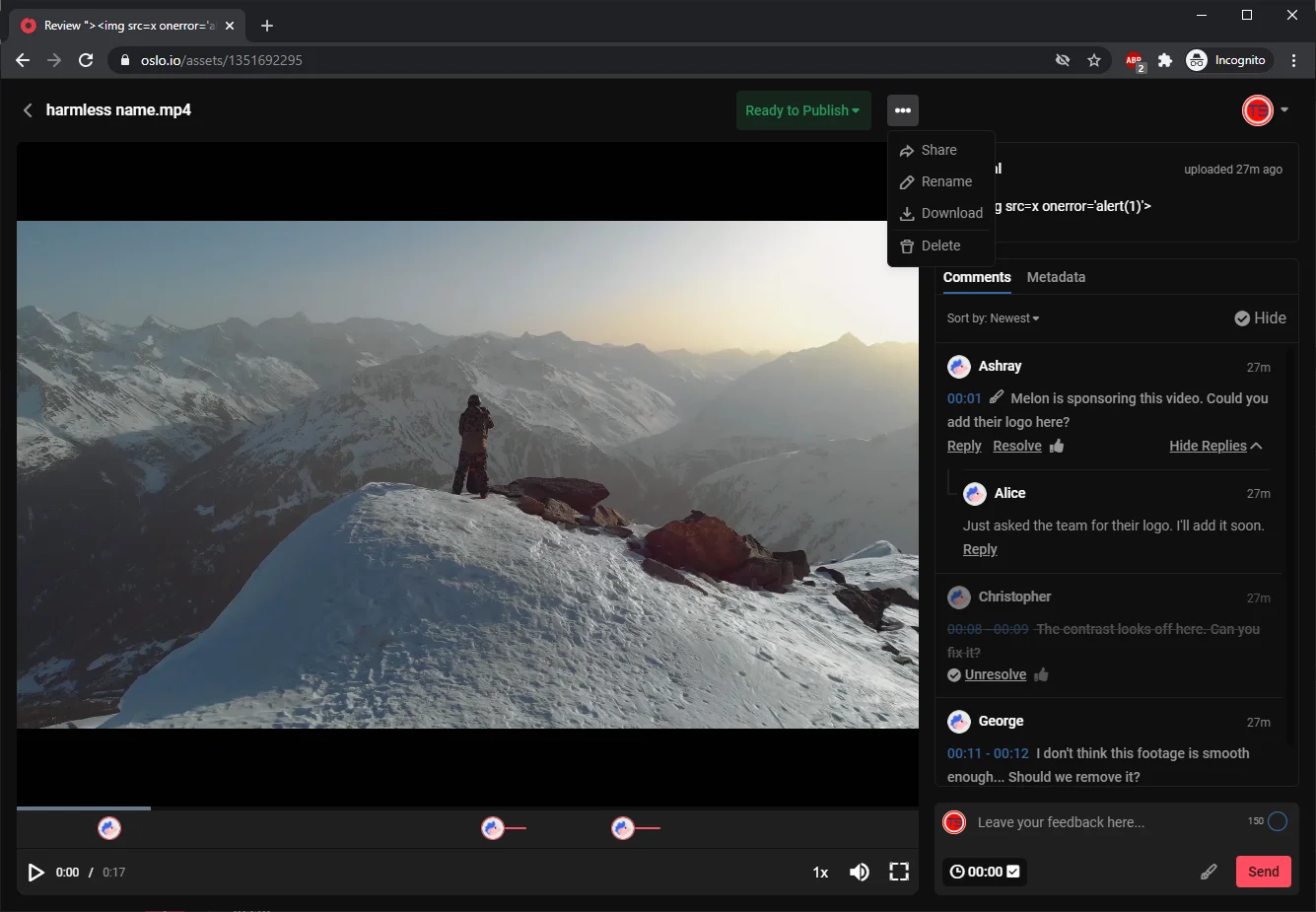
Fig 4: Logging in as the owner again
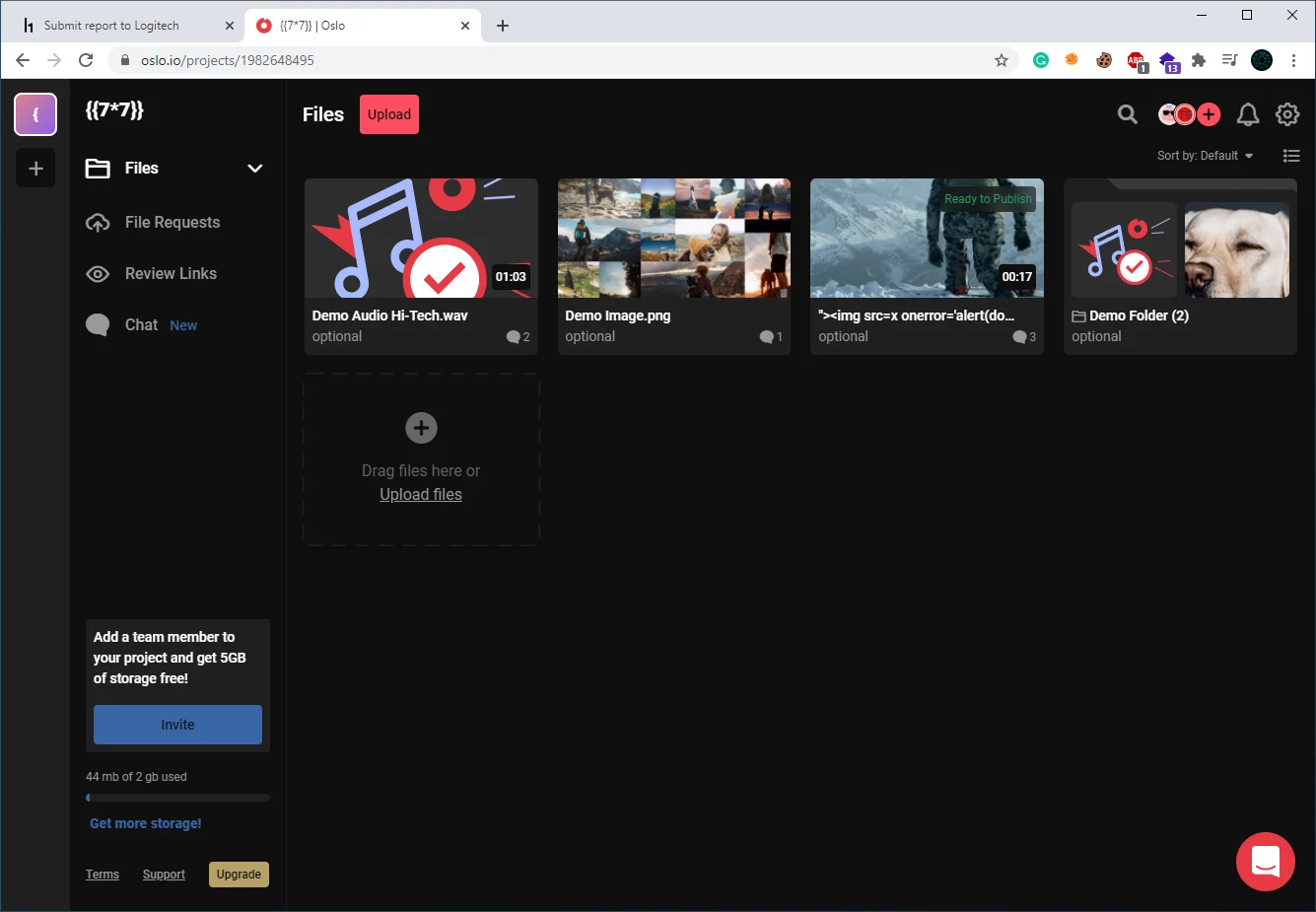
Fig 5: Opening Notification Bell
Impact
The impact of this vulnerability is that users who are invited onto projects as an editor are able to inject malicious javascript such as keyloggers to escalate their privileges or perform actions as other users.
Not written yet. The AI write-up for this report has not been written yet. The Original tab links to the source.
How it worked
Impact
An editor could inject JavaScript such as keyloggers to escalate privileges or perform actions as other users.
What the attacker needed
Attacker has editor permissions on a project; victim opens the notification dropdown
How it was found
- Invite a user to the project and give them editor permissions.
- As the editor, rename a project to a malicious HTML element.
- Log in as the project owner and open the notification bell to trigger the XSS.
Explained by bugbounty.wiki with AI from the original and checked against quotes from it; it can still be wrong. Read the original before relying on a detail.
Not written yet. The AI write-up for this report has not been written yet. The Original tab links to the source.
A project editor can rename a project to something that looks like code. When the owner opens their notifications, the site runs that name as code in the owner's browser, letting the editor act as the owner.
What is XSS?
Script an attacker supplies runs in another user's browser, on the target's origin, with that user's session.



