[public] Stored XSS in the filename when directories listing
The public npm module builds directory listings without escaping filenames, so a file with a crafted name containing HTML and JavaScript is rendered as active markup. An attacker who can create such a file could execute JavaScript in the browser of anyone who views the listing.

- Triaged in 10 days
- Fixed in 49 days
- Disclosed after 3 months
I would like to report a Stored XSS issue in module public It allows executing malicious javascript code in the user's browser.
Module
module name: public version: 0.1.3 npm page: https://www.npmjs.com/package/public
Module Description
Run static file hosting server with specified public dir & port. Support a "direcotry index" like Apache httpd.
Vulnerability
Vulnerability Description
This issue happens because of the lack of output sanitization here:
files.forEach(function(file) {
    list.push('<li><a href="', path.join(base, file),'">', file, '</a></li>');
});
Steps To Reproduce:
- Install the module
$ npm i public
- Run
$ ./node_modules/public/bin/public ./ 6060
- In the target directory, create a file with name
"><svg onload=alert(3);
bash$ touch '"><svg onload=alert(3);'
- In the browser, go to http://127.0.0.1:6060/, the XSS popup will fire.
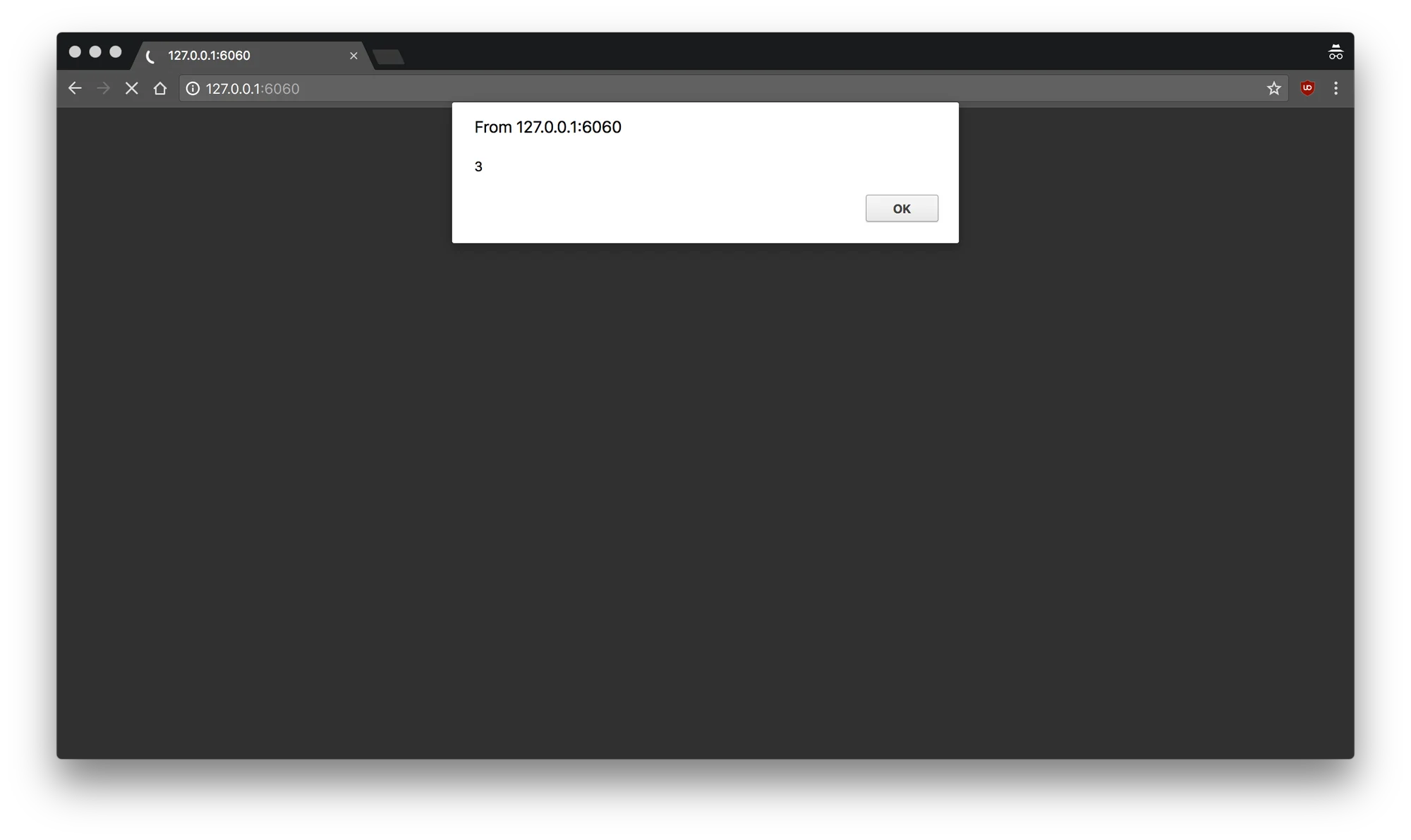
Supporting Material/References:
- macOS High Sierra 10.13.3
- node v8.10.0
- npm 5.6.0
- Chrome Version 65.0.3325.181 (Official Build) (64-bit)
Wrap up
- I contacted the maintainer to let them know: N
- I opened an issue in the related repository: N
Impact
It allows executing malicious javascript code in the user's browser
Impact
It allows executing malicious javascript code in the user's browser.
Not written yet. The AI write-up for this report has not been written yet. The Original tab links to the source.
How it worked
Root cause
Likely the filename is inserted into the HTML without output encoding or sanitisation.
Impact
It allows executing malicious JavaScript code in the user's browser.
What the attacker needed
Ability to create a file in the served directory; victim views the directory listing
How it was found
- Install the public module.
- Run the server pointing at a directory on a chosen port.
- Create a file whose name contains HTML and an SVG onload handler.
- Open the server root in a browser to trigger the script.
Explained by bugbounty.wiki with AI from the original and checked against quotes from it; it can still be wrong. Read the original before relying on a detail.
Not written yet. The AI write-up for this report has not been written yet. The Original tab links to the source.
A directory listing is a web page that shows the files in a folder. This module puts each filename directly into the page without cleaning it first. If a filename contains HTML code, the browser treats it as part of the page and runs any JavaScript in it, which is called stored cross-site scripting (XSS).
What is XSS?
Script an attacker supplies runs in another user's browser, on the target's origin, with that user's session.