Self-XSS in posts by formatting text as code
A self-XSS was found in Slack posts where formatting text as code let an SVG payload execute; the reporter demonstrates it by pasting and formatting the payload themselves.

- Triaged in 15 days
- Fixed in 40 days
- Paid in 15 days
- Disclosed after 54 days
Hi I have found an XSS in Slack. To reproduce the issue, just follow this:
-
Go to your Slack account (accountname.slack.com)
-
Below you will see a plus (+) sign, click that, there will be three options, click "Create Post"
-
You will be redirected to a page where you will create it.
-
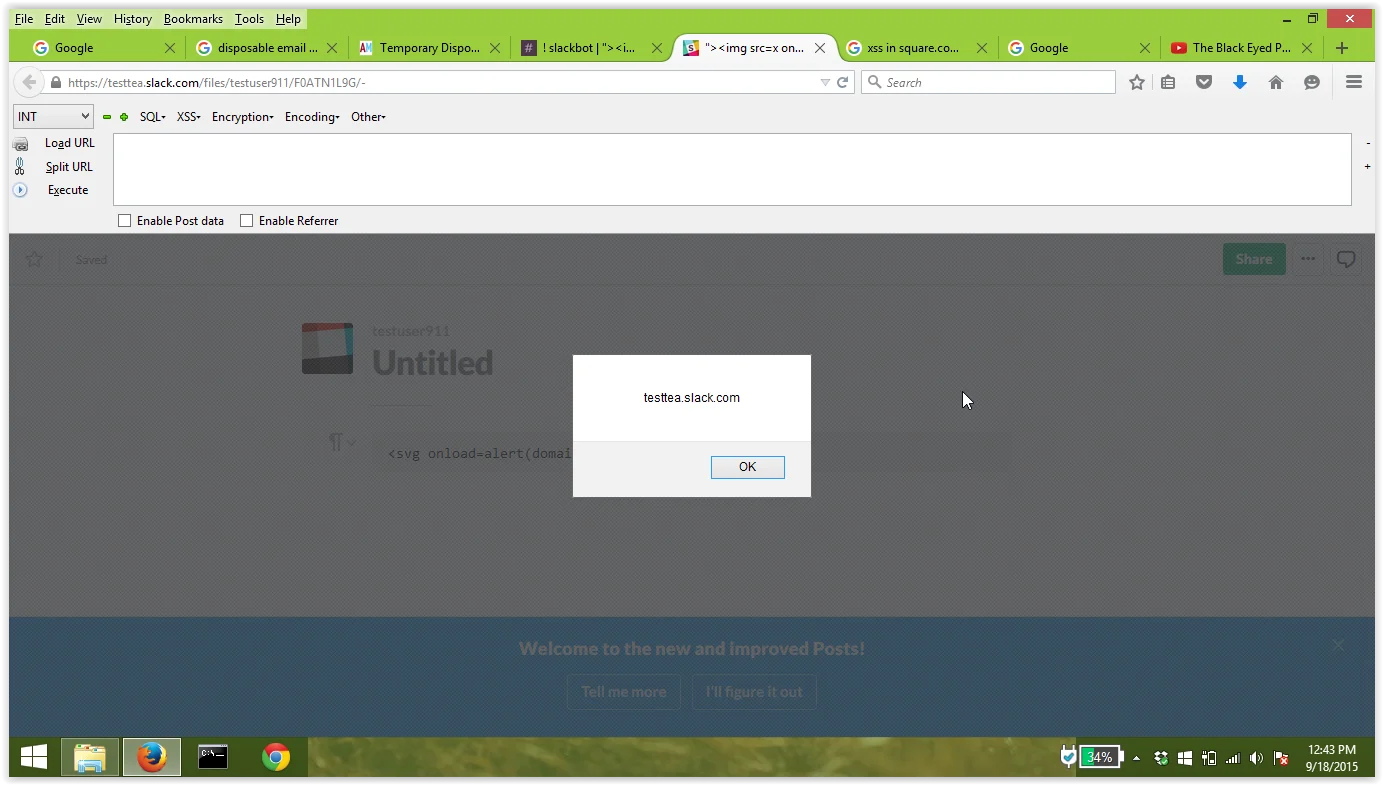
Type the payload. I used: <svg onload=alert(domain)>. then Highlight it.. on the left side, there are symbols... click it and choose this symbol: ( <>) which is for code..
-
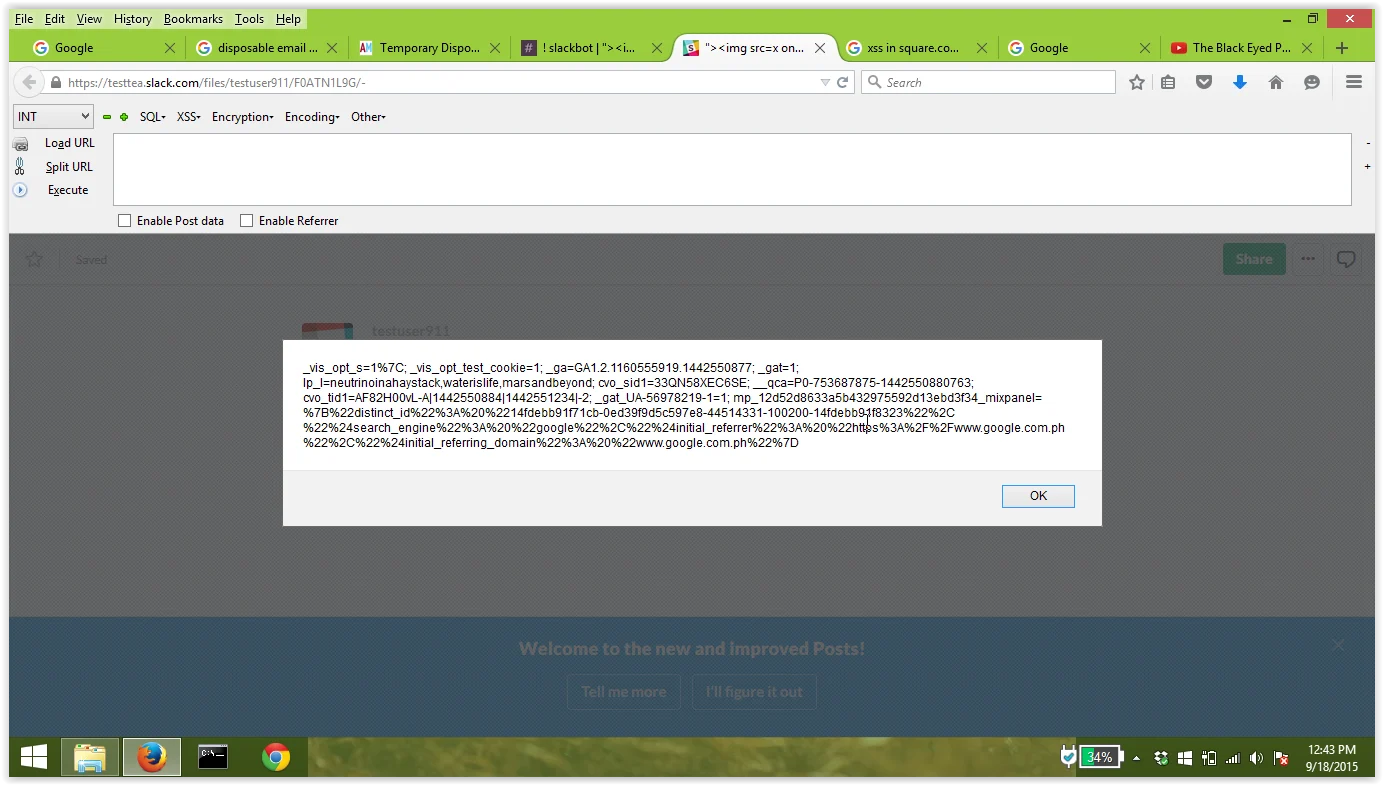
XSS Pop-up
Youtube video for clearer details:
THANKS!
Attachments
Not written yet. The AI write-up for this report has not been written yet. The Original tab links to the source.
How it worked
What the attacker needed
Victim pastes payload into a post; victim applies code formatting
How it was found
- Go to your Slack account.
- Click the plus sign and choose 'Create Post'.
- Type the SVG payload in the post editor.
- Highlight the payload and click the code formatting symbol.
- The XSS pop-up appears.
Explained by bugbounty.wiki with AI from the original and checked against quotes from it; it can still be wrong. Read the original before relying on a detail.
Not written yet. The AI write-up for this report has not been written yet. The Original tab links to the source.
This is a self-XSS: the user pastes the code into their own post and applies code formatting, and it runs in their browser.
What is XSS?
Script an attacker supplies runs in another user's browser, on the target's origin, with that user's session.







