Several XSS affecting Zomato.com and developers.zomato.com
Several pages on Zomato and its developer portal rendered user-supplied input without proper sanitisation, allowing script injection. An attacker could run arbitrary JavaScript in a victim's browser session on those domains.

- Triaged in 35 days
- Fixed in 4 months
- Disclosed after 6 months
Hi there, I have found several XSS in Zomato.com and developers.zomato.com
A. Steps to reproduce:
- Go to zomato.com
- Look for any restaurant
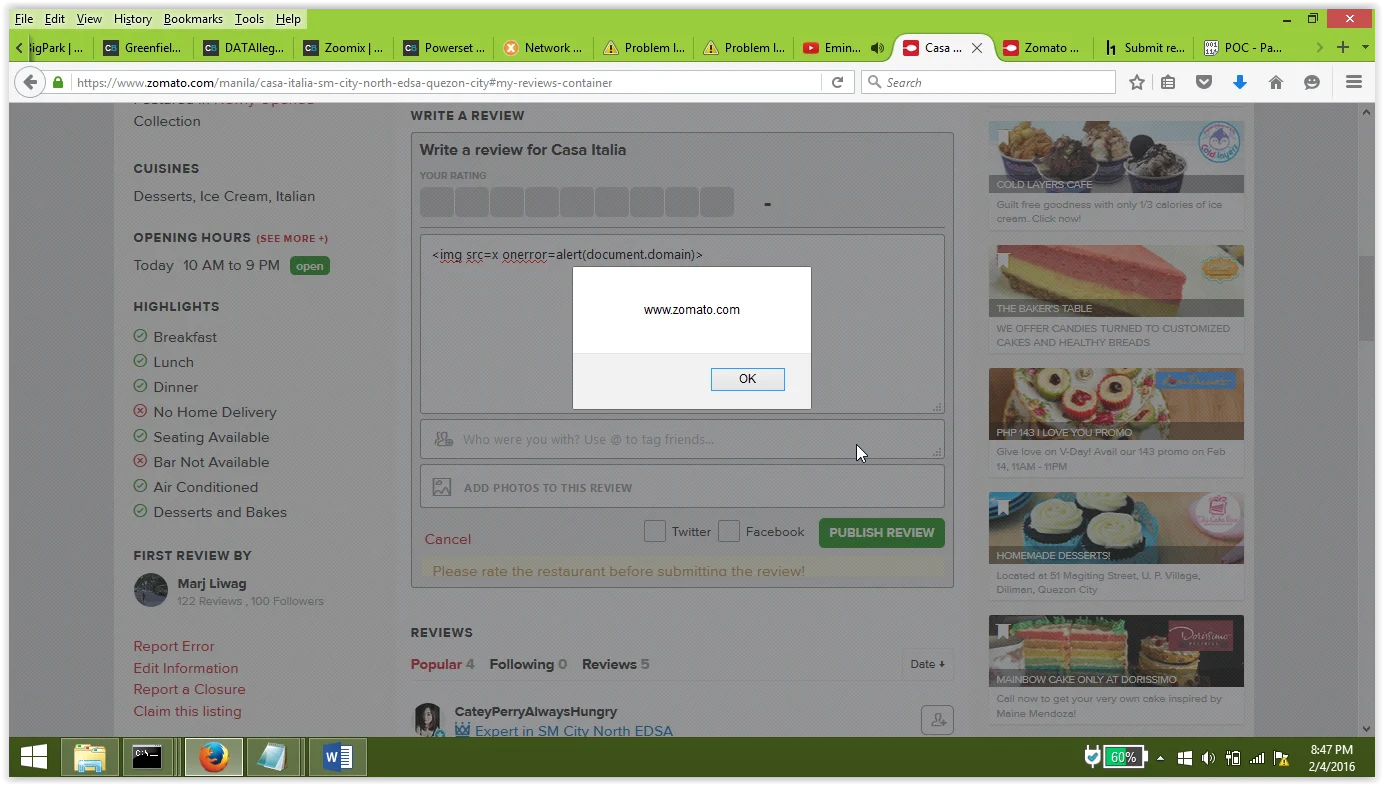
- Click "Write review" and enter the payload as your review (<img src=x onerror=alert(document.domain)>)
- Click "Publish review" . XSS pop up
B. Now in developers.zomato.com:
- Go to developers.zomato.com
- Go to "widgets" tab
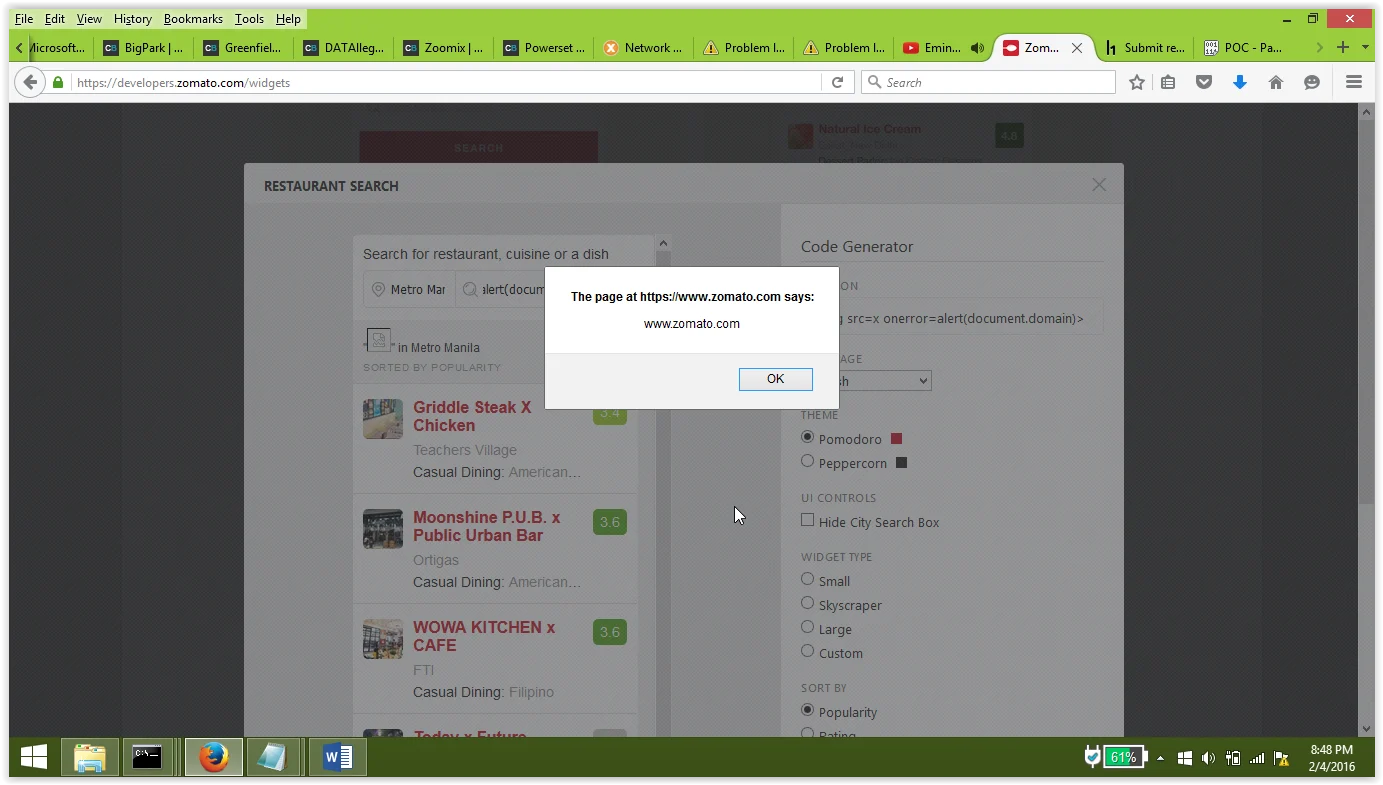
- Look for "Restaurant Search" widget and click "Add Widget"
- Now a window will open (restaurant search), on the left side, you will see "Search for restaurant, cuisine or a dish" now, enter the payload (<img src=x onerror=alert(document.domain)>) in the seachbar, XSS popup.
C. developers.zomato.com (II)
- Go to developers.zomato.com
- Go to "widgets" tab
- Look for "Foodie Index Widget"
- Click "add widget"
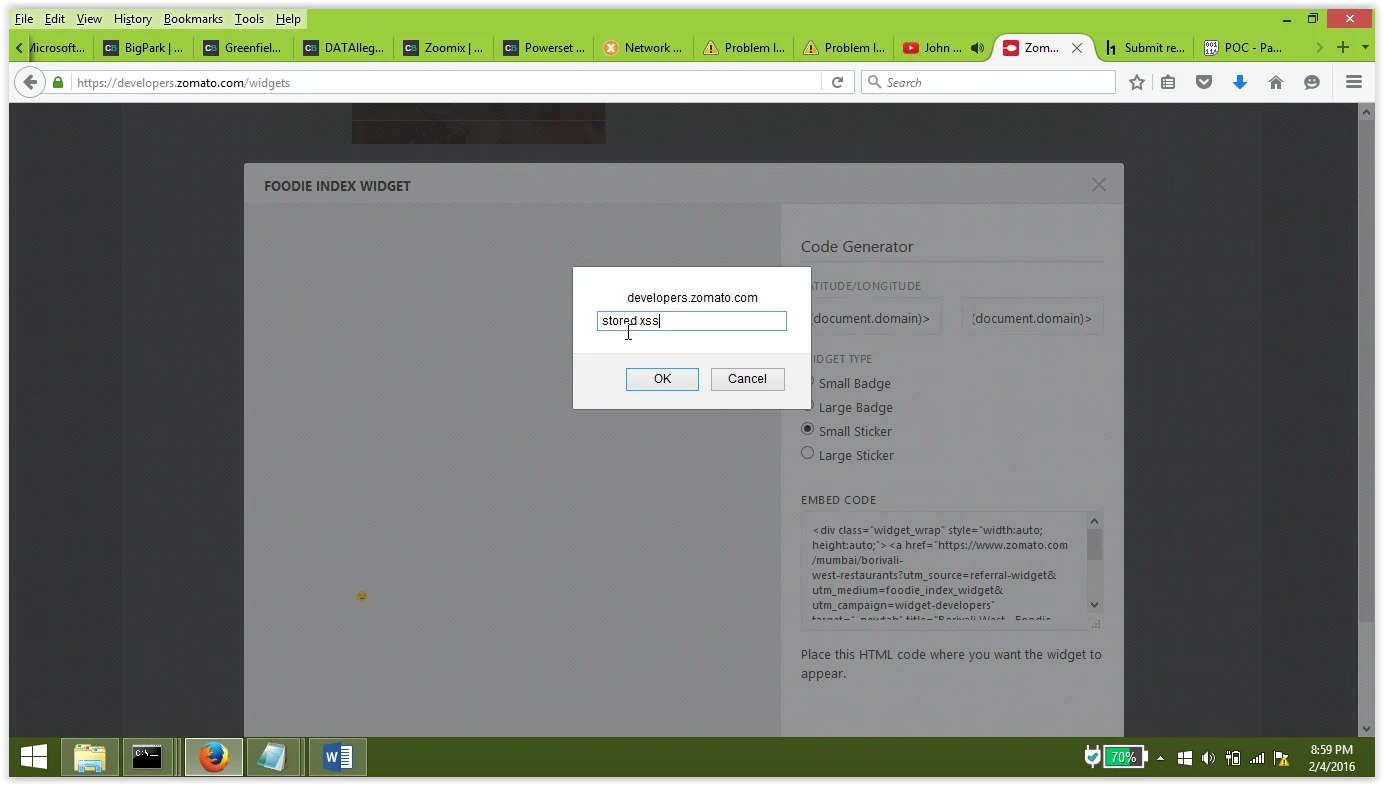
- In the longitude and latitude, enter the XSS payload (<svg onload=prompt(document.domain)>).
- XSS popup
I hope you fix this since this are affecting several zomato users. Thanks
Attachments
Not written yet. The AI write-up for this report has not been written yet. The Original tab links to the source.
How it worked
Root cause
Likely the application inserted user-controlled input into the page without encoding or sanitising it, so markup was interpreted as HTML.
Impact
An attacker could execute script in the context of Zomato and its developer portal, potentially acting on behalf of logged-in users; the report does not demonstrate theft of data or accounts.
What the attacker needed
Access to the review form; access to the developer portal widgets
The fix
The application should prevent user-supplied input from being rendered as markup.
How it was found
- Open the main Zomato site and pick a restaurant.
- Write a review containing script markup and publish it.
- The script runs when the review is published.
- On the developer portal, open the widgets tab and add the Restaurant Search widget.
- Type script markup into the widget's search box and the script runs.
- Add the Foodie Index widget and put script markup in the longitude and latitude fields, and the script runs.
Explained by bugbounty.wiki with AI from the original and checked against quotes from it; it can still be wrong. Read the original before relying on a detail.
Not written yet. The AI write-up for this report has not been written yet. The Original tab links to the source.
XSS happens when a site shows text a user typed without cleaning it, so the browser treats it as code. Here review text and search or coordinate fields ran a script.
What is XSS?
Script an attacker supplies runs in another user's browser, on the target's origin, with that user's session.






