Gitlab is vulnerable to impersonation attacks due to broken links
A blog post on GitLab's website contained a hyperlink to a GitHub profile that no longer existed, allowing an attacker to register that username and redirect the link to a malicious site. An attacker could impersonate the original person and direct visitors to a shortened malicious URL.

- Triaged in 19 hours
- Fixed in 40 hours
- Disclosed after 3 days
Good afternoon team,
#Vulnerability
There's a lot of possible attacks that can be carried out with broken external links as noted in this github post by edoverflow. https://gist.github.com/EdOverflow/24e0bb929169eb948bb7f3d0a2d5528f.
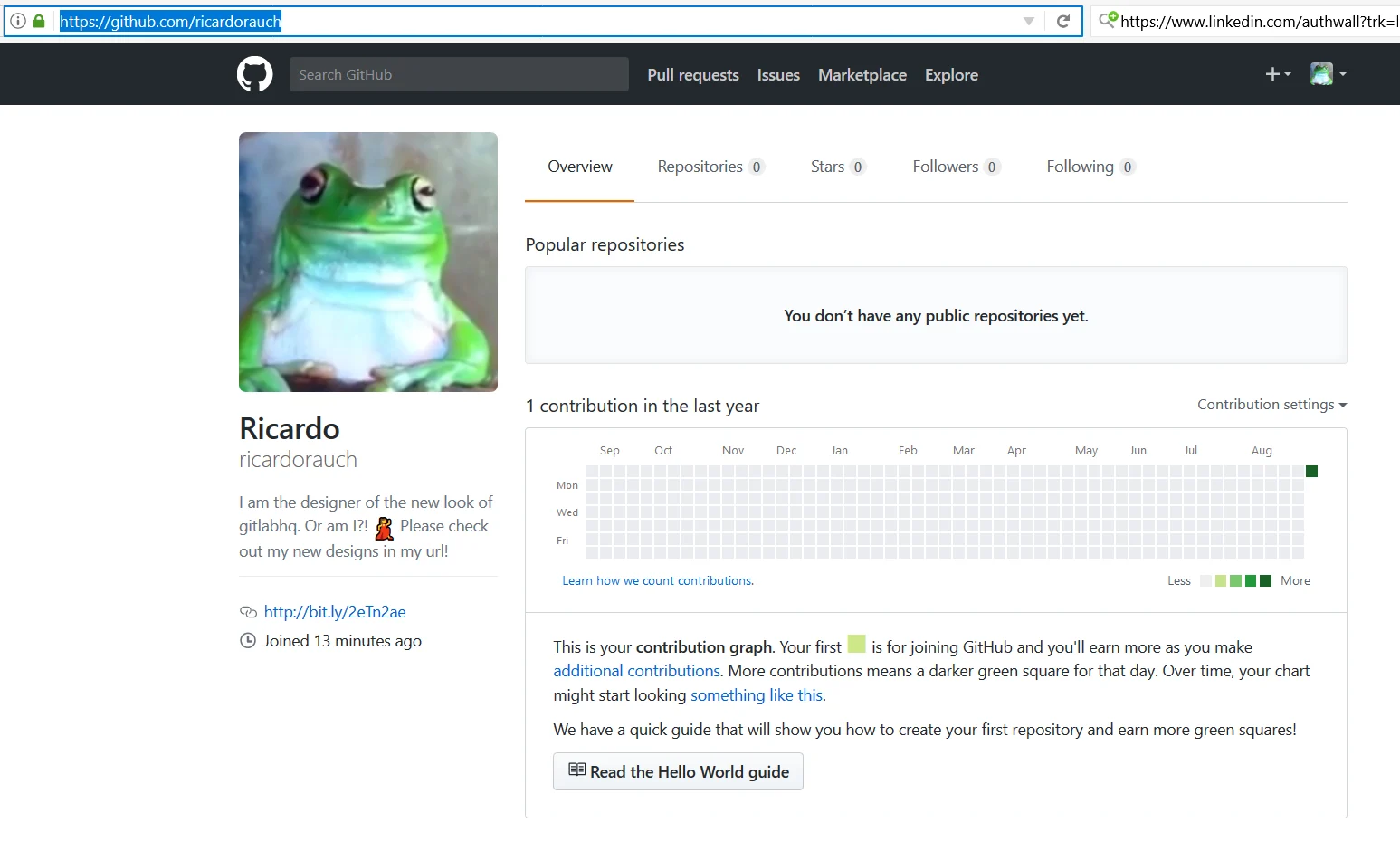
In this particular example I'm impersonating Ricardo who redesigned gitlabhq back in 2011.
#POC
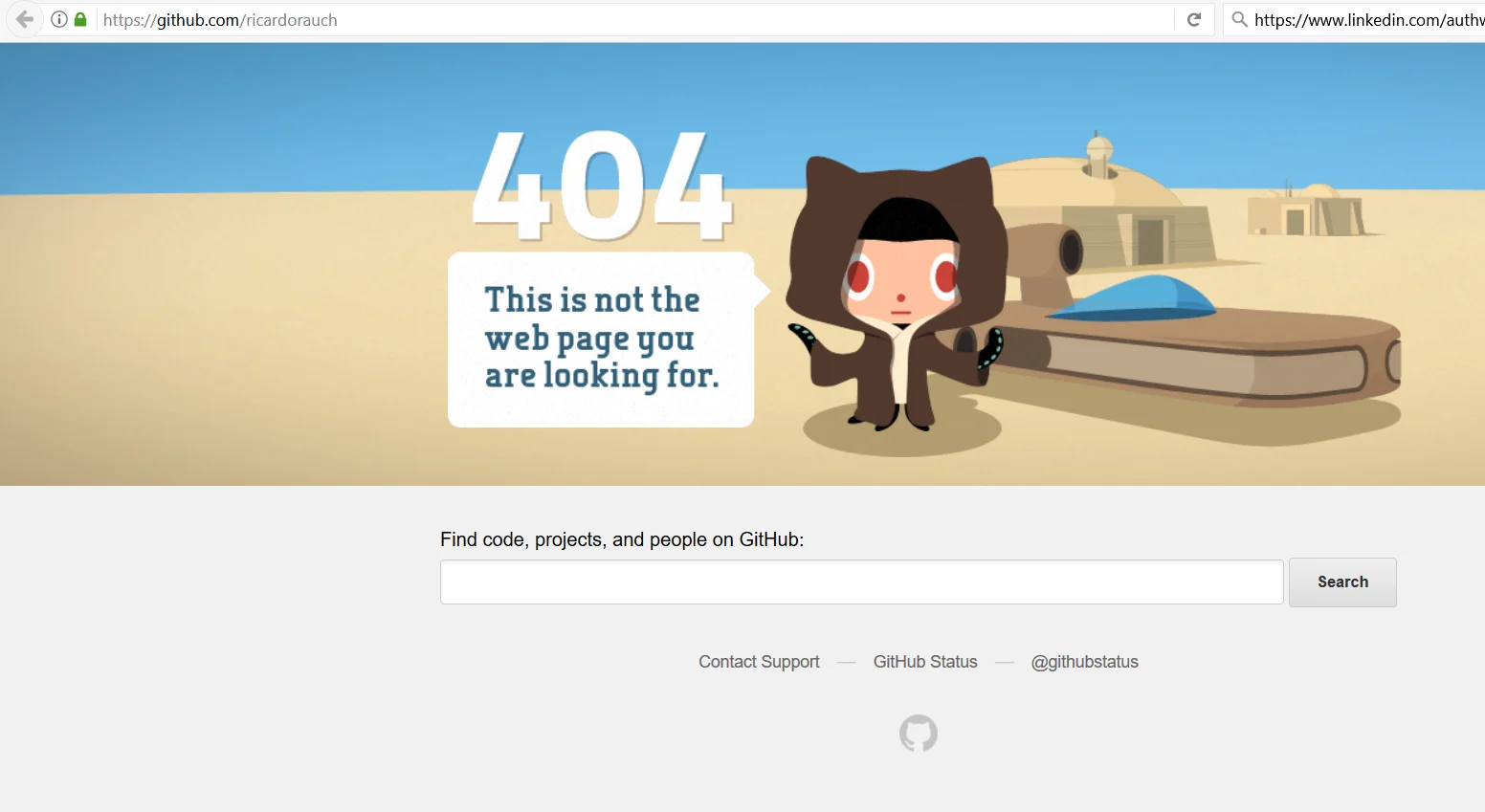
Go to https://about.gitlab.com/2011/11/22/whats-next/ and Ricardo is hyperlinked to his github account. Well somewhere between 2011 and 2017 he decided to delete his profile.
Before - F218161
After - F218162
Ricardo is back with a malicious url that has been shortened using bit.ly. Shortening the link hides that it's malicious.
In conclusion I have taken over an embedded link inside the Gitlab.com domain. Please let me know if you have any questions. I am happy to help and will continue to look for broken links!
Attachments
Not written yet. The AI write-up for this report has not been written yet. The Original tab links to the source.
How it worked
Root cause
Likely the blog post linked to an external profile that was later deleted, and the username was not reserved or the link was not updated, allowing anyone to claim it.
Impact
An attacker could impersonate a former contributor and redirect visitors of a GitLab blog post to a malicious site.
What the attacker needed
A blog post with a broken external link; the external username is available
How it was found
- Find a blog post on GitLab's website that links to an external profile.
- Notice that the linked profile no longer exists.
- Claim the same username on the external site.
- Use that account to redirect visitors to a malicious shortened URL.
Explained by bugbounty.wiki with AI from the original and checked against quotes from it; it can still be wrong. Read the original before relying on a detail.
Not written yet. The AI write-up for this report has not been written yet. The Original tab links to the source.
When a website links to an external page that has been deleted, the link is 'broken'. If someone else later claims that same username on the external site, they can control where the link goes. Here, the attacker took over a link on GitLab's blog to send visitors to a malicious site.
What is Open redirect?
A trusted site forwards users to any address an attacker picks; rarely paid alone, often the missing link in a chain.