Replace other user files in Inbox messages
Files attached to inbox messages were stored in a shared S3 bucket under a predictable name based only on the original filename, so an attacker could upload a file with the same name and overwrite another user's attachment. This let an attacker replace the content of someone else's file with their own.
 Originally disclosed on HackerOne
- Triaged in 1 hour
- Fixed in 57 days
- Paid in 19 hours
- Disclosed after 57 days
Summary
When a store publishes their listing, a user can message them if they are interested. Company can reply to this query and also add a file. When a file is uploaded, the link looks like this: https://shopify-exchange-private.s3.amazonaws.com/attachments/<filename>. This file can be replaced if the attacker knows the filename.
Description
After submitting the store validation bypass, I played around with the application and noticed that when I submit a query it lands on my inbox:
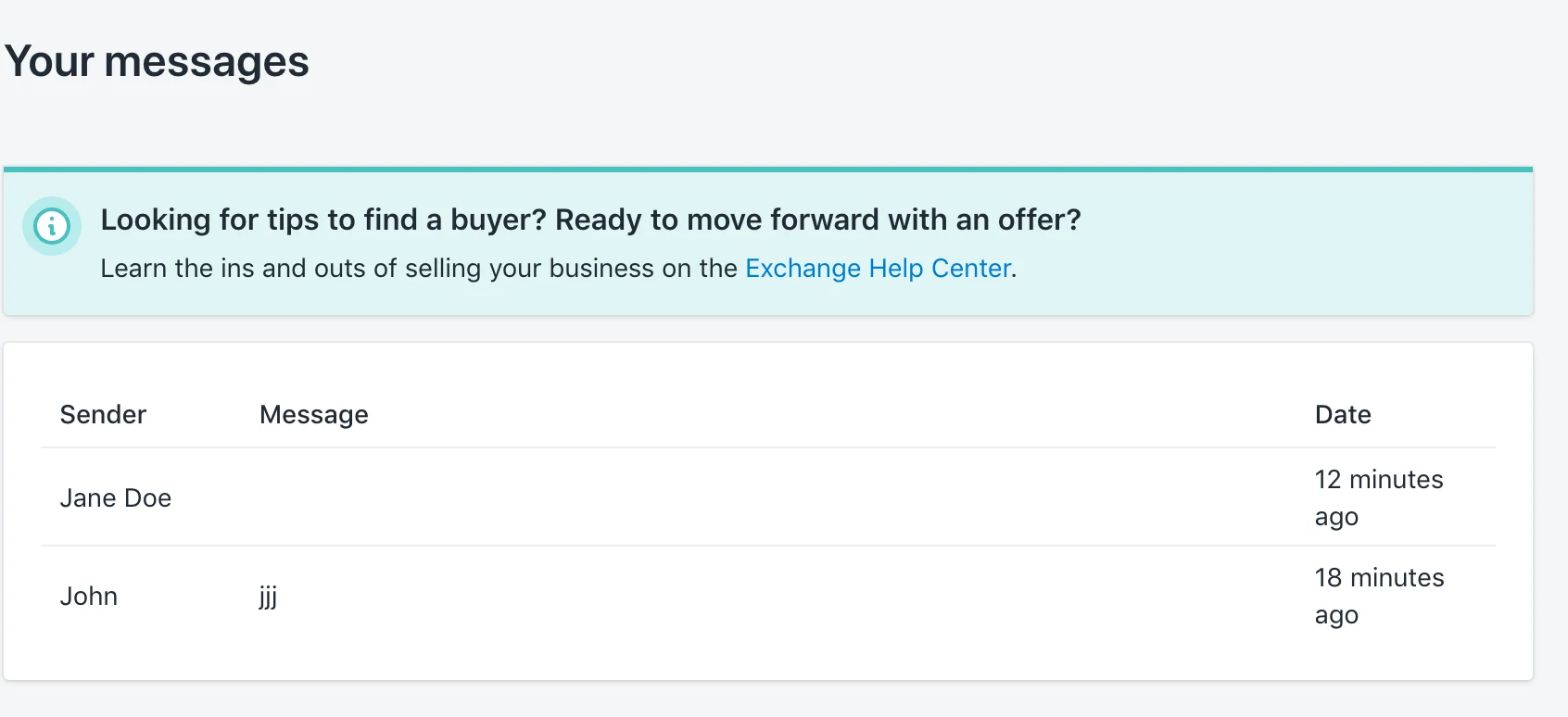
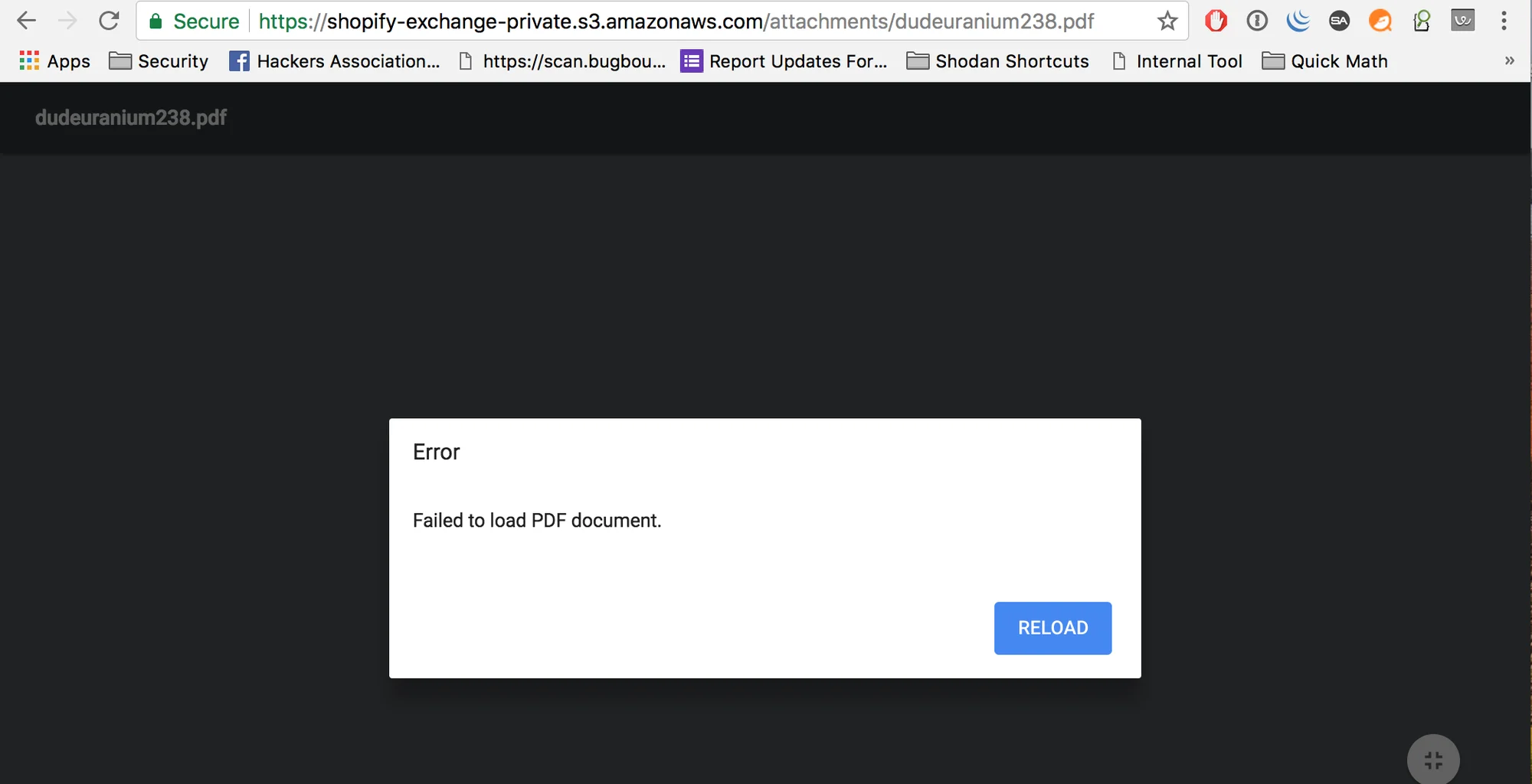
Inside the inbox there is an option to attach files. When I replied to the query with a file attached, I noticed that it uploaded the file. For this test, I created a file with the name dudeuranium238.pdf. This was an empty PDF I made with touch dudeuranium238.pdf in my computer. Once I uploaded the file, I visited to https://shopify-exchange-private.s3.amazonaws.com/attachments/dudeuranium238.pdf and saw this:
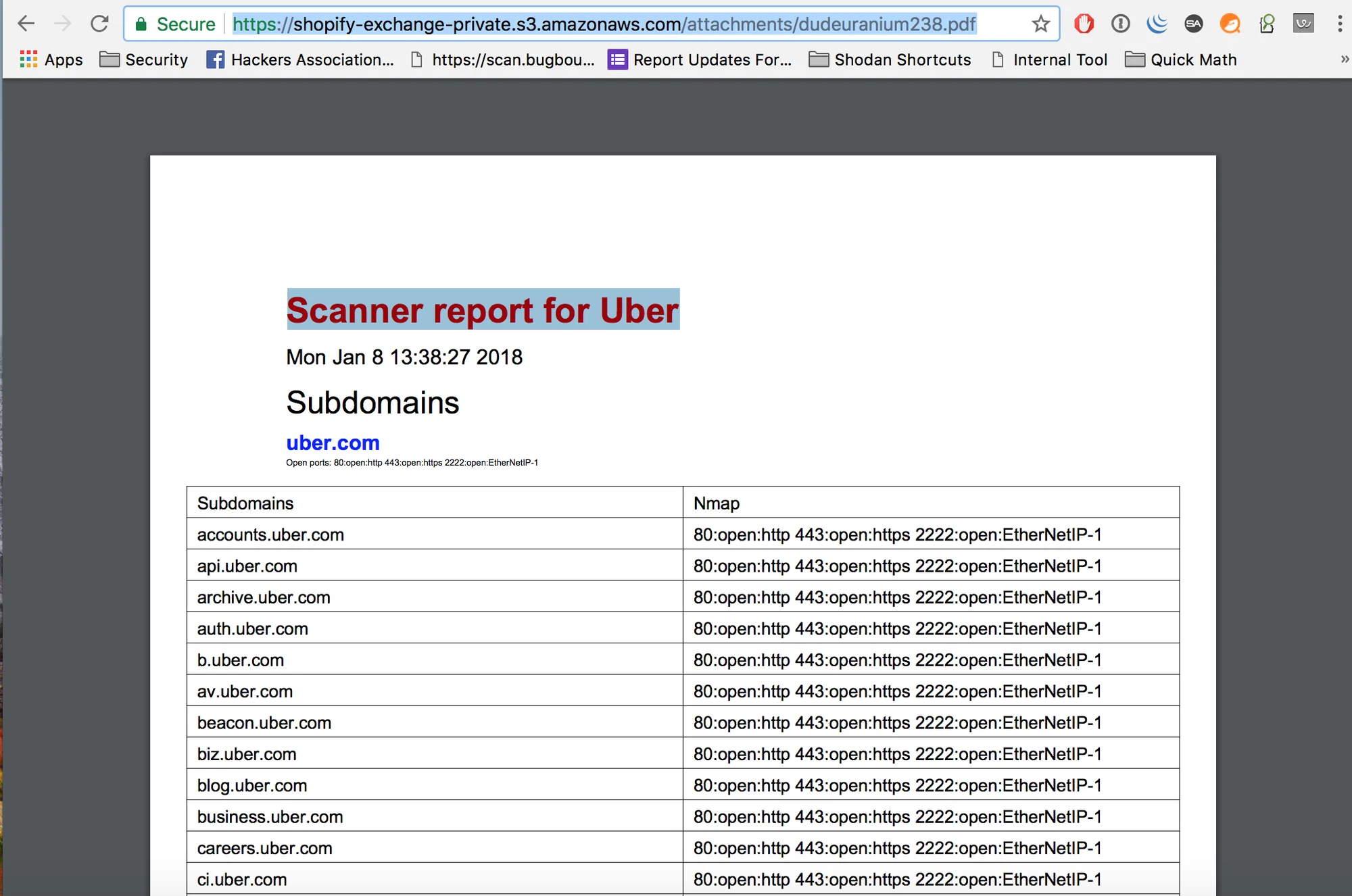
Now thinking as a malicious hacker, I decided to make another store and publish that as well. I did the same process all over again and replied again with the file dudeuranium238.pdf but this time, this file actually had content. It contained a PDF with Scanner report for Uber that I keep when hacking. So, once uploaded I went back to https://shopify-exchange-private.s3.amazonaws.com/attachments/dudeuranium238.pdf and the file was replaced:
Reproduction
- Make sure you have 2 published store.
- Start a query in one store and send an attachment through inbox.
- In the second store do the same thing as number 2 but make sure you replace the file *content not the name
Impact
Replacing content of someone else's file.
Not written yet. The AI write-up for this report has not been written yet. The Original tab links to the source.
How it worked
Root cause
Likely the upload used the user-supplied filename directly as the object key in a shared bucket, with no per-user prefix or uniqueness, so a later upload with the same name overwrote the earlier object.
Impact
An attacker could replace the content of another user's attached file.
What the attacker needed
Two published stores; attacker knows or guesses the filename
How it was found
- Have two published stores.
- From the first store, start a query and send an attachment through the inbox.
- From the second store, send an attachment with the same filename but different content.
- Visit the shared file link and see that the original file was replaced.
Explained by bugbounty.wiki with AI from the original and checked against quotes from it; it can still be wrong. Read the original before relying on a detail.
Not written yet. The AI write-up for this report has not been written yet. The Original tab links to the source.
When you attach a file to a message, the site saves it in online storage under a name taken from the file itself. If two people upload files with the same name, the second upload lands on the same spot and replaces the first. An attacker who guesses or learns a filename can therefore swap another person's document for their own.
What is File upload?
An upload feature accepts a file that the server or other users' browsers then treat as code or as something trusted.






