Multiple Stored XSS on Sanbox.veris.in through Veris Frontdesk Android App
Two input fields in the Veris Frontdesk Android app did not sanitise visitor-supplied text, so HTML with an event handler was stored and later rendered in the web visitor log. An attacker could run script in the browser of staff viewing that log.

- Triaged in 23 hours
- Fixed in 9 days
- Disclosed after 3 months
Hello Team,
I have found multiple cross site scripting vulnerabilities on sanbox.veris.in due to the malicious input injected through veris frontdesk android app.
Vulnerable App : Veris Frontdesk Android App
Vulnerable Input Fields: 1) Who do you wish to meet? 2) Additional Information
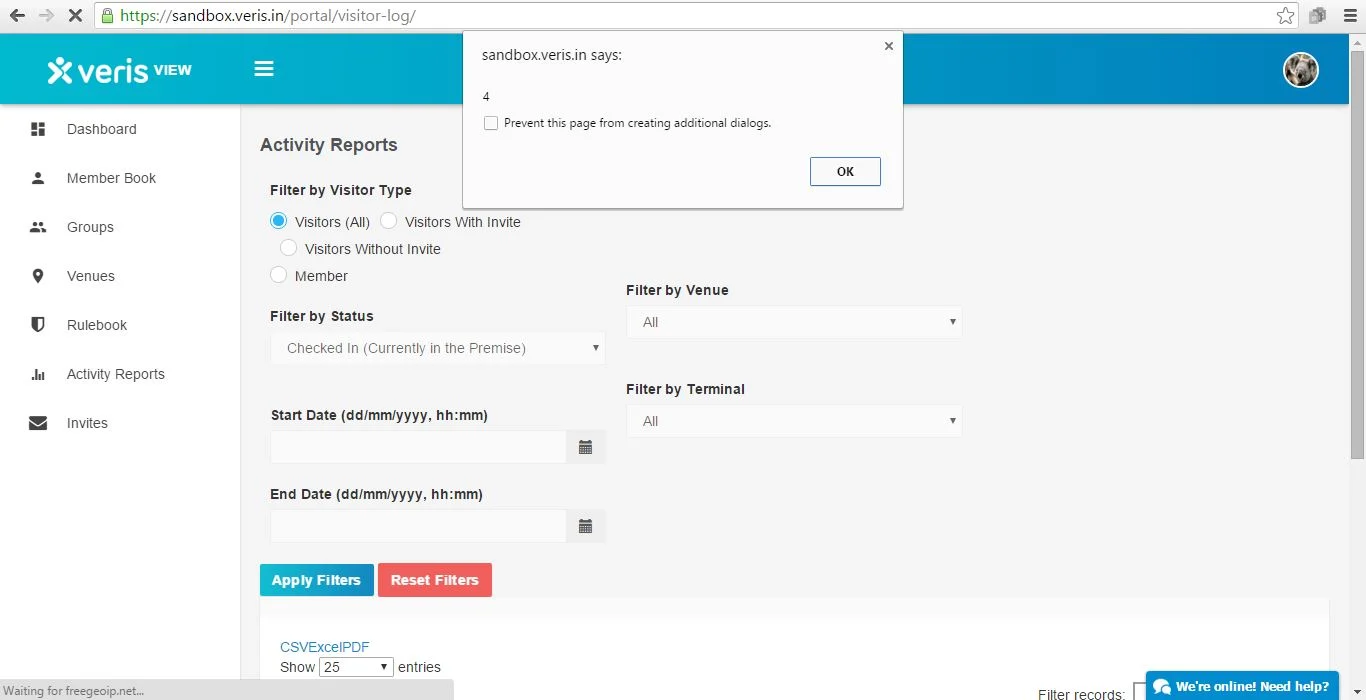
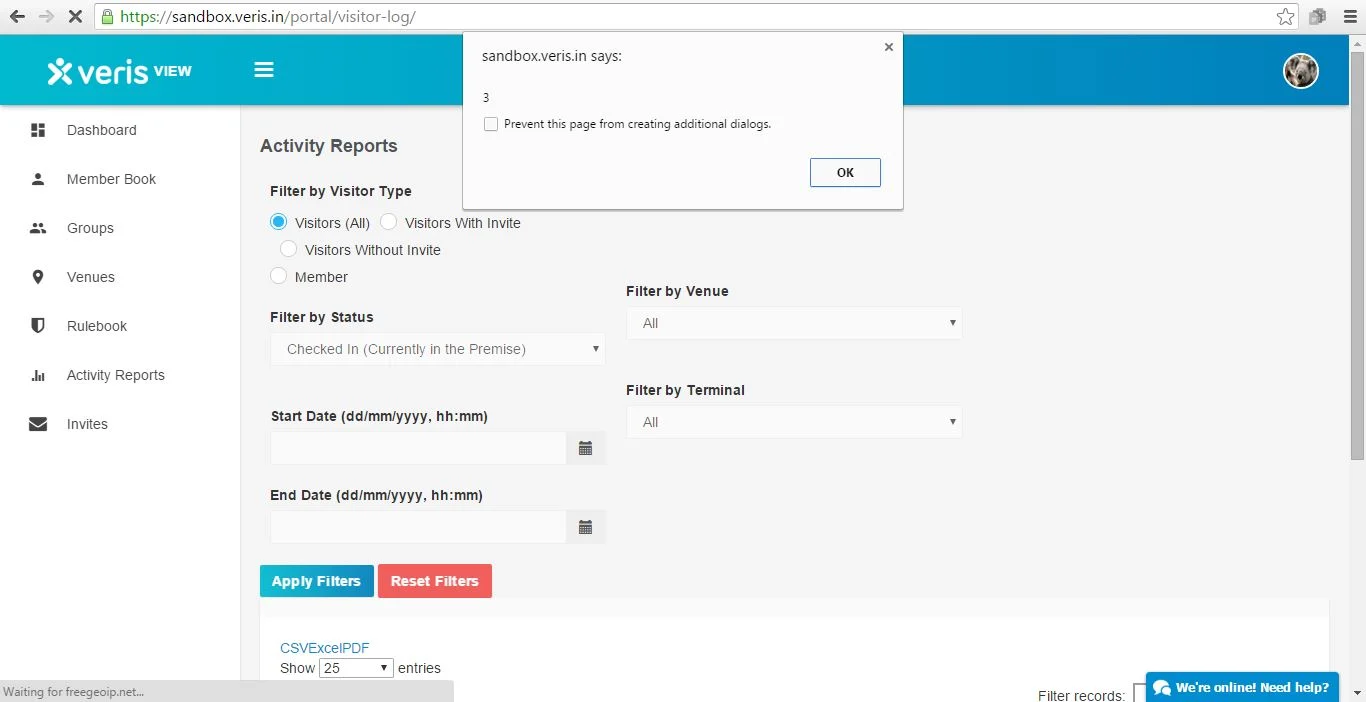
Payload used: <img src=x onerror=alert(3)> and <img src=x onerror=alert(4)>
Reflects where: https://sandbox.veris.in/portal/visitor-log/
Steps to Reproduce:
- Open Veris Front Desk App.
- Go to Check In.
- Enter the required details like first name, last name and phone number.
- Proceed to Next.
- Inject the above mentioned payload in vulnerable input fields.
- Submit it and Check In.
- Login to your account on sandbox.veris.in
- Go to https://sandbox.veris.in/portal/visitor-log/
- Tadaa! XSS Triggers.
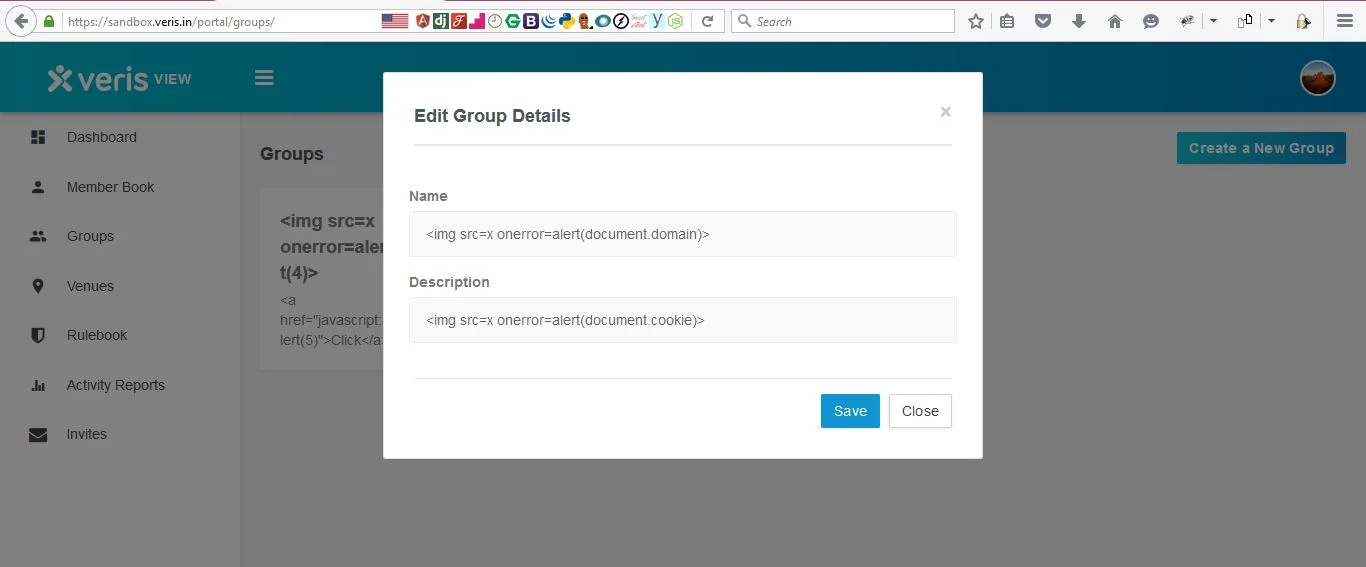
Proof of Concept: Please find the attached screenshots.
Do evaluate it and inform me accordingly.
Best Regards,
Hely H. Shah
Attachments
Not written yet. The AI write-up for this report has not been written yet. The Original tab links to the source.
How it worked
Root cause
Likely the visitor-log page rendered stored visitor input as HTML without encoding or sanitising it.
Impact
Script supplied by a visitor runs in the browser of anyone viewing the visitor log.
What the attacker needed
Ability to submit a visitor check-in; staff member views the visitor log
How it was found
- Open the Veris Front Desk app and start a check-in.
- Fill in the required visitor details and continue.
- Enter the payload in the 'Who do you wish to meet?' and 'Additional Information' fields.
- Submit the check-in.
- Log in to the web portal and open the visitor log page.
- The script runs when the log is viewed.
Explained by bugbounty.wiki with AI from the original and checked against quotes from it; it can still be wrong. Read the original before relying on a detail.
Not written yet. The AI write-up for this report has not been written yet. The Original tab links to the source.
The check-in form in a phone app saved whatever a visitor typed, including HTML tags. Later, a staff member opened a web page listing visitors, and the browser ran that saved HTML as code. This is called stored cross-site scripting: the malicious content is saved on the server and runs for anyone who views it.
What is XSS?
Script an attacker supplies runs in another user's browser, on the target's origin, with that user's session.



