Private user email disclosure via group invitation
A GitLab group administrator could learn the private email address of any user by attempting to invite them to a group with email domain restrictions. The error message displayed the user's email address even though the user had set their profile to private.

GitLab
Originally disclosed on GitLab
- Fixed in 2 months
- Disclosed after 2 months
HackerOne report #1204320 by jimeno on 2021-05-20, assigned to GitLab Team:
Report | Attachments | How To Reproduce
Report
Summary
GitLab paid plans support group administrators to restrict group memberships by email domain. For example, a grpup administrator can create a setting so that all group members must have a gitlab.com email address. Related documentation can be found here.
Thanks to it, any GitLab who can create a group can leak other users email address, even when these are configured as private
Steps to reproduce
NOTE: Please, use an Ultimate GitLab instance as that's the one I used.
-
Create a GitLab group and enable domain restrictions. Only add
gitlab.comto the allow-list.
email_restriction.png From the original on GitLab -
Create a new GitLab user and make sure their profile is private by following the official linked documentation.
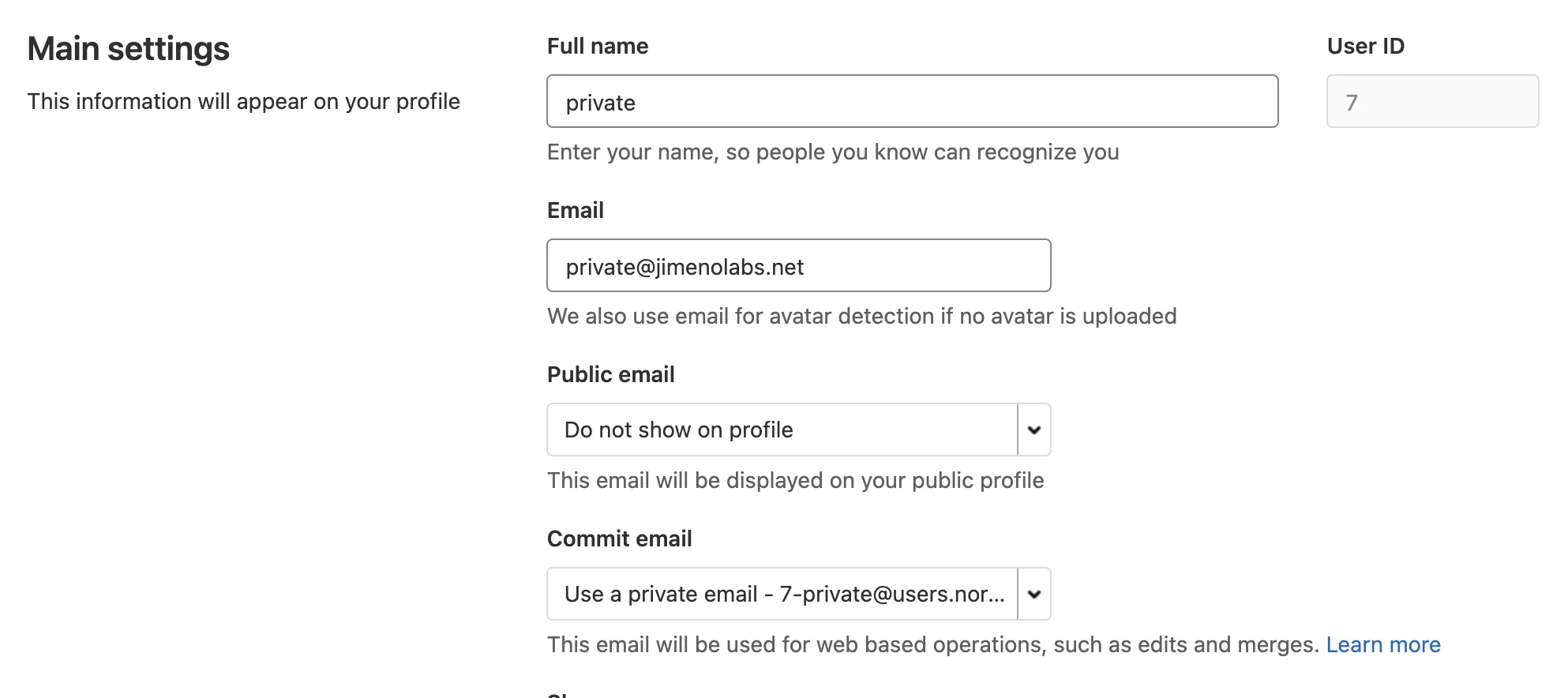
private_settings.png From the original on GitLab -
As your attacker, visit their profile
https://your-instance.tld/privateand make sure GitLab says the profile is private.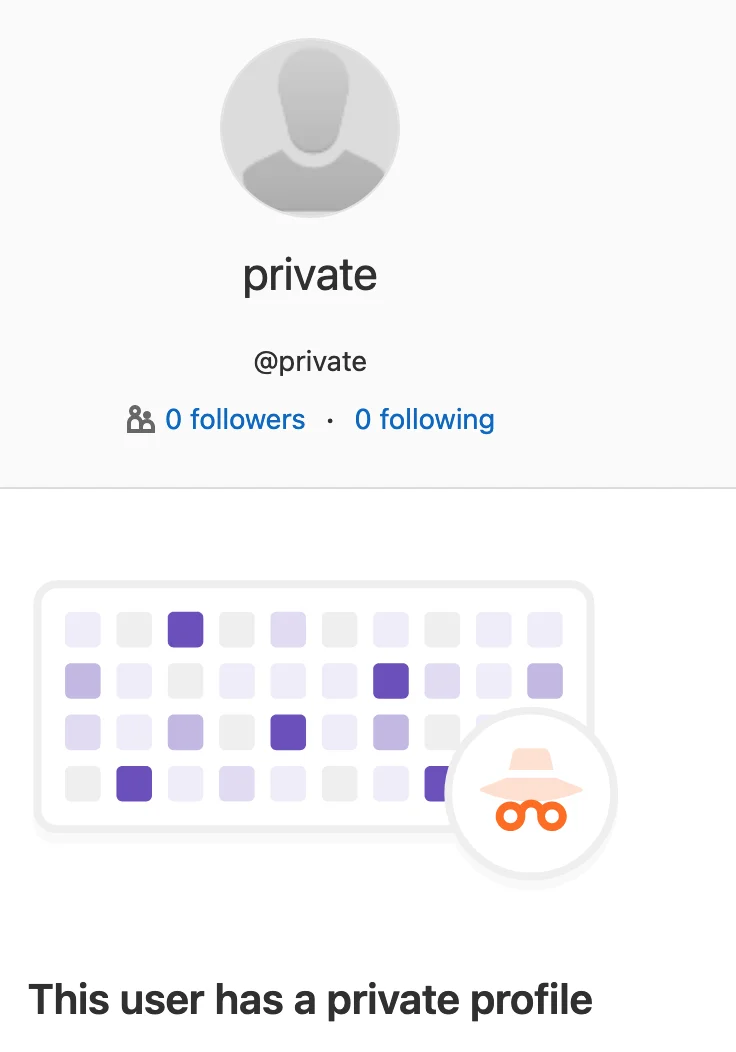
private_view.png From the original on GitLab -
Try to invite the user to the group (you will need to know their username) and notice the error in a red textbox on top of the page displays their email address to you.

email_disclosure.png From the original on GitLab
Impact
Email address disclosure.
Examples
N/A.
What is the current bug behavior?
Email address of user is displayed to attacker when group invitation fails.
What is the expected correct behavior?
Error message is displayed to the attacker while respecting invited user's privacy settings.
Relevant logs and/or screenshots
N/A.
Output of checks
N/A.
Results of GitLab environment info
root@rigel:/# gitlab-rake gitlab:env:info

System information
System:
Proxy:		no
Current User:	git
Using RVM:	no
Ruby Version:	2.7.2p137
Gem Version:	3.1.4
Bundler Version:2.1.4
Rake Version:	13.0.3
Redis Version:	6.0.12
Git Version:	2.31.1
Sidekiq Version:5.2.9
Go Version:	unknown

GitLab information
Version:	13.11.4-ee
Revision:	d1a2e182d3b
Directory:	/opt/gitlab/embedded/service/gitlab-rails
DB Adapter:	PostgreSQL
DB Version:	12.6
URL:		https://rigel.wiki
HTTP Clone URL:	https://rigel.wiki/some-group/some-project.git
SSH Clone URL:	[email protected]:some-group/some-project.git
Elasticsearch:	no
Geo:		no
Using LDAP:	no
Using Omniauth:	yes
Omniauth Providers: auth0

GitLab Shell
Version:	13.17.0
Repository storage paths:
- default: 	/var/opt/gitlab/git-data/repositories
GitLab Shell path:		/opt/gitlab/embedded/service/gitlab-shell
Git:		/opt/gitlab/embedded/bin/git
Impact
Email address disclosure.
Attachments
Warning: Attachments received through HackerOne, please exercise caution!
- email_restriction.png
- private_view.png
- private_settings.png
- recording-1621534191673.webm
- email_disclosure.png
Proposal
A fix proposal is discussed here.
Not written yet. The AI write-up for this report has not been written yet. The Original tab links to the source.
How it worked
Root cause
Likely the invitation error message included the invited user's email address without checking the user's privacy settings.
Impact
An attacker could disclose the private email address of any GitLab user whose username they know.
What the attacker needed
GitLab Ultimate instance; Attacker can create a group; Know victim's username
The fix
The error message should be displayed while respecting the invited user's privacy settings.
How it was found
- Create a GitLab group and enable domain restrictions, allowing only a specific domain.
- Create a new GitLab user and set their profile to private.
- As the attacker, visit the user's profile and confirm it is private.
- Try to invite the user to the group by their username.
- Observe the error message displaying the user's email address.
Explained by bugbounty.wiki with AI from the original and checked against quotes from it; it can still be wrong. Read the original before relying on a detail.
Not written yet. The AI write-up for this report has not been written yet. The Original tab links to the source.
GitLab lets you hide your email address from your profile. But if a group manager tried to invite you to a group that only allows certain email domains, the error message would show your email address anyway. This meant a private setting could be bypassed.
What is Info disclosure?
Data the application should keep private (personal data, internal details, other users' records) reaches someone it should not.




