A user with only guest role in a project can download job artifacts that are only available for users with at least developer role
A new GitLab feature allows restricting job artifact downloads to users with at least developer role, but a guest or reporter can bypass this by using the artifact browse or raw endpoints. An attacker with only guest access could download artifacts that were meant to be restricted.

GitLab
Originally disclosed on GitLab
- Fixed in 3 months
- Disclosed after 3 months
⚠️ Please read the process on how to fix security issues before starting to work on the issue. Vulnerabilities must be fixed in a security mirror.
HackerOne report #2475135 by ricardobrito on 2024-04-23, assigned to GitLab Team:
Report | Attachments | How To Reproduce
Report
Hi team.
Summary
The latest version of gitlab introduced a new feature that allows us to control who can download job artifacts. There are 3 options available:
- all: means anyone can download
- none: means no one can download
- developer: users with developer role or above can download
I have found a way to download the artifacts as a guest or reporter even if they have been set to be downloadable only by a developer.
Steps to reproduce
- Create a project as user A
- Put the following content inside your
.gitlab-ci.ymlfile:
include:
  - template: Jobs/Dependency-Scanning.gitlab-ci.yml

build-job:
  stage: build
  script:
    - echo "Hello, $GITLAB_USER_LOGIN!"

test-job1:
  stage: test
  script:
    - echo "This job tests something new" > artifact.txt

  artifacts:
    paths:
      - artifact.txt
    access: 'developer'

test-job2:
  stage: test
  script:
    - echo "This job tests something, but takes more time than test-job1."
    - echo "After the echo commands complete, it runs the sleep command for 20 seconds"
    - echo "which simulates a test that runs 20 seconds longer than test-job1"
    - sleep 20

deploy-prod:
  stage: deploy
  script:
    - echo "This job deploys some stuff ( ... ) from the $CI_COMMIT_BRANCH branch."
  environment: production
If you look at the job called test-job1 you will notice that we have set the access to developer by using: access: developer.
This means that only users with at least developer role in the project should be able to download the artifact produced by this job.
3. Commit the changes.
4. Now add user B as a guest to the project.
5. Now as user B, navigate to http://gdk.test:3443/root/sample-project/-/jobs/<job-id>/, where job-id is the id of test-job1 and you should see the following screen:
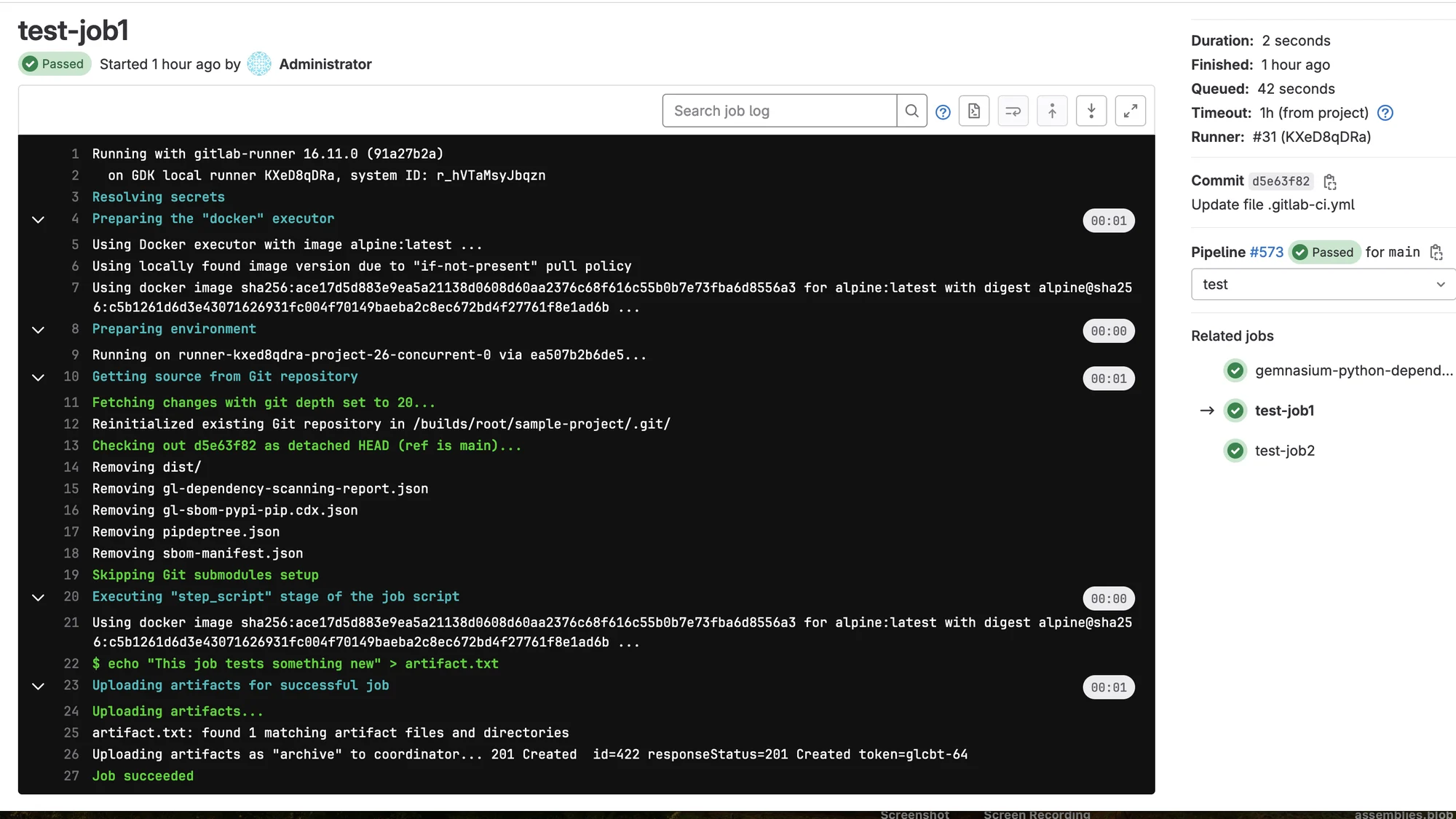
Still, as user B if you try to download the artifact by navigating to:
http://gdk.test:3443/root/sample-project/-/jobs/job-id/artifacts/download
You will get a 404 not found screen:
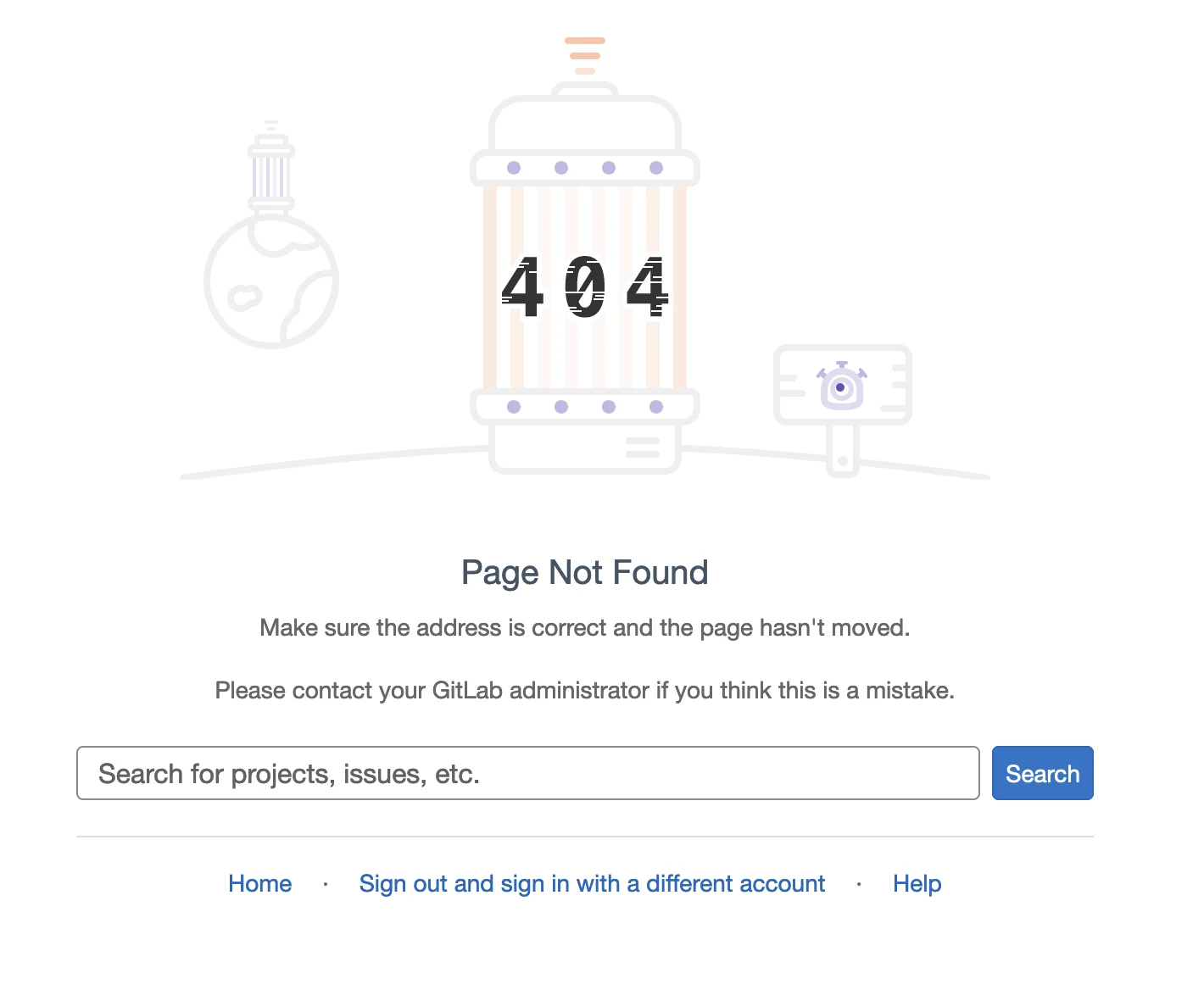
This is expected and correct behavior.
- Still as user B, access the following link:
http://gdk.test:3443/root/sample-project/-/jobs/job-id/artifacts/browse
and you will see the following screen:

Now you can simply click on it and download it:
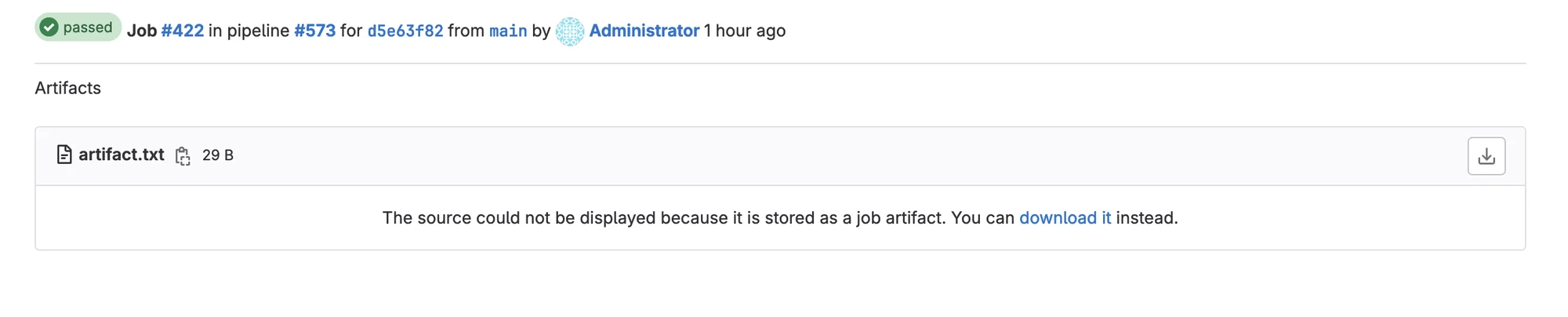
And indeed you will be able to download it.
Another possible way to download the artifact is to directly access the following link:
http://gdk.test:3443/root/sample-project/-/jobs/job-id/artifacts/raw/artifact.txt
Impact
A user with only guest or reporter role is capable of downloading a job artifact that was set to be downloadable only by a user with at least developer role.
Impact
A user with only guest or reporter role is capable of downloading a job artifact that was set to be downloadable only by a user with at least developer role.
Attachments
Warning: Attachments received through HackerOne, please exercise caution!
How To Reproduce
Please add reproducibility information to this section:
Not written yet. The AI write-up for this report has not been written yet. The Original tab links to the source.
How it worked
Impact
A user with only guest or reporter role could download a job artifact that was set to be downloadable only by a user with at least developer role.
What the attacker needed
A GitLab project with CI job artifacts; artifact access set to 'developer'; attacker has guest or reporter role
How it was found
- Create a project as user A and add a CI job with artifacts access set to developer.
- Commit the changes.
- Add user B as a guest to the project.
- As user B, navigate to the job page and try to download the artifact directly; it returns 404.
- As user B, access the artifacts browse page and click to download the artifact.
- Alternatively, access the raw artifact URL directly to download it.
Explained by bugbounty.wiki with AI from the original and checked against quotes from it; it can still be wrong. Read the original before relying on a detail.
Not written yet. The AI write-up for this report has not been written yet. The Original tab links to the source.
GitLab projects have different roles for users, like guest and developer. A new setting lets project owners say that only developers can download files created by automated jobs. The report shows that a guest can still download those files by using a different web address that was not properly protected.
What is Access control?
A user can do something their role should not allow: reach an admin function, act on a feature they have not paid for, or skip a permission check. IDOR is the special case where the object belongs to someone else.

