Ability to delete a protected branch from command line
A protected branch in GitLab could be deleted via the API even though the UI prevents it. An attacker with a valid token could delete a protected branch, potentially causing accidental loss of branch protection.

GitLab
Originally disclosed on GitLab
- Fixed in 11 days
- Disclosed after 11 days
HackerOne report #1461115 by s0l0sec on 2022-01-26, assigned to @cmaxim:
Report | Attachments | How To Reproduce
Report
Summary
Hi,
According to https://docs.gitlab.com/ee/user/project/protected_branches.html#delete-a-protected-branch
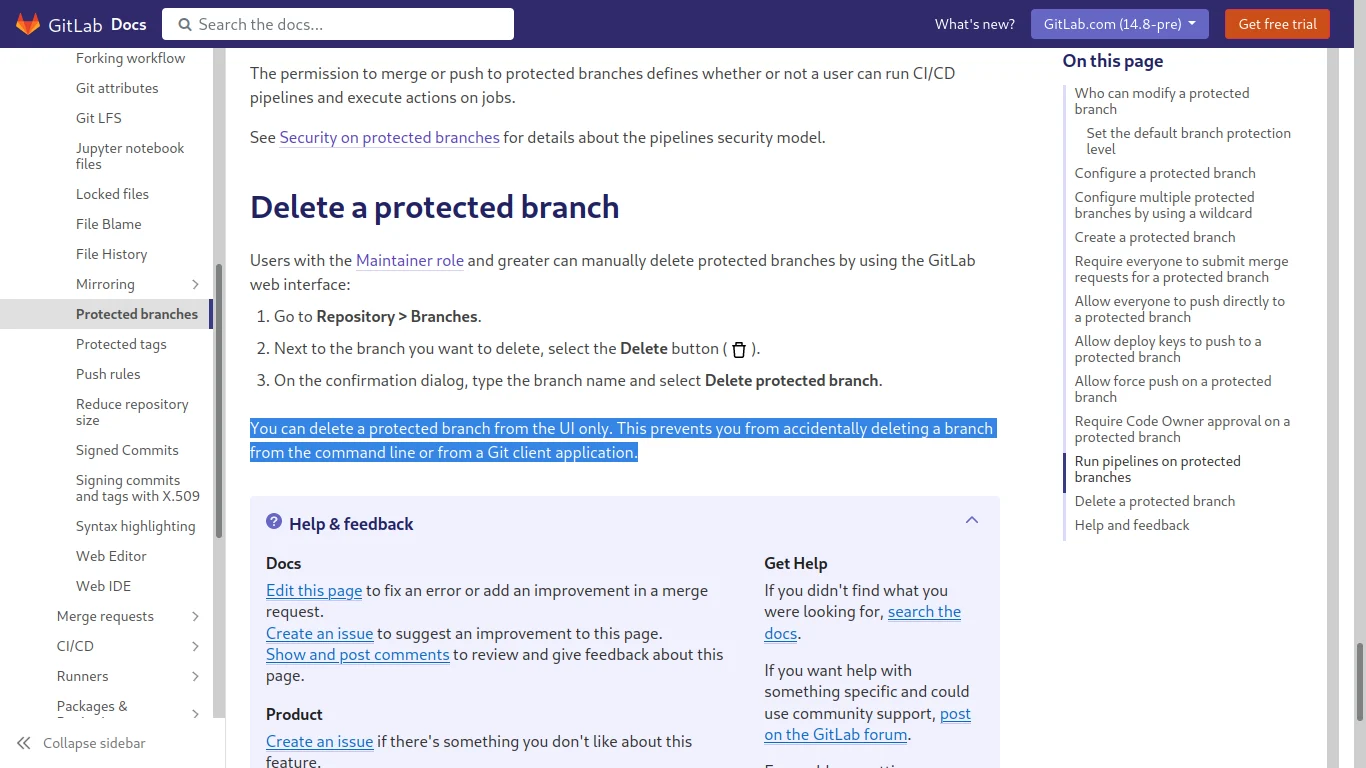
protected branch can be deleted from UI only, this prevents from accidentally deleting a branch from the command line or from a Git client application. but it is possible to delete protected branch from command line.
Steps to reproduce
1.create user-A
2.create a project-A
3.in project A repository create branch-A
4.go to settings>repository and go to protected branches and make branch-A protected
5.send this request from your command line:
curl -X DELETE --header "PRIVATE-TOKEN: <TOKEN> "https://gitlab.com/api/v4/projects/projec-A_id/repository/branches/branch-A"
Impact
This can result in accidentally deleting a branch from the command line
Attachments
Warning: Attachments received through HackerOne, please exercise caution!
How To Reproduce
Please add reproducibility information to this section:
Not written yet. The AI write-up for this report has not been written yet. The Original tab links to the source.
How it worked
Impact
This could result in accidentally deleting a protected branch from the command line.
What the attacker needed
A GitLab account; a private token with API access; a project with a protected branch
How it was found
- Create a user account.
- Create a project.
- Create a branch in the project repository.
- Go to settings > repository > protected branches and protect the branch.
- Send a DELETE request to the API endpoint for the branch using a private token.
Explained by bugbounty.wiki with AI from the original and checked against quotes from it; it can still be wrong. Read the original before relying on a detail.
Not written yet. The AI write-up for this report has not been written yet. The Original tab links to the source.
A protected branch is a Git branch that is supposed to be safe from deletion or force-pushes. The report shows that even though the web interface blocks deletion, the API still allows it, so someone with the right token can delete it anyway.
What is Access control?
A user can do something their role should not allow: reach an admin function, act on a feature they have not paid for, or skip a permission check. IDOR is the special case where the object belongs to someone else.

