Bypassing tags protection in GitLab
A user without permission to create protected tags could create a tag with a name that includes the refs/tags/ prefix, bypassing the protection rule. The tag then appears as protected, and downloading the source code for that tag may fall back to the content of a branch with the same name, potentially delivering malicious code.

GitLab
Originally disclosed on GitLab
- Fixed in 54 days
- Disclosed after 54 days
⚠️ Please read the process on how to fix security issues before starting to work on the issue. Vulnerabilities must be fixed in a security mirror.
HackerOne report #1908423 by inspector-ambitious on 2023-03-15, assigned to @ottilia_westerlund:
Report | Attachments | How To Reproduce
Report
Summary
I believe I discovered a bug that allows an attacker to spoof protected tags, that could potentially lead a victim to download malicious code.
Steps to reproduce
We will distinguish 2 users to reproduce this vulnerability:
victim01the victiminspector-ambitiousthe attacker
In victim context (root): The initial setup
- Create a new private repository called
tag-protection-bypass
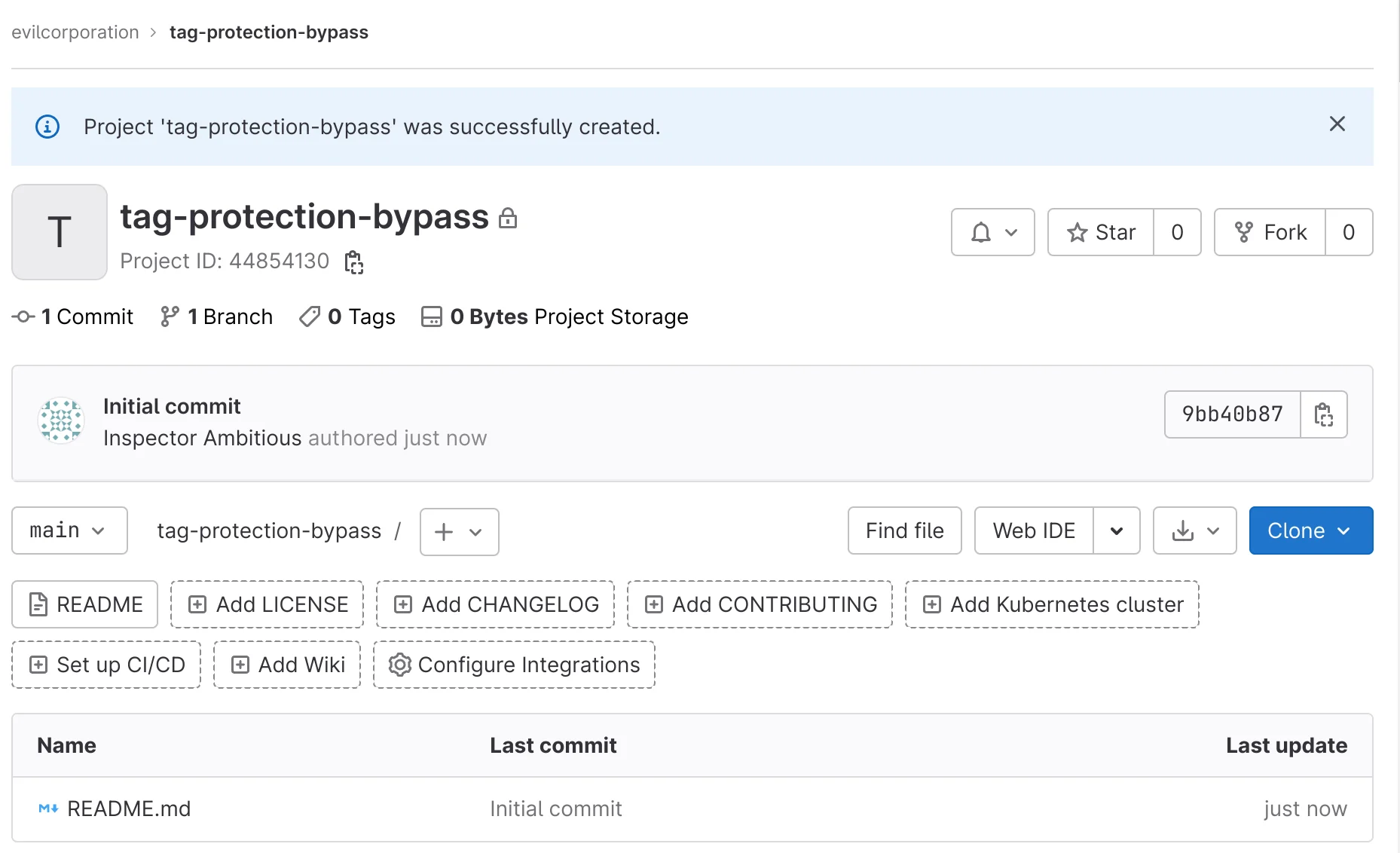
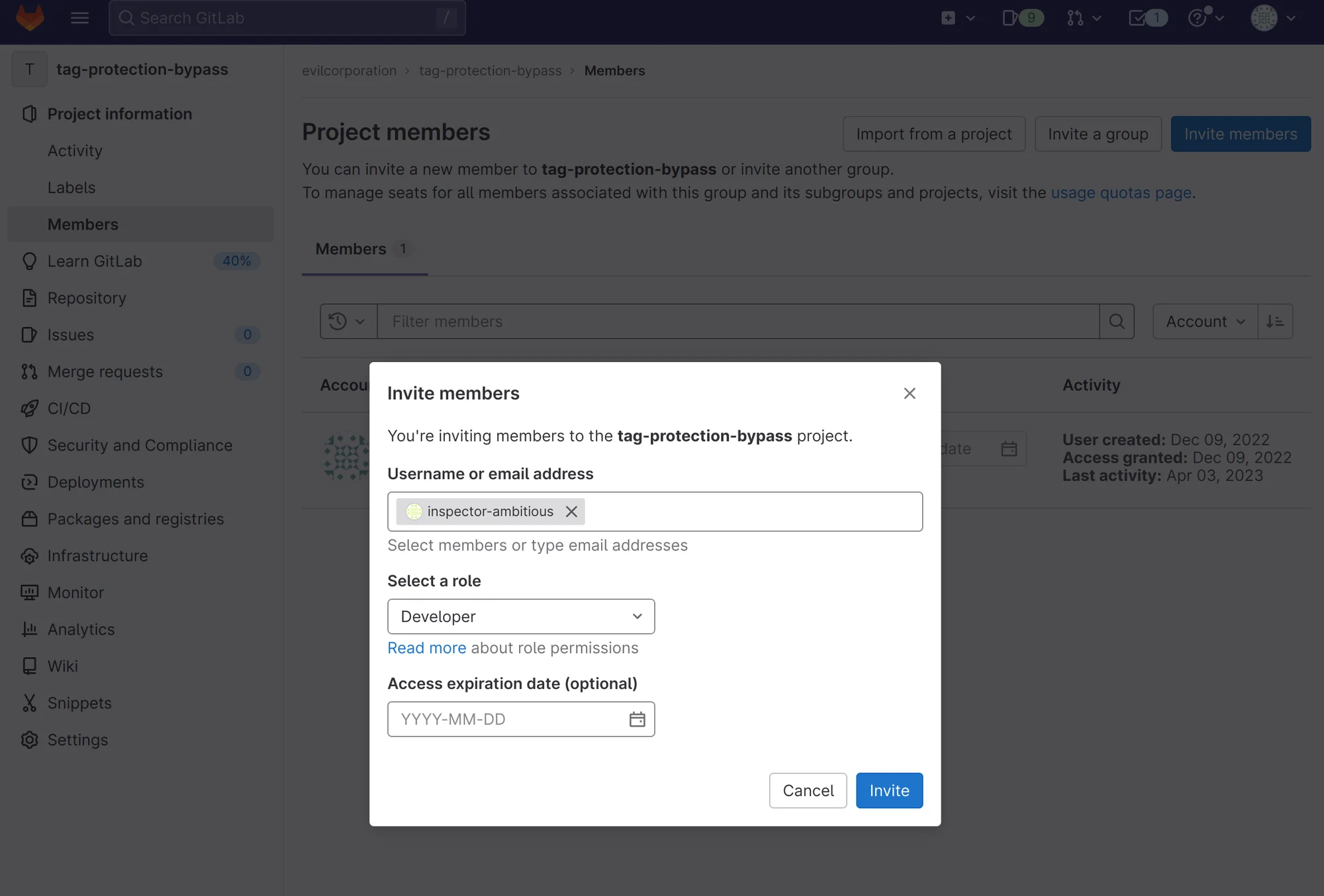
- Invite
inspector-ambitiousas a member of the project inProject Information > Members
- Go to
Settings > Repository, expand theProtected tagsand create a new rule
Tag: v*
Allowed to create: Maintainers
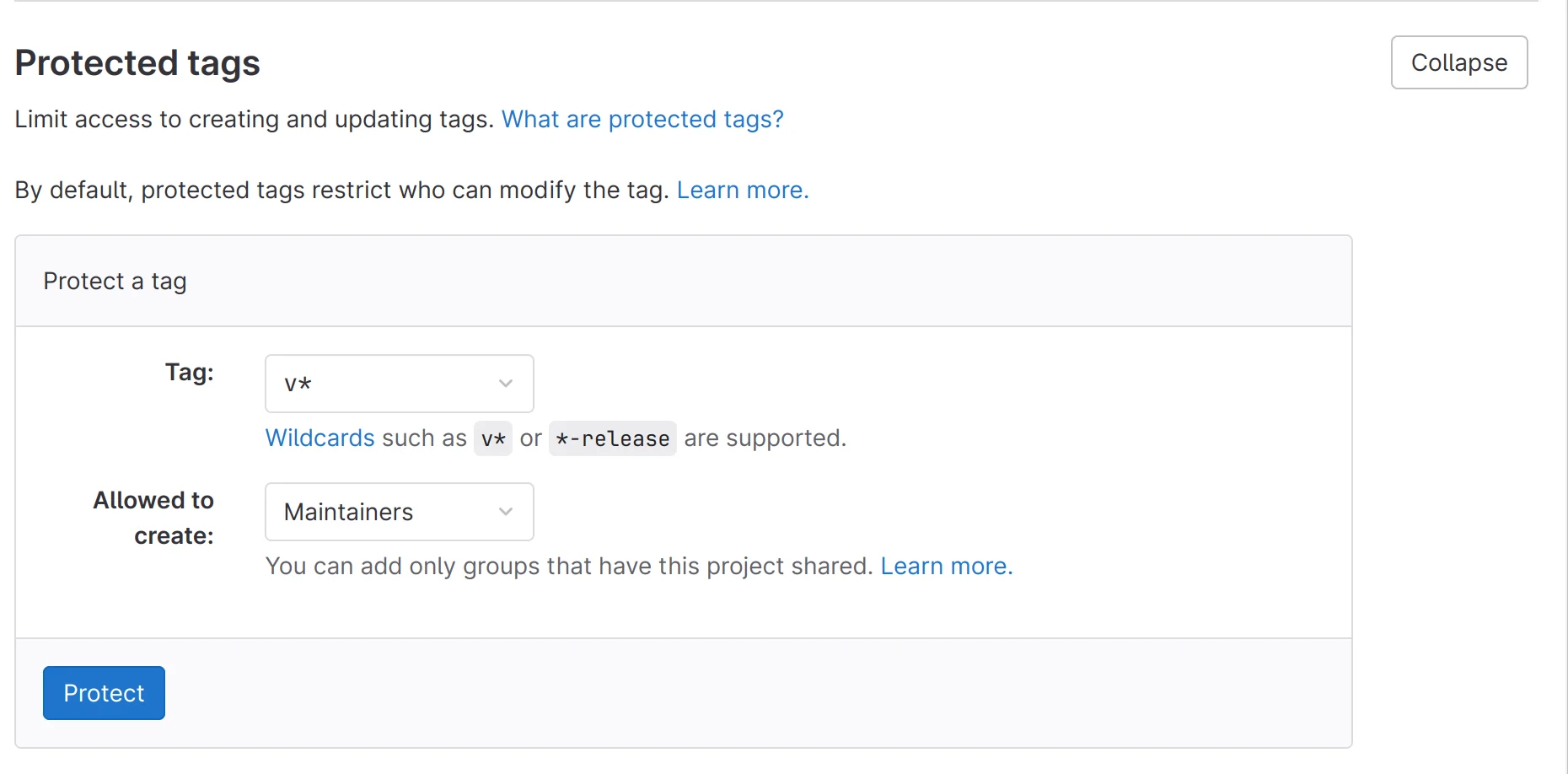

So at this stage inspector-ambitious should not be able to create tags since they are protected.
In attacker context (inspector-ambitious): The attack
- Create a branch called
v1containing an empty malicious file (for demonstration)
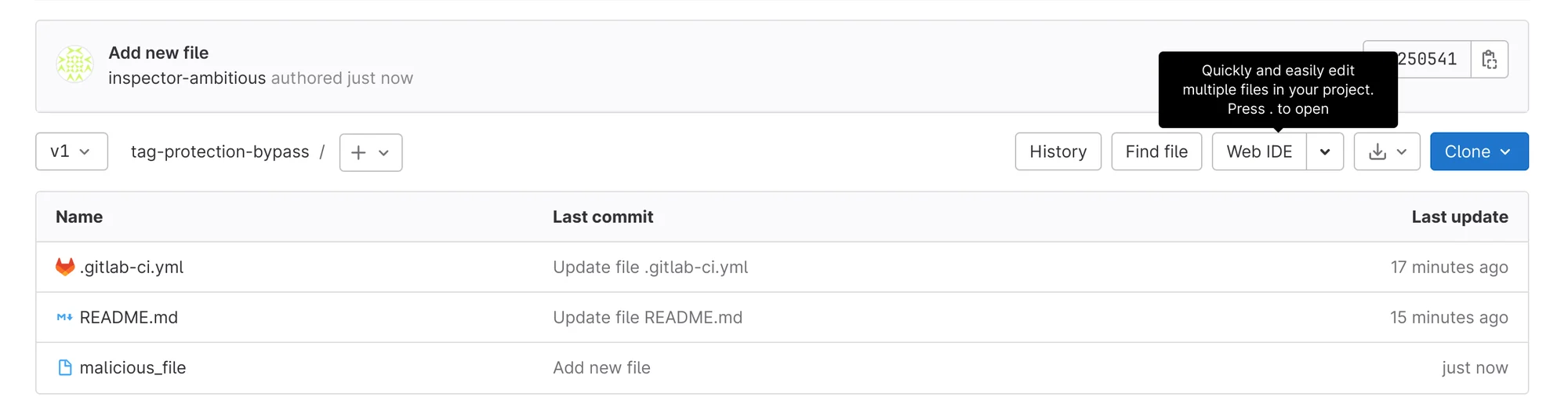
- Click repository
Tagslinks
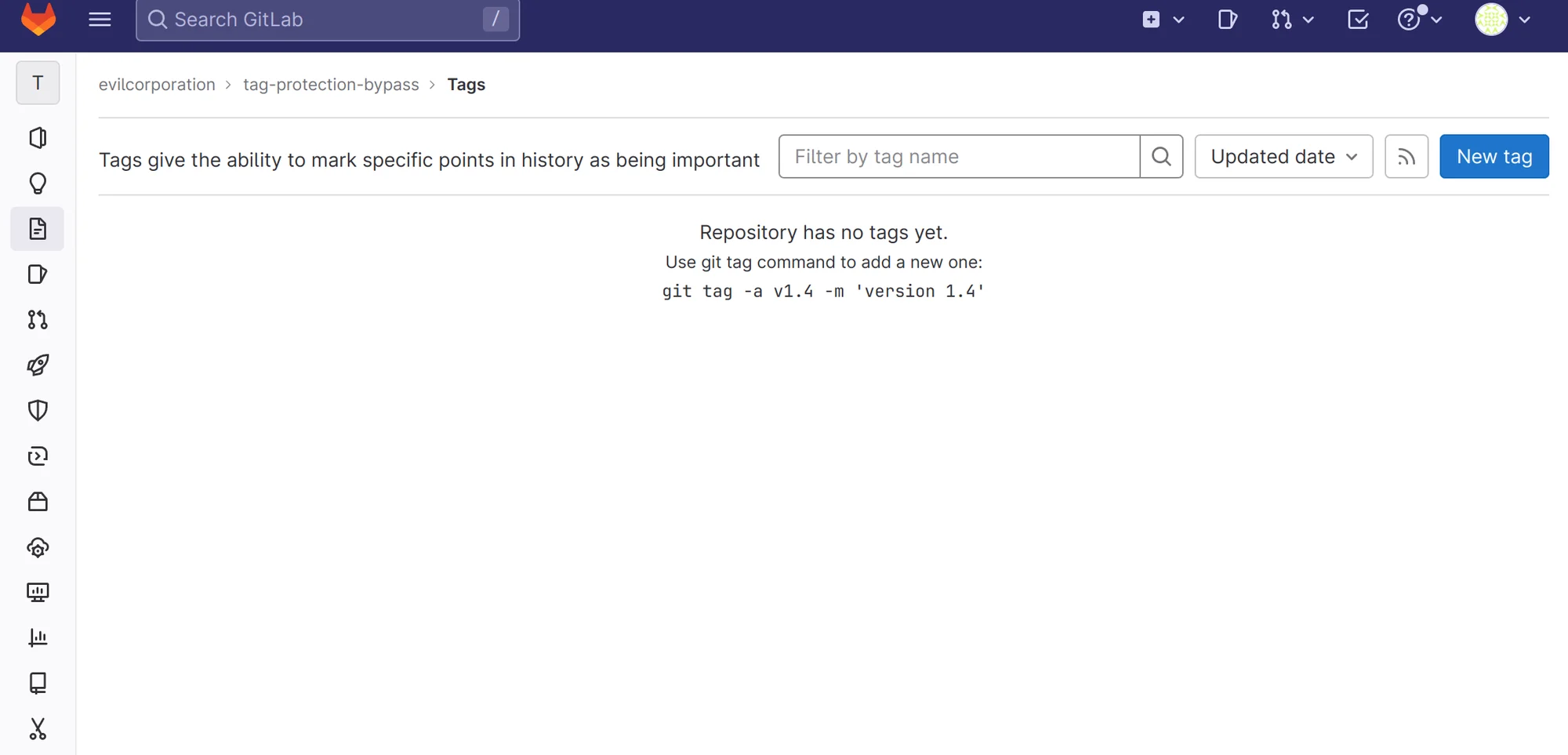
(there is no tags created yet)
-
Click on
New Tag -
Set the tag name to
refs/tags/v1and the Create from tov1, create the tag
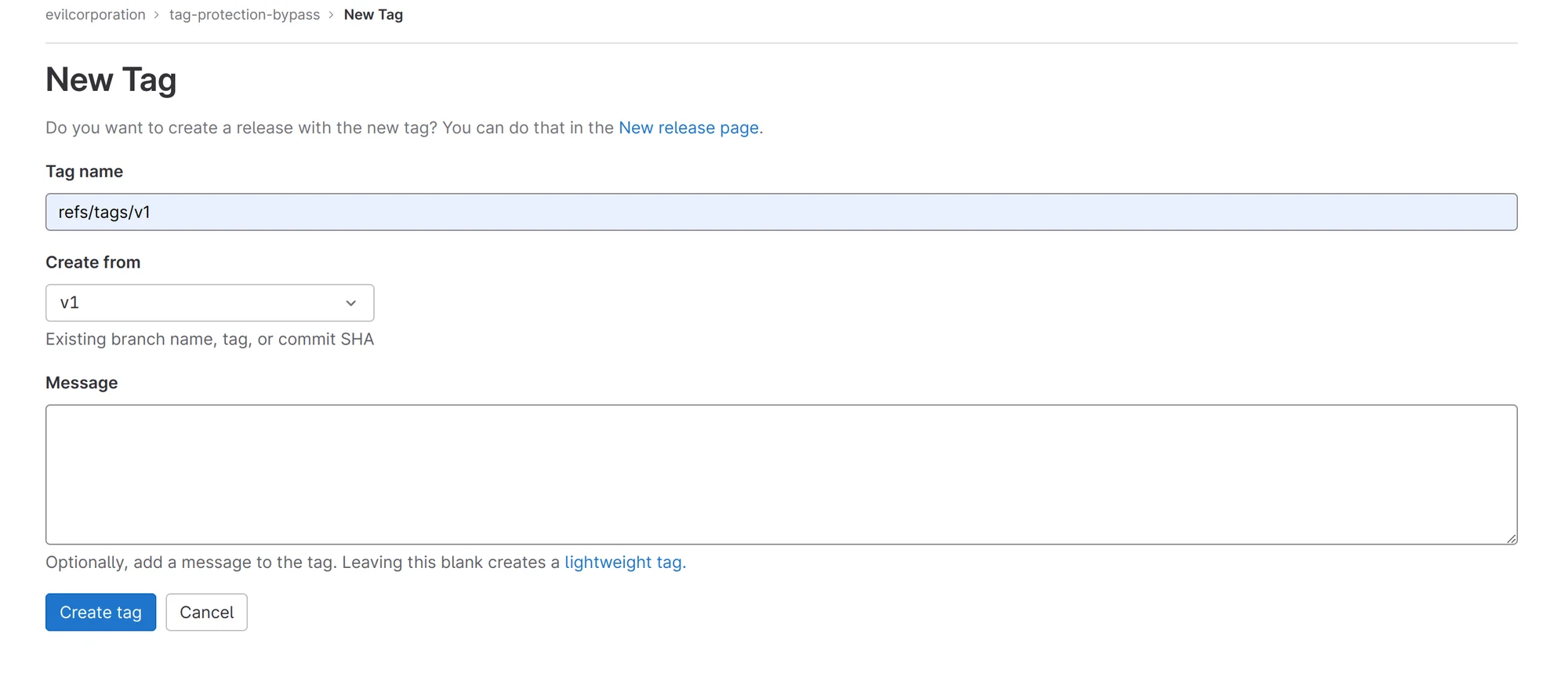
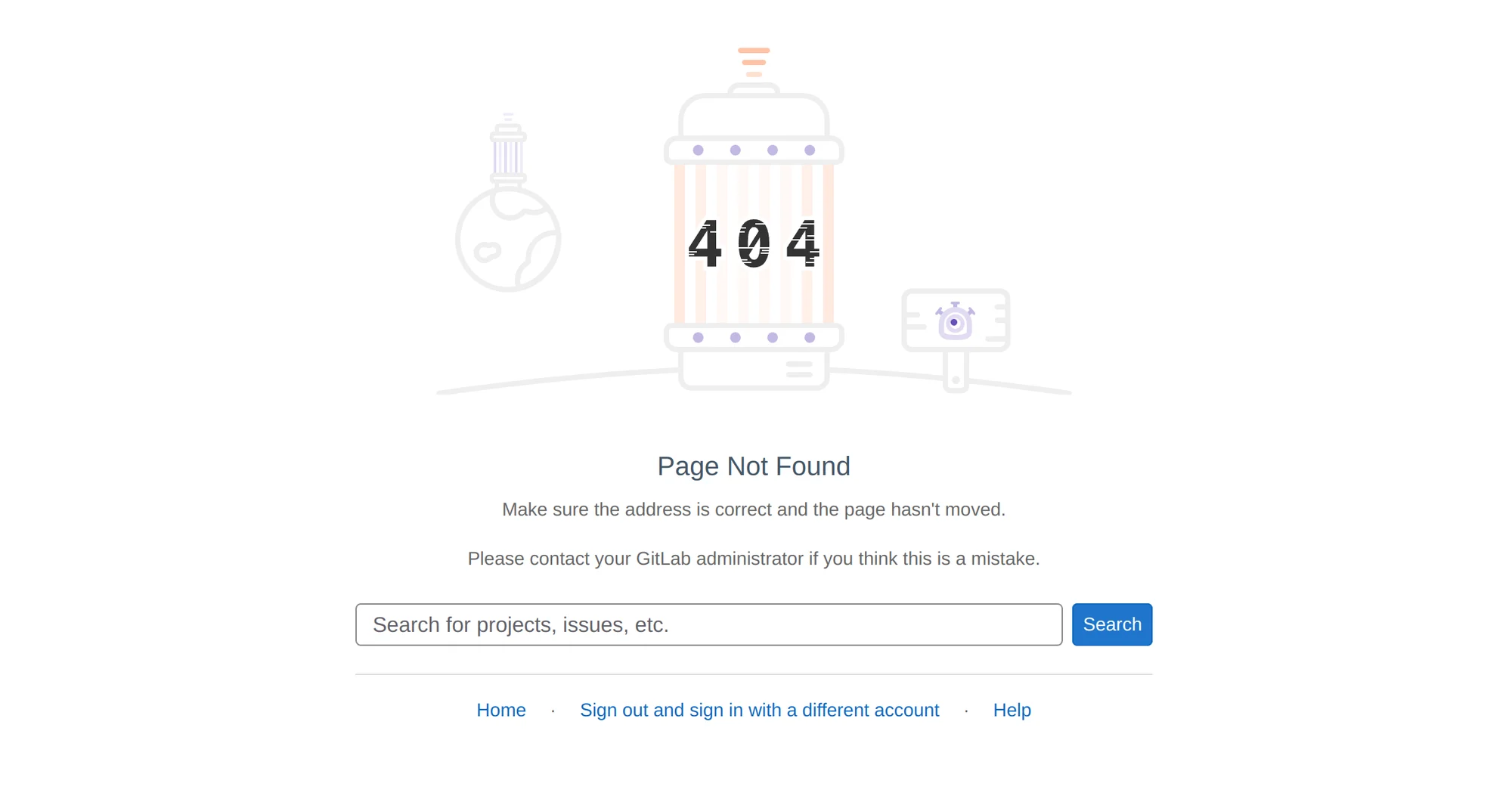
- a 404 appears but the tag is created
- Go back to the repo tags list, the tag now appears as protected !
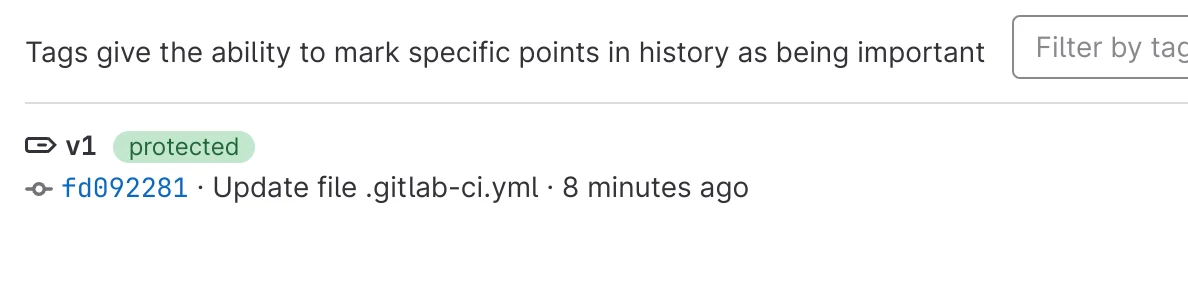
Please note that clicking the tag does not work because a 404 is thrown, but the download
Source code feature will still work.
What I believe is happening in the background is that since the tag v1 reference cannot be resolved the download of the source code fallback to the content of the branch v1.
Impact
A victim can end up downloading malicious source code.
Output of checks
This bug happens on GitLab.com
Attachments
Warning: Attachments received through HackerOne, please exercise caution!
How To Reproduce
Please add reproducibility information to this section:
Not written yet. The AI write-up for this report has not been written yet. The Original tab links to the source.
How it worked
Root cause
Likely the tag creation logic did not properly normalise or validate the tag name, allowing a user to bypass the protected tag pattern check by including the 'refs/tags/' prefix.
Impact
A victim could download malicious source code if they download the source for the spoofed tag, as the download may fall back to the branch content.
What the attacker needed
Attacker is a project member; protected tag rule exists; victim downloads source of spoofed tag
How it was found
- As an admin, create a private repository and invite the attacker as a member.
- As an admin, create a protected tag rule for 'v*' allowing only Maintainers to create.
- As the attacker, create a branch named 'v1' with a malicious file.
- As the attacker, go to the Tags page and click New Tag.
- Set the tag name to 'refs/tags/v1' and create from branch 'v1', then submit.
- Observe a 404 error but the tag is created and appears as protected.
Explained by bugbounty.wiki with AI from the original and checked against quotes from it; it can still be wrong. Read the original before relying on a detail.
Not written yet. The AI write-up for this report has not been written yet. The Original tab links to the source.
In GitLab, protected tags prevent unauthorised users from creating tags that match certain patterns, like 'v*'. The attacker found that by entering a tag name with 'refs/tags/' in front, they could create a tag that looked protected but wasn't properly checked. This could let them trick someone into downloading harmful code.
What is Access control?
A user can do something their role should not allow: reach an admin function, act on a feature they have not paid for, or skip a permission check. IDOR is the special case where the object belongs to someone else.

