Guest user is able to create confidential issues in private project
A guest user in a private project could create confidential issues, which the documentation says should not be allowed. This could let a low-privileged user create issues that are hidden from other users, potentially causing confusion or minor disruption.

GitLab
Originally disclosed on GitLab
- Fixed in 2.5 years
- Disclosed after 2.5 years
HackerOne report #670322 by jr0ch17 on 2019-08-09, assigned to jmatos_bgtvf:
Hi,
Description
A user with the Guest role is able to create confidential issues in a private project even though the documentation says otherwise. You can view the permissions documentation here.
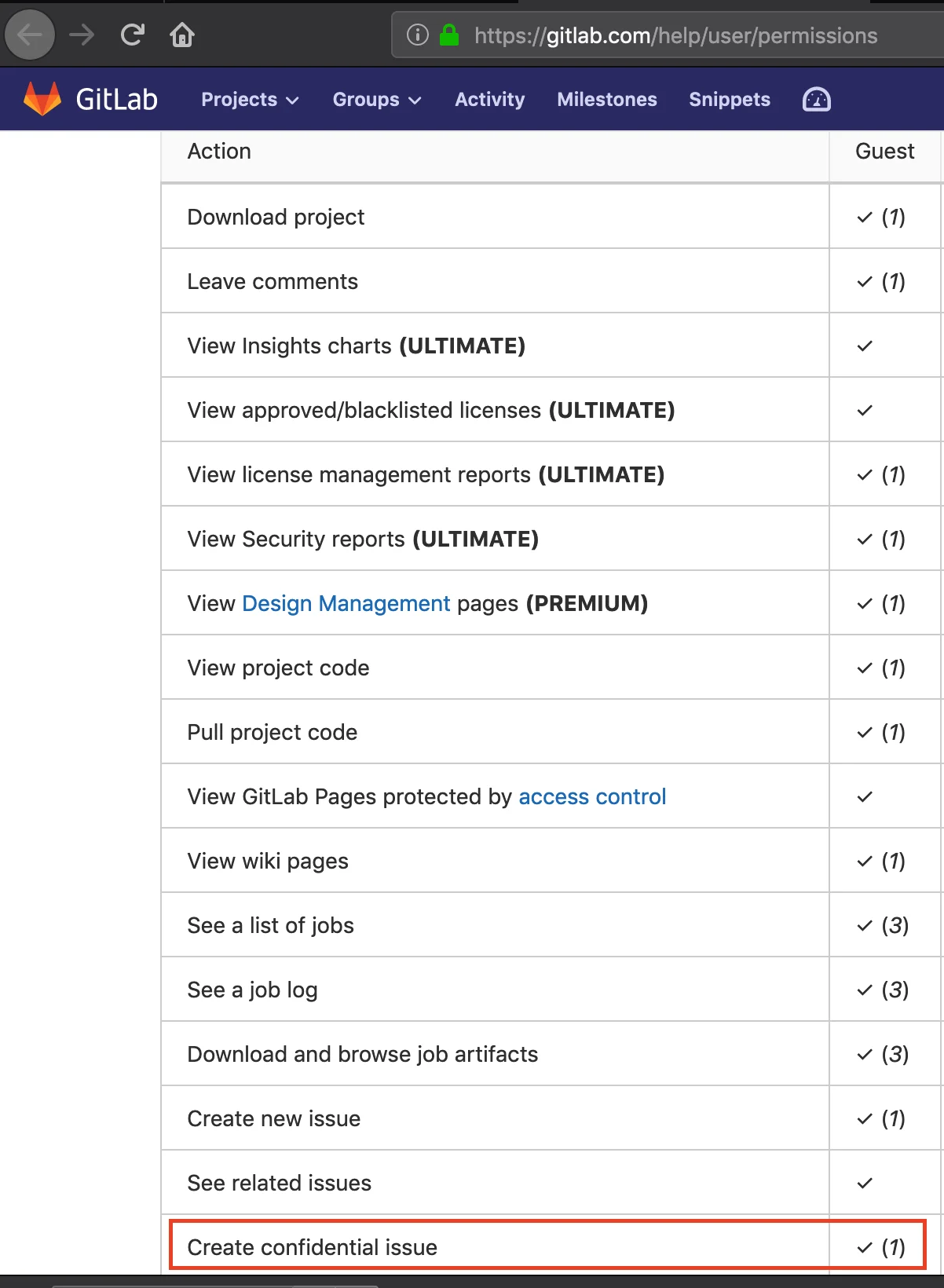

Steps to reproduce
In this PoC, we'll have User1 which is the admin of the private project and we'll have User2 which is a guest member of the private project.
- As User1, create a private project and invite User2 as a member and give them Guest permissions.
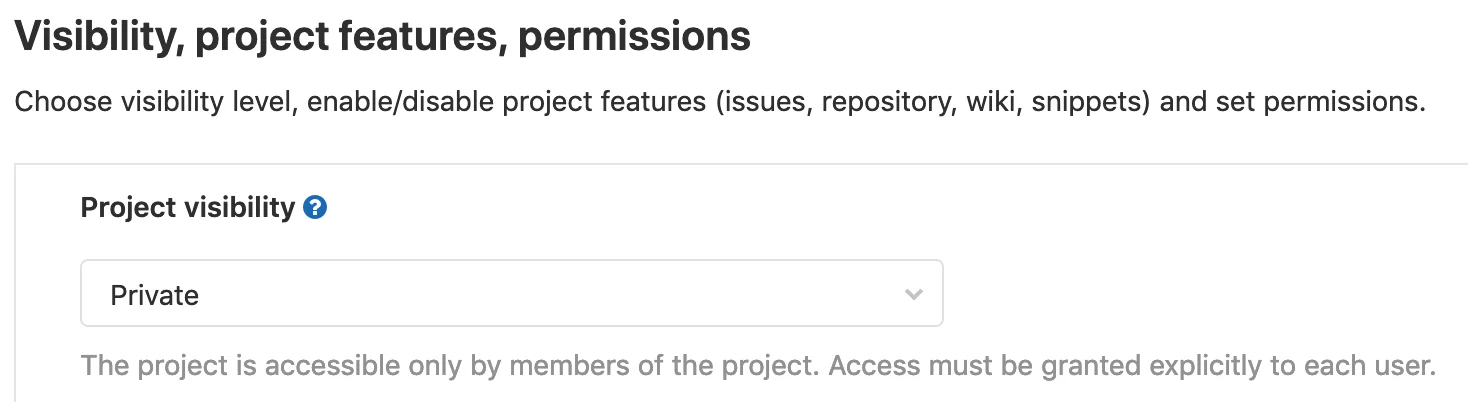

- As User2, browse to User1's private project's issues.
- Create a new issue. You'll notice the checkbox to make the issue confidential is available while it appears it should not, as per documentation.
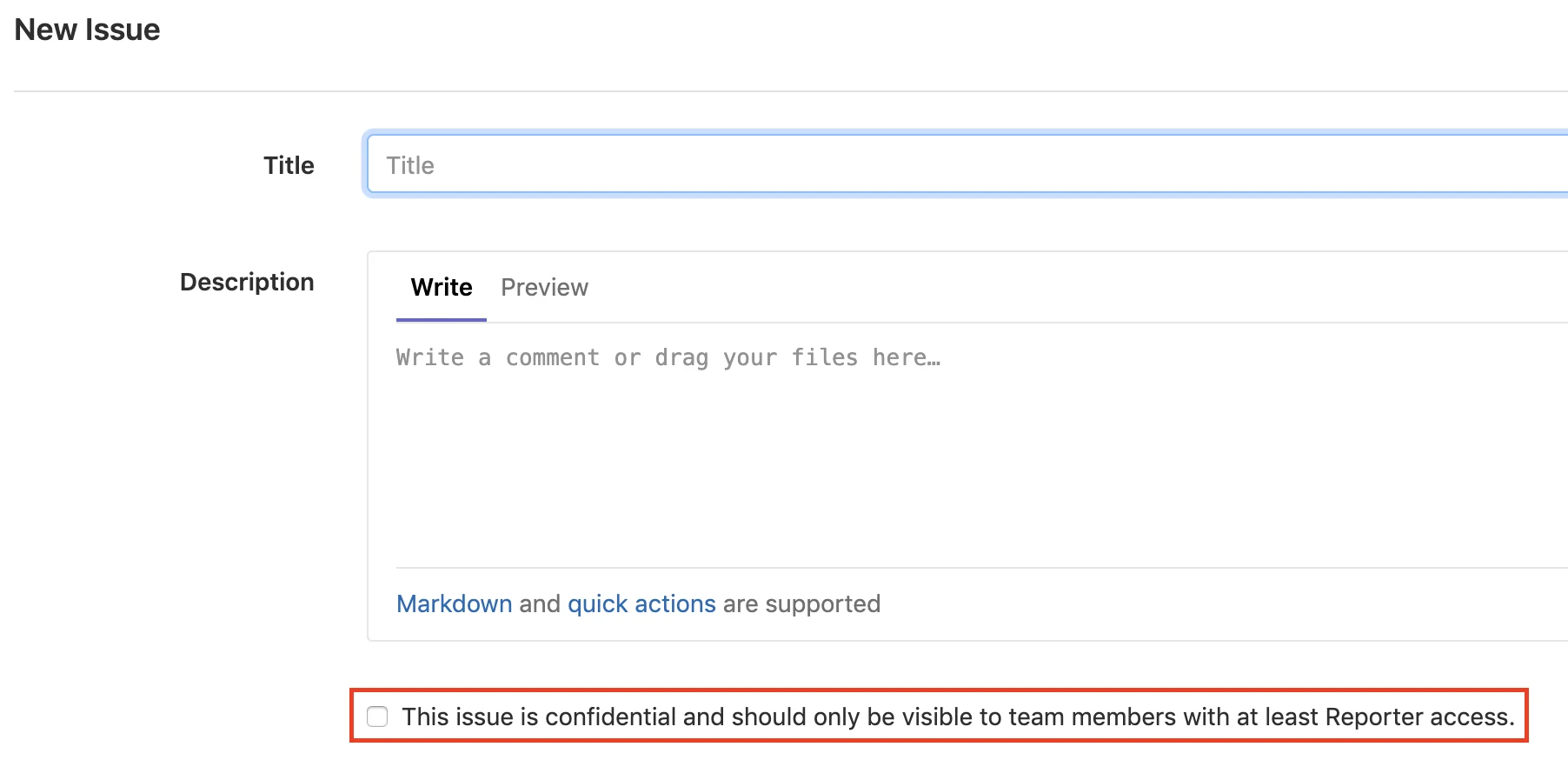
Here's a small video showing the issue.
Impact
I'm unsure of what the real impact is here but it appears there's some simple access control missing as the option to create confidential issues as a guest user in a private project should not be possible.
Let me know if you have any questions or require more details.
Thanks,
@JR0ch17
Attachments
Warning: Attachments received through HackerOne, please exercise caution!
Not written yet. The AI write-up for this report has not been written yet. The Original tab links to the source.
How it worked
Root cause
Likely a missing permission check in the issue creation logic that fails to restrict the confidential flag for guest users.
Impact
A guest user could create confidential issues, which may hide information from other users and potentially cause confusion or minor disruption, though the full impact is unclear.
What the attacker needed
A GitLab account; guest access to a private project
How it was found
- As User1, create a private project and invite User2 as a member with Guest permissions.
- As User2, browse to the private project's issues.
- Create a new issue and observe that the confidential checkbox is available.
Explained by bugbounty.wiki with AI from the original and checked against quotes from it; it can still be wrong. Read the original before relying on a detail.
Not written yet. The AI write-up for this report has not been written yet. The Original tab links to the source.
In GitLab, a guest is a user with very limited permissions in a project. The documentation says guests cannot create confidential issues, but the report shows they can. This means a user with low privileges can do something they are not supposed to, which might be used to hide information or cause confusion.
What is Access control?
A user can do something their role should not allow: reach an admin function, act on a feature they have not paid for, or skip a permission check. IDOR is the special case where the object belongs to someone else.

