Improper Access to Secure Files Allows Unauthorized Signing by Developers in Unprotected Branches
GitLab's Secure Files feature allows any project member with Developer access to download and use sensitive files such as private keys in CI/CD pipelines, even on unprotected branches. An attacker with Developer access could sign tampered applications, compromising the integrity of the signing process.

GitLab
Originally disclosed on GitLab
- Fixed in 21 hours
- Disclosed after 21 hours
⚠️ Please read the process on how to fix security issues before starting to work on the issue. Vulnerabilities must be fixed in a security mirror.
HackerOne report #2843594 by ninjafit on 2024-11-14, assigned to @greg:
Report | Attachments | How To Reproduce
Report
Summary
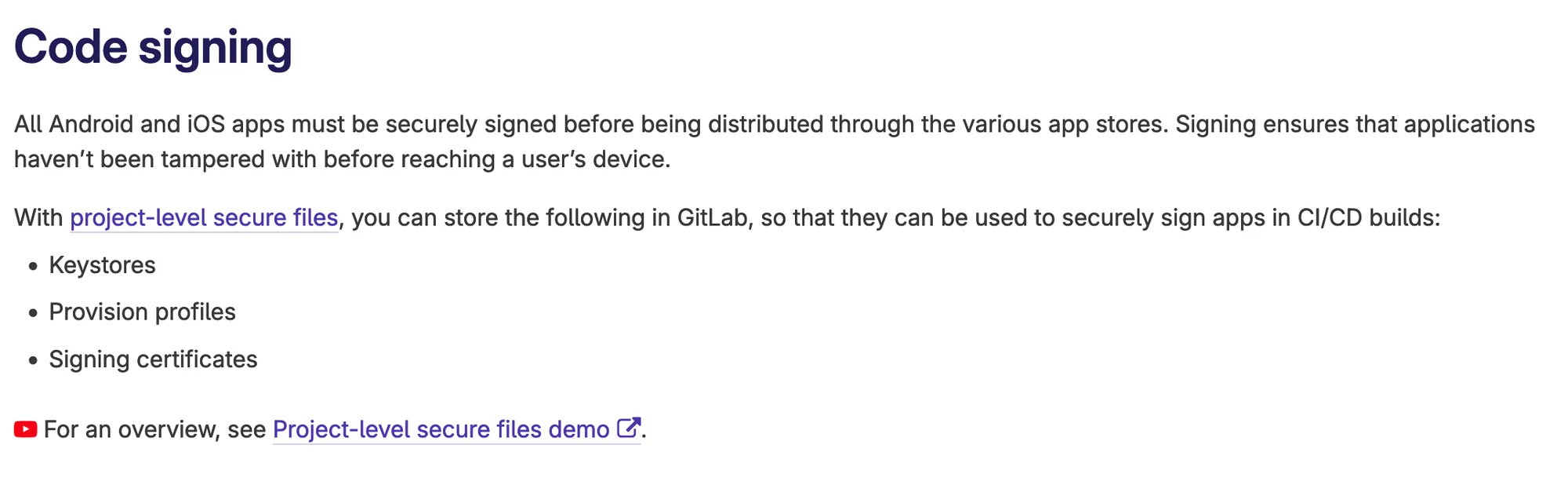
GitLab’s Project-level Secure Files feature allows projects to securely store up to 100 files for use in CI/CD pipelines. However, any project member with at least Developer access can utilize these secure files, which introduces a security risk. This feature was designed to store highly sensitive assets like keystores and signing certificates critical for securely signing mobile applications prior to deployment.
The lack of granular access controls to restrict usage to authorized users only means developers can access these secure files in CI/CD pipelines, even in unprotected branches. This access could enable a malicious developer to sign tampered or unauthorized applications, compromising the integrity of the signing process. Additionally, the absence of protection settings—like those used for other GitLab assets to determine access and usage—introduces security risks for projects relying on safe app distribution.
Steps to reproduce
Preconditions in the Environment
- GitLab.com account with Owner access to create a group and project.
- A secondary account with Developer access to the project (acting as the attacker).
As the Target Owner User
-
Create a Group and Project:
- Log in to GitLab.com.
- Create a new group named
target-group. - Within the group, use the following to import a new project under the name
target-project:- Note: This project export is purely to make repro faster/easier.
- Upload a Secure File:
- Once the import is complete, you will see the following CI/CD yaml in the main branch:
stages:
  - build
  - sign

###  Legitimate build job
build_job:
  stage: build
  script:
    - echo "This is a legitimate file for signing." > legitimate_file.txt
  artifacts:
    paths:
      - legitimate_file.txt

###  Legitimate signing job
sign_job:
  stage: sign
  variables:
    SECURE_FILES_DOWNLOAD_PATH: './'
  dependencies:
    - build_job
  script:
    # Download and use the secure private key to sign the file - Make sure private_key.pem is stored in secure files
    - curl --silent "https://gitlab.com/gitlab-org/incubation-engineering/mobile-devops/download-secure-files/-/raw/main/installer" | bash
    - openssl dgst -sha256 -sign private_key.pem -out legitimate_file.sig legitimate_file.txt
  artifacts:
    paths:
      - legitimate_file.sig
- This is a very simple script that showcases a signing of a legitimate file and utilizes the script from the documentation to download the secure file.
- Navigate to
Settings > CI/CD > Secure Filesand uploadprivate_key.pemgenerated from the following command in your local machine:
openssl req -x509 -newkey rsa:2048 -keyout private_key.pem -out certificate.pem -days 365 -nodes -subj "/CN=targetsite.com"
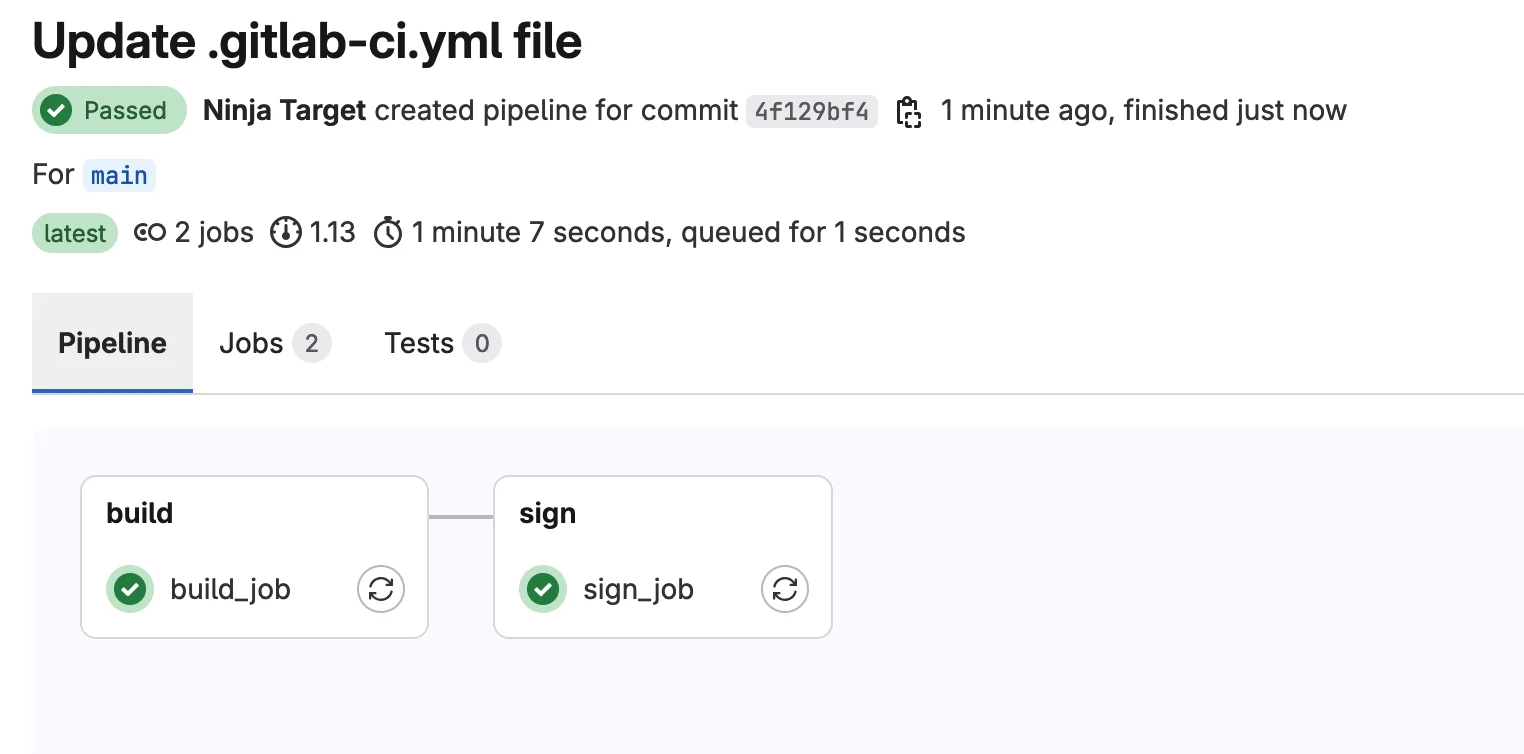
private_key.pem: Acts as the sensitive signing asset that you’ll upload to GitLab’s Secure Files. This file is what the legitimate and malicious pipelines will use to sign files.certificate.pem: Can be distributed publicly and used to verify signatures created with the private key but doesn’t need to be in Secure Files.- Run the pipeline on main branch to confirm the pipeline & files are setup appropriately.
- Invite a Developer User:
- Navigate to
target-project> Manage > Members. - Invite the attacker user with the ** Developer** role.
- Navigate to
As the Attacker Developer User
-
Create a malicious branch and change the .gitlab-ci.yml file:
- Commit the following
.gitlab-ci.ymlfile to a newmaliciousBranch:
- Commit the following
stages:
 - build
 - sign

###  Malicious build job
malicious_build_job:
 stage: build
 script:
   - echo "This is a tampered file for signing." > tampered_file.txt
 artifacts:
   paths:
     - tampered_file.txt

###  Malicious signing job
malicious_sign_job:
 stage: sign
 variables:
   SECURE_FILES_DOWNLOAD_PATH: './'
 dependencies:
   - malicious_build_job
 script:
   # Download and misuse the secure private key to sign the tampered file
   - curl --silent "https://gitlab.com/gitlab-org/incubation-engineering/mobile-devops/download-secure-files/-/raw/main/installer" | bash
   - openssl dgst -sha256 -sign private_key.pem -out tampered_file.sig tampered_file.txt
 artifacts:
   paths:
     - tampered_file.sig
You'll see in the artifacts the tampered_file.sig that was generated using the secure file private_key.pem under an unprotected branch.

Video POC
In this video I showcase the steps taken above:
Examples
The following project export contains the full code (both legitimate and malicious) for you to view, just make sure to upload your own private_key.pem for the builds to work:
What is the current bug behavior?
Developers can access sensitive assets stored in Secure Files (e.g., private keys, keystores) via CI/CD pipelines, allowing them to use these files in jobs without explicit restrictions. This access enables unauthorized signing of applications in unprotected branches, posing security risks.
What is the expected correct behavior?
Access to Secure Files should be limited to authorized roles (e.g., Maintainers or Owners) or allow users to set certain secure files as protected to prevent misuse of sensitive assets for unauthorized signing in unprotected branches.
Output of checks
This bug happens on GitLab.com
Impact
An attacker with Developer access can misuse the Secure Files feature to access private keys, keystores, and certificates intended for code signing, enabling them to sign tampered or unauthorized applications within GitLab unprotected pipelines. This compromises the integrity and trustworthiness of the application, as it could allow the distribution of malicious code that appears legitimate to app stores and end-users.
The most straightforward mitigation for this would be the implementation of being able to set secure files as protected or unprotected so that there is an extra layer of access control on the secure files that will be utilized in production environments.
| Metric | Value | Description |
|---|---|---|
| Attack Vector (AV) | Network (N) | Exploitable over the network in CI/CD environments. |
| Attack Complexity (AC) | Low (L) | No special conditions are required for exploitation; a Developer role suffices. |
| Privileges Required (PR) | Low (L) | Developer role can exploit this. |
| User Interaction (UI) | None (N) | Exploitation occurs through pipeline configuration changes without additional user actions. |
| Scope (S) | Unchanged (U) | Only impacts resources within the affected GitLab project. |
| Confidentiality Impact (C) | Low (L) | Limited confidentiality risk as files are primarily used for signing, not containing sensitive data. |
| Integrity Impact (I) | High (H) | Allows signing of tampered or unauthorized applications, compromising the integrity of signed content. |
| Availability Impact (A) | None (N) | No direct impact on service or system availability. |
Attachments
Warning: Attachments received through HackerOne, please exercise caution!
- Screenshot_2024-11-14_at_7.43.53_AM.png
- image.png
- image.png
- target-project.tar.gz
- gitlab-secure-files-misuse.mov
- full-target-project.tar.gz
How To Reproduce
Please add reproducibility information to this section:
Not written yet. The AI write-up for this report has not been written yet. The Original tab links to the source.
How it worked
Root cause
Likely the Secure Files feature lacks granular access controls and protection settings, allowing any Developer to use secure files in CI/CD pipelines regardless of branch protection.
Impact
An attacker with Developer access could sign tampered or unauthorized applications, compromising the integrity and trustworthiness of the application, potentially leading to distribution of malicious code that appears legitimate.
What the attacker needed
GitLab.com account with Owner access; Secondary account with Developer access; Secure file uploaded to project
The fix
Access to Secure Files should be limited to authorized roles or allow setting secure files as protected to prevent misuse in unprotected branches.
How it was found
- As Owner, create a group and project, and upload a private key as a Secure File.
- Invite a second user with Developer role to the project.
- As the Developer, create a new branch and modify the CI/CD configuration to download the Secure File and sign a tampered file.
- Run the pipeline on the unprotected branch and observe the signed tampered file in the job artifacts.
Explained by bugbounty.wiki with AI from the original and checked against quotes from it; it can still be wrong. Read the original before relying on a detail.
Not written yet. The AI write-up for this report has not been written yet. The Original tab links to the source.
GitLab projects can store secret files like private keys for signing apps. The problem is that anyone with a 'Developer' role can use these files in their own pipeline jobs, even on branches that are not protected. This means a developer could sign a modified app with the real key, making it look legitimate.
What is Access control?
A user can do something their role should not allow: reach an admin function, act on a feature they have not paid for, or skip a permission check. IDOR is the special case where the object belongs to someone else.

