Improve UI and documentation around public builds on private projects
A guest user on a private project could still view CI/CD pipelines and jobs through a direct pipelines URL even though the interface hid the CI/CD menu. The reporter argued this contradicted the permissions documentation, which said guests should not see pipelines.

GitLab
Originally disclosed on GitLab
- Fixed in 23 months
- Disclosed after 23 months
Problem
It was reported as a vulnerability that guests can see CI/CD jobs for private projects. https://docs.gitlab.com/ee/ci/pipelines/settings.html#change-which-users-can-view-your-pipelines
<p> <details> <summary>Original Issue description</summary>⚠️ Please read the process on how to fix security issues before starting to work on the issue. Vulnerabilities must be fixed in a security mirror.
HackerOne report #1894723 by randrly on 2023-03-07, assigned to @ottilia_westerlund:
Report | Attachments | How To Reproduce
Report
Hi There
Summary
In permissions documentation https://docs.gitlab.com/ee/user/permissions.html, guest user should can't see the pipeline and jobs
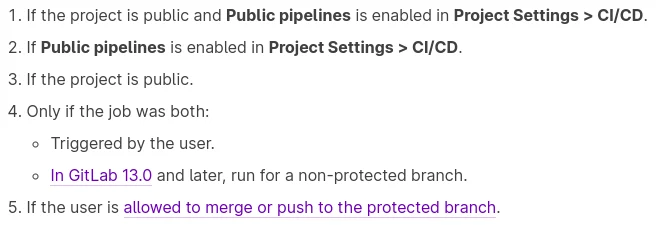
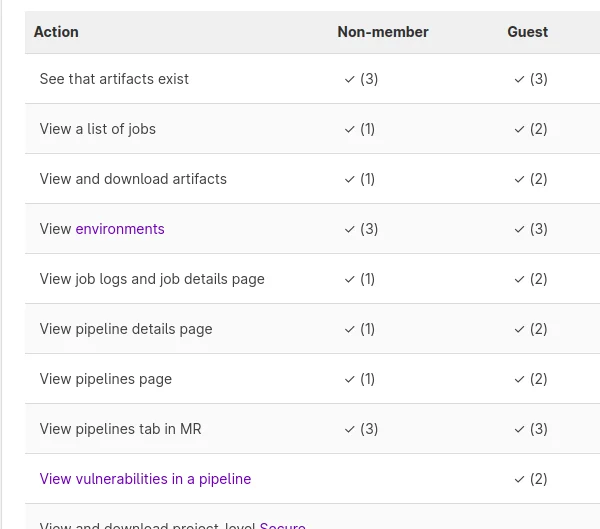
But when i try to use guest account the CI/CD menu stil there and the pipeline jobs still can be seen via
Steps to reproduce
1 . Login to gitlab.com as owners
2 . Create a project
3 . Setup CI/CD
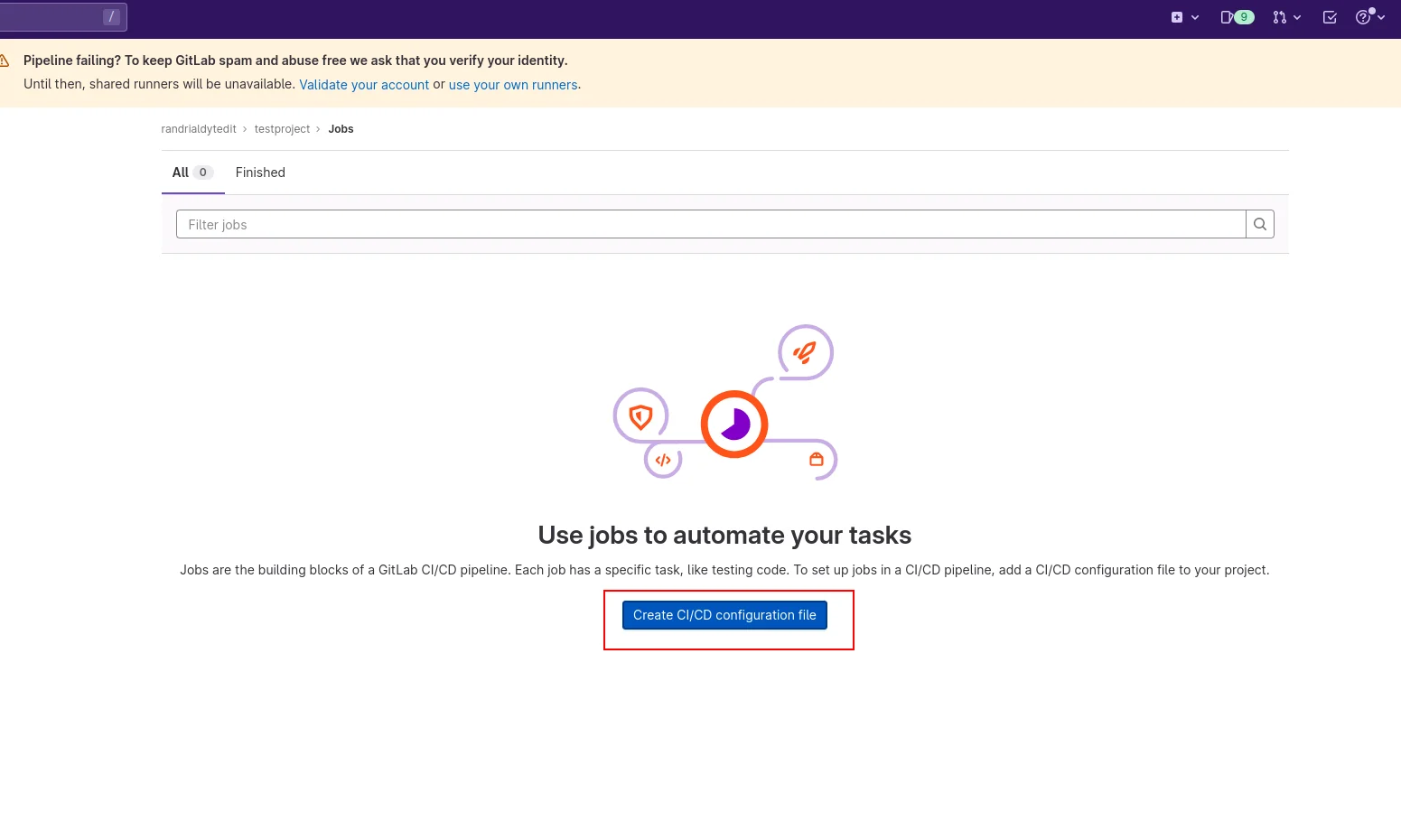
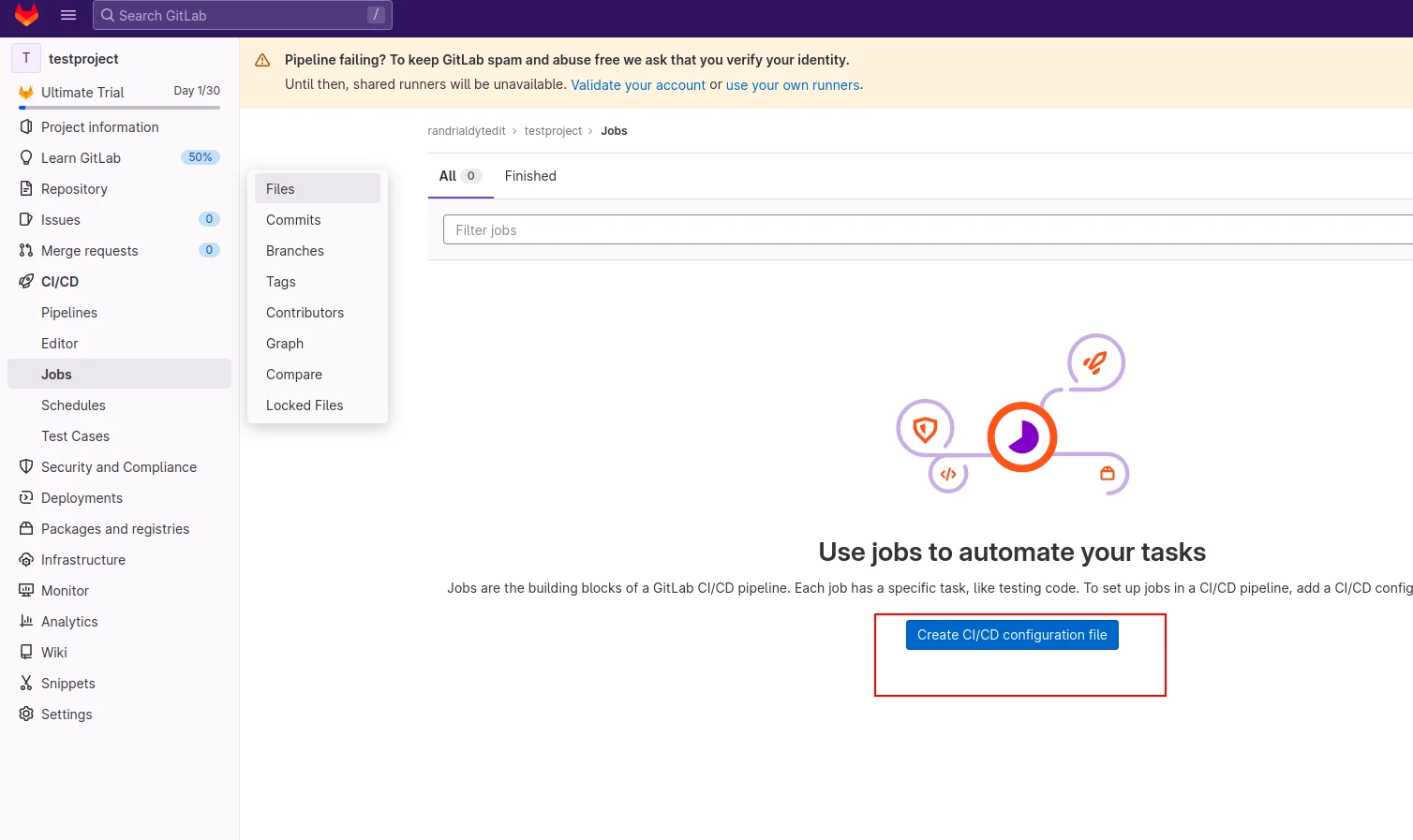
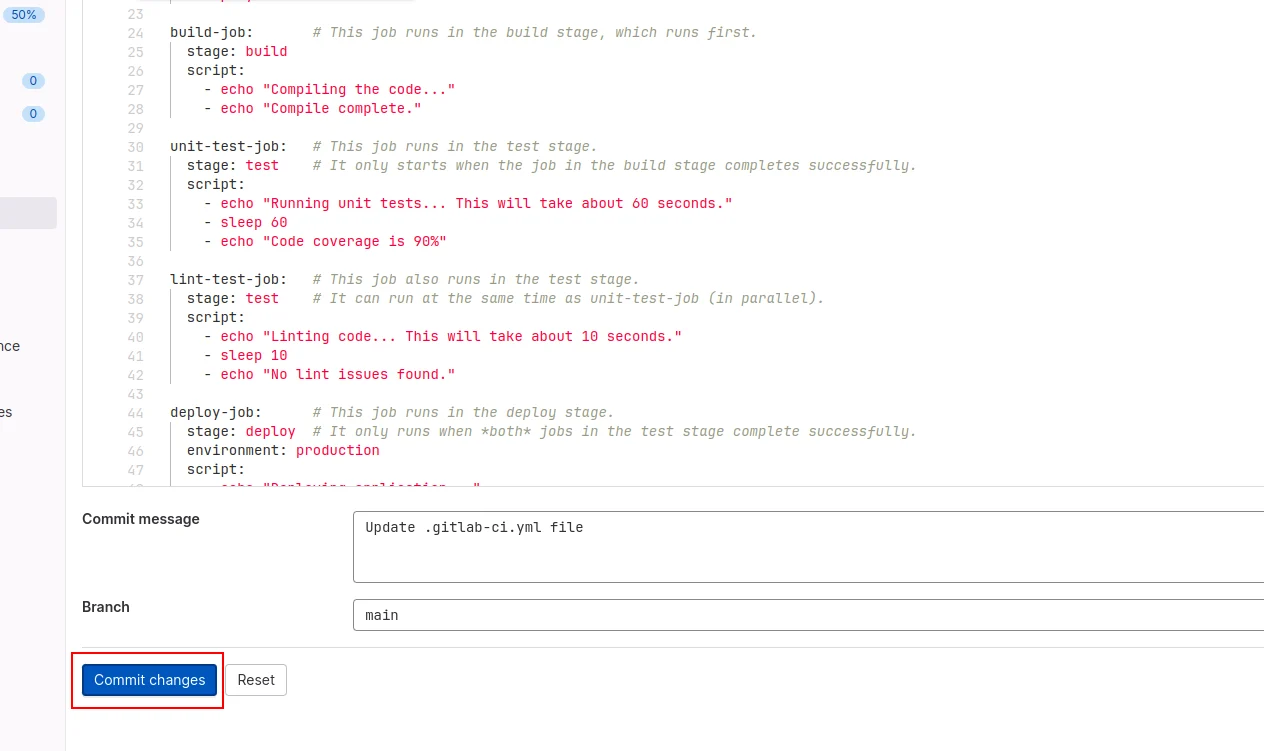
- Setup
Public Pipelinesto disabled in Project Setting -> Save
4 . Invite a guest user
5 . Login as guest and you still can't see the CI/CD in the menu
6 . Craft URL like this https://gitlab.com/randrialdyt1/testproject/-/pipelines.json?scope=all&page=1
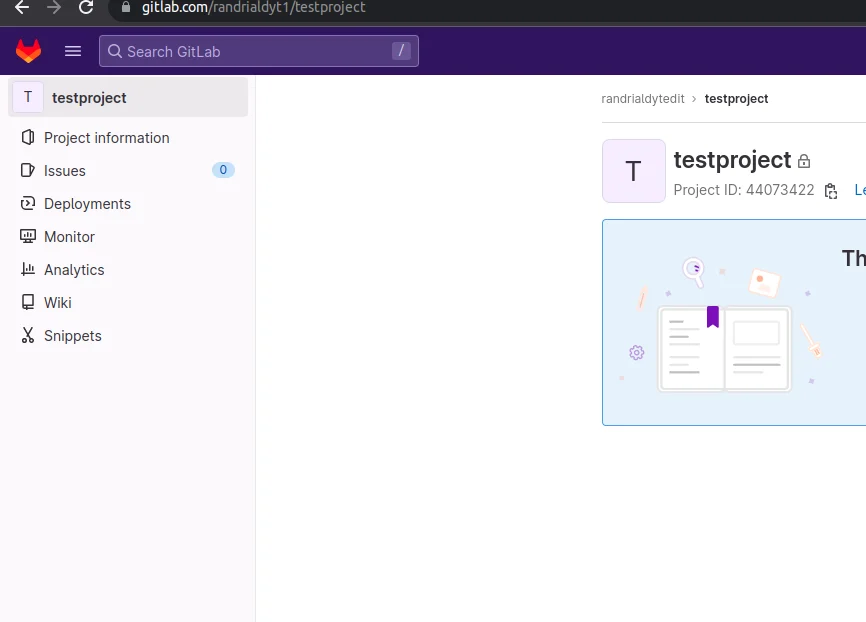
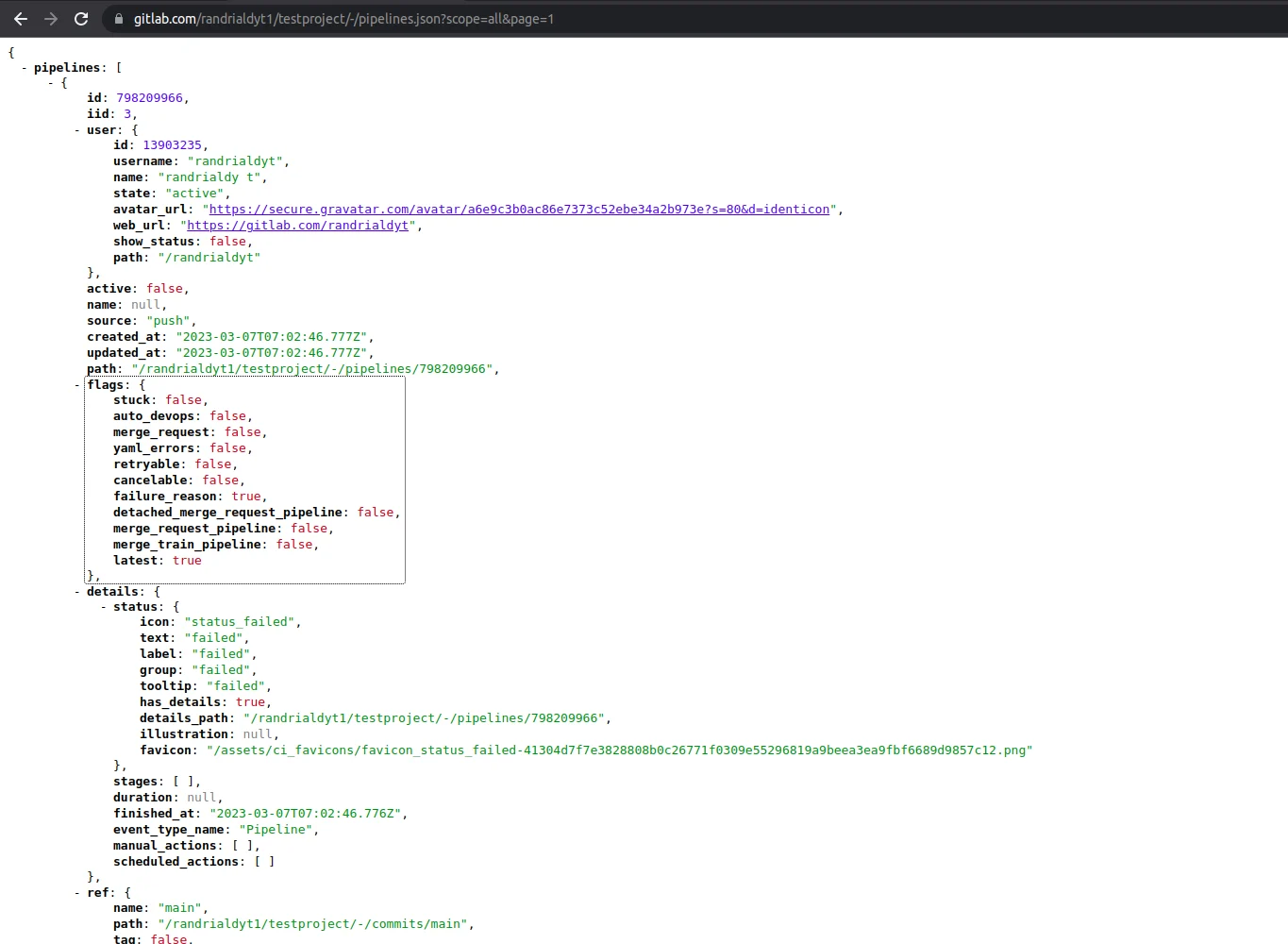
Impact
Guest User Still Can See CI/CD Jobs
PoC Video
Impact
Guest User Still Can See CI/CD Jobs
Attachments
Warning: Attachments received through HackerOne, please exercise caution!
- 2023-03-07_13-47.png
- 2023-03-07_13-46.png
- simplescreenrecorder-2023-03-07_14.08.32.mp4
- 2023-03-07_14-02_2.png
- 2023-03-07_14-02_3.png
- 2023-03-07_14-02_1.png
- 2023-03-07_14-02.png
- 2023-03-07_14-12.png
- 2023-03-07_14-12_1.png
How To Reproduce
Please add reproducibility information to this section:
In reality there is a feature called public builds which is on by default and allows guest users to view builds. When this setting is off then guest users can no longer see the builds.
There are a few issues with UX/UI and documentation here:
- It doesn't agree well with the permissions documents which state guest user access is allowed 'If the project is public and Public pipelines is enabled in Project Settings > CI/CD.' Perhaps we should link to the CI documentation here for a single source of truth.
- We don't document what the defaults are in the ci documentation
- The default seems counter intuitive - Do users expect guests to be able to see there builds on private projects?
- The UI disagrees that this information should be visible and doesn't have a link to the pipeline page
Proposal
My recommendation would be:
- Fix the UI to show the pipeline tab if
public buildsis enabled for guest users on a private project - Document the defaults for
public buildson project creation - Link to the CI documentation as a single source of truth for the public builds feature instead of re-explaining it on the permissions page.
Also consider:
- Keep the
public buildsoff by default if the project is private and document that? It seems like something users would want to explicitly allow because of the principle of least privilege. Perhaps we can open a follow-up after discussing further.
Not written yet. The AI write-up for this report has not been written yet. The Original tab links to the source.
How it worked
Root cause
Likely the 'public builds' setting was enabled by default and the pipelines endpoint did not check it for guest users, while the interface hid the menu entry regardless.
What the attacker needed
A private project with CI/CD configured; a guest account on that project
The fix
The maintainers proposed showing the pipeline tab when public builds is enabled, documenting the defaults, and linking to the CI documentation as the single source of truth.
How it was found
- Log in as the project owner and create a project.
- Set up CI/CD for the project.
- Disable public pipelines in the project settings and save.
- Invite a guest user to the project.
- Log in as the guest and request the project's pipelines JSON endpoint directly.
Explained by bugbounty.wiki with AI from the original and checked against quotes from it; it can still be wrong. Read the original before relying on a detail.
Not written yet. The AI write-up for this report has not been written yet. The Original tab links to the source.
A guest is a low-privilege project member. The project had public builds enabled by default, so guests could reach pipelines by typing the address directly, even though the menu hid CI/CD.
What is Access control?
A user can do something their role should not allow: reach an admin function, act on a feature they have not paid for, or skip a permission check. IDOR is the special case where the object belongs to someone else.

