Members from parent group keep their access level on a subgroup transfer and are invisible
When a subgroup was transferred from one parent group to another, members of the original parent group retained their access level on the transferred subgroup and its projects, even though they were not members of the new parent group. These users did not appear in the members list, allowing them to access and modify the subgroup and projects without being visible.

- Triaged in 3 days
- Fixed in 6 months
- Paid in 3 days
- Disclosed after 7 months
Summary
There's an option that allows to transfer groups from one namespace to another, it doesn't work as intended when transferring subgroups from inside a parent group to another group. Users that were part of the first parent group from where the subgroup has been transfered, keep their permissions and access level on the subgroup, wherever it was transfered and without being explicit members of the subgroup.
Not only that, they don't appear as members. They have access without appearing on the members tab. They also get some sort of access to the new parent group where the subgroup has been transfered, without being members of that new group even when it's private.
Steps to reproduce
- Create 2 different private groups (so you can instantly see when you get a 404 no access). GroupA, and GroupB.
- Invite to some members to GroupA and give them maintainer/owner(for testing high privileges) access.
- Don't invite anyone except yourself to groupB (this makes testing easier).
- Create a subgroup in groupA, subgroupA
- Create a project in subgroupA, project-test.
Now, you'll see that members from groupA have access to both subgroupA and project-test, as they are members of the main group groupA.
- Transfer subgroupA to groupB.
- Recheck with a user that's not a member of groupB and you'll see he keeps his permission on the transferred subgroup and it's related projects.
- Also check the members tab and you'll see they don't appear there, and they have permissions to see and if they where owner/maintainer on the previous main group, they have access to settings and that sort of things.
Impact
It affects all the transferred subgroups and their projects if those were transferred from a main group to another group. Members from that main group are still ghost members and can still access and modify those groups.
Not sure how much of the users have transferred groups to other groups, but it could be a lot.
Examples
I've made 2 private projects for the tests, I'm making them public but you'll not be able to see the members directly, as one of the members doesn't even appear on the members tab.
Group1 (Added 2 users as members): https://gitlab.com/groups/main_group1
Group2 (Only cristian.berner is a member of this group): https://gitlab.com/groups/main_group2
From Group1 I created and transfered subgroup1 with an inner project called project3 to Group2: https://gitlab.com/main_group1/subgroup1/project3 (This would redirect to https://gitlab.com/main_group2/subgroup1/project3 as it was transferred there)
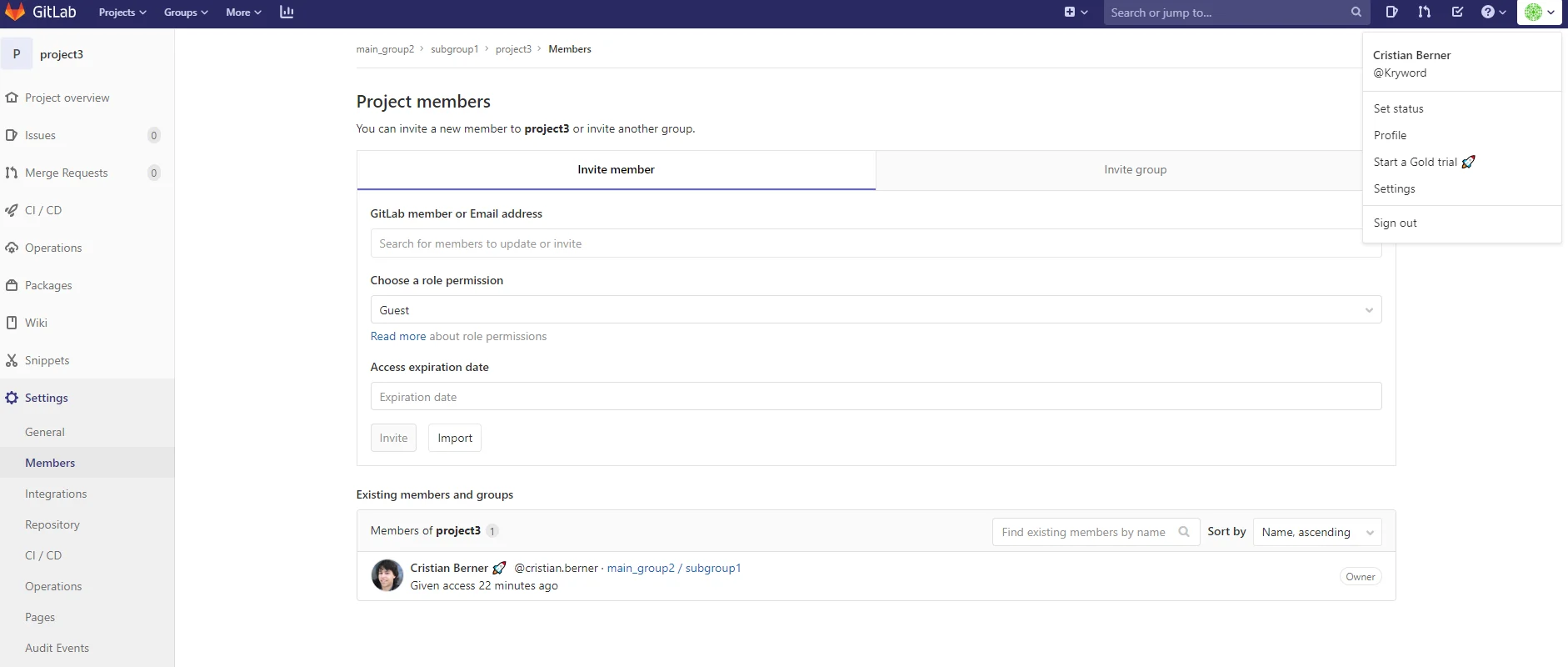
Now look at members from subgroup1 and members of project3, there's no @kryword in there, still I have full access with that account there to remove/add members or even delete the project.
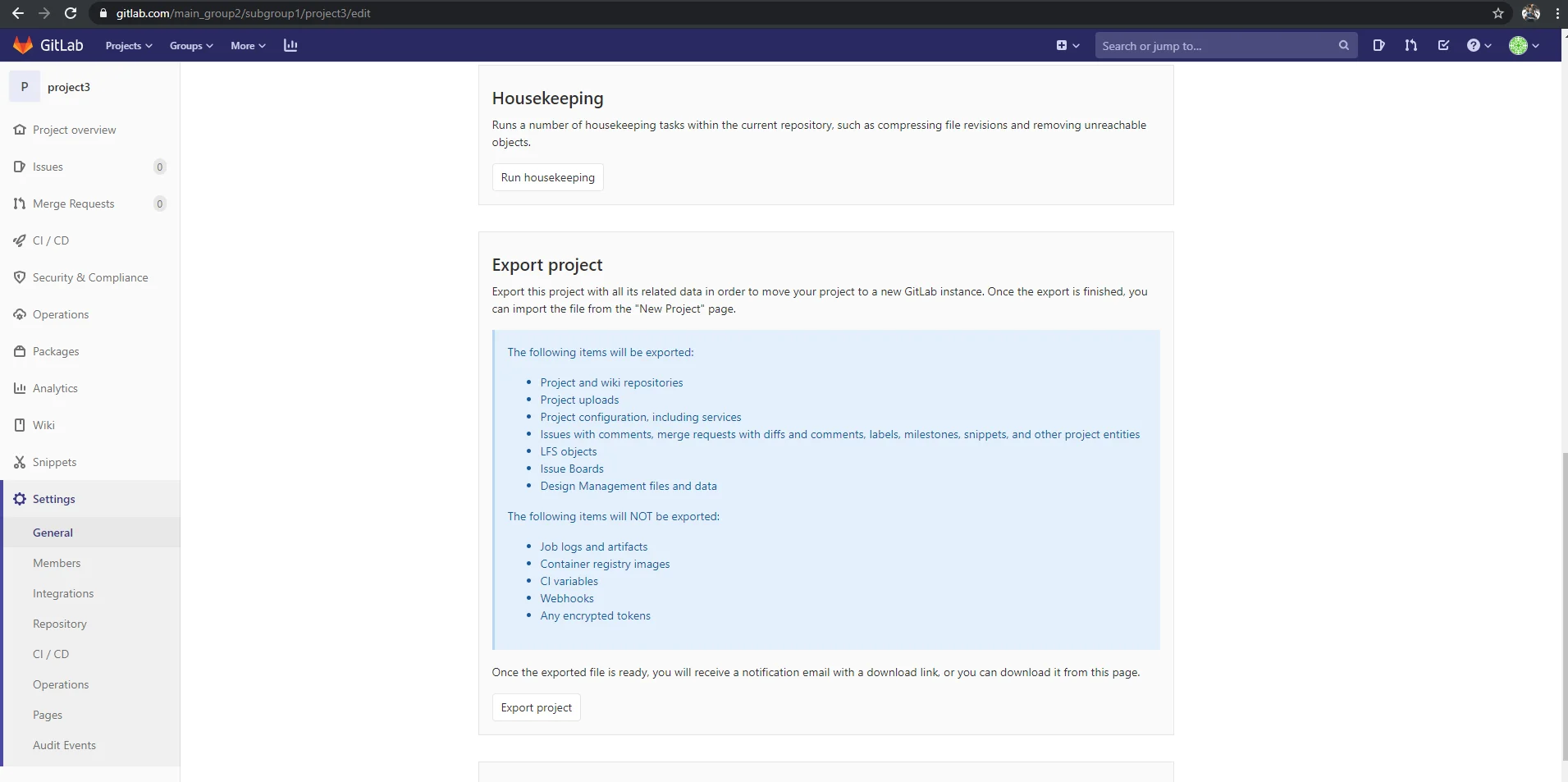
I attached two screenshots showing this.
What is the current bug behavior?
Members from parent group are also transferred as ghost members(they're not showing in members menu) when a subgroup with projects is transferred to another group.
What is the expected correct behavior?
Members from parent group should not be transferred or if the intended behaviour is that they also get transfered, they should show up in the members menu.
Output of checks
This bug happens on GitLab.com
Impact
Members that have been part of a parent group when a transfer happened, they have the same privileges that they had on those subgroups transferred and if they were owners for that moment, they are still owners and not even showing as members on those transfered subgroups/projects.
Attachments
Not written yet. The AI write-up for this report has not been written yet. The Original tab links to the source.
How it worked
Root cause
Likely, the transfer process did not remove inherited permissions from the old parent group's members, and these permissions were not displayed in the members list.
Impact
Members of the original parent group could still access and modify the transferred subgroup and its projects, including changing settings or deleting projects, without being visible as members.
What the attacker needed
Two private groups; Subgroup with projects; Transfer subgroup between groups; Attacker is member of original parent group
How it was found
- Create two private groups, GroupA and GroupB.
- Invite members to GroupA with maintainer or owner access.
- Do not invite anyone except yourself to GroupB.
- Create a subgroup in GroupA and a project inside it.
- Transfer the subgroup from GroupA to GroupB.
- Check with a user who is not a member of GroupB: they still have permissions on the transferred subgroup and its projects, but do not appear in the members tab.
Explained by bugbounty.wiki with AI from the original and checked against quotes from it; it can still be wrong. Read the original before relying on a detail.
Not written yet. The AI write-up for this report has not been written yet. The Original tab links to the source.
In GitLab, groups can contain smaller groups (subgroups) and projects. When you move a subgroup to a different parent group, the old parent group's members should lose access. Here, they kept their access but were hidden from the member list, so they could still change things without anyone noticing.
What is Access control?
A user can do something their role should not allow: reach an admin function, act on a feature they have not paid for, or skip a permission check. IDOR is the special case where the object belongs to someone else.

