Removed Developer can continue editing the source code of a public project
A removed developer could continue editing the source code of a public project by creating merge requests from the project to their own fork with collaboration enabled, which they could still access after removal. This allowed them to maintain write access to the project's branches.

GitLab
Originally disclosed on GitLab
- Fixed in 2 months
- Disclosed after 2 months
⚠️ Please read the process on how to fix security issues before starting to work on the issue. Vulnerabilities must be fixed in a security mirror.
HackerOne report #2082560 by theluci on 2023-07-24, assigned to GitLab Team:
Report | Attachments | How To Reproduce
Report
Hello,
Background
Gitlab provides a feature to create a fork of a project.
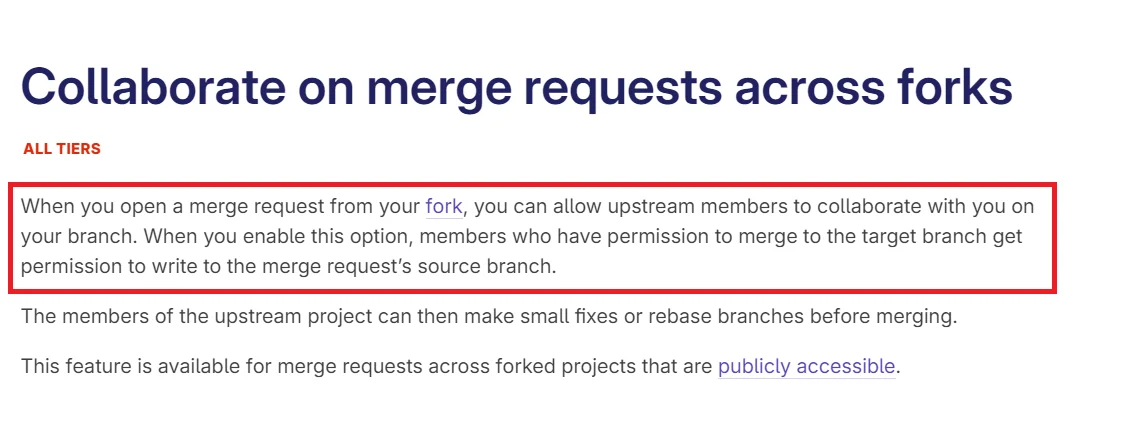
Gitlab also provides a feature to Collaborate on merge requests across forks. This feature allows upstream members to collaborate with you on your branch, when this option is enabled members who have permission to merge to the target branch get permission to write to the merge request’s source branch.
According to docs,
Vulnerability
When a merge request is created from a public project victim-project to one of its forks victim-project-fork (Public project but merge requests has been set as Only Project Members), Only the members of the victim-project-fork has the ability to view, edit as well as delete the merge request.
A malicious developer of victim-project can utilize the above to create a merge request from victim-project to victim-project-fork with collaboration option enabled and continue affecting the integrity of victim-project even after malicious developer has been removed.
Attack flow looks as follows,
victimis the Owner of public projectvictim-projectattackeris a Developer ofvictim-project
attackercreates a public fork ofvictim-projectin his Personal namespacevictim-project-fork.attackergoes tovictim-project-forksettings and set Merge requests as Only Project Members.attackercreates merge requests from every non-protected branch invictim-projectto their respective branches invictim-project-forkwith collaboration option enabled.attackeris removed fromvictim-project.victimcannot view or delete the merge requests invictim-project-fork.attackercontinues to be able to edit the source code ofvictim-projectusing open merge requests invictim-project-fork.
Steps to reproduce
victimcreates a public groupvictim-groupand a public projectvictim-projectinside.victimgoes tovictim-groupmembership pagehttps://gitlab.com/groups/<victim-group>/-/group_membersand addsattackeras Developer.victimgoes tovictim-projectand creates branchanother-branch.attackergoes tovictim-projectand creates a public fork in his Personal namespacevictim-project-fork.attackergoes tovictim-project-forksettingshttps://gitlab.com/<attacker_username>/<victim-project-fork>/edit, Expand Visibility, project features, permissions and set Merge requests as Only Project Members.attackergoes tohttps://gitlab.com/<victim-group>/<victim-project>/-/merge_requests/newand creates a merge request fromanother-branchinvictim-projecttoanother-branchinvictim-project-forkwith collaboration option enabled.

In a real-world scenario, attacker will create merge requests from every non-protected branch in victim-project to their respective branches in victim-project-fork with collaboration option enabled.
victimremovesattackerfromvictim-group.
victim is not able to view or delete the merge requests in victim-project-fork and has no idea merge requests with collaboration option enabled exists.
attacker continues to be able to edit the source code of victim-project using open merge requests in victim-project-fork.
8. attacker visits victim-project
9. attacker is able to make changes to another-branch in victim-project
- To create a new file,
attackerswitches toanother-branchand create the file using+symbol. - To edit an existing file
attackergoes to the following API endpoint,
https://gitlab.com/<victim-group>/<victim-project>/-/edit/another-branch/<file_name>
As can be seen, attacker continues to be able to edit the source code of victim-project.
POC
Output of checks
This bug happens on GitLab.com (Probably on instance too).
Impact
A Removed Developer can continue editing the source code of a public project
Attachments
Warning: Attachments received through HackerOne, please exercise caution!
How To Reproduce
Please add reproducibility information to this section:
Not written yet. The AI write-up for this report has not been written yet. The Original tab links to the source.
How it worked
Impact
A removed developer could continue editing the source code of a public project, and the victim could not view or delete the merge requests used to maintain access.
What the attacker needed
Attacker is a Developer in the project; project is public; attacker can create a fork
How it was found
- Victim creates a public group and a public project, and adds attacker as Developer.
- Victim creates a branch in the project.
- Attacker creates a public fork of the project in their personal namespace.
- Attacker sets the fork's merge request visibility to Only Project Members.
- Attacker creates a merge request from a branch in the victim project to the corresponding branch in the fork with collaboration enabled.
- Victim removes attacker from the group, but attacker can still edit the branch via the merge request.
Explained by bugbounty.wiki with AI from the original and checked against quotes from it; it can still be wrong. Read the original before relying on a detail.
Not written yet. The AI write-up for this report has not been written yet. The Original tab links to the source.
When you fork a project, you make a copy under your own account. GitLab lets you open a merge request from the original project to your fork and enable collaboration, which gives you write access to the original branch. If you are later removed from the project, those merge requests remain, so you can still edit the original code.
What is Access control?
A user can do something their role should not allow: reach an admin function, act on a feature they have not paid for, or skip a permission check. IDOR is the special case where the object belongs to someone else.

